Compare
Logic Pro EQs compared
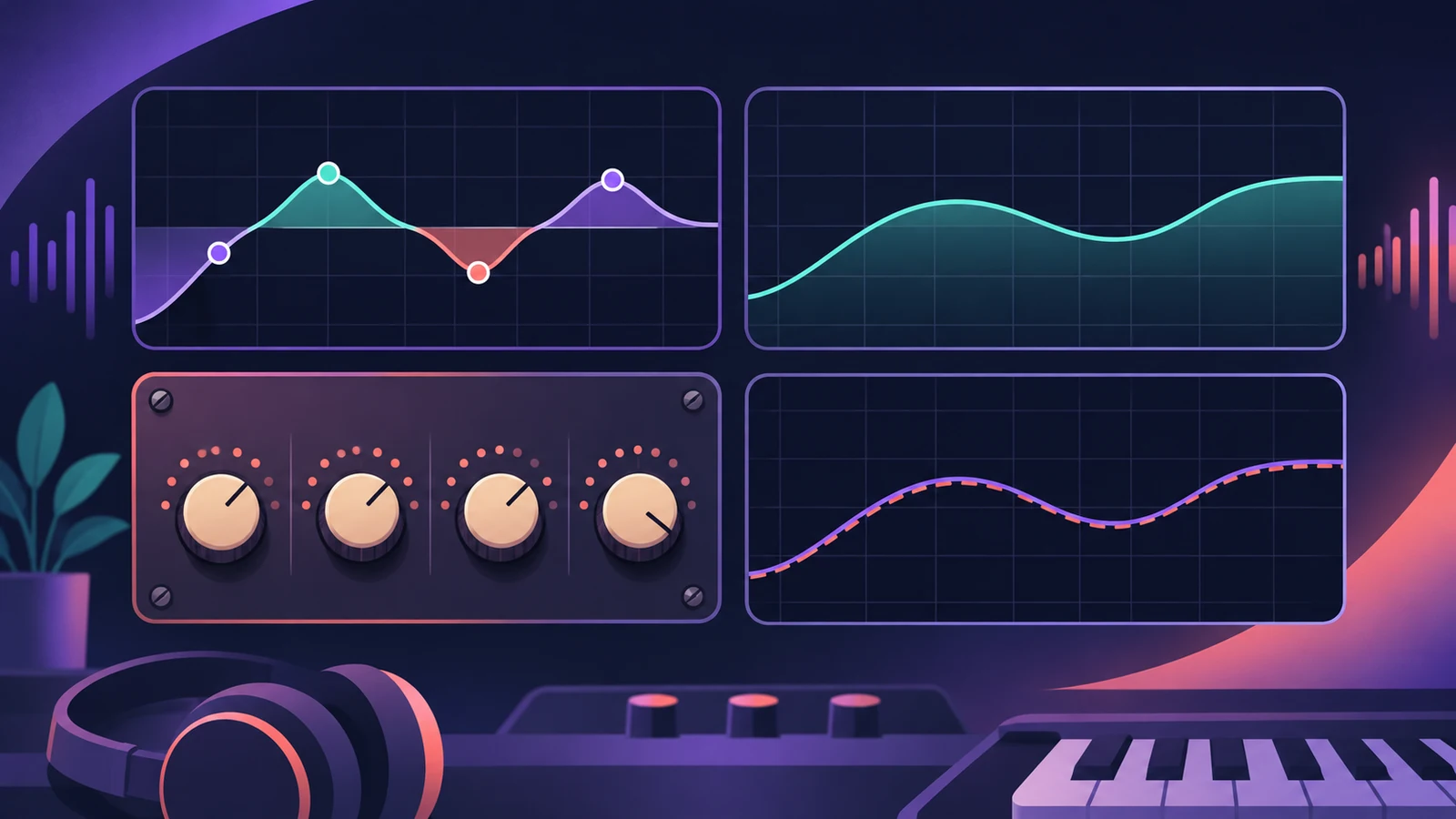
Channel EQ is the everyday choice; Linear Phase EQ shares its layout but preserves phase; the Vintage EQs add colour; Match EQ copies the tonal balance of a reference.
 Owen Hartley
Everyday track EQ
Channel EQ
Eight bands and a built-in Analyzer.
Mastering and multi-mic sources
Linear Phase EQ
Preserves phase, at the cost of more latency and fixed CPU load.
Adding analog-style colour
Vintage EQ
Console, Graphic and Tube models with Drive.
Making a mix sound like a reference
Match EQ
Learns two spectra and builds a filter curve.
| Channel EQ | Linear Phase EQ | Vintage EQ | Match EQ | |
|---|---|---|---|---|
| Bands | 8 | 8 (same layout) | Model-dependent | Learned curve |
| Phase | Standard | Preserved | Model-dependent | — |
| Latency | — | Higher than Channel EQ | — | — |
| Character | Clean | Clean | Coloured, Drive | Reference-matched |
From Apple's Logic Pro documentation, November 2026. Dashes mean not specified in the sources used.
In short
Start with Channel EQ; switch to Linear Phase EQ on the master; reach for a Vintage EQ for colour, and Match EQ to copy a reference.
Sources
- Apple — Logic Pro User Guide: Channel EQ parameters in Logic Pro for Mac
- Apple — Logic Pro for iPad User Guide: Linear Phase EQ
- Apple Support — About Vintage EQs in Logic Pro for Mac and MainStage
- Apple — Logic Pro User Guide: Match EQ parameters
Checked November 2026. Logic ProFiles is independent of Apple; menu names can differ slightly between Logic Pro versions.
Frequently asked questions
Can I swap Channel EQ for Linear Phase EQ?
+
Yes. Their settings are identical, so you can switch between them.
Why not use Linear Phase EQ everywhere?
+
It adds more latency and a fixed CPU load, so it suits mastering more than live playing.
Related
- How to use Channel EQ in Logic ProLearn Logic Pro's Channel EQ: the eight bands, the high-pass and shelving filters, the Analyzer, Q-Couple and HQ mode, plus a simple workflow for cleaner mixes.
- Linear Phase EQ in Logic ProLinear Phase EQ in Logic Pro has the same eight bands as Channel EQ but no phase shift. When to use it, why it adds latency, and how to switch between the two.
- The Vintage EQ collection in Logic ProThe Vintage EQ collection in Logic Pro: what Vintage Console, Graphic and Tube EQ each do, how Drive and output models add colour, Natural vs Linear phase.
- Match EQ in Logic ProUse Match EQ in Logic Pro to match a mix to a reference: learn the reference and current spectrum, click Match, then lower Apply to avoid extreme EQ changes.
- Logic Pro compared — GarageBand, Ableton, FL Studio and moreCompare Logic Pro with GarageBand, Ableton, FL Studio, Cubase, Pro Tools, Studio One, Bitwig, Reason and REAPER: price, platforms and licensing.