Fix Problems
Logic Pro sidechain not working
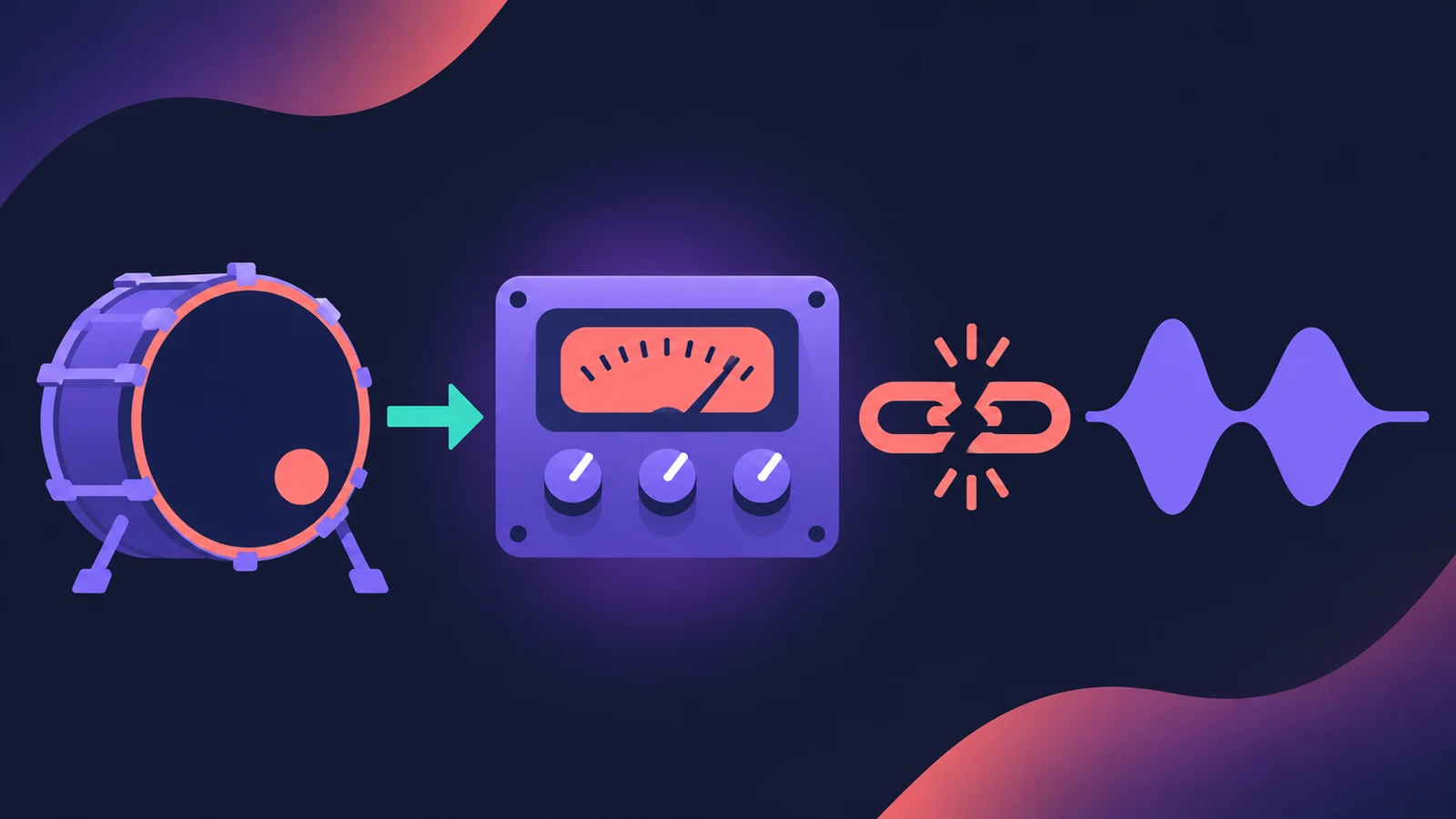
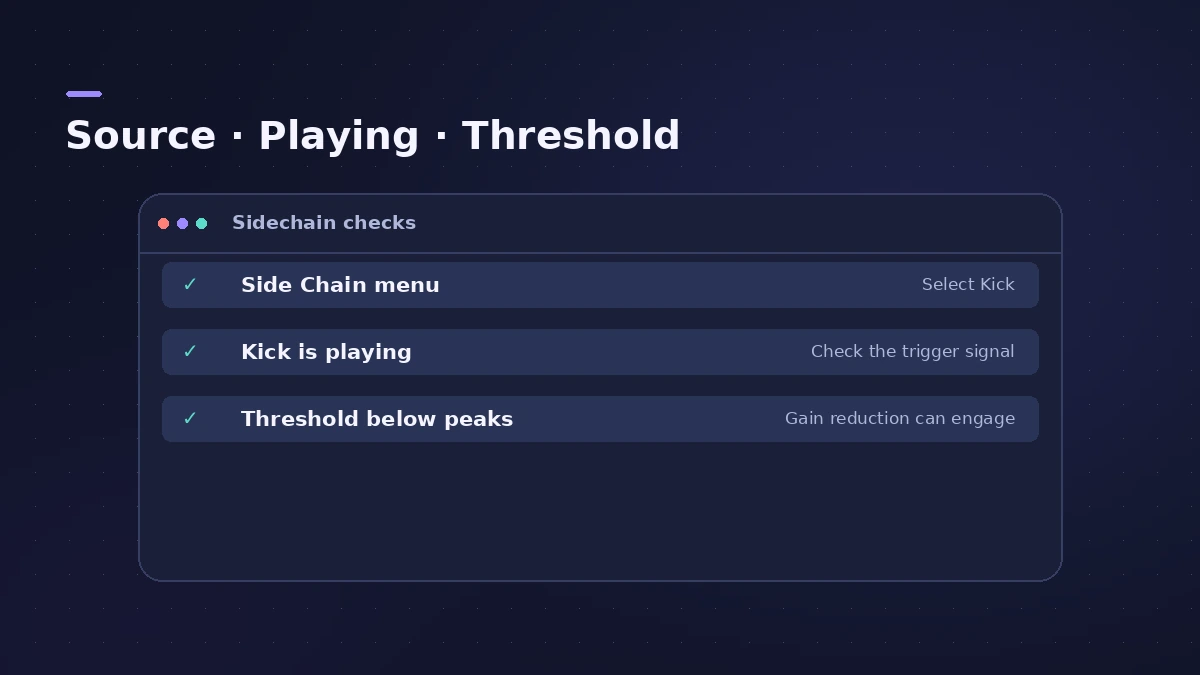
You've picked the kick as the side chain, but the bass or pad doesn't duck. A side chain only works when the plug-in supports it, the right source is chosen in its Side Chain menu, and the trigger is loud enough to cross the threshold.
 Owen Hartley
Applies to: Logic Pro 13, 12 and 11 for Mac.
Most likely causes
- No source selected in the plug-in's Side Chain menu (most common)
- Threshold too high for the trigger signal (common)
- Source track muted, empty or not playing (common)
- Third-party plug-in doesn't show a Side Chain menu (occasional)
Quick checklist
For the full set-up from scratch, see sidechain compression. For a gated pad that follows a drum part, use the Noise Gate with the same side chain menu.
Fixes, in order
1. Choose the source in the Side Chain menu
Plug-ins that support side chains have a Side Chain menu at the right of the plug-in window header. Choose the kick track there.
2. Lower the threshold
The trigger's peaks, combined with the Threshold, decide when the plug-in reacts. Lower Threshold until you see gain reduction.
3. Listen to the side chain
In Compressor, turn on Listen to hear the side chain signal. Silence means the source isn't reaching the plug-in.
4. Use a bus for tricky sources
For a source that can't be picked directly, send it to a bus, mute that aux's output, and choose the aux in the Side Chain menu.
5. Check third-party plug-ins
If a plug-in shows no Side Chain menu in Logic Pro, users report it's on the plug-in's side — update it or ask the developer.
Sources
- Apple — Logic Pro 9 Help: Plug-in window header and side chaining (old)
- Apple — Logic Pro 10.6 Guide: Compressor side chain parameters
- Apple Community — Side chain menu missing in third-party plug-in
- Violet Recording — How to sidechain in Logic Pro
Checked November 2026. Logic ProFiles is independent of Apple; menu names can differ slightly between Logic Pro versions.
Frequently asked questions
Why does my compressor not duck with sidechain in Logic Pro?
+
Check the Side Chain menu has the trigger track, the trigger is playing, and Threshold is low enough to react.
Do I need to route the kick to a bus?
+
Not usually — for Logic Pro's Compressor, choosing the track in the Side Chain menu is enough.
Related
- How to sidechain in Logic ProSet up sidechain compression in Logic Pro: put Compressor on the bass or pad, pick the kick in the Side Chain menu, then set threshold, ratio, attack, release.
- Logic Pro Compressor and its circuit typesLogic Pro's Compressor has seven circuit types — Platinum Digital, Studio and Classic VCA, Studio FET and Vintage VCA, FET and Opto. Pick one and set it up.
- Noise Gate in Logic ProUse Noise Gate in Logic Pro to cut bleed and noise: set Threshold and Reduction, shape Attack, Hold and Release, filter the side chain, or use Ducker mode.
- Aux sends and buses in Logic ProSet up aux sends in Logic Pro: send several tracks to one reverb on a bus, choose pre fader, post fader or post pan, and use Sends on Faders for headphones.
- Fix Logic Pro problems — errors, crashes and no soundStep-by-step fixes for Logic Pro on Mac: system overload, disk too slow, no sound, crashes, latency, missing plug-ins, MIDI keyboards and recording problems.