Bounce & Export
Logic Pro bounce cuts off the end — how to keep reverb tails
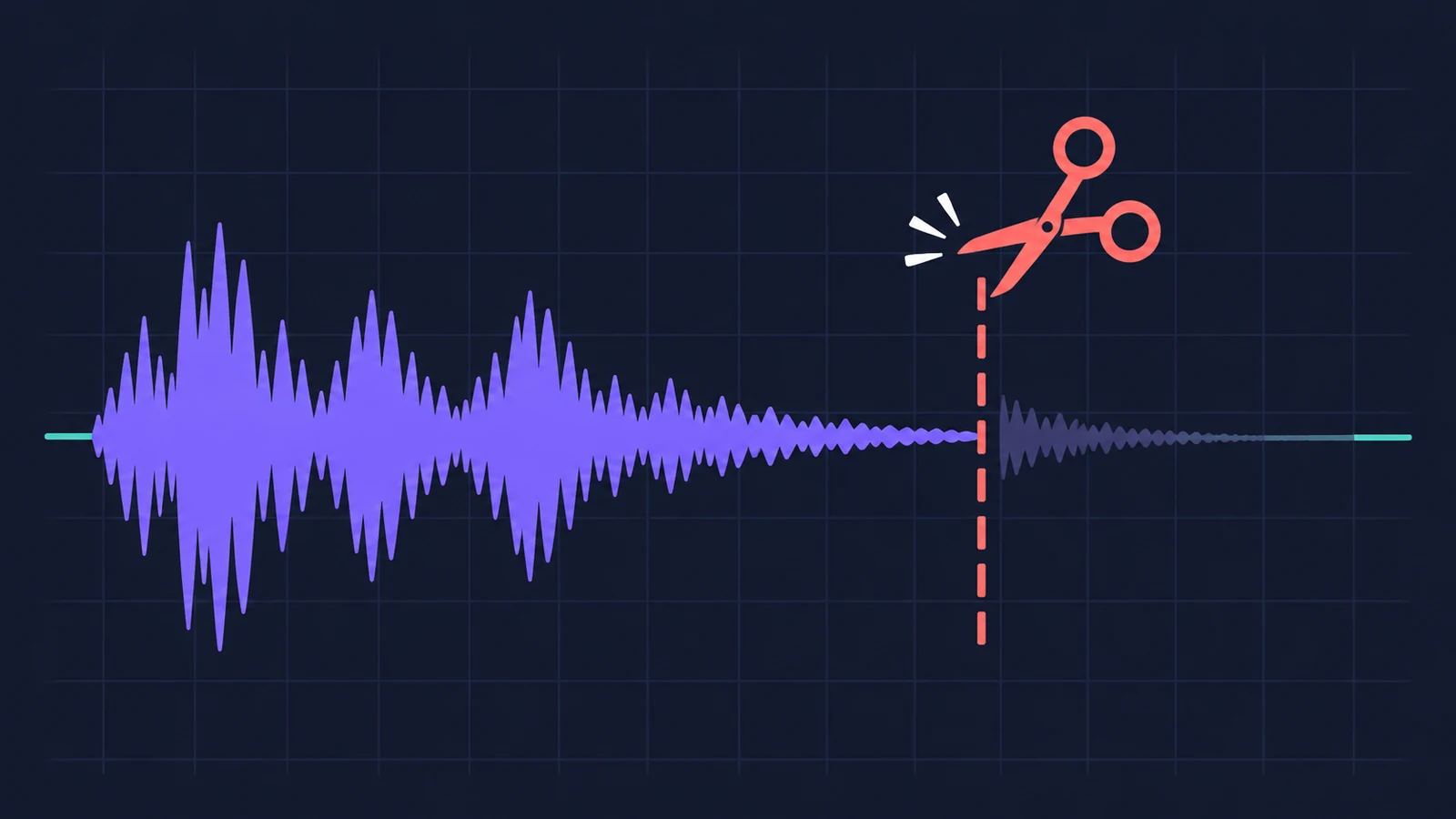
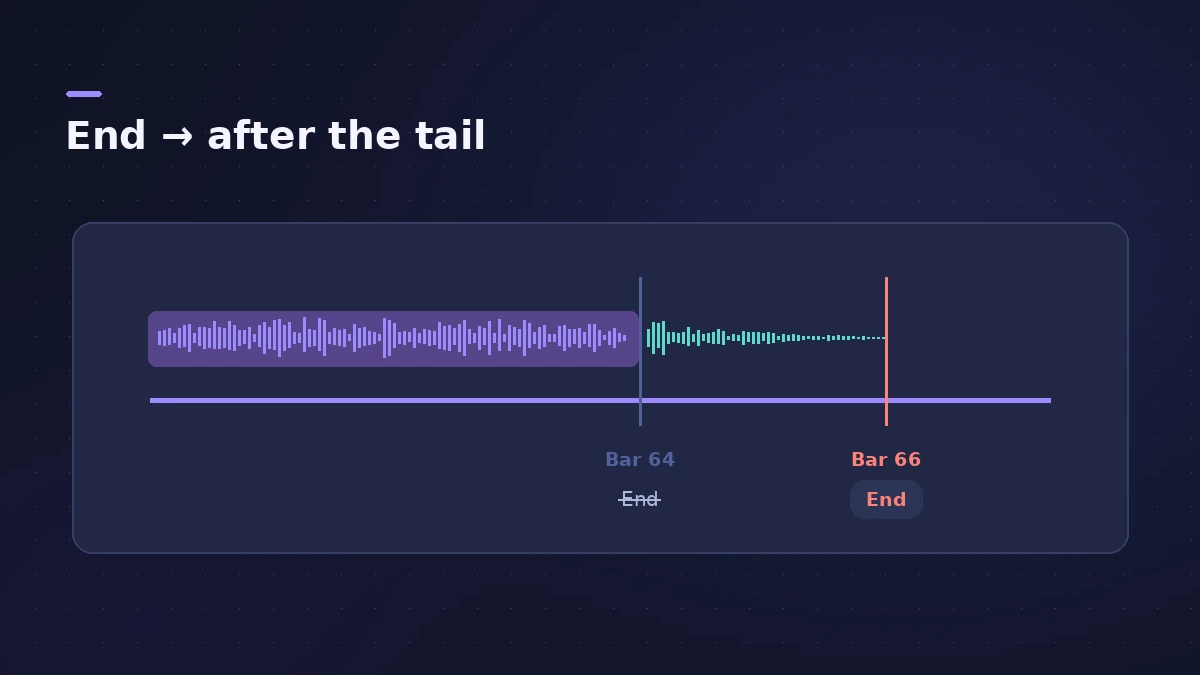
When the last chord of your bounce stops dead, Logic Pro rendered exactly the range it was given — and that range ended with the last region, not with the reverb. Either the bounce range is too short or Cycle mode limited it. Extend the end point or let Logic Pro add the tail for you.
 Owen Hartley
Applies to: Logic Pro 13, 12 and 11 for Mac — Bounce, track export and Bounce in Place.
Most likely causes
- Bounce End set at the end of the last region (most common)
- Cycle mode on, so only the cycle area is bounced (most common)
- Regions selected, so only the selected area is bounced (common)
- Include Audio Tail or Add Effects Tail turned off (common)
Where the tail option lives
| Command | Tail option |
|---|---|
| File > Bounce > Project or Section | Include Audio Tail; Bounce 2nd Cycle Pass |
| File > Export > Track(s) / All Tracks as Audio Files | Include Audio Tail |
| File > Bounce > Regions in Place | Add Effects Tail to File; Add Effects Tail to Region |
Full settings for each are in how to bounce, export stems and bounce in place.
Fixes, in order
1. Check Cycle mode
With Cycle mode on, the bounce range matches the locators. Turn Cycle off, or drag the right locator past the end of the reverb.
2. Deselect regions
If regions are selected, the bounce range matches the selection. Click an empty part of the Tracks area first.
3. Move the End point
In the Bounce dialog, set End a little past the last region. Sound On Sound suggests a bar after any remaining processing.
4. Turn on Include Audio Tail
In the Bounce dialog, Include Audio Tail extends the file to include instrument releases and effect tails.
5. Use the tail options when exporting tracks
File > Export > All Tracks as Audio Files has its own Include Audio Tail checkbox.
6. Use both tail options in Bounce in Place
Tick Add Effects Tail to File and Add Effects Tail to Region so the new region isn't trimmed to the bounce range.
7. Use 2nd Cycle Pass for loops
For a loop whose reverb should wrap into its start, turn on Bounce 2nd Cycle Pass.
Sources
- Apple — Logic Pro User Guide: Bounce a project to an audio file in Logic Pro for Mac
- Apple — Logic Pro User Guide: Set the bounce range in Logic Pro for Mac
- Apple — Logic Pro User Guide: Export tracks as audio files in Logic Pro
- Apple — Logic Pro User Guide: Bounce regions in place in Logic Pro for Mac
- Sound On Sound — Logic Pro Bouncing And Export Options (Oct 2021)
Checked November 2026. Logic ProFiles is independent of Apple; menu names can differ slightly between Logic Pro versions.
Frequently asked questions
Why does my Logic Pro bounce stop before the reverb ends?
+
The bounce range ends at the last region, or Cycle mode limits it. Move the End point past the tail or turn on Include Audio Tail.
Why is my bounce with Include Audio Tail minutes long?
+
Apple warns that mastering plug-ins or the test oscillator can add noise, so Logic Pro never detects silence. Turn the option off and set End by hand.
Related
- How to bounce in Logic Pro — every bounce setting explainedBounce your Logic Pro project to WAV, MP3 or AAC: set the range, choose offline or realtime, include the reverb tail and pick the right normalize setting.
- How to export stems from Logic ProExport every Logic Pro track as its own audio file for a mixer: All Tracks as Audio Files, the right options for effects, tails and naming, and Track Stacks.
- Bounce in place in Logic Pro — print instruments and effects to audioTurn software instruments and effects into audio inside your Logic Pro project with Bounce in Place: every option explained, plus when to freeze instead.
- Bounce and export in Logic Pro — songs, stems, MIDI and AtmosHow to get audio out of Logic Pro on Mac: bounce a song to WAV or MP3, export stems and MIDI, deliver Dolby Atmos, send a project to Pro Tools or a video.