Bounce & Export
Bounce in place in Logic Pro — print instruments and effects to audio
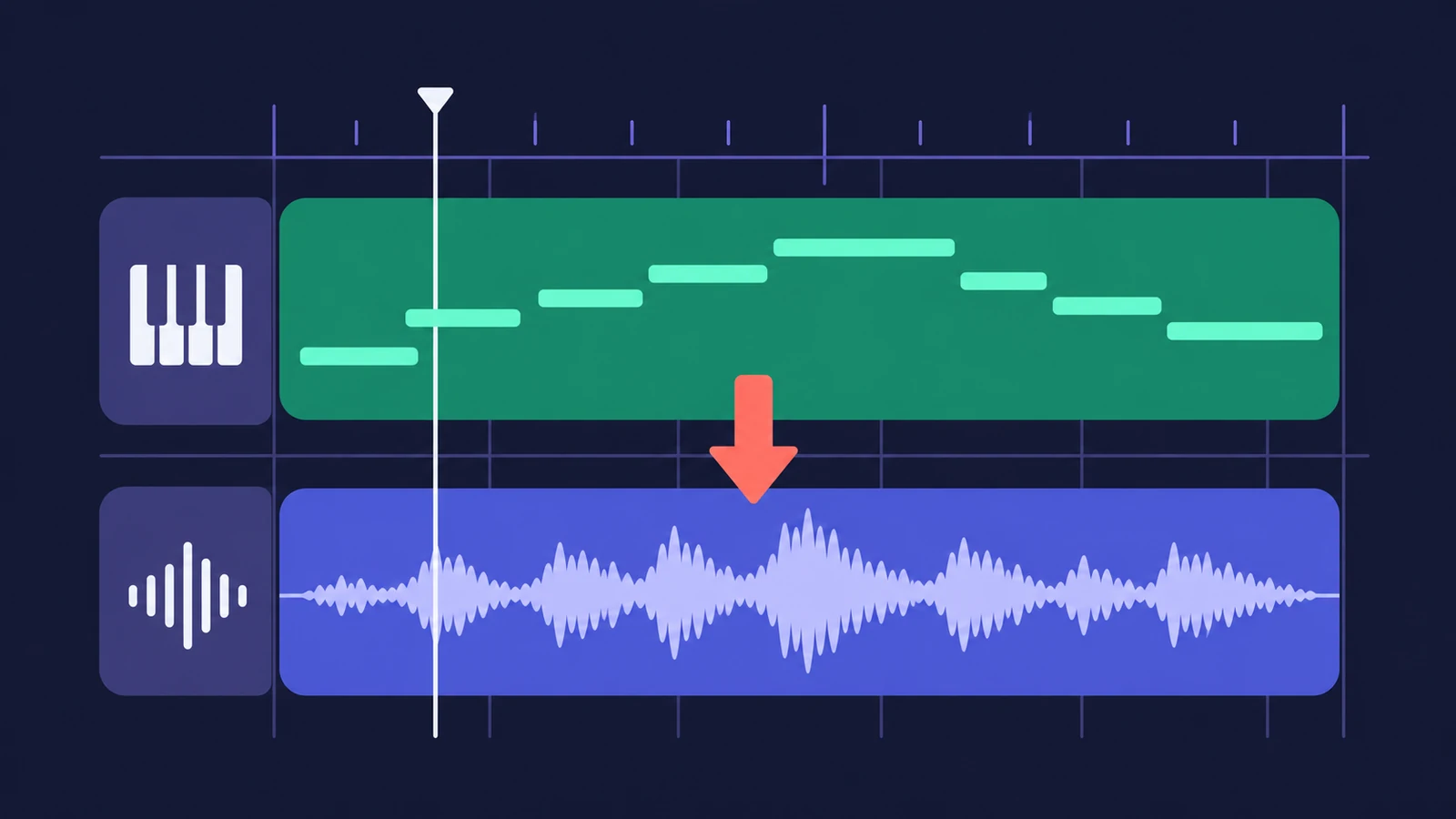
Bounce in place renders regions or whole tracks to audio files and drops them exactly where the originals were. Use it to commit a synth part, save CPU, prepare tracks for another DAW, or edit a printed effect like any other audio. The new files are 24-bit at the project sample rate.
 Owen Hartley
Where to find it
File > Bounce > Regions in Place
Destination file options
| Option | Result |
|---|---|
| One File | One audio file for all selected regions (default) |
| One File per Track | One file per track, from the first selected region to the last |
| One File per Region | A separate file for every region |
Apple's overload advice also points to freezing heavy tracks — see system overload. To hand printed tracks to someone else, export stems afterwards.
Step by step
-
1
Select the regions
Select one or more regions on an audio or software instrument track. To bounce a whole track or all tracks, Logic Pro has separate Bounce in Place commands.
-
2
Open Bounce Regions in Place
Choose File > Bounce > Regions in Place, or Control-click the selected regions and choose Bounce Regions in Place.
-
3
Choose the destination
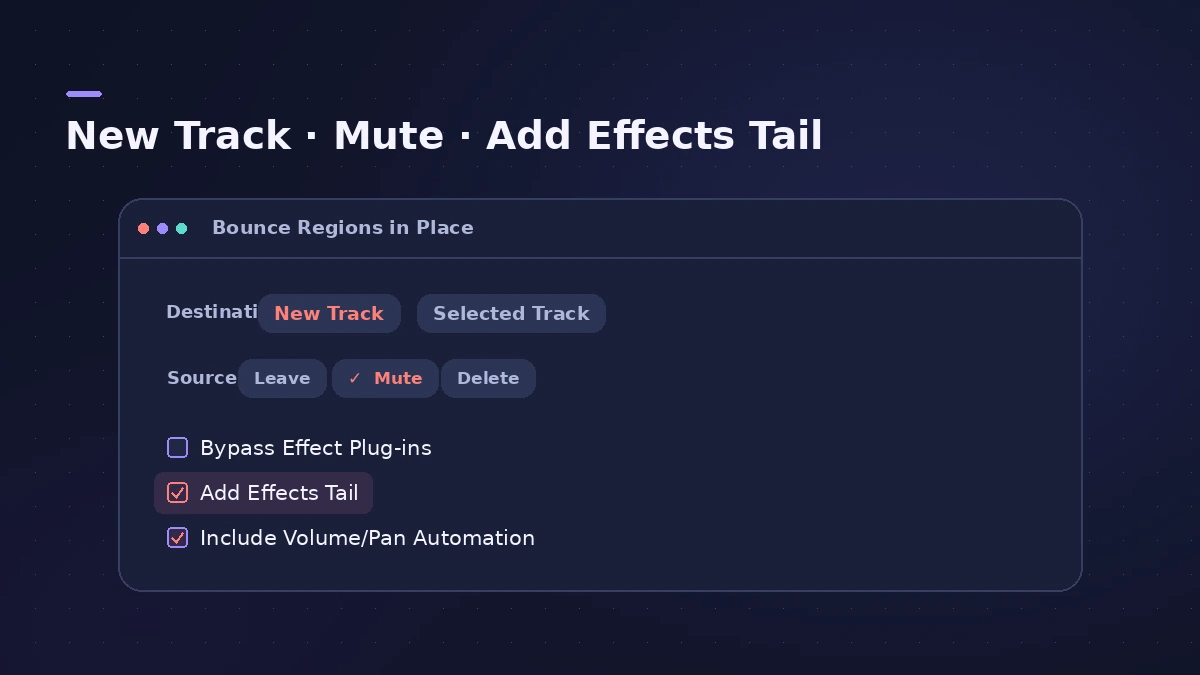
New Track puts the audio on a new track below. Selected Track replaces the selected regions on that track.
-
4
Decide what happens to the source
With New Track you can Leave, Mute or Delete the original regions. Mute keeps them for later changes.
-
5
Choose effects, tails and automation
Tick Bypass Effect Plug-ins to print the dry instrument. Add Effects Tail to File and to Region keep reverb endings. Include Volume/Pan Automation prints fader moves.
-
6
Click OK
Logic Pro remembers your settings for next time. Restore Defaults resets the dialog.
Common mistakes
- Choosing Selected Track and losing the MIDI regions you wanted to keep.
- Forgetting multi-output instruments — tick Include Instrument Multi-Outputs to include their aux channel strips.
- Trying to bounce external MIDI tracks — Apple says the Bounce in Place commands can't be used with them.
Bounce in place or freeze?
Apple compares the two: freezing saves CPU the same way but makes it easier to go back to the original tracks and automation, and frozen files are 32-bit floating point so they can't clip. Bounce in place gives you real audio regions you can edit, move or export. Since Logic Pro 11 both can run in real time.
Sources
- Apple — Logic Pro User Guide: Bounce in place overview
- Apple — Logic Pro User Guide: Bounce regions in place in Logic Pro for Mac
- Apple — Logic Pro for Mac release notes
Checked November 2026. Logic ProFiles is independent of Apple; menu names can differ slightly between Logic Pro versions.
Frequently asked questions
What is bounce in place in Logic Pro?
+
It renders selected regions or tracks to new audio files placed at the same position as the originals, with their plug-ins printed unless you bypass them.
Is bounce in place done in real time?
+
Tracks with internal sound sources are bounced offline. When audio or MIDI goes to external sound sources, Logic Pro bounces in real time.
What file format does bounce in place create?
+
Apple says 24-bit audio at the project sample rate.
Related
- Freeze tracks in Logic ProFreeze tracks in Logic Pro to save CPU: show the Freeze button, choose Source Only or Pre Fader, press Play to render, and unfreeze to edit plug-ins again.
- How to reverse audio in Logic ProReverse audio in Logic Pro with the Reverse checkbox in the Region inspector, turn on advanced tools if it's missing, switch off Flex, bounce MIDI first.
- How to export stems from Logic ProExport every Logic Pro track as its own audio file for a mixer: All Tracks as Audio Files, the right options for effects, tails and naming, and Track Stacks.
- Logic Pro system overload — how to find the cause and fix itLogic Pro says System Overload? Use the Performance Meter to see if CPU or disk is the cause, then fix it with the buffer, freezing and Sampler settings.
- Send a Logic Pro project to Pro Tools — AAF or stemsMove a Logic Pro session to Pro Tools or another DAW: export an AAF with region positions and volume automation, or export every track as audio files.
- Bounce and export in Logic Pro — songs, stems, MIDI and AtmosHow to get audio out of Logic Pro on Mac: bounce a song to WAV or MP3, export stems and MIDI, deliver Dolby Atmos, send a project to Pro Tools or a video.