Bounce & Export
Send a Logic Pro project to Pro Tools — AAF or stems
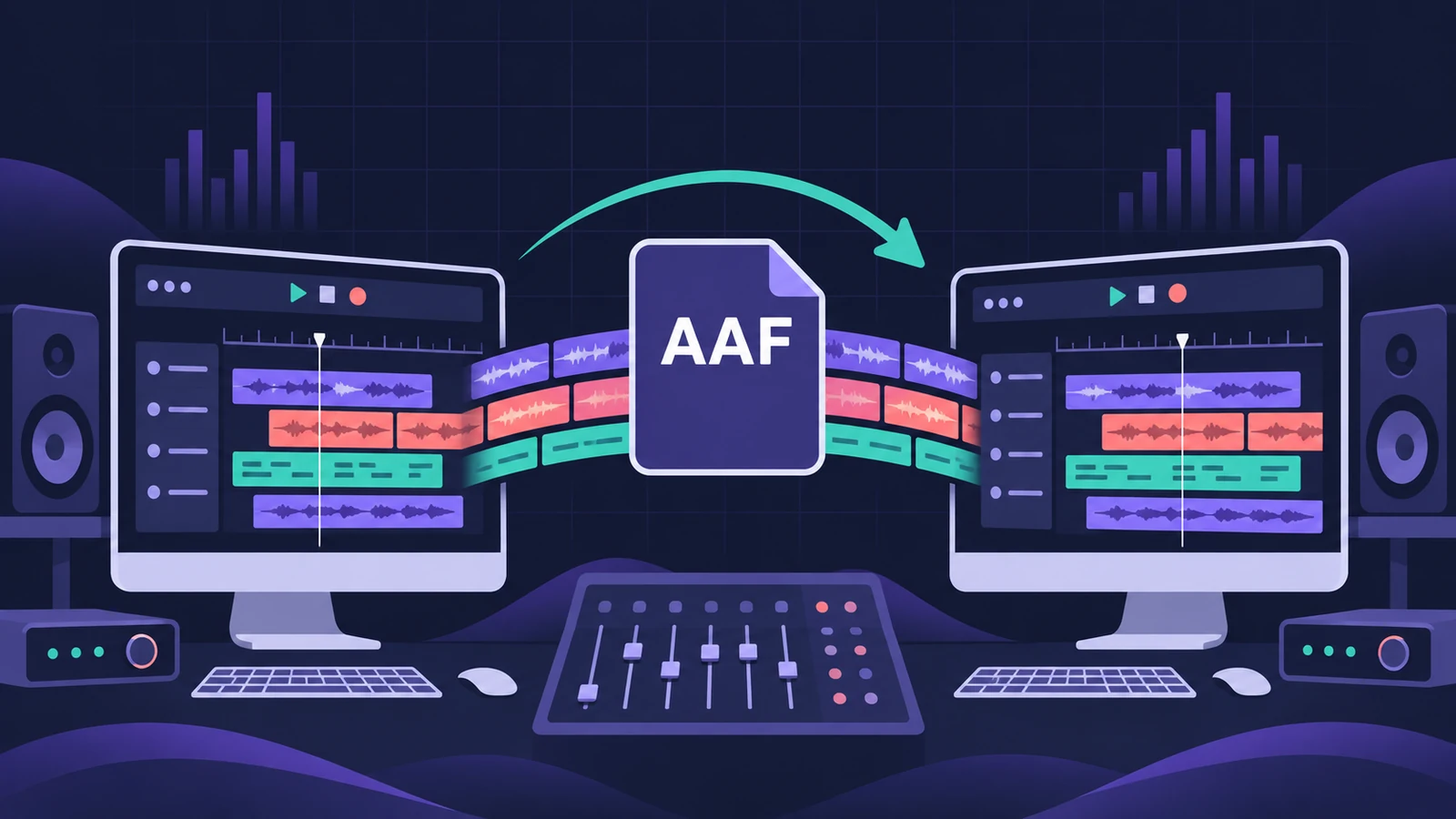
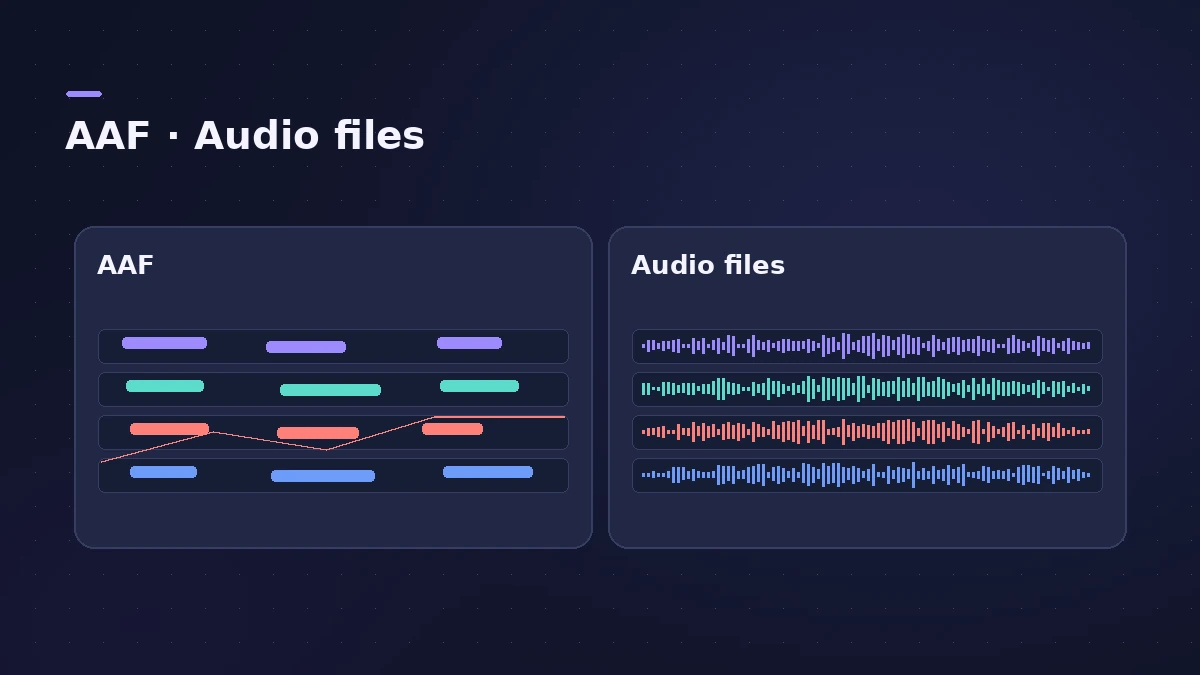
There are two ways to move a session out of Logic Pro. **AAF** keeps your regions where they sit on the timeline, with track references and volume automation, so an editor can keep cutting. **Audio files per track** are the simplest option and open in any DAW. Plug-ins and software instruments don't travel either way — print them first.
 Owen Hartley
Where to find it
File > Export > Project as AAF File
AAF vs audio files
| AAF | All Tracks as Audio Files | |
|---|---|---|
| Region positions and edits | Kept | Rendered into full files |
| Volume automation | Kept as automation | Printed if you choose |
| Plug-ins and instruments | Not included | Printed unless bypassed |
| Opens in | Pro Tools and other AAF-capable apps | Any DAW |
Going to Final Cut Pro rather than Pro Tools? Use Final Cut Pro XML instead.
Step by step
-
1
Save a copy of the project
Work on a copy so you can print instruments and effects without changing your original session.
-
2
Print software instruments
Bounce software instrument tracks in place so they become audio regions another DAW can read. See bounce in place.
-
3
Choose the method
For an editable timeline, choose File > Export > Project as AAF File. For plain files, choose File > Export > All Tracks as Audio Files.
-
4
Set the AAF sample rate
In the Save AAF File As dialog, choose 44.1, 48, 88.2 or 96 kHz — match the Pro Tools session.
-
5
Save and send the folder
Choose a location, name the file and click OK. Send the AAF together with its audio.
Common mistakes
- Forgetting that plug-in processing isn't carried in an AAF.
- Exporting stems with Normalize on — Sound On Sound says to turn off Overload Protection and fix overloads in the project.
- Using a different sample rate from the receiving session.
Which method should you use?
Use AAF when the receiver needs to edit regions — dialogue, takes or cut points. Sound On Sound's 2021 test found an AAF re-imported into Logic Pro matched the original layout. Use audio files per track when they only need to mix; every DAW opens them. Apple's AAF instructions shown here come from the Logic Pro X 10.1 help.
Sources
- Apple — Logic Pro X 10.1 Help: AAF files (old)
- Apple — Logic Pro User Guide: Export tracks as audio files in Logic Pro
- Sound On Sound — Exporting Logic Projects To Other DAWs (May 2021)
- Apple — Logic Pro User Guide: Bounce in place overview
Checked November 2026. Logic ProFiles is independent of Apple; menu names can differ slightly between Logic Pro versions.
Frequently asked questions
Can Pro Tools open a Logic Pro project?
+
Not directly. Export an AAF file or all tracks as audio files from Logic Pro, then import those into Pro Tools.
What does an AAF export include?
+
Apple's help says all used regions, with track and position references and volume automation.
Does AAF include my plug-ins?
+
No. Bounce tracks in place or export them with effects first if the sound of the plug-in has to go with the audio.
Related
- File formats Logic Pro supportsWhich file formats Logic Pro plays, records and bounces: AIFF, WAV (BWF), CAF, Apple Lossless, MP3, AAC, plus MIDI, AAF, Final Cut Pro XML and MusicXML.
- Logic Pro vs Pro Tools — price, tiers and platformsLogic Pro vs Pro Tools: $199.99 once on Mac vs Pro Tools Intro (free, 8 tracks) and paid Artist, Studio and Ultimate tiers on Mac and Windows. Checked Nov 2026.
- How to export stems from Logic ProExport every Logic Pro track as its own audio file for a mixer: All Tracks as Audio Files, the right options for effects, tails and naming, and Track Stacks.
- Export a Logic Pro project as Final Cut Pro XMLSend audio from Logic Pro to Final Cut Pro with File > Export > Project to Final Cut Pro XML, with volume and pan automation, the video or a compound clip.
- How to export a MIDI file from Logic ProExport MIDI regions from Logic Pro as a standard MIDI file for another DAW or notation app: Selection as MIDI File, Format 0 vs Format 1 and region prep.
- Bounce and export in Logic Pro — songs, stems, MIDI and AtmosHow to get audio out of Logic Pro on Mac: bounce a song to WAV or MP3, export stems and MIDI, deliver Dolby Atmos, send a project to Pro Tools or a video.