Bounce & Export
Export a Logic Pro project as Final Cut Pro XML
Final Cut Pro XML is Apple's bridge between Logic Pro and Final Cut Pro. It carries your audio tracks with volume and stereo pan automation, and can include the video and package everything as a compound clip. Software instrument tracks are bounced to audio on the way out.
 Owen Hartley

Where to find it
File > Export > Project to Final Cut Pro XML
For a video that only needs your finished soundtrack, see export audio to a video. Working with a Pro Tools editor instead? See AAF export.
Step by step
-
1
Choose the export command
Choose File > Export > Project to Final Cut Pro XML.
-
2
Name the file
Type a name and choose a location in the Export dialog.
-
3
Include the video if needed
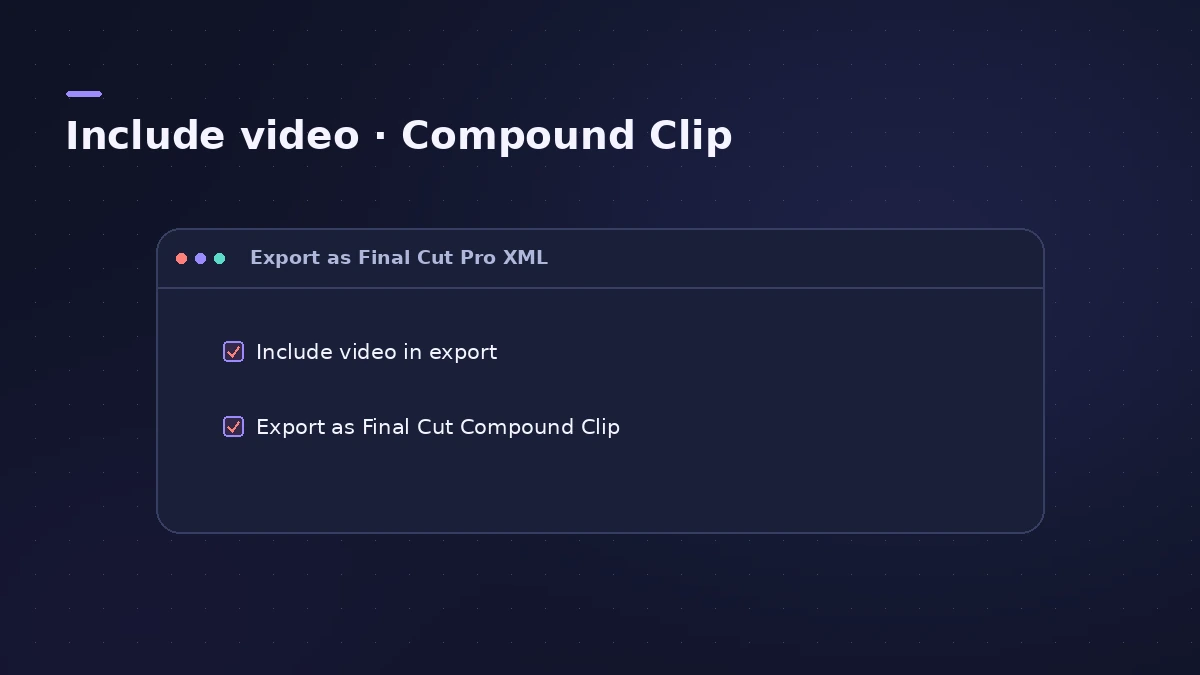
Tick "Include video in export" to add the movie to the XML.
-
4
Make a compound clip if you like
Tick "Export as Final Cut Compound Clip" to bring everything into Final Cut Pro as one compound clip.
-
5
Save and import
Click Save, then import the XML into Final Cut Pro. Sound On Sound notes you can also re-export from Final Cut Pro and bring it back into Logic Pro.
Common mistakes
- Expecting MIDI tracks to come across — Apple says they're ignored.
- Forgetting to tick "Include video in export" when the editor needs the movie too.
XML or Export Audio to Movie?
Use the XML when the editor will keep working with your tracks in Final Cut Pro. If you only need a finished video with your mix on it, Export Audio to Movie writes the audio straight into a copy of the movie file.
Sources
- Apple — Logic Pro User Guide: Export a Logic Pro for Mac project as a Final Cut Pro XML file
- Sound On Sound — Exporting Logic Projects To Other DAWs (May 2021)
- Apple — Logic Pro X 10.1 Help: Use movie audio tracks (old)
Checked November 2026. Logic ProFiles is independent of Apple; menu names can differ slightly between Logic Pro versions.
Frequently asked questions
What does Final Cut Pro XML include from Logic Pro?
+
Audio tracks with volume and stereo pan automation. Software instrument tracks are bounced to audio files; MIDI tracks are ignored. The video can be included.
Can I send a Final Cut Pro project to Logic Pro?
+
Yes. Final Cut Pro XML works both ways — Apple describes it as the format for importing and exporting audio data between the two apps.
Related
- How to export audio to a video in Logic ProPut your Logic Pro mix onto a video with File > Movie > Export Audio to Movie, and avoid the common mistake that adds the old soundtrack back into the file.
- Send a Logic Pro project to Pro Tools — AAF or stemsMove a Logic Pro session to Pro Tools or another DAW: export an AAF with region positions and volume automation, or export every track as audio files.
- How to export stems from Logic ProExport every Logic Pro track as its own audio file for a mixer: All Tracks as Audio Files, the right options for effects, tails and naming, and Track Stacks.
- Bounce and export in Logic Pro — songs, stems, MIDI and AtmosHow to get audio out of Logic Pro on Mac: bounce a song to WAV or MP3, export stems and MIDI, deliver Dolby Atmos, send a project to Pro Tools or a video.