Mixing
How to use a reference track in Logic Pro
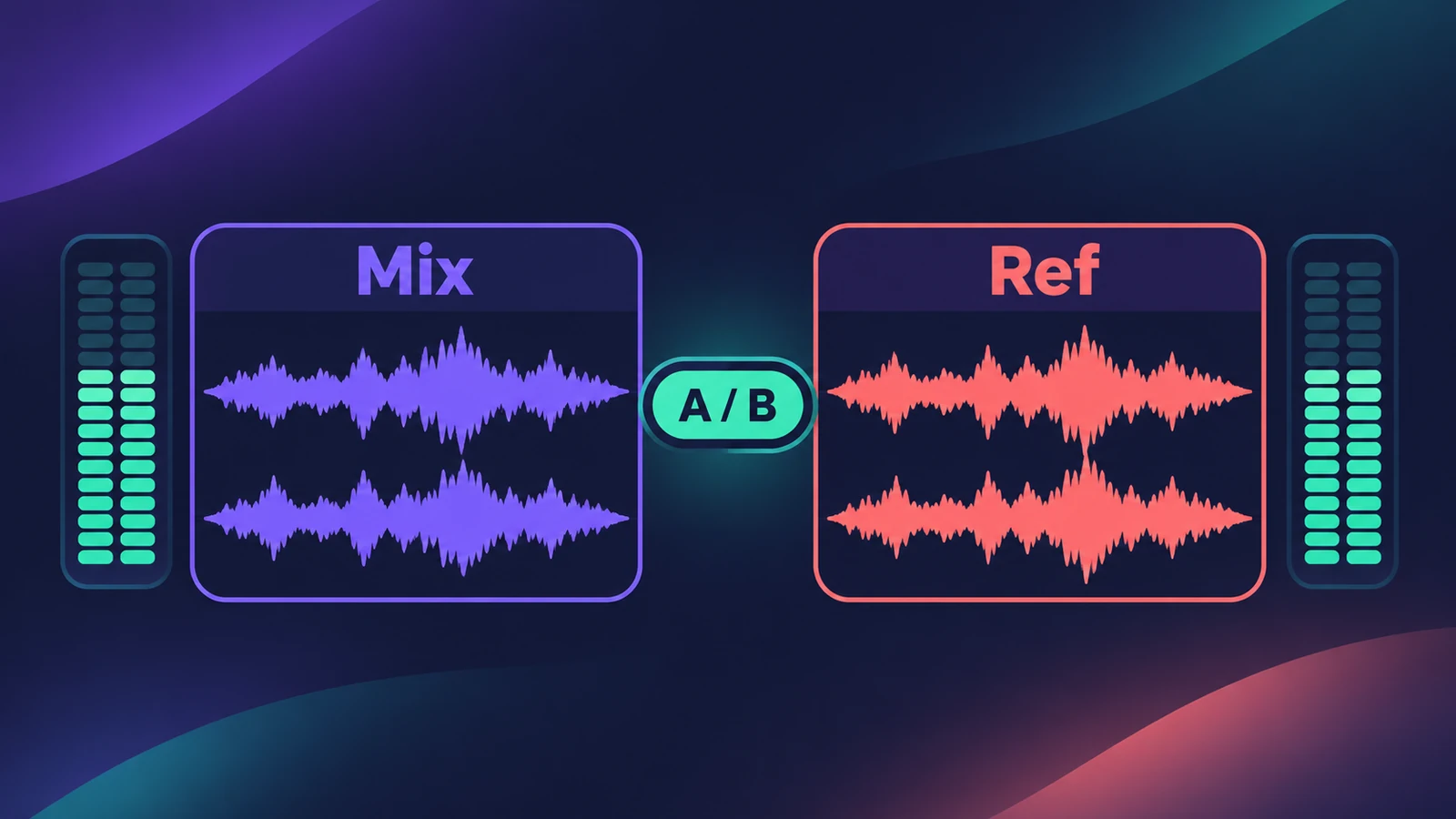
A reference track is a finished song in a similar style that you compare your mix against. The key is level matching: a louder track always seems better, so turn the reference down to your mix's level before you judge tone, balance or energy.
 Owen Hartley
Where to find it
Separate audio track for the reference
What to compare
| Listen for | Compare |
|---|---|
| Low end | Kick and bass weight |
| Vocal | Level and brightness against the band |
| Width | How wide the chorus feels |
| Energy | How much the chorus lifts over the verse |
| Space | Amount of reverb and delay |
Step by step
-
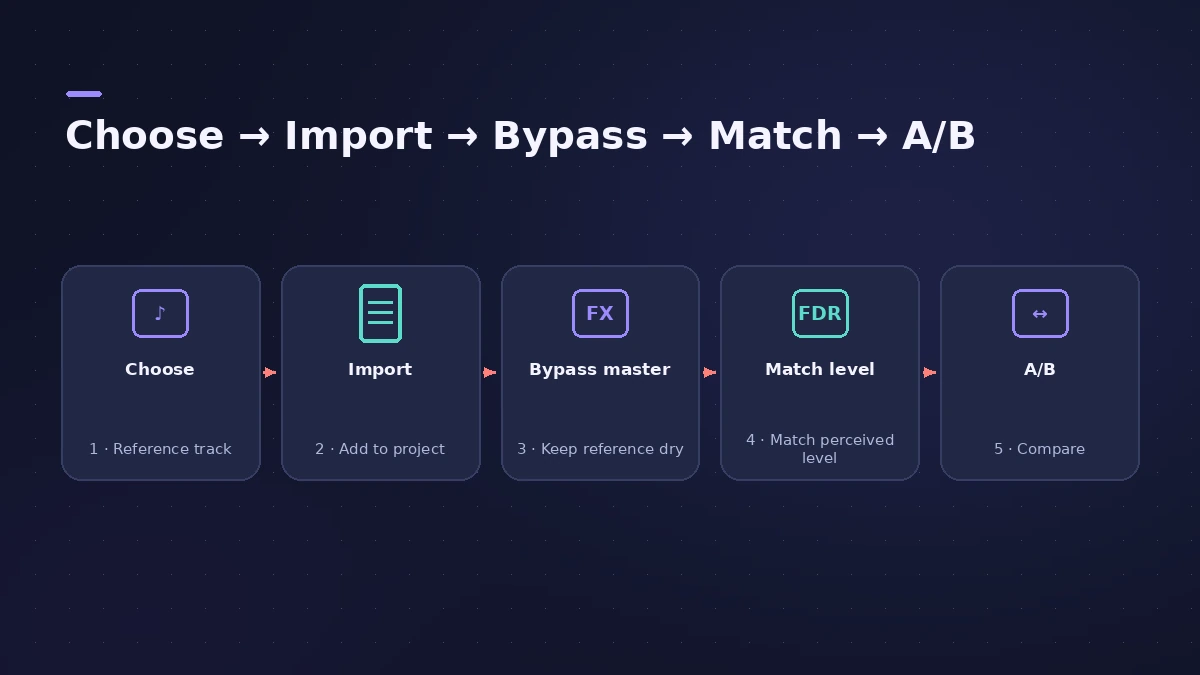
1
Choose a reference
Pick a well-mixed song in the same style and arrangement as yours.
-
2
Import it
Drag the file to a new stereo audio track — see import audio and MIDI.
-
3
Keep it out of your master chain
Route the reference so it doesn't go through your master compressor or limiter, for example to a separate output or by placing processing on a mix bus.
-
4
Match loudness
Measure a loud section of both with MultiMeter or the Loudness Meter, and turn the reference down by the difference.
-
5
Compare section by section
MusicRadar suggests level-matching specific sections, for example to check whether your chorus lifts like the reference's.
Common mistakes
- Comparing at different loudness and chasing a 'louder = better' illusion.
- Copying every creative decision of the reference instead of using it as a guide.
- Leaving the reference running through your master limiter.
Match the tone
Match EQ can learn the reference's spectrum and apply it as an EQ curve — use it as a starting point. For final loudness targets, see LUFS and loudness.
Sources
- MusicRadar — Reference tracks can be your secret weapon when mixing
- Mastering.com — Reference tracks: the secret to a professional mix
- Apple — Logic Pro User Guide: Use Match EQ (reference file)
- Apple — Final Cut Pro Logic Effects: Intro to MultiMeter
Checked November 2026. Logic ProFiles is independent of Apple; menu names can differ slightly between Logic Pro versions.
Frequently asked questions
Why level-match a reference track?
+
Louder sounds better to our ears, so without matching, the reference will always seem superior and the comparison isn't fair.
Can Logic Pro match my mix to a reference automatically?
+
Match EQ can learn a reference file's spectrum — Apple suggests inserting it on the output — and create a matching EQ curve.
Related
- Match EQ in Logic ProUse Match EQ in Logic Pro to match a mix to a reference: learn the reference and current spectrum, click Match, then lower Apply to avoid extreme EQ changes.
- MultiMeter in Logic ProCheck a mix with Logic Pro's MultiMeter: spectrum Analyzer, Goniometer for stereo, Correlation meter for mono compatibility, Level and AES 128 Loudness meters.
- LUFS in Logic Pro — how loud for Spotify and Apple MusicMeasure LUFS in Logic Pro with the Loudness Meter and hit streaming targets: Spotify's -14 LUFS and -1 dB true peak, Apple's headroom advice and normalization.
- How to mix a song in Logic Pro, step by stepA step-by-step mixing workflow for Logic Pro with stock plug-ins: organise tracks, balance levels, EQ, compress, add space with sends, automate, check loudness.
- Mix and master in Logic ProMix and master songs in Logic Pro with stock tools: vocal tuning, EQ, compression, sends, automation, Mastering Assistant, LUFS targets and Dolby Atmos.