Plug-ins
MultiMeter in Logic Pro
MultiMeter puts several measuring tools in one window: a spectrum Analyzer, a Goniometer for the stereo field, a Correlation meter for mono compatibility, a Level meter and a Loudness meter. It doesn't change the sound — it's for looking at what you hear.
 Owen Hartley
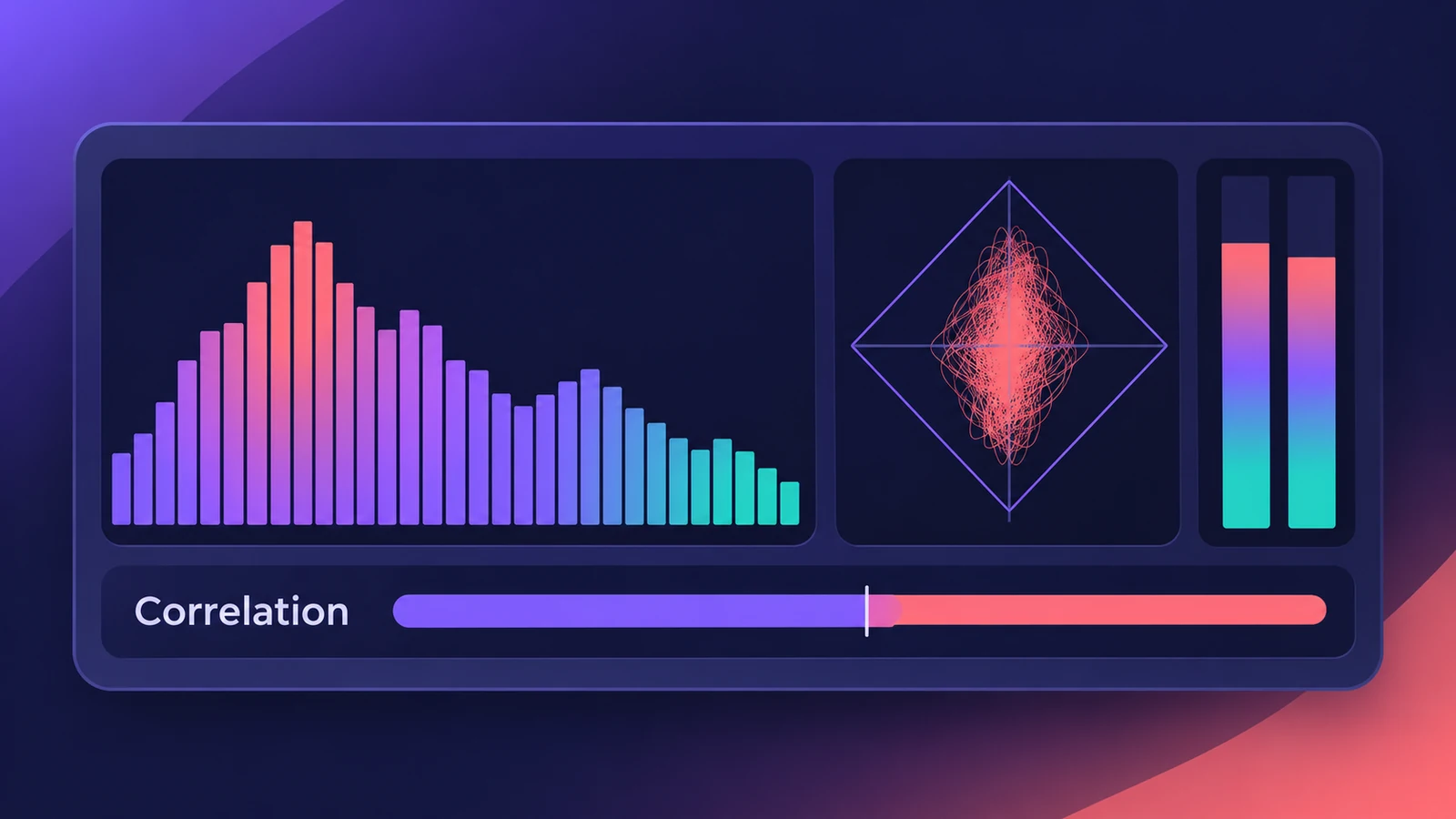
Where to find it
Audio Effect slot > Metering > MultiMeter
MultiMeter tools
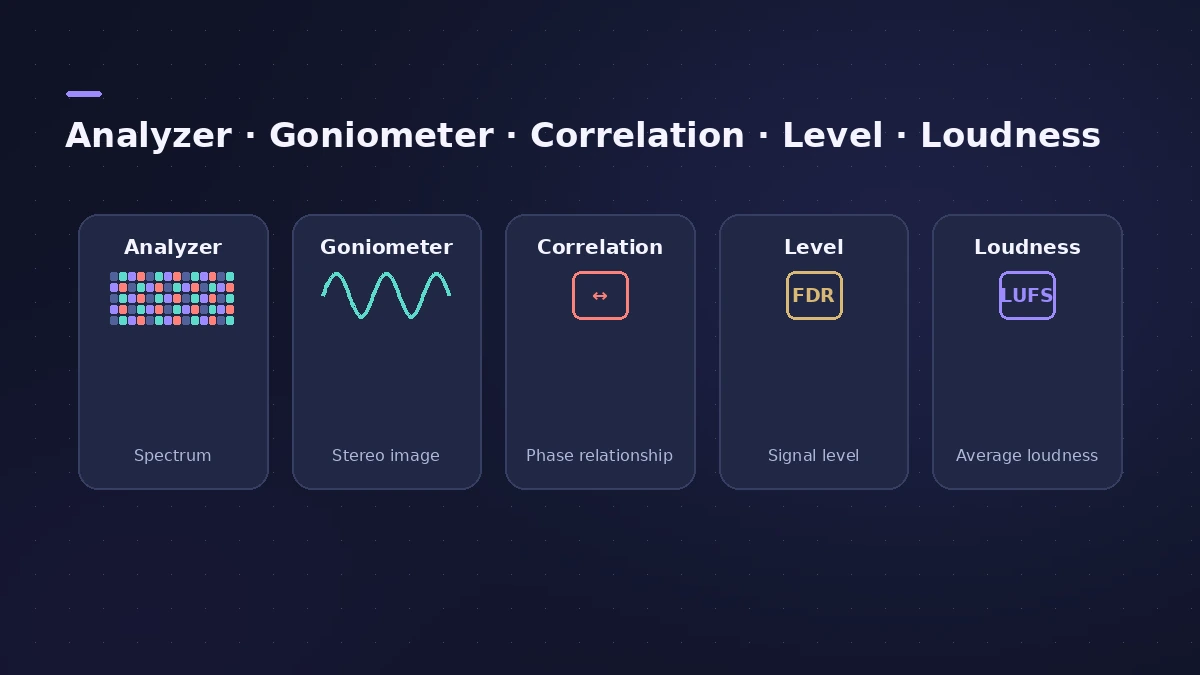
| Tool | What it shows |
|---|---|
| Analyzer | Level per 1/3-octave or major-second band |
| Goniometer | Phase coherency in the stereo field |
| Correlation meter | Mono phase compatibility |
| Level meter | Signal level per channel |
| Loudness meter | Loudness per the AES 128 specification |
Separate meters
Logic Pro also has single metering plug-ins: BPM Counter shows tempo, Correlation Meter the phase relationship, Loudness Meter momentary, short-term and integrated loudness, and Level Meter the incoming level.
Step by step
-
1
Insert it last on the Stereo Out
Choose Metering > MultiMeter as the last plug-in on the Stereo Out so it shows the final mix.
-
2
Read the spectrum
Click Analyzer to see the level of each 1/3-octave or major-second band.
-
3
Check the stereo image
Click Goniometer to judge phase coherency across the stereo field.
-
4
Check mono compatibility
Watch the Correlation meter, which is always visible in the full view.
-
5
Use peak hold
Turn on Hold to keep the most recent peaks on screen, and Reset to clear them.
Common mistakes
- Mixing by the Analyzer instead of by ear — use it to confirm, not decide.
- Placing it before the master limiter, so it doesn't show the final level.
Loudness for release
For streaming and podcast loudness targets, see LUFS and loudness. To fix stereo problems the meters reveal, use Direction Mixer or the Gain plug-in.
Sources
- Apple — Logic Pro X 10.4.5 Help: MultiMeter overview (old)
- Apple — Final Cut Pro Logic Effects: Intro to MultiMeter
- Apple — Logic Pro 9 Effects: MultiMeter (old)
- Apple — Logic Pro User Guide: MultiMeter Peak parameters
- Apple — Logic Pro X 10.4.5 Help: Metering tools overview (old)
- Sound On Sound — Logic Pro audio tools (MultiMeter, Correlation, BPM Counter)
Checked November 2026. Logic ProFiles is independent of Apple; menu names can differ slightly between Logic Pro versions.
Frequently asked questions
What is a goniometer in Logic Pro?
+
A display in MultiMeter for judging phase coherency in a stereo sound field.
Does MultiMeter measure LUFS?
+
Apple's MultiMeter guide lists a Loudness meter that conforms to the AES 128 specification.
Related
- How to check your mix in mono in Logic ProCheck a Logic Pro mix in mono: put Gain on the Stereo Out and turn on Mono, watch MultiMeter's Correlation meter, and fix weak parts with polarity or width.
- How to use a reference track in Logic ProMix against a reference track in Logic Pro: import it, route it past your master processing, match its loudness to your mix, A/B by section, and try Match EQ.
- LUFS in Logic Pro — how loud for Spotify and Apple MusicMeasure LUFS in Logic Pro with the Loudness Meter and hit streaming targets: Spotify's -14 LUFS and -1 dB true peak, Apple's headroom advice and normalization.
- Direction Mixer in Logic ProUse Direction Mixer in Logic Pro to widen or narrow a stereo track, pan a stereo signal properly instead of balancing it, split by frequency and decode M/S.
- Gain plug-in in Logic ProUse Logic Pro's Gain plug-in to change level by dB, invert phase (polarity) on a snare-bottom mic, sum stereo to mono, swap left and right and adjust balance.
- Mastering in Logic Pro with Mastering AssistantMaster your song in Logic Pro with Mastering Assistant: insert it on the stereo output, pick a Character, adjust EQ, loudness and width, then bounce the master.
- Plug-ins in Logic ProGuides to Logic Pro's stock plug-ins: Compressor, EQs, limiters, Pitch Correction, Amp Designer, Pedalboard, ChromaGlow, ChromaVerb, Space Designer and delays.