Mixing
How to check your mix in mono in Logic Pro
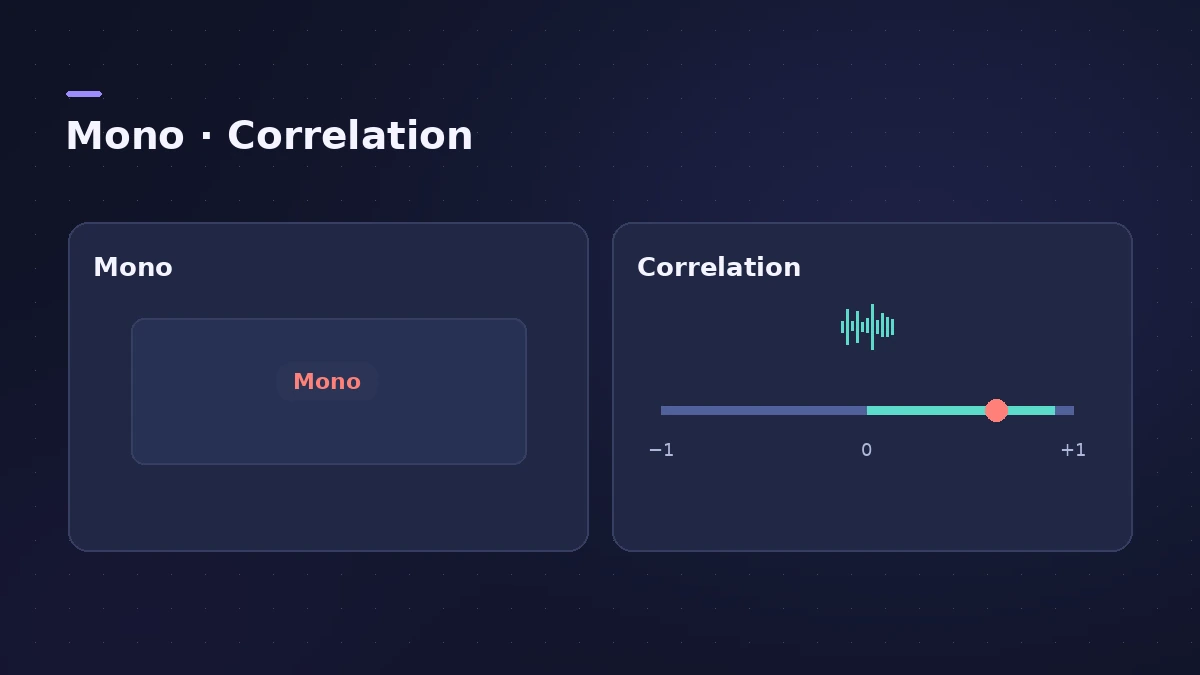
Phones, smart speakers and club systems often play in mono, and wide stereo tricks can cancel out when left and right are summed. In Logic Pro the simplest check is the Gain plug-in's Mono button, with MultiMeter's Correlation meter to see the problem.
 Owen Hartley

Where to find it
Stereo Out > Utility > Gain > Mono
Mono check tools
| Tool | What it does |
|---|---|
| Gain > Mono | Sums to mono on both channels |
| Gain > Phase Invert | Flips one channel's polarity |
| MultiMeter > Correlation | Shows mono phase compatibility |
| Direction Mixer > Spread | Narrows or widens a stereo part |
Step by step
-
1
Insert Gain on the Stereo Out
Add Utility > Gain as the last plug-in on the Stereo Out.
-
2
Turn on Mono
The Mono button outputs the summed signal on both channels. Toggle it while the song plays.
-
3
Listen for what disappears
Note any part that gets much quieter or thinner in mono — wide synths, doubled guitars, stereo reverbs.
-
4
Watch the Correlation meter
Insert MultiMeter and watch the Correlation meter, which shows mono phase compatibility.
-
5
Fix and bypass
Narrow a problem part with Direction Mixer's Spread, or flip polarity with Phase Invert, then switch Mono off before you bounce.
Common mistakes
- Leaving Mono on and bouncing a mono master.
- Fixing a mono problem by narrowing the whole mix instead of the one part causing it.
Width tools
Use Direction Mixer for width and Sample Delay for timing between channels; read the stereo field on MultiMeter.
Sources
- Apple — Logic Pro Effects 10.2: Gain plug-in (old)
- Apple — Logic Pro for iPad User Guide: Gain plug-in
- Apple — Logic Pro X 10.4.5 Help: MultiMeter overview (old)
- Apple — Final Cut Pro Logic Effects: Intro to MultiMeter
- Apple — Logic Pro Effects 10.2: Direction Mixer (old)
- Ask.Audio — Mixing Essentials: Imaging in Logic Pro
Checked November 2026. Logic ProFiles is independent of Apple; menu names can differ slightly between Logic Pro versions.
Frequently asked questions
How do I listen in mono in Logic Pro?
+
Insert the Gain plug-in on the Stereo Out and turn on Mono, which sums the signal to both channels.
Why does my synth disappear in mono?
+
Parts of the left and right signals are out of phase and cancel when summed. Narrowing the part or checking polarity can help.
Related
- Gain plug-in in Logic ProUse Logic Pro's Gain plug-in to change level by dB, invert phase (polarity) on a snare-bottom mic, sum stereo to mono, swap left and right and adjust balance.
- MultiMeter in Logic ProCheck a mix with Logic Pro's MultiMeter: spectrum Analyzer, Goniometer for stereo, Correlation meter for mono compatibility, Level and AES 128 Loudness meters.
- Direction Mixer in Logic ProUse Direction Mixer in Logic Pro to widen or narrow a stereo track, pan a stereo signal properly instead of balancing it, split by frequency and decode M/S.
- Panning and pan law in Logic ProPan in Logic Pro the right way: Pan on mono strips, Balance or Stereo Pan on stereo strips, and pick a pan law — 0 dB, −3 dB or −3 dB compensated.
- Mix and master in Logic ProMix and master songs in Logic Pro with stock tools: vocal tuning, EQ, compression, sends, automation, Mastering Assistant, LUFS targets and Dolby Atmos.