Plug-ins
Gain plug-in in Logic Pro
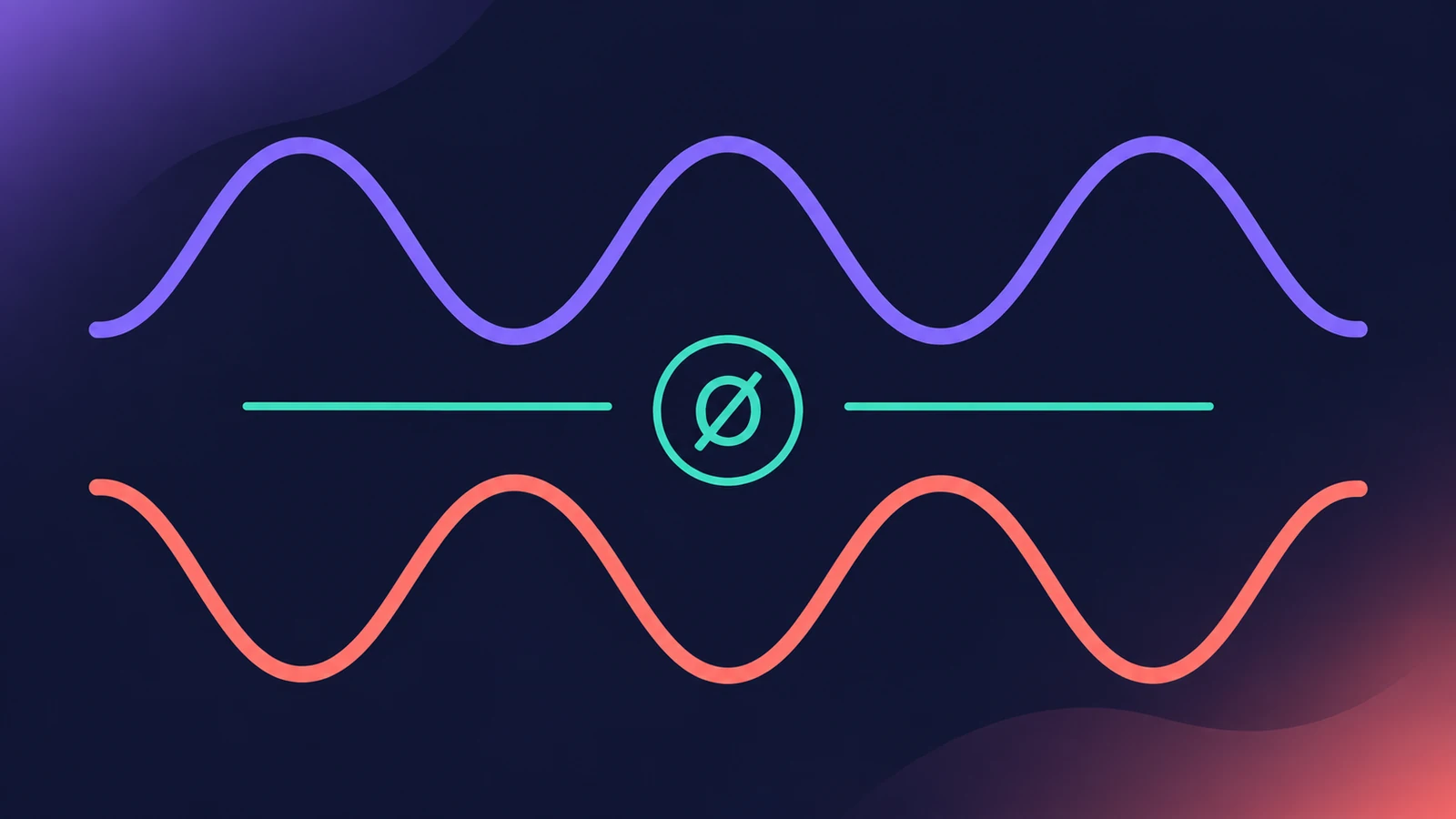
Gain is a small utility with big uses. It raises or lowers level by a set number of decibels, inverts the phase of either channel, sums a stereo signal to mono and swaps left and right — the go-to fix for phase problems between microphones.
 Owen Hartley
Where to find it
Audio Effect slot > Utility > Gain
Gain controls
| Control | What it does |
|---|---|
| Gain | Boost or cut in dB |
| Phase Invert L / R | Inverts the phase of each channel |
| Balance | Moves the signal between left and right |
| Swap L/R | Swaps the outputs, after Balance |
| Mono | Sums to mono on both channels |
Mono, mono-to-stereo and stereo
Gain comes in mono, mono-to-stereo and stereo versions. In mono and mono-to-stereo there's a single phase switch, and in mono the Balance, Swap and Mono controls aren't available. Surround channels have a separate Multichannel Gain plug-in.
Phase or polarity?
Logic Pro labels the switch "Phase Invert". It flips the waveform upside down — what many engineers call polarity.
Step by step
-
1
Insert Gain
Choose Utility > Gain in an Audio Effect slot. Put it first if you're fixing level or phase going into other plug-ins.
-
2
Change the level
Turn Gain to boost or cut the signal by a specific number of decibels.
-
3
Invert phase if two mics fight
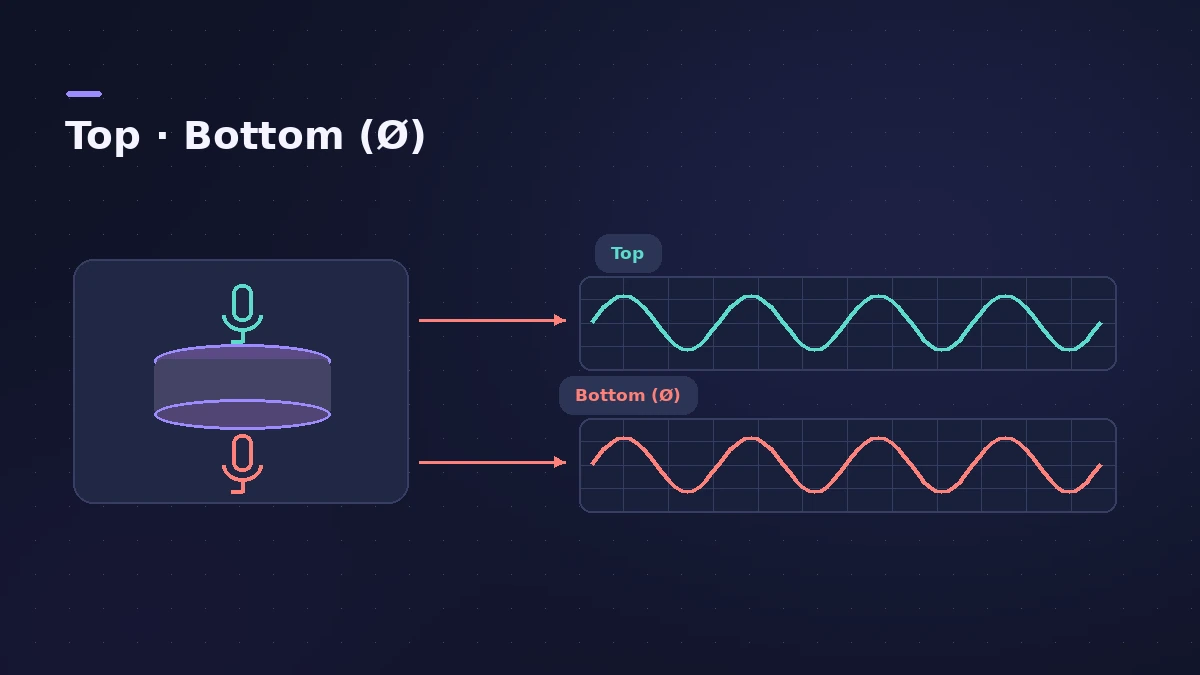
Turn on Phase Invert for the channel that's out of phase — for example a snare-bottom mic against the top mic — and listen to both together.
-
4
Check mono or swap sides
Turn on Mono to hear the summed signal on both sides, or Swap L/R to flip the stereo image.
Common mistakes
- Inverting phase and listening to that mic soloed — it sounds the same alone; the change is only audible with the other mics.
- Looking for Balance or Swap on a mono track — they're only on stereo instances.
- Looking for a phase button on the channel strip — in Logic Pro it lives in the Gain plug-in.
Related utilities
To widen, narrow or pan a stereo track, use Direction Mixer. For multi-mic drum recording, see record drums.
Sources
- Apple — Logic Pro Effects 10.2: Gain plug-in (old)
- Apple — Logic Pro for iPad User Guide: Gain plug-in
- Apple — Logic Pro for iPad User Guide 1.0: Gain plug-in
- Apple — MainStage User Guide: Gain plug-in
- Apple — Final Cut Pro Logic Effects: Gain controls
- Apple — Logic Pro for iPad User Guide 3.3: Utility plug-ins (Gain, Tuner in Metering)
- Apple — Logic Express 7 User Manual: Gain plug-in (snare top and bottom mics) (old)
- Brian Li — How to invert polarity in Logic Pro X
Checked November 2026. Logic ProFiles is independent of Apple; menu names can differ slightly between Logic Pro versions.
Frequently asked questions
How do I invert polarity in Logic Pro?
+
Insert the Gain plug-in (Utility > Gain) and turn on Phase Invert for the left, right or mono channel.
Why does phase invert make no difference?
+
Heard alone, an inverted signal sounds identical to the original. The effect is only audible when it plays together with other signals.
How do I check my mix in mono?
+
Put Gain on the Stereo Out and turn on Mono to hear the summed signal on both channels.
Related
- Decibels to gain ratio calculatorConvert decibels to an amplitude multiplier and back: what −6 dB or +3 dB does to level and power, with a quick table for fader and Gain plug-in moves.
- How to check your mix in mono in Logic ProCheck a Logic Pro mix in mono: put Gain on the Stereo Out and turn on Mono, watch MultiMeter's Correlation meter, and fix weak parts with polarity or width.
- Gain staging in Logic ProGain stage a Logic Pro mix: turn on pre-fader metering, set region gain and plug-in levels before the fader, keep peaks clear of clipping, leave headroom.
- Region gain and normalize in Logic ProChange audio region gain in Logic Pro with the Gain tool or Region inspector (−30 to +30 dB), and normalize regions to a Peak or Loudness target.
- Sample Delay in Logic ProUse Sample Delay in Logic Pro to delay left or right by samples or milliseconds: align multi-mic recordings, fix stereo timing and create a Haas-style width.
- Test Oscillator in Logic ProGenerate a test tone or sine sweep with Logic Pro's Test Oscillator: insert it as an effect or instrument, set the frequency, sweep, and bypass to stop it.
- Direction Mixer in Logic ProUse Direction Mixer in Logic Pro to widen or narrow a stereo track, pan a stereo signal properly instead of balancing it, split by frequency and decode M/S.
- How to record drums in Logic ProRecord a drum kit in Logic Pro: start with overheads, add kick and snare mics, give each mic its own input and track, then group them in a Track Stack.
- Logic Pro signal flow explainedHow audio flows through a Logic Pro channel strip: insert effects in series, sends over buses to aux channels, pre-fader, post-fader and post-pan sends.
- How to mix a song in Logic Pro, step by stepA step-by-step mixing workflow for Logic Pro with stock plug-ins: organise tracks, balance levels, EQ, compress, add space with sends, automate, check loudness.
- Plug-ins in Logic ProGuides to Logic Pro's stock plug-ins: Compressor, EQs, limiters, Pitch Correction, Amp Designer, Pedalboard, ChromaGlow, ChromaVerb, Space Designer and delays.