Plug-ins
Test Oscillator in Logic Pro
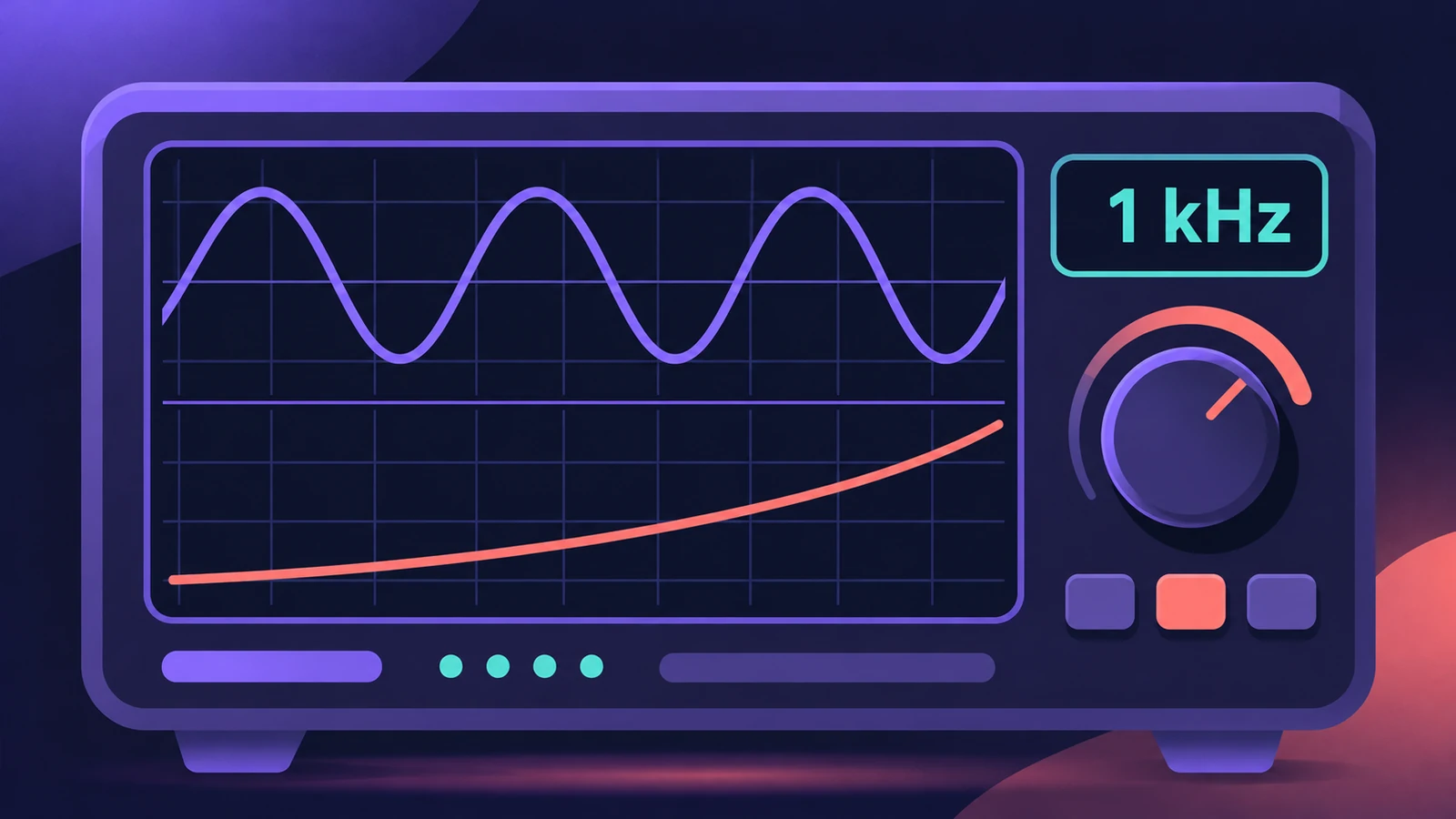
Test Oscillator generates a steady test tone or a sine sweep. It's for checking and tuning studio equipment and instruments, and you can insert it as an effect or as an instrument.
 Owen Hartley
Where to find it
Audio Effect or Instrument slot > Utility > Test Oscillator
Test Oscillator modes
| Mode | What happens |
|---|---|
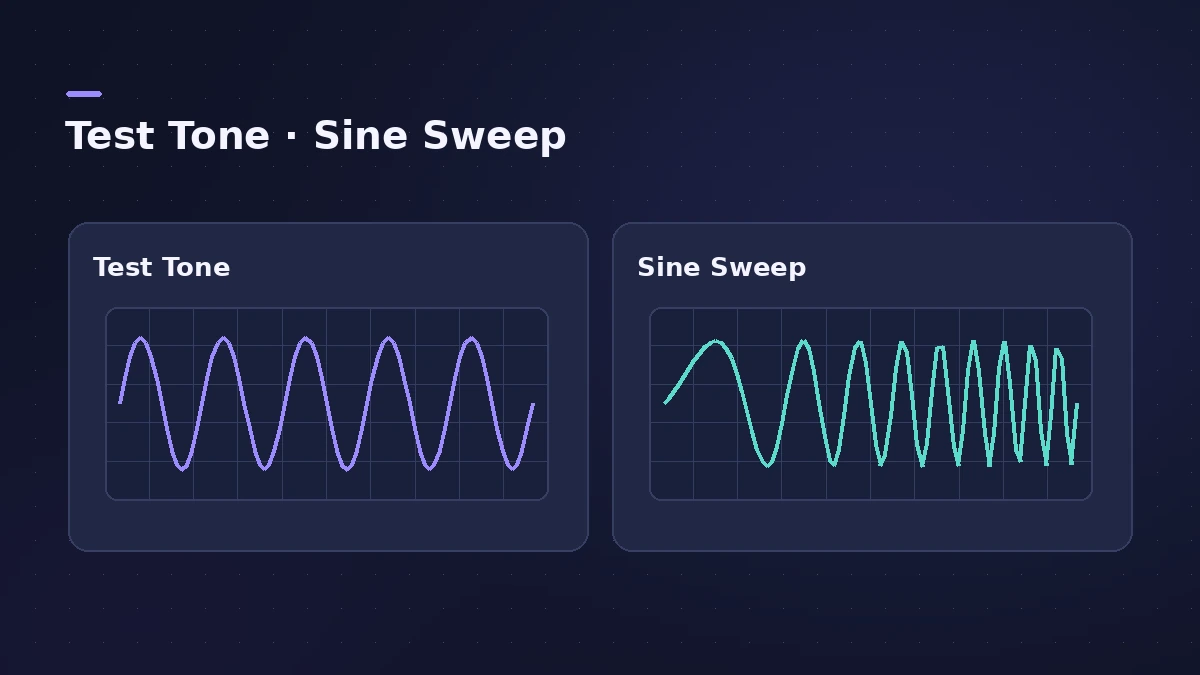
| Test Tone | A steady tone at the set Frequency (1 kHz by default) starts immediately |
| Sine Sweep | A sweep across the range you set, triggered with Sweep Trigger |
| Repeat: Single / Continuous | Sweep once, or keep sweeping |
Step by step
-
1
Lower the volume first
A test tone starts as soon as the plug-in is inserted, so turn your monitors down.
-
2
Insert Test Oscillator
Choose Utility > Test Oscillator in an Audio Effect slot, or in the Instrument slot of a software instrument track.
-
3
Set the frequency
In Test Tone mode, set Frequency; the default is 1 kHz.
-
4
Or run a sweep
Switch to Sine Sweep and press Sweep Trigger. Choose Single or Continuous to sweep once or keep sweeping.
-
5
Stop the tone
Bypass the plug-in, or switch to Sine Sweep mode, to stop the test tone.
Common mistakes
- Inserting it at full monitor volume — the tone starts immediately.
- Using it in a live mix without bypassing it first.
Related tools
Use MultiMeter to read the result, and the note frequency calculator to find the frequency of any note.
Sources
- Apple — Logic Pro for iPad User Guide 3.0: Test Oscillator
- Apple — Logic Pro for iPad User Guide 3.0: Test Oscillator instrument
Checked November 2026. Logic ProFiles is independent of Apple; menu names can differ slightly between Logic Pro versions.
Frequently asked questions
How do I make a 1 kHz test tone in Logic Pro?
+
Insert Utility > Test Oscillator. In Test Tone mode it starts at once, and the default frequency is 1 kHz.
Can Test Oscillator sweep frequencies?
+
Yes. In Sine Sweep mode it plays a sweep over the range you set when you press Sweep Trigger, once or continuously.
Related
- MultiMeter in Logic ProCheck a mix with Logic Pro's MultiMeter: spectrum Analyzer, Goniometer for stereo, Correlation meter for mono compatibility, Level and AES 128 Loudness meters.
- Note to frequency calculatorFind the frequency of any note with your own A4 reference, its MIDI note number, and the nearest note and cents for any frequency — for EQ and tuning.
- Tuner in Logic ProTune a guitar, bass or any instrument in Logic Pro with the control-bar Tuner or the Tuner plug-in: read cents, change the A=440 reference, mute while tuning.
- Gain plug-in in Logic ProUse Logic Pro's Gain plug-in to change level by dB, invert phase (polarity) on a snare-bottom mic, sum stereo to mono, swap left and right and adjust balance.
- Plug-ins in Logic ProGuides to Logic Pro's stock plug-ins: Compressor, EQs, limiters, Pitch Correction, Amp Designer, Pedalboard, ChromaGlow, ChromaVerb, Space Designer and delays.