Plug-ins
Tuner in Logic Pro
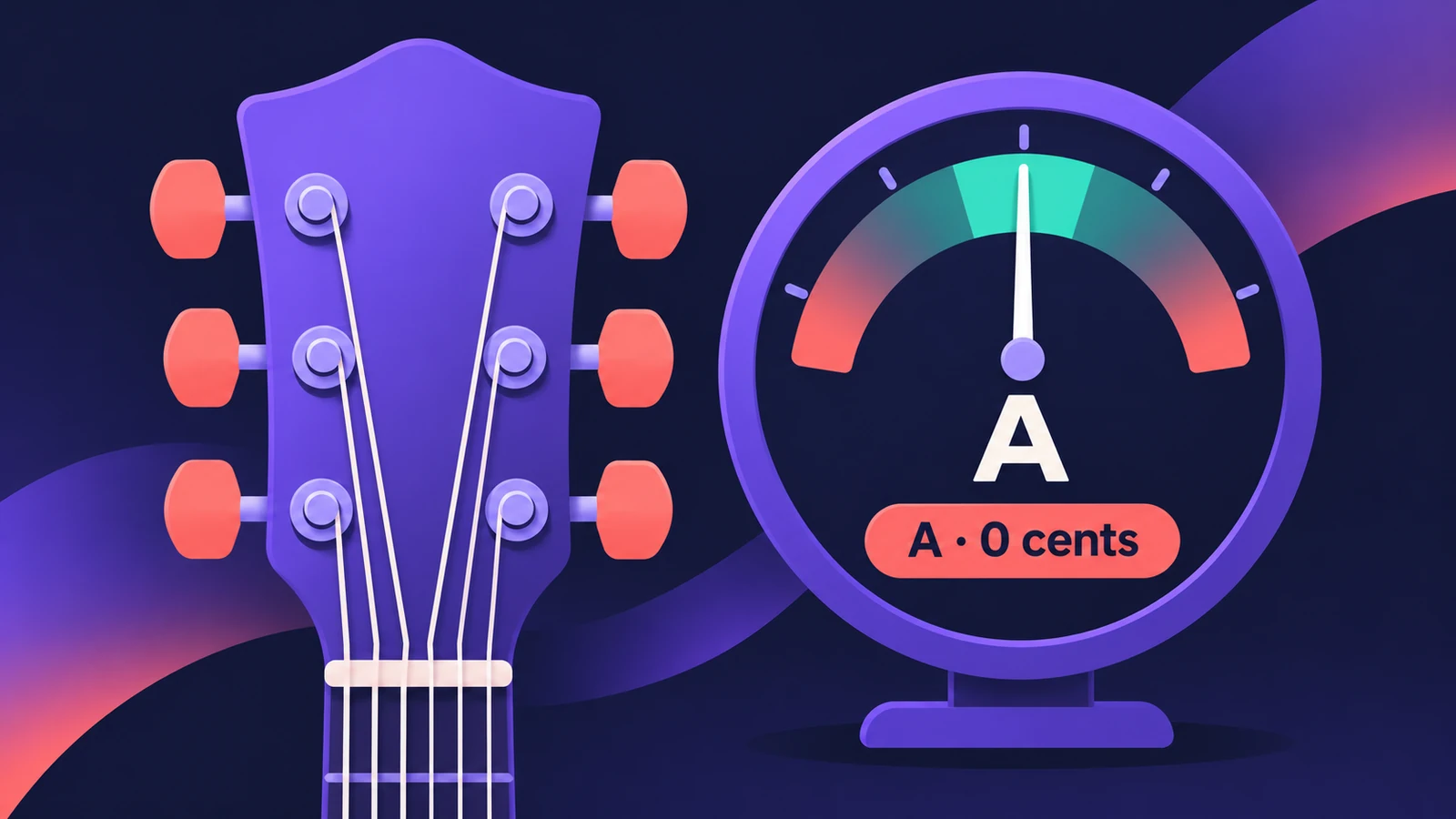
Logic Pro has a tuner built in, both as a button in the control bar and as a plug-in you insert on an audio track. Tuning before you record keeps your guitar, bass or other instrument in tune with software instruments and loops in the project.
 Owen Hartley
Where to find it
Control bar > Tuner, or Audio Effect slot > Metering > Tuner
Tuner controls
| Control | What it does |
|---|---|
| Reference Tuning | Pitch of A used as the basis; 440 Hz by default, 410–470 Hz |
| Keynote display | The nearest tuned note |
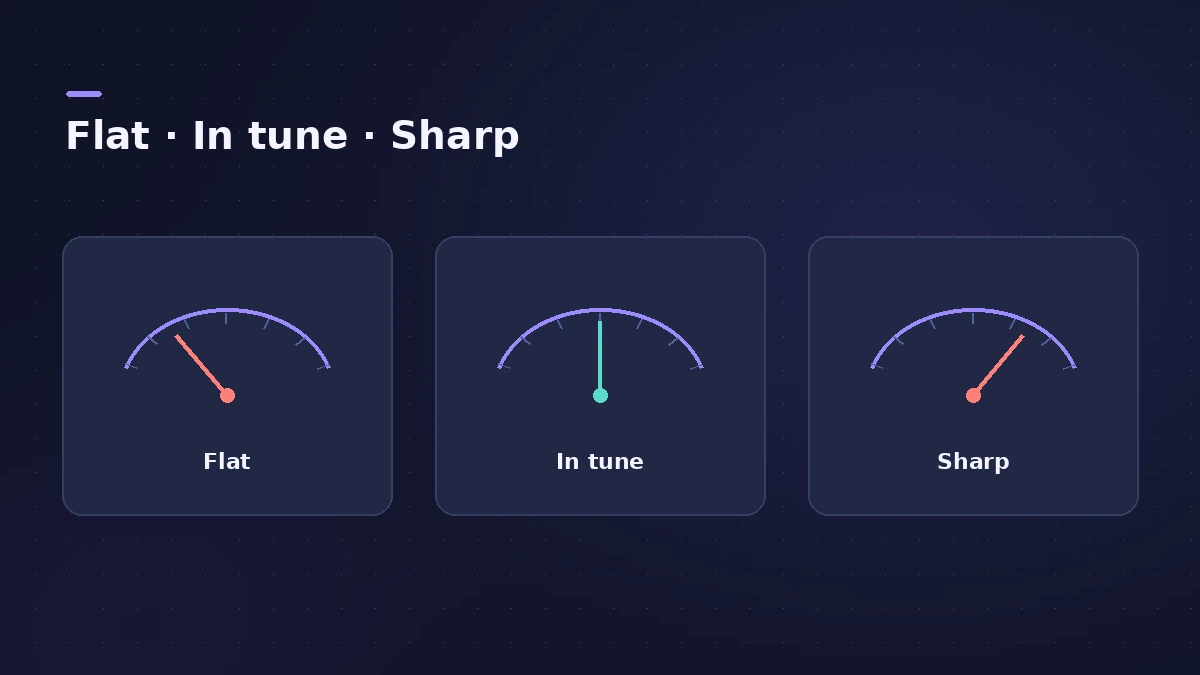
| Graphic Tuning display | Left of centre is flat, right is sharp |
| Tune Deviation | How far off the note is, in cents |
| Mute | Silences the channel while you tune |
Control-bar Tuner or plug-in?
The control-bar Tuner is quickest for a quick check. The plug-in stays on the channel strip, which is handy in a template for a guitar or bass track.
Step by step
-
1
Select the audio track
Select the track your instrument is plugged into — see audio interface setup.
-
2
Open the Tuner
Click the Tuner button in the control bar, or insert the Tuner plug-in on the track.
-
3
Play one note
Play a single open string and watch the display. Orange segments and a cents value show how far the note is from the nearest pitch.
-
4
Tune to the centre
Adjust the string until the indicator is centred, the deviation reads 0 cents and the display turns green.
Common mistakes
- Playing a chord — the Tuner needs a single note.
- Tuning to 440 Hz when the project uses a different reference; match the Reference Tuning.
- Forgetting to switch on Mute, so the audience or the recording hears you tune.
Then record
Once in tune, follow record electric guitar or record bass. Need the frequency of a note? Use the note frequency calculator.
Sources
- Apple — Logic Pro Effects 10.2: Use the Tuner utility and plug-in (old)
- Apple — Logic Pro for iPad User Guide: Use the Tuner on an audio track
- Apple — Logic Pro for iPad User Guide: Use Tuner utility and plug-in
- Apple — Logic Pro for iPad User Guide 3.3: Utility plug-ins (Gain, Tuner in Metering)
Checked November 2026. Logic ProFiles is independent of Apple; menu names can differ slightly between Logic Pro versions.
Frequently asked questions
Where is the tuner in Logic Pro?
+
Click the Tuner icon in the control bar, or insert the Tuner plug-in in an audio channel strip.
Can I change the Logic Pro tuner from A=440?
+
Yes. The Reference Tuning field defaults to A at 440 Hz and can be set from 410 to 470 Hz in 0.1 Hz steps.
Does Logic Pro for iPad have a tuner?
+
Yes. Select an audio track and tap the Tuner button in the control bar (add it via Customize Control Bar if it isn't shown).
Related
- Tuning settings in Logic ProChange Logic Pro's tuning: detune software instruments from A440 in cents, use User scales, or Hermode Tuning modes for purer thirds and fifths.
- Using the MainStage TunerTune guitar, bass or any instrument in MainStage: open the Tuner with Command-T, use the first audio channel strip, mute other amps and add the Tuner plug-in.
- Test Oscillator in Logic ProGenerate a test tone or sine sweep with Logic Pro's Test Oscillator: insert it as an effect or instrument, set the frequency, sweep, and bypass to stop it.
- How to record electric guitar in Logic ProRecord electric guitar into Logic Pro: use the Hi-Z input, tune with the Tuner, pick an Amp Designer and Pedalboard tone and keep latency low.
- How to record bass guitar in Logic ProRecord bass guitar in Logic Pro through the instrument input, then shape it with Bass Amp Designer's amp and Direct Box, alone or blended together.
- Note to frequency calculatorFind the frequency of any note with your own A4 reference, its MIDI note number, and the nearest note and cents for any frequency — for EQ and tuning.
- Amp Designer in Logic ProBuild guitar tones with Amp Designer in Logic Pro: pick a model, mix amps, cabinets and seven mics, set EQ and the built-in reverb, tremolo and vibrato.
- Plug-ins in Logic ProGuides to Logic Pro's stock plug-ins: Compressor, EQs, limiters, Pitch Correction, Amp Designer, Pedalboard, ChromaGlow, ChromaVerb, Space Designer and delays.