Reference
Tuning settings in Logic Pro
Logic Pro has a real-time tuning system for its software instruments. In the Tuning project settings you can move the reference away from A440, choose an alternative scale, or turn on Hermode Tuning, which adjusts chords as you play.
 Owen Hartley
Tuning options
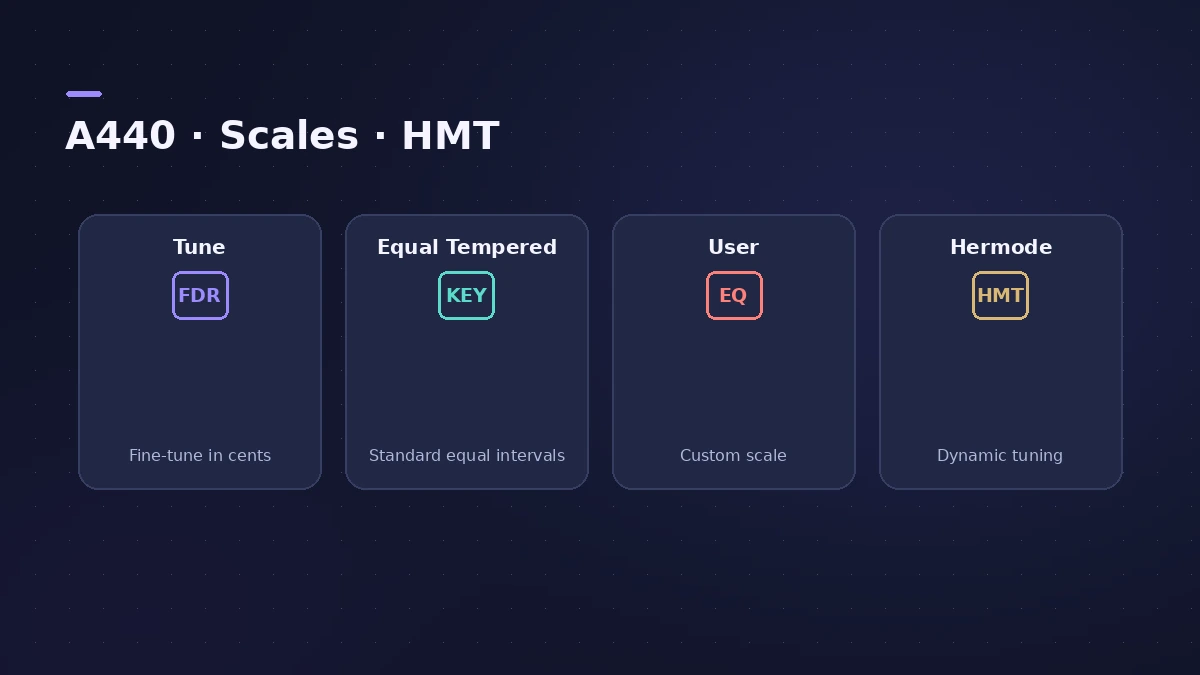
| Setting | What it does |
|---|---|
| Tune | Global tuning of all software instruments in cents; 0 = A 440 Hz |
| Equal Tempered | Standard tuning, no alternative scale |
| User | Detune each semitone individually |
| Hermode Tuning (HMT) | Adjusts 3rds and 5ths (and 7ths in some modes) as you play |
| Depth | Amount of Hermode purity, 0–100% |
Older Apple documentation describes three Hermode modes: Classic (3/5-all), Pop/Jazz (3/5/7-all), recommended at 90–100% Depth, and Baroque (3/5-adaptive). These settings apply to software instruments; recorded audio is tuned with tools like Pitch Correction.
Sources
- Apple — Logic Pro 9 Help: Tuning settings (old)
- Apple — Logic Pro for iPad Guide: Tuning project settings
- Apple — Logic Pro for iPad Guide: Hermode types
Checked November 2026. Logic ProFiles is independent of Apple; menu names can differ slightly between Logic Pro versions.
Frequently asked questions
How do I tune Logic Pro to 432 Hz or 442 Hz?
+
Use the Tune setting in File > Project Settings > Tuning; detuning is in cents (1/100 of a semitone) from A440.
Which Hermode mode should I use for pop or jazz?
+
Older Apple documentation suggests Pop/Jazz (3/5/7-all), which also adjusts sevenths, at 90% or 100% Depth.
Related
- Pitch Correction plug-in in Logic ProAuto-tune vocals with Logic Pro's Pitch Correction plug-in: set Root and Scale, adjust Response for natural or hard tuning, bypass notes and use Global Tuning.
- Tuner in Logic ProTune a guitar, bass or any instrument in Logic Pro with the control-bar Tuner or the Tuner plug-in: read cents, change the A=440 reference, mute while tuning.
- Logic Pro settings vs project settingsLogic Pro has two settings windows: Logic Pro > Settings for every project, and File > Project Settings saved with each one. What lives where, how to reset.
- Logic Pro referenceLogic Pro reference: a plain-English glossary, supported audio and MIDI file formats, where plug-ins are installed, and how to make custom key commands.