Recording
How to record electric guitar in Logic Pro
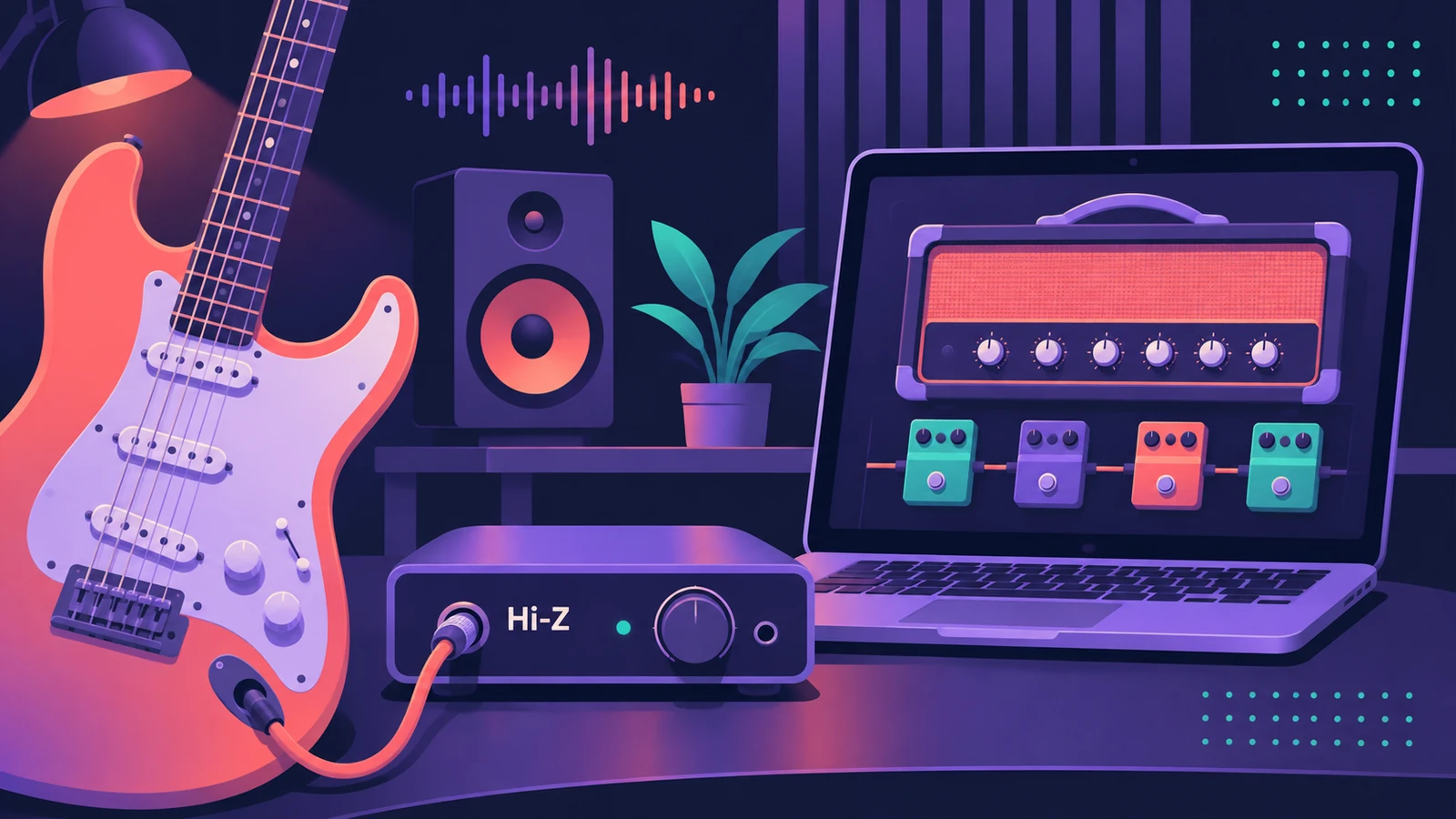
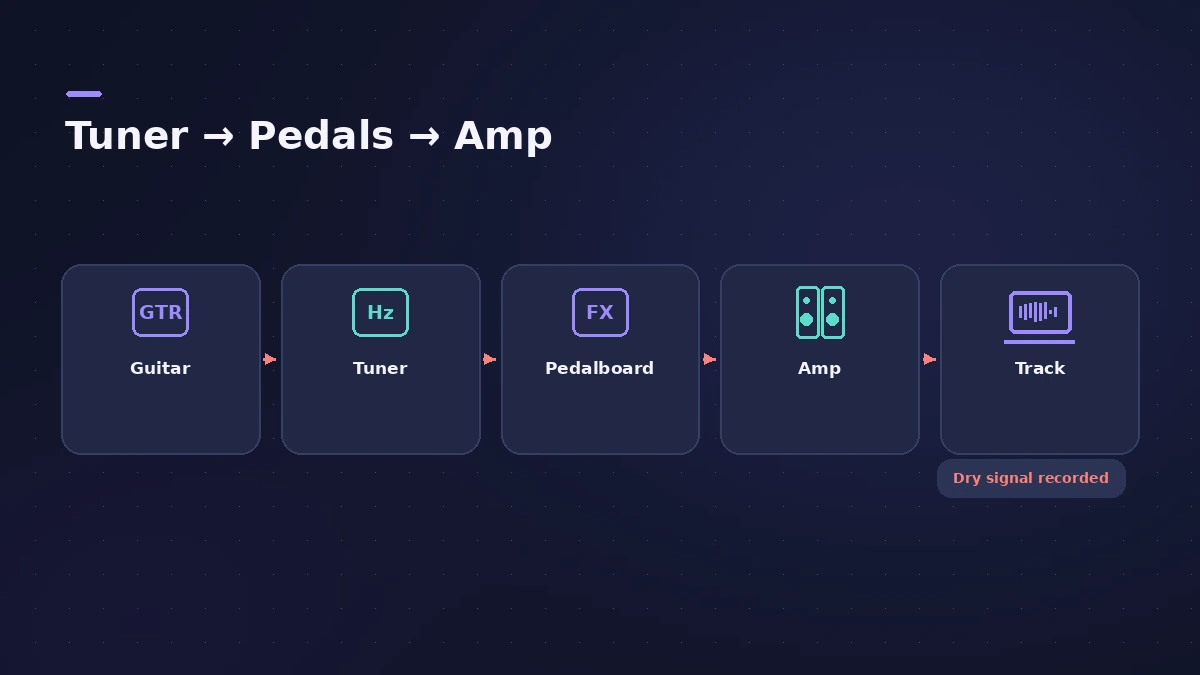
You can record electric guitar straight into your interface and shape the tone inside Logic Pro with Amp Designer and Pedalboard. Logic Pro records the clean, unprocessed guitar, so you can change the amp sound after recording. Plug into the instrument input, tune up, pick a guitar patch and keep the buffer small so the amp sound feels immediate.
 Owen Hartley
Where to find it
New Tracks > Audio (guitar or bass)
Starting tone settings
MusicRadar's walkthrough starts a strummed part with a noise gate around -20 dB, a low cut under about 100 Hz and gentle compression before Amp Designer and Pedalboard. Treat numbers like these as a starting point and trust your ears; you can always change them because the take is recorded clean.
Apple's amp guide notes that the cabinet has a big effect on the sound and that unusual amp and cabinet pairings can give fresh tones.
Step by step
-
1
Plug into the instrument input
Connect the guitar to your interface's instrument (Hi-Z) input and turn up the gain until loud strums stay out of the red.
-
2
Create a guitar track
Add an audio track for guitar or bass on that input. Logic Pro loads a guitar patch with Amp Designer and effects ready to play.
-
3
Tune the guitar
Click the Tuner button in the control bar (or insert the Tuner plug-in), play one string at a time and watch the display.
-
4
Choose a tone
Open Amp Designer to pick an amp, cabinet and mic position, and add stompboxes in Pedalboard. Presets get you close; adjust from there.
-
5
Keep latency low and record
Use a small I/O buffer while tracking so the amp sound follows your picking. Arm the track and press R.
Common mistakes
- Plugging into a line or mic input, which makes the guitar thin and quiet.
- Tracking with a large buffer — the delay between pick and sound throws off timing.
- Committing to a tone too early; the raw guitar is recorded, so you can change amps later.
Re-amp later
Because the clean signal is what's recorded, you can try different amps and pedals after the take. For bass, see record bass guitar; for unplugged guitars, see record acoustic guitar.
Sources
- Apple — Logic Pro X 10.1 Help: Record audio (old)
- Apple — Logic Pro 9 manual: Enabling software monitoring for recording (old)
- Apple — Logic Pro Effects 10.2: Tuner (old)
- Apple — Logic Pro for iPad User Guide: Amps and pedals
- Apple — Logic Pro for iPad User Guide: Build a custom Amp Designer combo
- MusicRadar — How to get a great guitar tone in Logic
- Apple Support — Manage input monitoring latency in Logic Pro for Mac
Checked November 2026. Logic ProFiles is independent of Apple; menu names can differ slightly between Logic Pro versions.
Frequently asked questions
Do I need an amp to record guitar in Logic Pro?
+
No. Plug into an interface's instrument input and use Amp Designer and Pedalboard inside Logic Pro.
Where is the tuner in Logic Pro?
+
Click the Tuner button in the control bar, or insert the Tuner plug-in on the guitar's channel strip.
Why is there a delay when I play through Amp Designer?
+
That's monitoring latency. Lower the I/O buffer size or see our latency guide.
Related
- Record and produce a rock band in Logic ProProduce a rock song in Logic Pro: sketch with a Rock Drummer, record DI guitars into Amp Designer, add bass and vocals, then mix with buses and compression.
- How to reamp guitar in Logic ProReamp a clean DI guitar through a real amp from Logic Pro: record DI, send it to a spare output and a reamp box, mic the amp and record it back on a new track.
- Amp Designer in Logic ProBuild guitar tones with Amp Designer in Logic Pro: pick a model, mix amps, cabinets and seven mics, set EQ and the built-in reverb, tremolo and vibrato.
- Pedalboard in Logic ProUse Pedalboard in Logic Pro: drag stompboxes from the Pedal Browser, set their order, split the signal into Bus A and Bus B with the Router and mix them back.
- Tuner in Logic ProTune a guitar, bass or any instrument in Logic Pro with the control-bar Tuner or the Tuner plug-in: read cents, change the A=440 reference, mute while tuning.
- Distortion and Bitcrusher in Logic ProAdd grit with Logic Pro's distortion plug-ins: Bitcrusher resolution, downsampling and clip modes, plus Overdrive, Distortion and Clip Distortion.
- Chorus, Flanger, Phaser and other modulation effects in Logic ProLogic Pro's modulation effects explained: Chorus, Ensemble, Flanger, Phaser, Microphaser, Tremolo, Ringshifter and more — what each does and when to use it.
- Tape Delay in Logic ProGet a vintage echo with Tape Delay in Logic Pro: sync to tempo, set feedback, choose Clean or Diffuse tape head, add flutter, LFO and tape saturation with Clip.
- How to record bass guitar in Logic ProRecord bass guitar in Logic Pro through the instrument input, then shape it with Bass Amp Designer's amp and Direct Box, alone or blended together.
- How to record acoustic guitar in Logic ProRecord acoustic guitar in Logic Pro with one or two mics: aim near the 12th fret about a foot away, use the 3:1 rule for two mics and set levels.
- Logic Pro latency — how to fix delay when recordingHearing a delay when you record in Logic Pro? Lower the I/O buffer, turn on Low Latency Monitoring Mode, use direct monitoring and avoid Bluetooth headphones.
- Recording in Logic ProHow to record in Logic Pro: vocals, electric and acoustic guitar, bass, drums and MIDI, plus cycle takes, punch-in, Flashback Capture and step input.