Plug-ins
Tape Delay in Logic Pro
Tape Delay simulates vintage tape echo machines. It can run free or sync to the project tempo, and its flutter, LFO and clip controls add the pitch wobble and saturation that make tape echoes sound warm rather than clinical.
 Owen Hartley
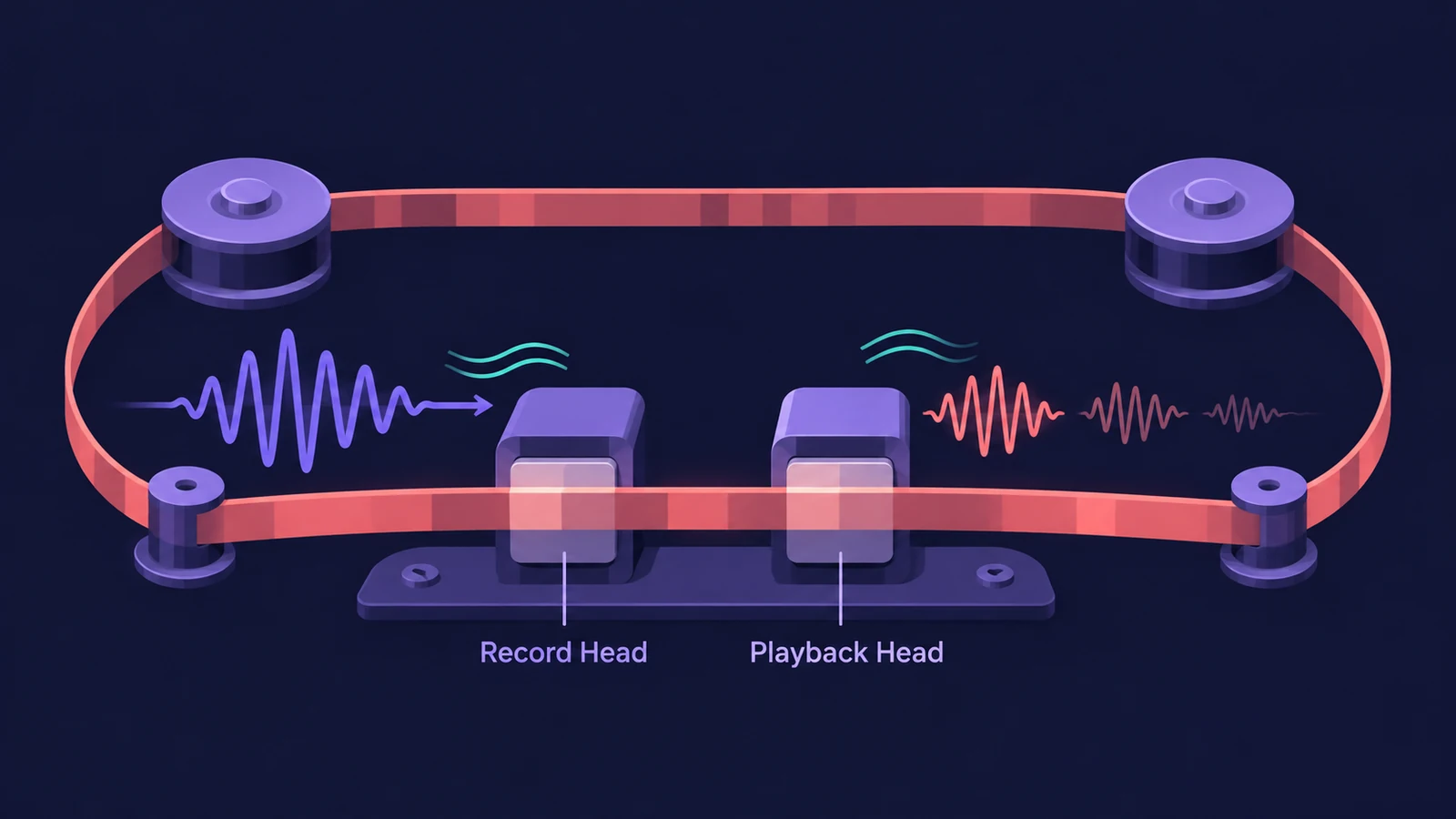
Where to find it
Audio Effect slot > Delay > Tape Delay
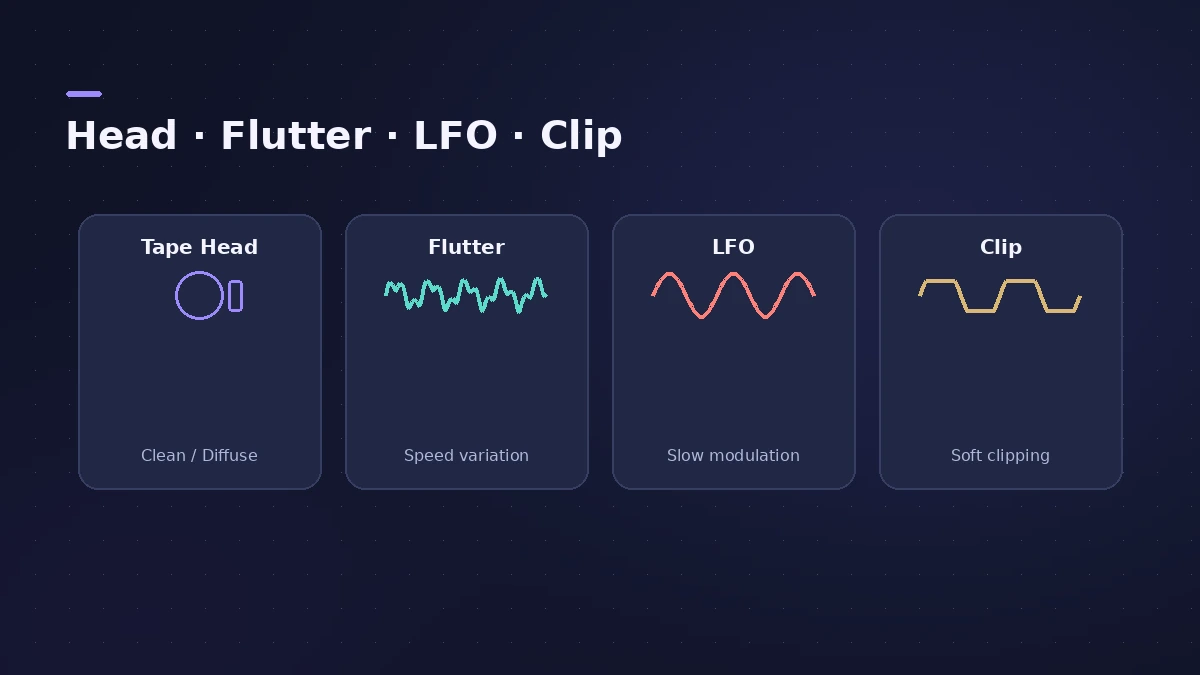
Tape Delay controls
| Control | What it does |
|---|---|
| Tempo Sync / Note | Locks the delay to the project tempo |
| Feedback | Delayed signal routed back to the input |
| Tape Head Mode | Clean or Diffuse tape head position |
| Flutter Rate / Intensity | Speed variation of the tape |
| LFO | Modulates delay time for chorus-like effects |
| Smoothing | Evens out the LFO and flutter |
| Clip Threshold | Level of the distorted tape saturation |
| Dry / Wet | Original and effect levels |
Step by step
-
1
Insert Tape Delay
Choose Delay > Tape Delay, on the track or on an aux.
-
2
Sync to tempo
Turn on Tempo Sync and pick a note value; Tape Delay follows tempo changes too.
-
3
Set feedback
Feedback routes the delayed, filtered signal back to the input for more repeats.
-
4
Choose the tape head
Clean or Diffuse emulate different tape head positions and change how flutter and feedback behave.
-
5
Add character
Raise Flutter Rate and Intensity for speed wobble, and lower Clip Threshold for more tape saturation.
Common mistakes
- Overdoing flutter so the repeats sound out of tune.
- Pushing feedback so far that echoes run away.
- Expecting a stereo ping-pong — Tape Delay is based on a single delay line.
Chorus from a delay
The LFO modulates the delay time, which can produce chorus-like effects even on long delays. For separate left and right echoes, use Stereo Delay.
Sources
- Apple — Logic Pro for iPad User Guide: Tape Delay
- Apple — Logic Pro for iPad User Guide: Tape Delay (tape head mode)
- Apple — Logic Pro for iPad User Guide: Tape Delay (sync and flutter)
- Apple — Logic Pro 9 Effects: Tape Delay (old)
- MusicTech — Logic's updated delay plug-ins
Checked November 2026. Logic ProFiles is independent of Apple; menu names can differ slightly between Logic Pro versions.
Frequently asked questions
Does Tape Delay sync to tempo?
+
Yes. Tempo Sync locks repeats to the project tempo, including tempo changes.
What do Wow and Flutter do?
+
They simulate the speed irregularities of tape transports in analog tape delays.
How do I make Tape Delay sound more distorted?
+
Lower the Clip Threshold to add more tape saturation.
Related
- Logic Pro delays comparedWhich Logic Pro delay to use: Stereo Delay for ping-pong, Tape Delay for warm echoes, Delay Designer for multitap rhythms, Sample Delay for alignment.
- How to make a lo-fi hip-hop beat in Logic ProMake a lo-fi hip-hop beat in Logic Pro: 70–90 BPM, jazzy seventh chords on Vintage Electric Piano, swung drums, then Bitcrusher and Tape Delay for texture.
- BPM to delay time calculatorTurn a tempo into delay times in milliseconds for whole to 1/64 notes, dotted and triplet, plus the rate in Hz — for Stereo Delay, Delay Designer and pre-delay.
- Stereo Delay in Logic ProUse Stereo Delay in Logic Pro: set delay, feedback and mix for each side, sync to tempo with note values, use crossfeed for ping-pong and filter the repeats.
- Delay Designer in Logic ProBuild rhythmic echoes with Delay Designer in Logic Pro: create up to 26 taps by tapping or adding them, set level, pan, pitch and filter per tap, and sync.
- How to record electric guitar in Logic ProRecord electric guitar into Logic Pro: use the Hi-Z input, tune with the Tuner, pick an Amp Designer and Pedalboard tone and keep latency low.
- How to mix vocals in Logic ProMix vocals in Logic Pro with stock plug-ins: tune with Flex Pitch, clean up with Channel EQ, control level with Compressor, add reverb on a send and automate.