Plug-ins
Delay Designer in Logic Pro
Delay Designer is a multitap delay. Where a normal delay has one or two taps, it gives you up to 26 — each with its own level, pan, pitch and filter — so you can program echo rhythms, melodic repeats and evolving patterns.
 Owen Hartley

Where to find it
Audio Effect slot > Delay > Delay Designer
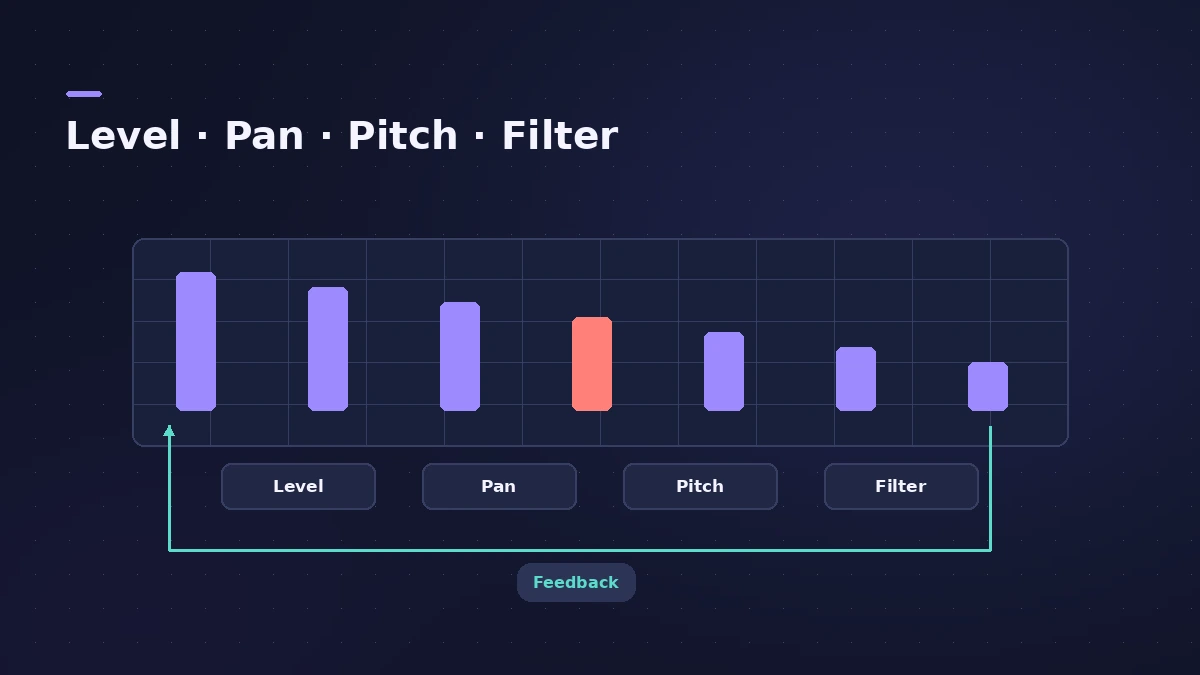
Per-tap parameters
| Parameter | What it does |
|---|---|
| Level | Volume of the tap (taps start at the same level) |
| Pan | Stereo position |
| Pitch | Transposition in semitones |
| Filter | Low-pass and high-pass cutoff with resonance |
Taps are named by letter in the order you create them, and keep their letter even if you move them. For changing settings over time, see automation.
Step by step
-
1
Insert Delay Designer
Choose Delay > Delay Designer on a track or aux.
-
2
Turn on Sync
Use the sync section to lock taps to the tempo, with a grid resolution and optional swing.
-
3
Create taps
Tap the rhythm with the tap pads to record taps in real time, or add them one by one.
-
4
Shape each tap
Set level, pan, pitch transposition and high- or low-pass filtering per tap in the main display.
-
5
Use feedback if needed
The global Feedback sends one chosen tap back to the input to keep the pattern going.
Common mistakes
- Recording taps without sync on, then struggling to line them up.
- Using feedback when a few more taps would give more control.
- Leaving every tap full-range so the pattern clouds the mix.
Delay Designer vs simple delays
Because each repeat can be its own tap, you rarely need feedback at all. For a quick single echo, use Stereo Delay or Tape Delay.
Sources
- Apple — Logic Pro for iPad User Guide: Delay Designer
- Apple — Logic Pro for iPad User Guide: Delay Designer (taps)
- Apple — Logic Pro for iPad User Guide: Create Delay Designer taps
- Apple — Logic Pro for iPad User Guide: Delay Designer feedback
- Apple — Logic Pro X 10.2 Effects Help: Delay Designer (old)
- MusicRadar — Logic Pro Delay Designer guide
Checked November 2026. Logic ProFiles is independent of Apple; menu names can differ slightly between Logic Pro versions.
Frequently asked questions
How many taps does Delay Designer have?
+
Up to 26.
How do I record taps in Delay Designer?
+
Tap the tap pad (or Tap Record button on iPad) in rhythm; recording stops when you mark the last tap, after 10 seconds, or at the 26th tap.
Can each echo have a different pitch?
+
Yes. Each tap has its own pitch transposition in semitones.
Related
- Logic Pro delays comparedWhich Logic Pro delay to use: Stereo Delay for ping-pong, Tape Delay for warm echoes, Delay Designer for multitap rhythms, Sample Delay for alignment.
- BPM to delay time calculatorTurn a tempo into delay times in milliseconds for whole to 1/64 notes, dotted and triplet, plus the rate in Hz — for Stereo Delay, Delay Designer and pre-delay.
- Stereo Delay in Logic ProUse Stereo Delay in Logic Pro: set delay, feedback and mix for each side, sync to tempo with note values, use crossfeed for ping-pong and filter the repeats.
- Tape Delay in Logic ProGet a vintage echo with Tape Delay in Logic Pro: sync to tempo, set feedback, choose Clean or Diffuse tape head, add flutter, LFO and tape saturation with Clip.
- Space Designer in Logic ProUse Space Designer, Logic Pro's convolution reverb: load a sampled IR or synthesize one, set length, predelay and spread, and load your own impulse responses.
- Automation in Logic Pro — Read, Touch, Latch and WriteAutomate volume, pan, sends and plug-ins in Logic Pro: what Read, Touch, Latch, Write and Trim do, how to record automation with the fader and how to draw it.