Plug-ins
Stereo Delay in Logic Pro
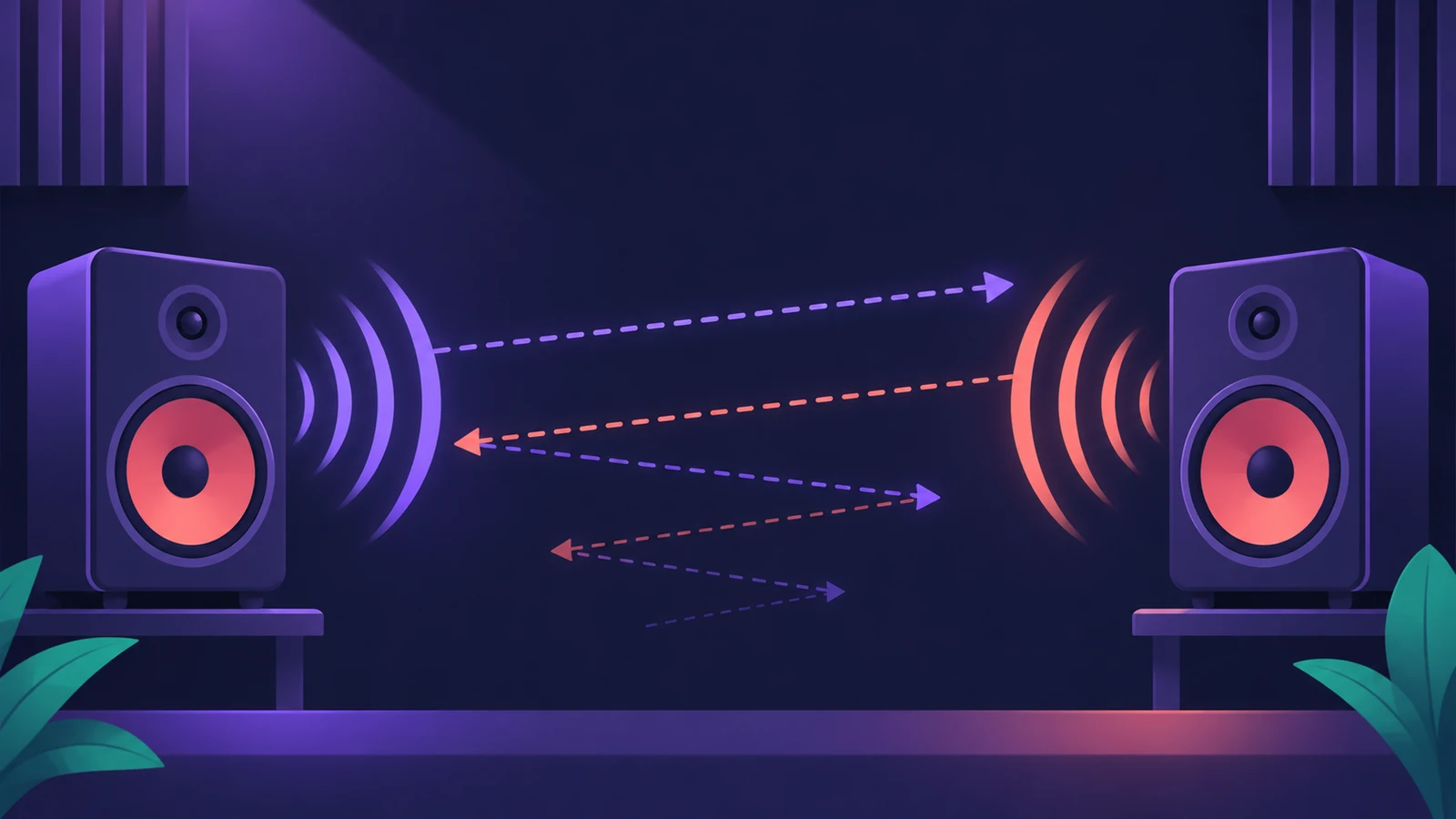
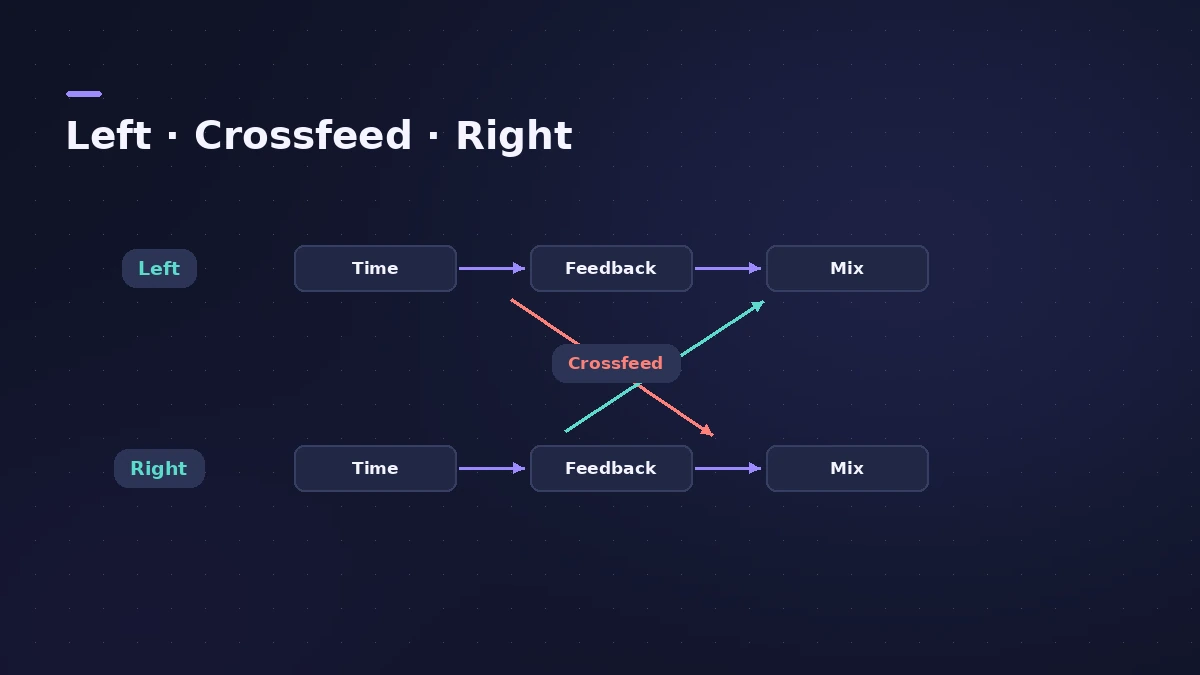
Stereo Delay gives the left and right channels their own delay, feedback and mix. It syncs to the project tempo with note values, and its crossfeed sends each side's repeats to the other — the quickest way to ping-pong echoes across the stereo field.
 Owen Hartley
Where to find it
Audio Effect slot > Delay > Stereo Delay
Per-side controls
| Control | What it does |
|---|---|
| Input | Off, Left, Right, L + R or L − R |
| Delay / Note | Delay time, or a note value with Beat Sync |
| Feedback | How much of the delayed signal returns |
| Crossfeed | Feedback sent to the opposite side |
| Mix | Level of that side's delay |
MusicTech points out that Stereo Delay has a separate delay tap for each side, while Tape Delay is built on a single delay line.
Step by step
-
1
Insert Stereo Delay
Choose Delay > Stereo Delay on a track or an aux. On a mono track, everything after it becomes stereo.
-
2
Turn on tempo sync
With Beat Sync on, set each side's time with the Note menu, including dotted values.
-
3
Set different times per side
For example, an eighth on the left and a dotted eighth on the right gives a wide, rhythmic echo.
-
4
Add feedback and crossfeed
Feedback sets how many repeats each side gets; Crossfeed sends repeats to the opposite side.
-
5
Filter and blend
Cut lows and highs on the repeats so they sit behind the source, then set the mix.
Common mistakes
- Leaving full-range repeats that clash with the dry vocal.
- Too much feedback, so echoes pile up between phrases.
- Forgetting the Input choice — L − R or a single side changes what gets delayed.
More delays
For a warmer, degraded echo, see Tape Delay; for complex rhythmic patterns, see Delay Designer.
Sources
- Apple — Logic Pro for iPad User Guide: Stereo Delay
- Apple — Logic Pro for iPad User Guide: Stereo Delay (crossfeed)
- MusicTech — Logic's updated delay plug-ins
- Apple — Logic Pro Effects user guide (PDF)
Checked November 2026. Logic ProFiles is independent of Apple; menu names can differ slightly between Logic Pro versions.
Frequently asked questions
How do I make a ping-pong delay in Logic Pro?
+
Use Stereo Delay and raise Crossfeed so each side's repeats are sent to the other side.
Can Stereo Delay sync to tempo?
+
Yes. With Beat Sync on, choose note values (including dotted notes) for each side.
What input options does Stereo Delay have?
+
Off, Left, Right, L + R and L − R for each side.
Related
- Logic Pro delays comparedWhich Logic Pro delay to use: Stereo Delay for ping-pong, Tape Delay for warm echoes, Delay Designer for multitap rhythms, Sample Delay for alignment.
- BPM to delay time calculatorTurn a tempo into delay times in milliseconds for whole to 1/64 notes, dotted and triplet, plus the rate in Hz — for Stereo Delay, Delay Designer and pre-delay.
- Tape Delay in Logic ProGet a vintage echo with Tape Delay in Logic Pro: sync to tempo, set feedback, choose Clean or Diffuse tape head, add flutter, LFO and tape saturation with Clip.
- Delay Designer in Logic ProBuild rhythmic echoes with Delay Designer in Logic Pro: create up to 26 taps by tapping or adding them, set level, pan, pitch and filter per tap, and sync.
- How to mix vocals in Logic ProMix vocals in Logic Pro with stock plug-ins: tune with Flex Pitch, clean up with Channel EQ, control level with Compressor, add reverb on a send and automate.
- Aux sends and buses in Logic ProSet up aux sends in Logic Pro: send several tracks to one reverb on a bus, choose pre fader, post fader or post pan, and use Sends on Faders for headphones.