Plug-ins
Space Designer in Logic Pro
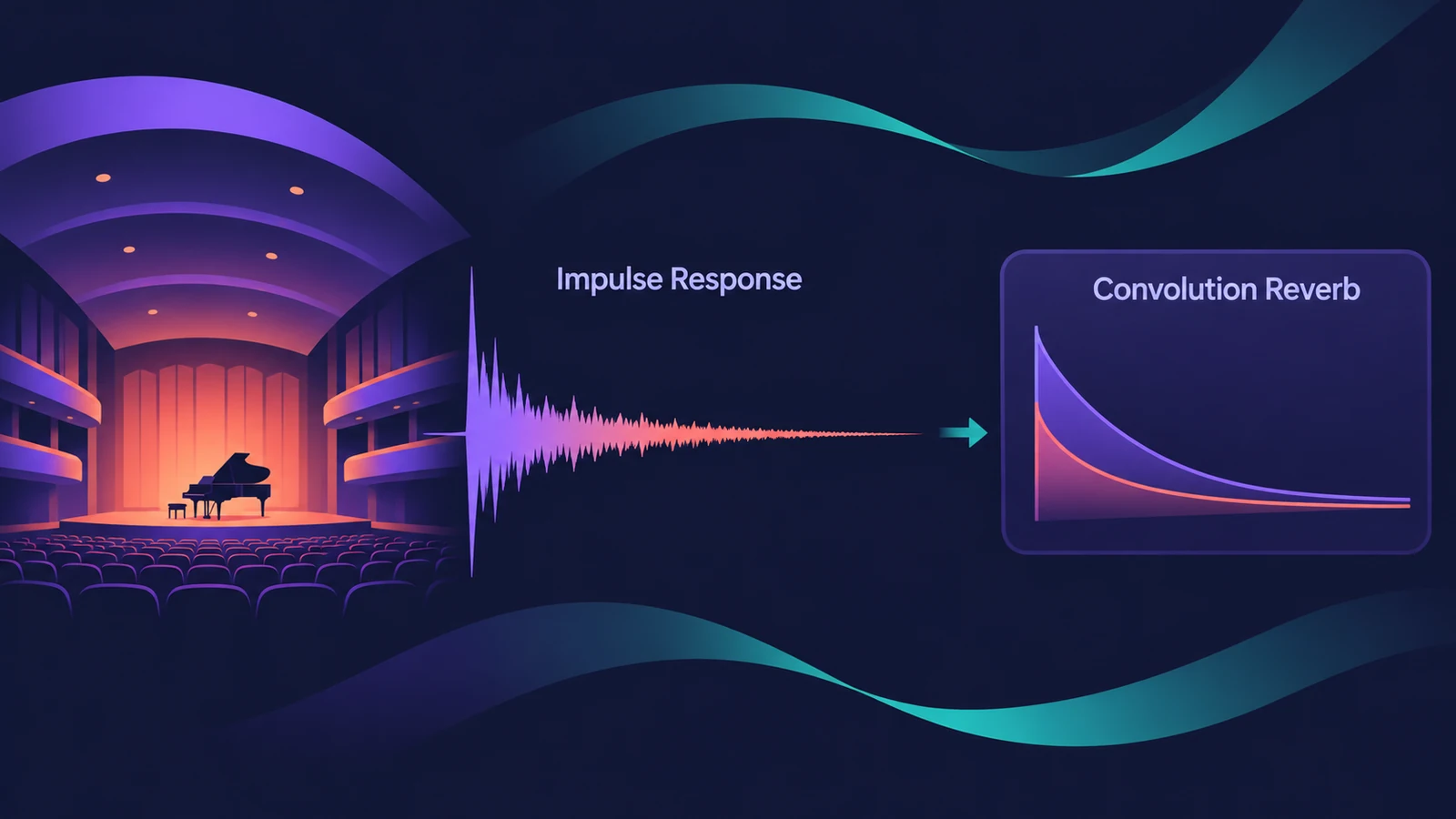
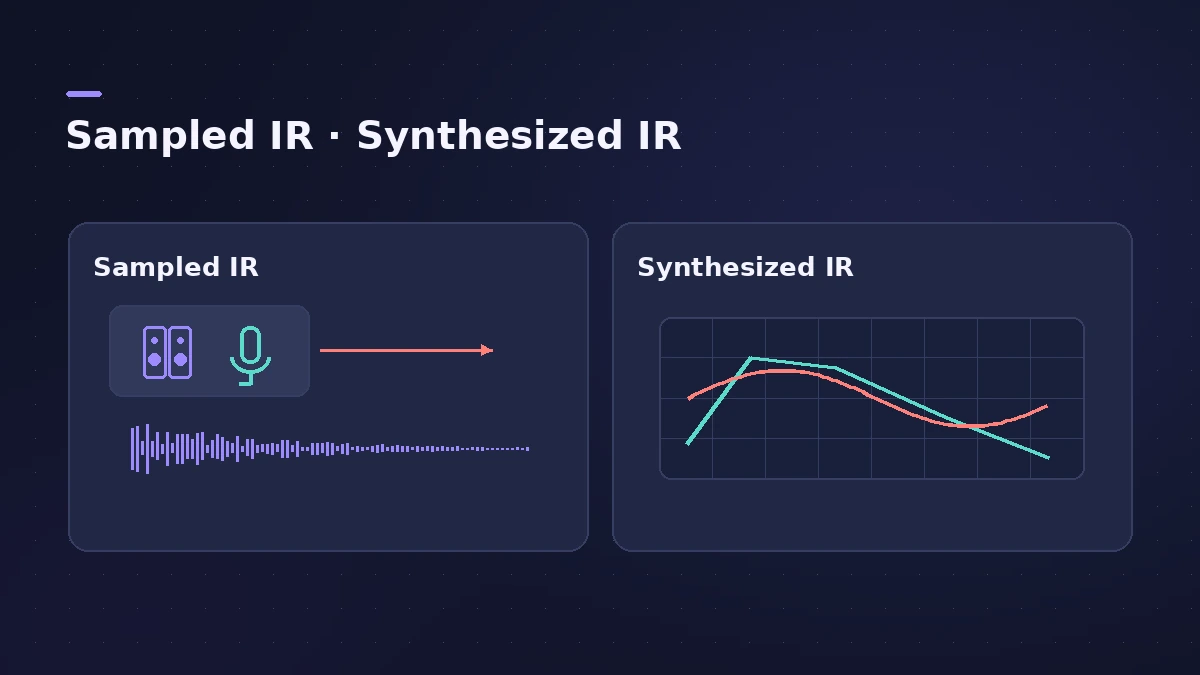
Space Designer is Logic Pro's convolution reverb. It places your sound in a real space by convolving it with an impulse response (IR) — a recording of how a room responds — or it can synthesize an impulse response from its own envelope, filter and spread settings.
 Owen Hartley
Where to find it
Audio Effect slot > Reverb > Space Designer
Key controls
| Control | What it does |
|---|---|
| Sampled IR / Synthesized IR | Use a recorded IR or generate one |
| Length (with Size) | Length of the impulse response |
| Predelay | Time before the reverb starts |
| Lo / Hi Spread | Stereo width below and above the crossover |
| Reverse | Plays the IR and envelopes backwards |
| Input Crossfeed | How a stereo input is processed |
| Quality | Lo-Fi, Medium or High sample rate for the IR |
Space Designer or ChromaVerb
In a Production Expert panel, one contributor used Space Designer for natural glue and ambience and ChromaVerb for sound design and effects. See which reverb to use for a side-by-side.
Step by step
-
1
Insert Space Designer on an aux
Choose Reverb > Space Designer in an Audio Effect slot, usually on an aux fed by sends.
-
2
Choose a preset
Pick a preset — each loads an impulse response of a real or designed space.
-
3
Set Length and Predelay
Shorten or lengthen the reverb with Length, and set Predelay to give the dry sound room before the reverb starts.
-
4
Adjust width
Use Lo and Hi Spread to widen the stereo field below or above the crossover frequency.
-
5
Try Synthesized IR
Click Synthesized IR to generate a new impulse response from the current length, envelope, filter, EQ and spread settings.
Common mistakes
- Making Length longer than the IR itself — with a sampled IR it can't exceed the sample.
- Using Space Designer on many tracks instead of one shared aux.
- Choosing High quality on every instance when lower settings would do.
Use your own IRs
Load IR loads an impulse response without changing the envelopes, Load IR & Init resets them, and the IR Utility lets you create your own IR files. For an algorithmic alternative, see ChromaVerb.
Sources
- Apple — Logic Pro User Guide: Space Designer impulse response parameters
- Apple — Logic Pro for iPad User Guide: Use impulse responses in Space Designer
- Apple — Logic Pro for iPad User Guide: Space Designer main parameters
- Apple — Logic Pro for iPad User Guide: Space Designer global parameters
- MusicRadar — Logic Pro Space Designer guide
- Production Expert — When to use Space Designer and when ChromaVerb
Checked November 2026. Logic ProFiles is independent of Apple; menu names can differ slightly between Logic Pro versions.
Frequently asked questions
What is convolution reverb?
+
Reverb made by combining your audio with an impulse response — a recording of how a space responds to a sound.
Can I load my own impulse responses into Space Designer?
+
Yes. Use Load IR or Load IR & Init, and create your own with the IR Utility.
What's the difference between Sampled IR and Synthesized IR?
+
Sampled IR uses a recorded impulse response; Synthesized IR generates one from the plug-in's length, envelope, filter, EQ and spread settings.
Related
- ChromaVerb in Logic ProSet up ChromaVerb in Logic Pro: choose one of 14 room types, shape decay with the Damping EQ, set size, density and predelay, use Freeze and the output EQ.
- Quantec Room Simulator in Logic ProThe Quantec Room Simulator in Logic Pro 11.1 and later: the QRS and YardStick models, Room Size, Reverb Time, Freeze, Enhance and the AD/DA converter emulation.
- Which Logic Pro reverb should you use?Compare Logic Pro's reverbs — ChromaVerb, Space Designer, Quantec Room Simulator, SilverVerb and EnVerb — and see which one fits vocals, drums, pads or low CPU.
- Aux sends and buses in Logic ProSet up aux sends in Logic Pro: send several tracks to one reverb on a bus, choose pre fader, post fader or post pan, and use Sends on Faders for headphones.