Plug-ins
Pedalboard in Logic Pro
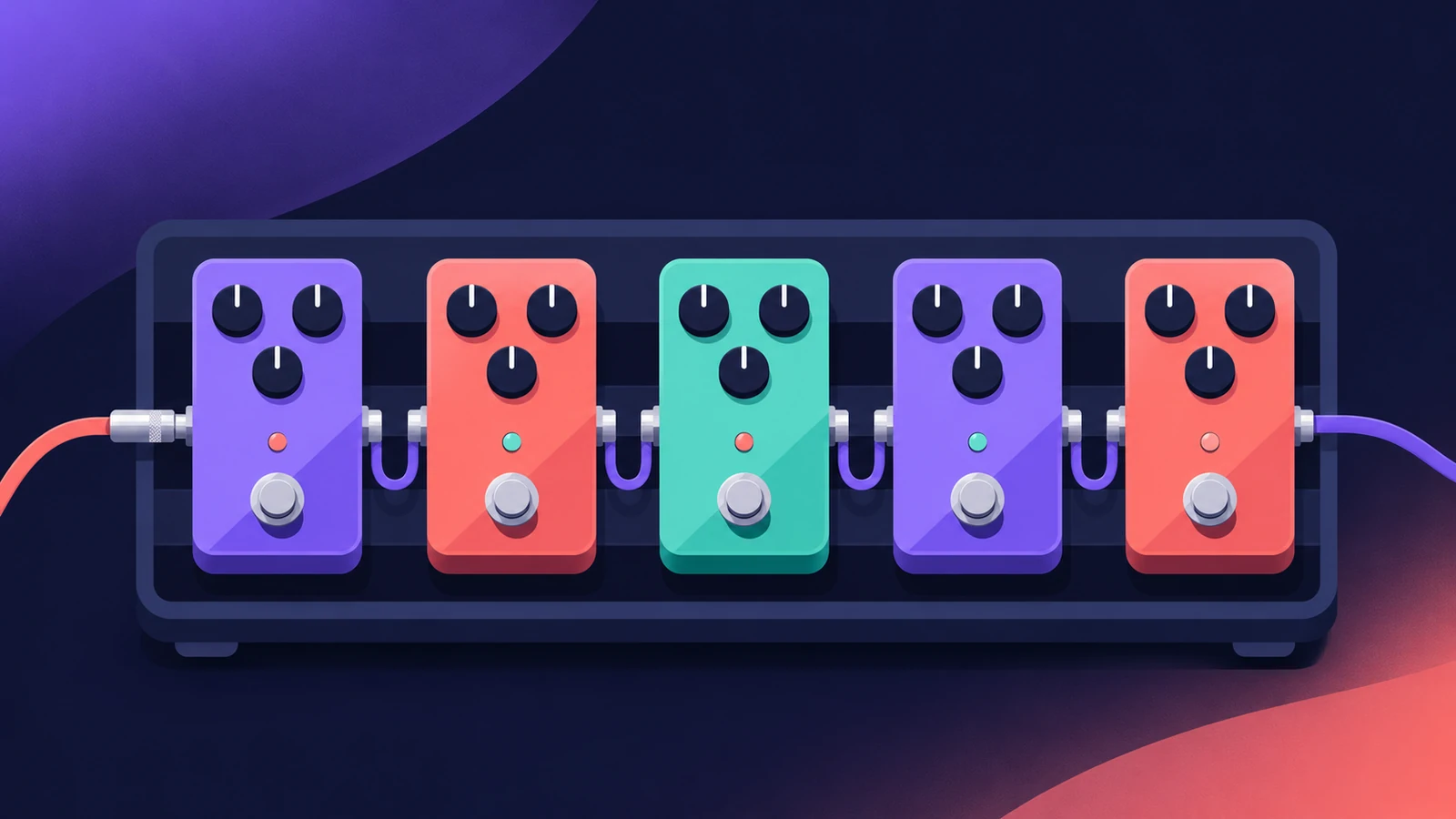
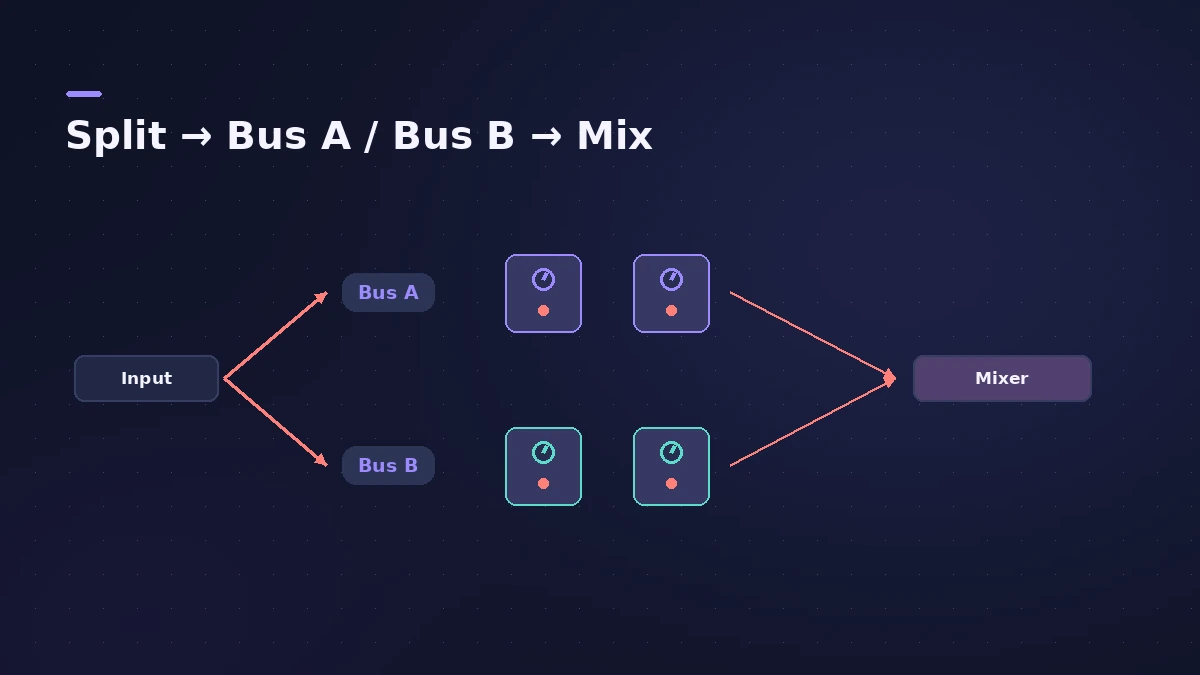
Pedalboard recreates a board of stompbox effects — distortion, fuzz, wah, modulation, delay and more. You drag pedals in from the Pedal Browser, the signal runs left to right like a real board, and a Router lets you split it into two effect buses.
 Owen Hartley
Where to find it
Audio Effect slot > Amps and Pedals > Pedalboard
Pedalboard areas
| Area | What it does |
|---|---|
| Pedal Browser | Dozens of pedals and utilities, grouped by category |
| Pedal area | The order of effects and their settings |
| Router | Signal flow through Bus A and Bus B |
| Splitter / Mixer | Utilities that split and recombine the buses |
Typical guitar order
| Position | Pedal type | Why |
|---|---|---|
| 1 | Wah, filter | Shapes the raw guitar |
| 2 | Overdrive, distortion, fuzz | Adds drive |
| 3 | Chorus, phaser, flanger | Modulates the driven sound |
| 4 | Delay | Echoes stay clean |
This is a common starting point rather than a rule — Pedalboard lets you reorder freely.
Step by step
-
1
Insert Pedalboard
Choose Amps and Pedals > Pedalboard on a guitar track — usually before Amp Designer, as with real pedals into an amp.
-
2
Add stompboxes
Open the Pedal Browser on the right, pick a category such as distortion in the View menu, and drag pedals into the Pedal area.
-
3
Set the order
Signals run from left to right. Drag a pedal left or right to move it; its automation and bus routing move with it.
-
4
Split into two buses
Use the Router to send the signal through Bus A and Bus B — for example a clean delay on one and a fuzz on the other — then blend them with the Mixer utility.
-
5
Replace or remove pedals
Drag a new pedal onto an old one to replace it, or drag a pedal out of the Pedal area to remove it.
Common mistakes
- Putting delay and reverb before the drive pedals, so the echoes get distorted too (unless that's the sound you want).
- Trying to replace the Mixer or Splitter utility like an effect — they're inserted through the Router instead.
- Forgetting Pedalboard works on any audio — try it on synths, drums or vocals too.
Finish the guitar chain
Tune first with the Tuner, then Pedalboard, then Amp Designer. For full recording steps, see record electric guitar.
Sources
- Apple — Logic Pro X 10.4.5 Help: Pedalboard overview (old)
- Apple — Logic Pro Effects 10.2: Pedalboard overview and Router (old)
- Apple — Logic Pro User Guide: Use the Pedalboard Browser in Logic Pro for Mac
- Apple — Logic Pro X 10.4.5 Help: Use the Pedalboard Pedal area (old)
- Apple — Logic Pro 9 Effects: Pedalboard (old)
- Apple — Logic Pro for iPad User Guide: Stompboxes
Checked November 2026. Logic ProFiles is independent of Apple; menu names can differ slightly between Logic Pro versions.
Frequently asked questions
Can I use stompboxes without the whole Pedalboard?
+
Yes. Apple's guide lists them as single plug-ins under Amps and Pedals > Stompboxes > category > pedal name.
Can Pedalboard process non-guitar sounds?
+
Yes. Apple says you can process any audio signal with a combination of stompboxes.
Related
- Using MainStage as a guitar rigUse MainStage as a live guitar rig: connect your guitar, start from a guitar template with Amp Designer and Pedalboard, bypass pedals by foot, and tune.
- Amp Designer in Logic ProBuild guitar tones with Amp Designer in Logic Pro: pick a model, mix amps, cabinets and seven mics, set EQ and the built-in reverb, tremolo and vibrato.
- How to record electric guitar in Logic ProRecord electric guitar into Logic Pro: use the Hi-Z input, tune with the Tuner, pick an Amp Designer and Pedalboard tone and keep latency low.
- Tuner in Logic ProTune a guitar, bass or any instrument in Logic Pro with the control-bar Tuner or the Tuner plug-in: read cents, change the A=440 reference, mute while tuning.
- Distortion and Bitcrusher in Logic ProAdd grit with Logic Pro's distortion plug-ins: Bitcrusher resolution, downsampling and clip modes, plus Overdrive, Distortion and Clip Distortion.
- Plug-ins in Logic ProGuides to Logic Pro's stock plug-ins: Compressor, EQs, limiters, Pitch Correction, Amp Designer, Pedalboard, ChromaGlow, ChromaVerb, Space Designer and delays.