Workflows
Record and produce a rock band in Logic Pro
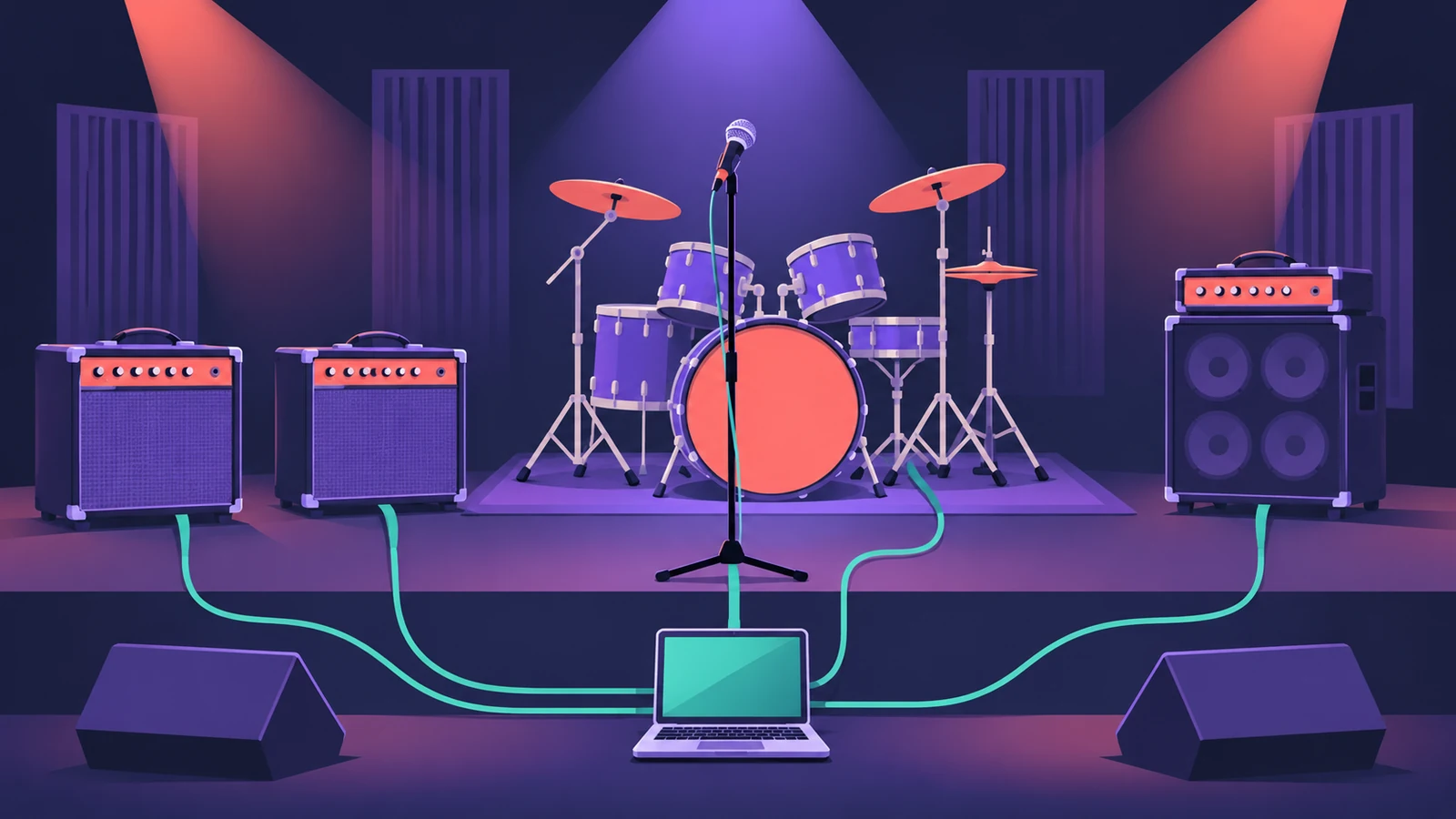
You can get a full rock arrangement going on your own: a Drummer from the Rock genre for the groove, guitars recorded direct and shaped in Amp Designer, then bass and vocals on top.
 Owen Hartley
Where to find it
Drummer (Rock) + Amp Designer
Build the band
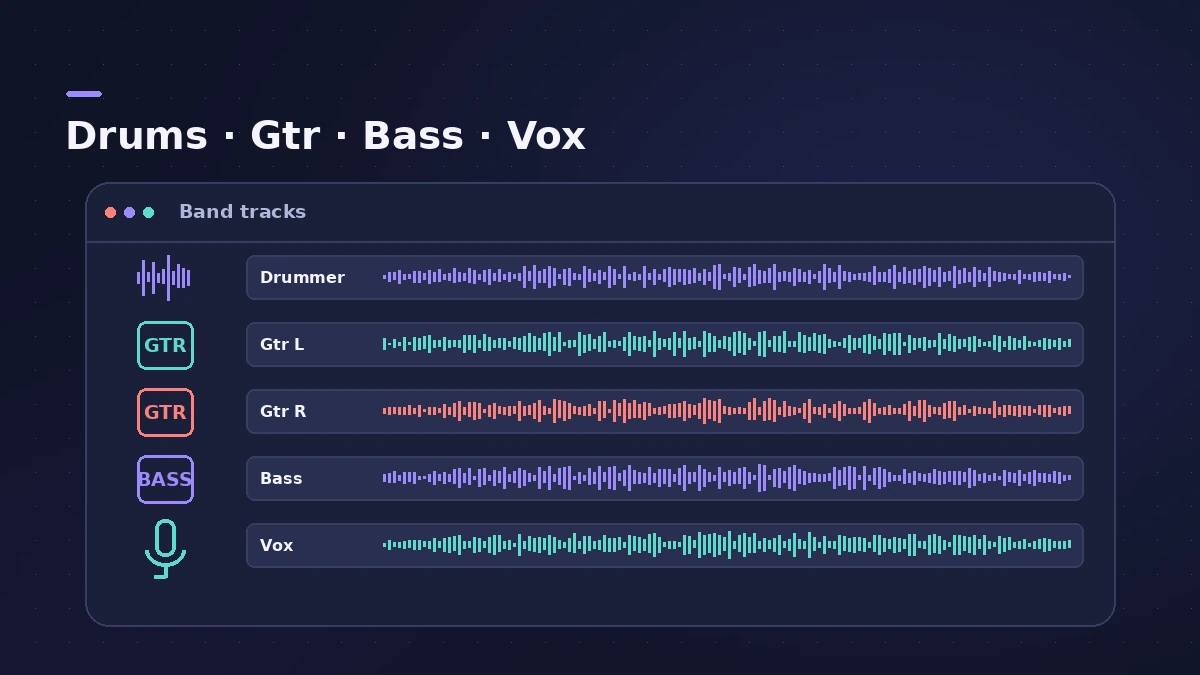
| Part | Logic Pro tool |
|---|---|
| Drums | Drummer, Rock genre |
| Guitars | Amp Designer on a DI recording |
| Bass | Bass Amp Designer or Bass Player |
| Glue | Bus compression |
Step by step
-
1
Sketch the drums
Add a Drummer track and pick a drummer from the Rock genre; acoustic drummers play Drum Kit Designer kits.
-
2
Record guitars DI
Record guitars through a clean instrument input and add Amp Designer, so you can change the amp later.
-
3
Double the rhythm guitar
Record the rhythm part twice and pan the takes left and right.
-
4
Add bass
Record bass DI with Bass Amp Designer, or add a Bass Player that follows the Chord track.
-
5
Record vocals
Record lead vocals with takes and comp the best phrases.
-
6
Mix with buses
Route drums, guitars and vocals to buses and use bus compression to glue each group.
Common mistakes
- Committing to an amp sound too early: Keep a DI so you can re-amp or change Amp Designer settings.
- Too many distorted layers: Fewer, well-panned guitar parts often sound bigger.
Recording a real kit
If you have a drummer and mics, see recording drums and the mic distance calculator.
Sources
- Apple — Logic Pro X 10.4 Help: Drummer overview (old)
- Peachpit — Session Players in Logic Pro (Apple Pro Training)
Checked November 2026. Logic ProFiles is independent of Apple; menu names can differ slightly between Logic Pro versions.
Frequently asked questions
Which Drummer genres are there?
+
Rock, Alternative, Songwriter, R&B, Electronic, Hip Hop and Percussion.
Why record guitar DI?
+
A clean DI lets you change the amp sound in Amp Designer later or re-amp it.
Related
- Drummer in Logic ProAdd a Drummer to Logic Pro and shape the part: XY pad for complexity and loudness, fills, swing, kit pieces and Follow so the kick and snare match your bass.
- Amp Designer in Logic ProBuild guitar tones with Amp Designer in Logic Pro: pick a model, mix amps, cabinets and seven mics, set EQ and the built-in reverb, tremolo and vibrato.
- How to record electric guitar in Logic ProRecord electric guitar into Logic Pro: use the Hi-Z input, tune with the Tuner, pick an Amp Designer and Pedalboard tone and keep latency low.
- How to reamp guitar in Logic ProReamp a clean DI guitar through a real amp from Logic Pro: record DI, send it to a spare output and a reamp box, mic the amp and record it back on a new track.
- Mix bus compression in Logic ProAdd mix bus glue in Logic Pro with the stock Compressor: pick a VCA circuit type, set a gentle ratio and threshold, mind attack and release, blend with Mix.
- Logic Pro workflowsStep-by-step Logic Pro workflows by genre — house, techno, drum and bass, lo-fi, synthwave, orchestral, rock — plus beats, film scoring and podcasts.