Instruments
Drummer in Logic Pro
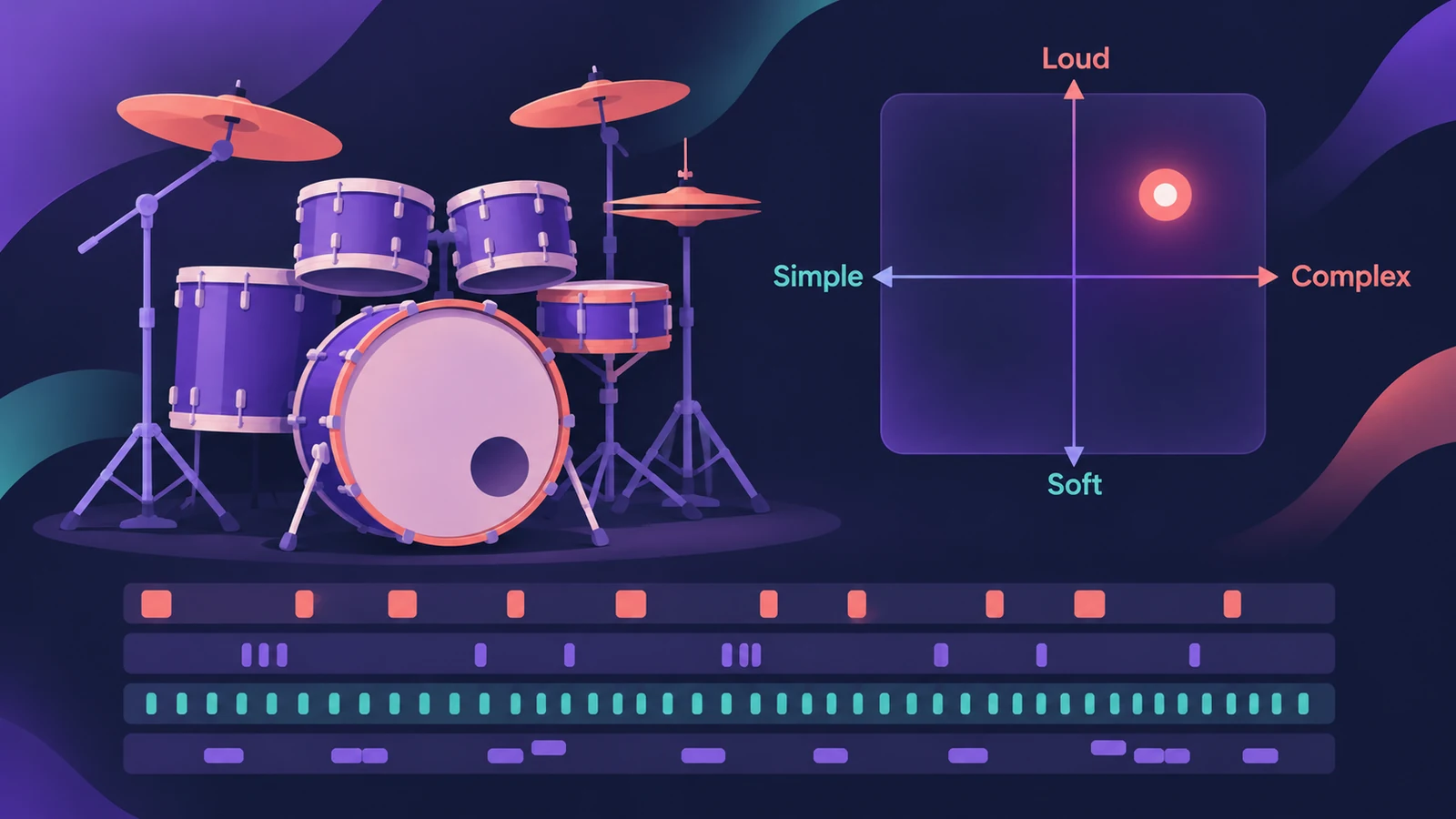
Drummer plays a full drum part for your song. You don't program hits — you choose a drummer and a style, then steer the performance on an XY pad and with a few knobs. Acoustic drummers play Drum Kit Designer kits, and electronic drummers play Drum Machine Designer kits.
 Owen Hartley
Where to find it
New Tracks dialog > Drummer; Drummer Editor
Drummer Editor controls
| Control | What it changes |
|---|---|
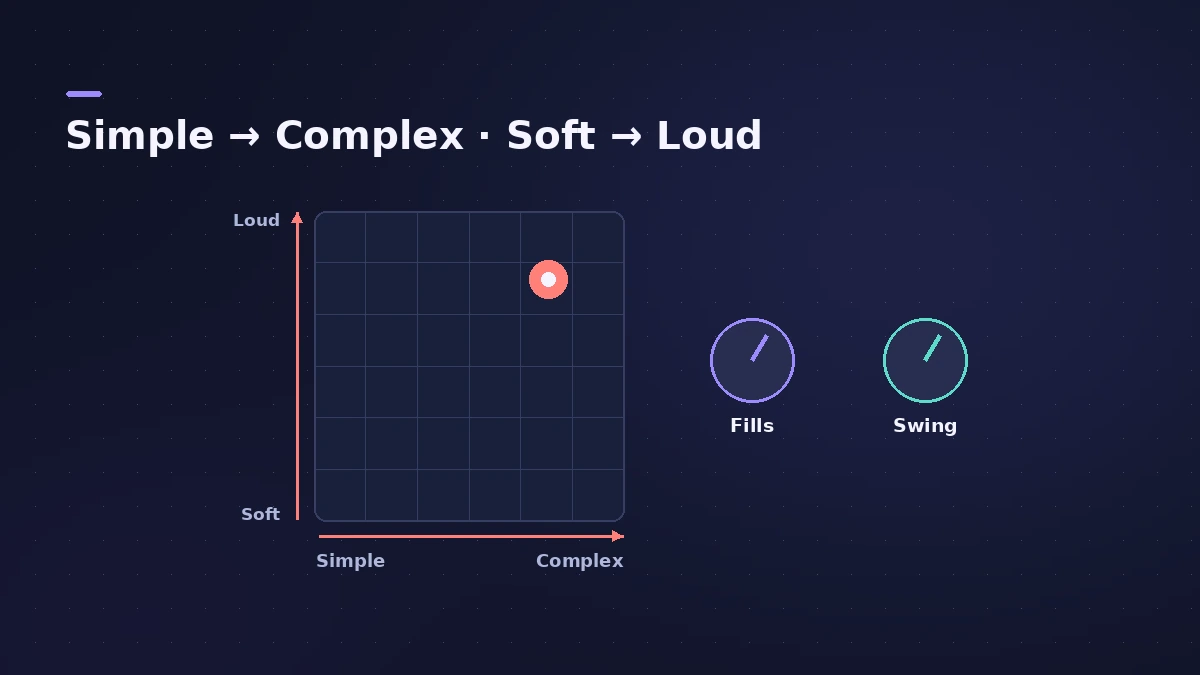
| XY pad | Complexity (left–right) and loudness (bottom–top) |
| Kit pieces | Which pieces play |
| Fills | How much Drummer fills |
| Swing | How much the groove swings |
| Follow | Kick and snare follow the rhythm of another track |
Acoustic or electronic
The drummer you choose decides the instrument. Acoustic drummers load a Drum Kit Designer kit, and electronic drummers load a Drum Machine Designer kit. Drummer is one of the Session Players, so it also works with the other players in the same project.
Real drums instead
If you're recording a real kit, see recording drums.
Step by step
-
1
Add a Drummer track
In the New Tracks dialog choose Drummer and click Create. Logic Pro adds a track with a Drummer region.
-
2
Pick the drummer and style
Choose a drummer for the genre you're working in; acoustic drummers use Drum Kit Designer, electronic ones use Drum Machine Designer.
-
3
Move the puck on the XY pad
Left to right goes from simple to complex, bottom to top from soft to loud. Each region can have its own position.
-
4
Choose kit pieces, fills and swing
Click kit pieces to mute or unmute them, then set the Fills and Swing knobs.
-
5
Follow another track
Turn on Follow so the kick and snare follow the rhythm of a chosen track, such as the bass.
Common mistakes
- Keeping one region for the whole song — split it so the chorus can be louder and busier than the verse.
- Leaving Fills high in a section that needs a steady groove.
- Following a track that has no clear rhythm, so the kick pattern goes vague.
Make the kit sound right
To change the drums themselves — tuning, damping, swapping the snare — open Drum Kit Designer for acoustic kits or Drum Machine Designer for electronic ones.
Sources
- Apple — Logic Pro X 10.1 Help: Edit a Drummer performance (old)
- Apple — Logic Pro for iPad User Guide: Edit a Drummer performance
- Apple — Logic Pro User Guide: Get started with Session Players
- Apple — Logic Pro User Guide: What's new in Logic Pro for Mac 10.8
- MusicRadar — How to make beats with Drummer and Drum Kit Designer
Checked November 2026. Logic ProFiles is independent of Apple; menu names can differ slightly between Logic Pro versions.
Frequently asked questions
How do I make Drummer play fewer fills?
+
Turn the Fills knob down in the Drummer Editor for that region.
Can Drummer follow my bass line?
+
Yes. Turn on Follow and choose the track; the kick and snare follow its rhythm.
Why is Drummer on a software instrument track now?
+
Since Logic Pro 10.8, Drummer regions are placed on software instrument tracks rather than a separate Drummer track type.
Related
- Drum Kit Designer vs Drum Machine DesignerDrum Kit Designer vs Drum Machine Designer: acoustic kits behind Logic Pro's acoustic drummers, or pad-based electronic kits built from Quick Sampler pads.
- Record and produce a rock band in Logic ProProduce a rock song in Logic Pro: sketch with a Rock Drummer, record DI guitars into Amp Designer, add bass and vocals, then mix with buses and compression.
- Make R&B and soul grooves in Logic ProMake an R&B or soul groove in Logic Pro: an R&B Drummer with swing, Vintage Electric Piano and B3 Organ chords, Clav riffs and a bass locked to the kick.
- Make a singer-songwriter demo in Logic ProMake a singer-songwriter demo in Logic Pro: record guitar and vocal, then add a Songwriter Drummer, Bass Player and Keyboard Player that follow your chords.
- Session Players in Logic ProHow Session Players work in Logic Pro: add a Drummer, Bass, Keyboard or Synth Player, pick a style, shape Complexity and Intensity, follow the Chord track.
- Drum Kit Designer in Logic ProEdit an acoustic kit in Logic Pro's Drum Kit Designer: tune, dampen and set the level of each piece, swap the kick and snare, and use Producer Kits.
- Drum Machine Designer in Logic ProBuild an electronic kit in Logic Pro's Drum Machine Designer: clear the pads, drag samples on, set notes, process each pad on its own channel strip.
- How to record drums in Logic ProRecord a drum kit in Logic Pro: start with overheads, add kick and snare mics, give each mic its own input and track, then group them in a Track Stack.