Instruments
Drum Kit Designer in Logic Pro
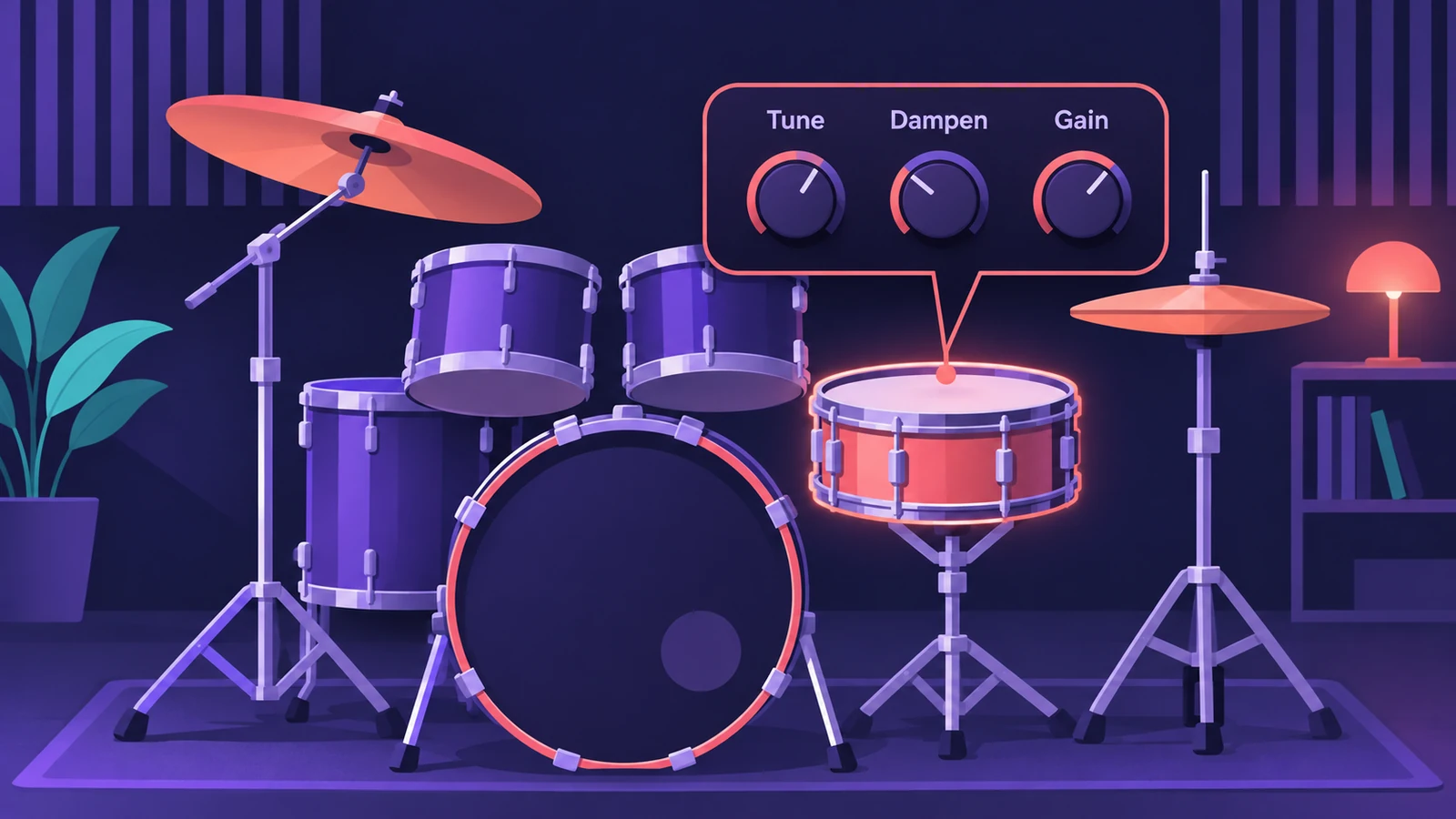
Drum Kit Designer is the acoustic drum instrument behind Logic Pro's acoustic drummers. You click a drum on the virtual kit to change its pitch, sustain and level, swap the kick or snare for another, and with Producer Kits go further — swapping more pieces and turning mics on and off.
 Owen Hartley
What you can change
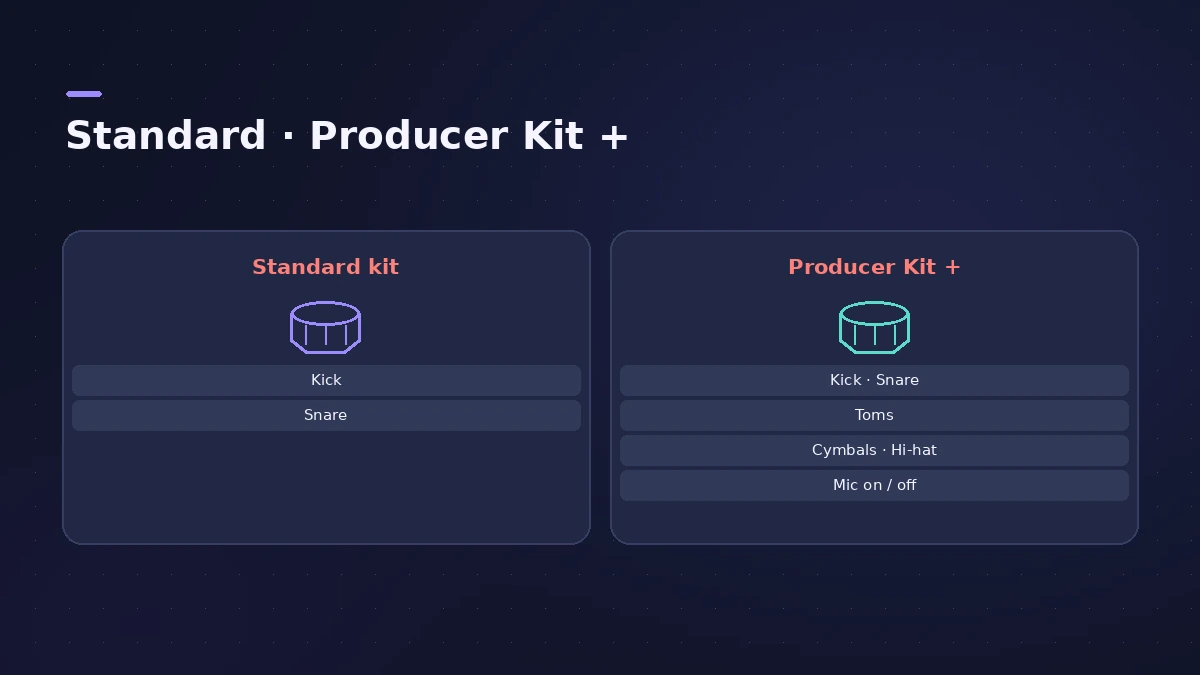
| Setting | Standard kits | Producer Kits (+) |
|---|---|---|
| Pitch, sustain, volume per piece | Yes | Yes |
| Exchange kick and snare | Yes | Yes |
| Exchange toms, cymbals, hi-hat | — | Yes |
| Switch microphones on/off | — | Yes |
On Mac and iPad
On the Mac you click a kit piece and edit it in the panel that opens. In Logic Pro for iPad the per-piece controls are Tune, Dampen and Gain, and editing is more limited than on the Mac.
Drummer and Drum Kit Designer
Acoustic Drummer players play Drum Kit Designer kits, so changes you make here change the sound of the drummer's part. For electronic kits, use Drum Machine Designer.
Mixing the kit
Use a multi-output kit when you want the kick, snare and other pieces on their own channels, then mix them like recorded drums. The how to mix guide covers the basics.
Sources
- Apple — Logic Pro X 10.1 Help: Drum Kit Designer overview (old)
- Apple — Logic Pro X 10.4 Help: Drum Kit Designer (old)
- Apple — Logic Pro X 10.4 Help: Edit Drum Kit Designer kit pieces (old)
- Apple — Logic Pro for iPad User Guide: Drum Kit Designer controls
- MusicTech — Mixing drums with Drum Kit Designer
- Apple — Logic Pro for iPad User Guide: Edit a Drummer performance
Checked November 2026. Logic ProFiles is independent of Apple; menu names can differ slightly between Logic Pro versions.
Frequently asked questions
How do I tune a snare in Drum Kit Designer?
+
Click the snare on the kit and change its tuning (pitch). On iPad the controls are called Tune, Dampen and Gain.
What are Producer Kits?
+
Kits with a "+" in the name. They let you exchange more kit pieces and switch individual microphones on or off.
Can I mix each drum on its own channel?
+
Yes, with a multi-output kit, which routes the kit pieces to separate channels.
Related
- Drum Kit Designer vs Drum Machine DesignerDrum Kit Designer vs Drum Machine Designer: acoustic kits behind Logic Pro's acoustic drummers, or pad-based electronic kits built from Quick Sampler pads.
- Drummer in Logic ProAdd a Drummer to Logic Pro and shape the part: XY pad for complexity and loudness, fills, swing, kit pieces and Follow so the kick and snare match your bass.
- Drum Machine Designer in Logic ProBuild an electronic kit in Logic Pro's Drum Machine Designer: clear the pads, drag samples on, set notes, process each pad on its own channel strip.
- How to record drums in Logic ProRecord a drum kit in Logic Pro: start with overheads, add kick and snare mics, give each mic its own input and track, then group them in a Track Stack.
- How to mix a song in Logic Pro, step by stepA step-by-step mixing workflow for Logic Pro with stock plug-ins: organise tracks, balance levels, EQ, compress, add space with sends, automate, check loudness.