Instruments
Drum Machine Designer in Logic Pro
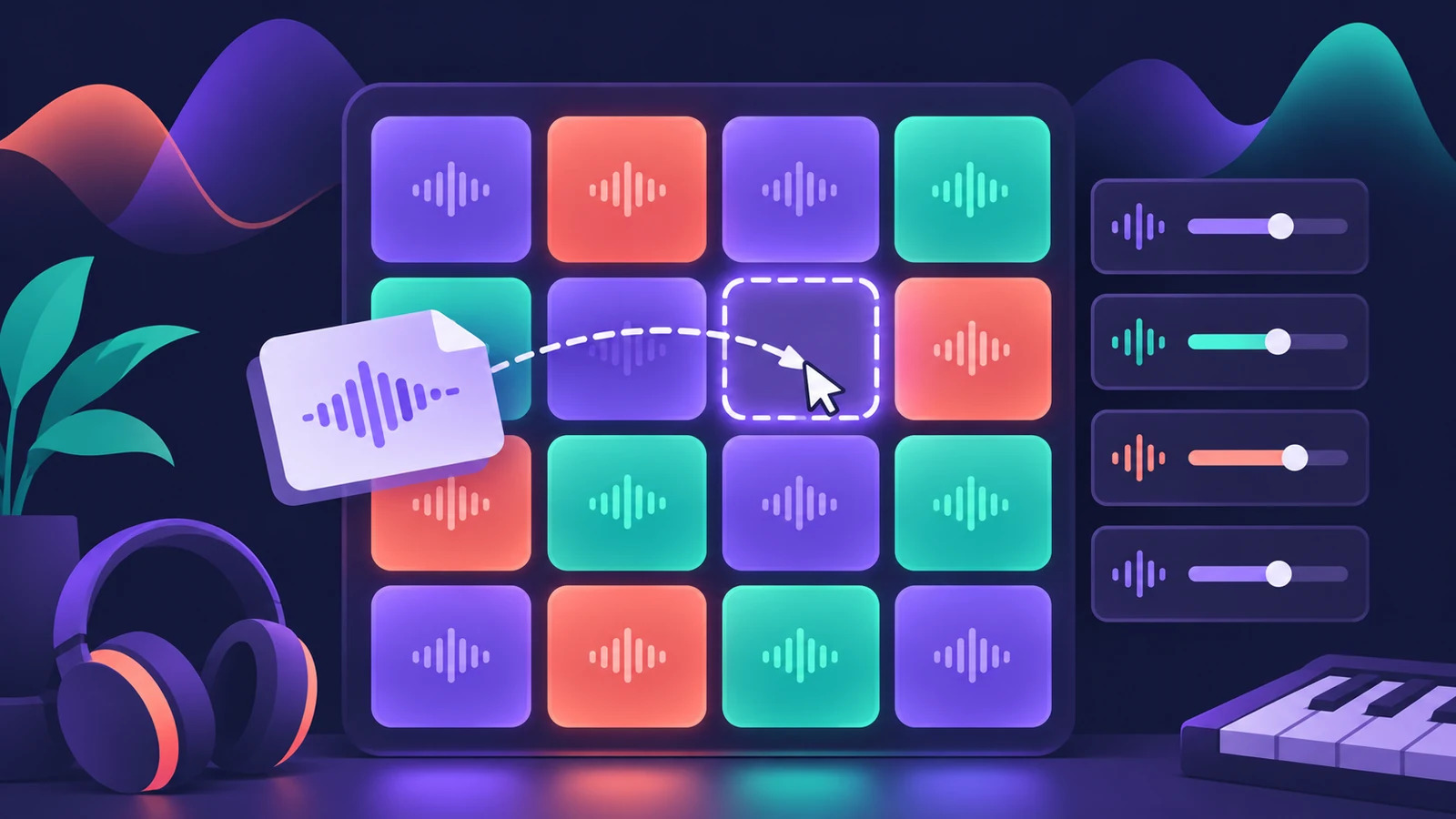
Drum Machine Designer is Logic Pro's pad-based drum instrument for electronic kits. Each pad is its own Quick Sampler with its own channel strip, and the whole kit lives in a Track Stack — so you can build a kit from your own samples and mix every hit separately.
 Owen Hartley
Where to find it
Software instrument track with an Electronic Drum Kit patch
Pad tools
| Tool | What it does |
|---|---|
| Drag and drop | Puts a sample on a pad |
| Clear All Pads | Empties the kit to start from scratch |
| Input / output note | Which note triggers the pad and which it plays |
| Pad channel strip | Effects and level for that pad only |
| Resample Pad | Prints the processed pad as a new sample |
How the kit is built
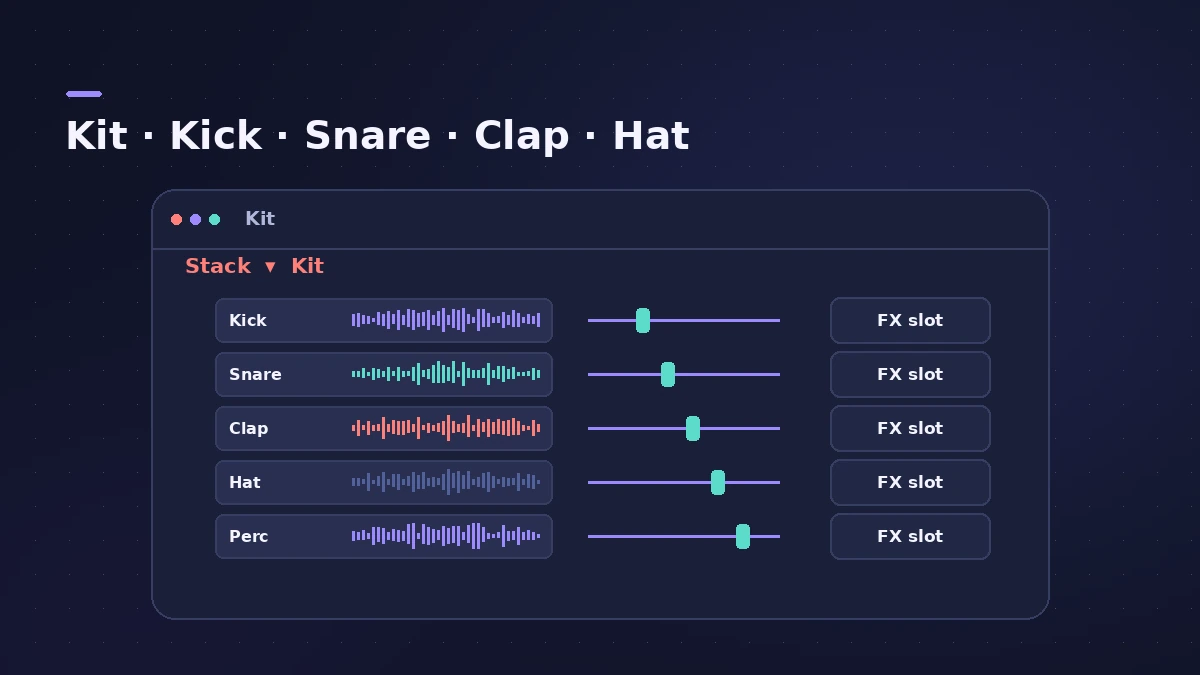
A Drum Machine Designer kit is a Track Stack: the kit is the main track and each pad is a sub-channel. Each pad's sound is a Quick Sampler, so you can trim, tune and shape a hit there. Electronic Drummer players use Drum Machine Designer kits too.
Step by step
-
1
Load an electronic kit
Create a software instrument track and choose a patch from Electronic Drum Kit. Logic Pro loads Drum Machine Designer.
-
2
Start empty if you like
Choose Clear All Pads to remove every sound and build the kit from scratch.
-
3
Drag samples onto pads
Drag audio files from the Finder onto pads. Each pad plays its sample through Quick Sampler.
-
4
Set input and output notes
Choose which note triggers each pad and which note it plays, so the kit matches your controller or an existing pattern.
-
5
Process each pad
Select a pad to add effects to its own channel strip, or use Resample Pad to print a processed pad as a new sample.
Common mistakes
- Mixing the whole kit on the main channel when each pad has its own channel strip.
- Dropping samples with long silences at the start, so hits feel late.
- Forgetting to save the kit as a patch, then rebuilding it in the next project.
Program the beat
Play the pads from a MIDI keyboard or program them on a grid with the Step Sequencer. For an acoustic kit, see Drum Kit Designer.
Sources
- Apple Support — Create and customize Drum Machine Designer kits in Logic Pro for Mac
- Apple Music for Artists — Make your own Drum Machine Designer kit fast
- Apple — Logic Pro for iPad User Guide: Drum Machine Designer overview
- Sound On Sound — Logic Pro X 10.5 review
- Apple — Logic Pro for iPad User Guide: Edit a Drummer performance
Checked November 2026. Logic ProFiles is independent of Apple; menu names can differ slightly between Logic Pro versions.
Frequently asked questions
How many sounds come with Drum Machine Designer?
+
Apple says there are more than 200 kit pieces to choose from.
What sampler does each pad use?
+
Quick Sampler. Drum Machine Designer was reworked around Quick Sampler in Logic Pro 10.5.
Can I mix each drum pad separately?
+
Yes. Every pad has its own channel strip inside the kit's Track Stack.
Related
- Drum Kit Designer vs Drum Machine DesignerDrum Kit Designer vs Drum Machine Designer: acoustic kits behind Logic Pro's acoustic drummers, or pad-based electronic kits built from Quick Sampler pads.
- How to make house music in Logic ProBuild a house track in Logic Pro: tempo around 124–128 BPM, a four-on-the-floor kick in Drum Machine Designer, Synth Player bass and chords, sidechain pump.
- How to make techno in Logic ProMake techno in Logic Pro: tempo around 130 BPM, a driving kick in Drum Machine Designer, Step Sequencer patterns, sequenced bass and Step FX for movement.
- Drum Synth in Logic ProBuild kicks, snares, toms and percussion in Logic Pro's Drum Synth: pick a category and sound type, shape pitch and decay, use it in Drum Machine Designer.
- Ultrabeat in Logic ProWhat happened to Ultrabeat in Logic Pro, how to check whether your version still has it, and how to rebuild its drum kits with Drum Synth and Step Sequencer.
- How to make a hip-hop or trap beat in Logic ProMake a hip-hop or trap beat in Logic Pro with Drum Machine Designer, the Step Sequencer, hi-hat rolls, an 808 Bass Synth Player and chords that follow along.
- Quick Sampler in Logic ProTurn one sound into an instrument with Quick Sampler in Logic Pro: what Classic, One Shot, Slice and Recorder modes do, and when to use Sampler instead.
- Step Sequencer in Logic ProProgram beats with Logic Pro's Step Sequencer: create a Pattern Region, set step rate and velocity, add note repeats and automation, follow the chords.
- Drummer in Logic ProAdd a Drummer to Logic Pro and shape the part: XY pad for complexity and loudness, fills, swing, kit pieces and Follow so the kick and snare match your bass.
- Track Stacks in Logic Pro — folder vs summing stacksGroup tracks in Logic Pro with Track Stacks: when to use a Folder Stack or a Summing Stack, how to create, nest and open them, and why summing stacks are buses.