Instruments
Quick Sampler in Logic Pro
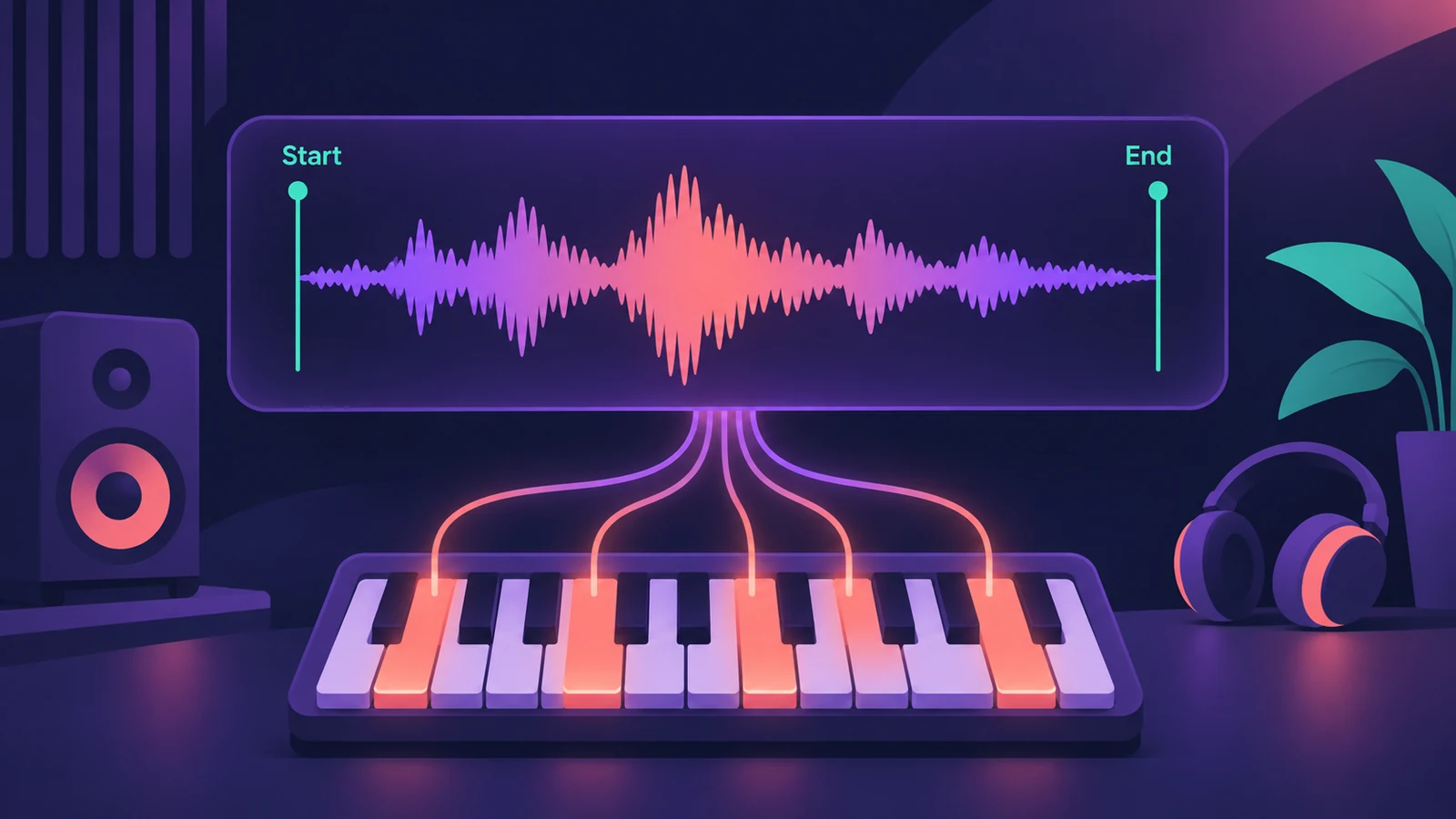
Quick Sampler, added in Logic Pro 10.5, turns a single sound into a playable instrument. Drop in a vocal chop, a drum hit or a loop, pick a mode, and play it from your keyboard. It's also the sampler inside every Drum Machine Designer pad.
 Owen Hartley
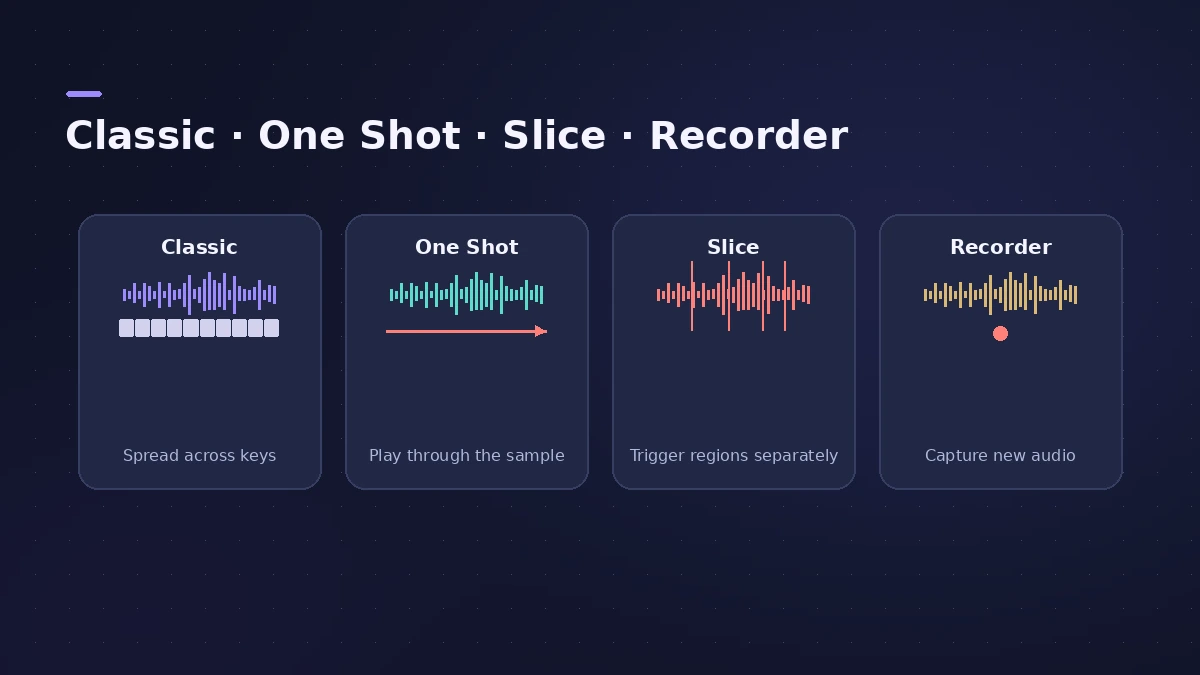
The four modes
| Mode | Use it for |
|---|---|
| Classic | Playing a sound melodically across the keyboard |
| One Shot | Drum hits and effects that should play to the end |
| Slice | Chopping a loop or phrase into slices on different keys |
| Recorder | Recording a sound straight into Quick Sampler |
Where the sounds come from
Any audio works: an Apple Loop, a region from your project, or sound you record from your Mac. Dragging audio into the Tracks area is one quick way to make a sampler track.
Quick Sampler and Drum Machine Designer
Every pad in Drum Machine Designer uses Quick Sampler, so the same modes and controls apply when you edit a drum pad. For instruments built from many samples, step up to Sampler.
Sources
- Apple — Logic Pro for iPad User Guide: Choose a Quick Sampler mode
- Apple — Logic Pro for iPad User Guide: Quick Sampler Slice mode
- Apple — Logic Pro for iPad User Guide: Quick Sampler One Shot mode
- Apple Support — Drag and drop to create sampler instrument tracks in Logic Pro for Mac
- Sound On Sound — Logic Pro X 10.5 review
Checked November 2026. Logic ProFiles is independent of Apple; menu names can differ slightly between Logic Pro versions.
Frequently asked questions
What are the Quick Sampler modes?
+
Classic, One Shot, Slice and Recorder.
How do I chop a loop in Quick Sampler?
+
Use Slice mode. The sample is cut into slices that you play from different keys.
Should I use Quick Sampler or Sampler?
+
Quick Sampler for one sound; Sampler for an instrument made of many samples mapped across the keyboard.
Related
- Sampler vs Quick SamplerSampler vs Quick Sampler in Logic Pro: one sound with Classic, One Shot, Slice and Recorder modes, or multisampled instruments with zones and groups.
- How to make drum and bass in Logic ProMake drum and bass in Logic Pro: set 170–175 BPM, chop a breakbeat with Quick Sampler's Slice mode or Beat Breaker, and write a sub bass on the half-time count.
- Sample with the iPad mic in Quick SamplerTurn any sound into an instrument in Logic Pro for iPad: record into Quick Sampler's Recorder mode with the iPad mic, then play it in Classic or Slice.
- Drum Synth in Logic ProBuild kicks, snares, toms and percussion in Logic Pro's Drum Synth: pick a category and sound type, shape pitch and decay, use it in Drum Machine Designer.
- Auto Sampler in Logic ProTurn a hardware synth or software instrument into a Sampler instrument with Logic Pro's Auto Sampler: set range, Sample Every, velocity layers, then Sample.
- Sample Alchemy in Logic ProTurn one sample into a new instrument with Sample Alchemy in Logic Pro: load audio, pick granular, additive or spectral per source and use the 12.3 Sync mode.
- Sampler in Logic ProBuild a multisampled instrument with Logic Pro's Sampler: drag in samples, choose a mapping, edit zones and groups, and open old EXS24 instruments in Sampler.
- Drum Machine Designer in Logic ProBuild an electronic kit in Logic Pro's Drum Machine Designer: clear the pads, drag samples on, set notes, process each pad on its own channel strip.
- How to use Apple Loops in Logic ProUse Apple Loops in Logic Pro: find loops in the Browser, add them to tracks, how they follow tempo and key, the four loop types and how to make your own loops.
- How to record audio from other apps into Logic ProRecord sound from a browser or another app into Logic Pro with a loopback driver such as BlackHole or Loopback, and record MIDI through Virtual In.