Workflows
How to make drum and bass in Logic Pro
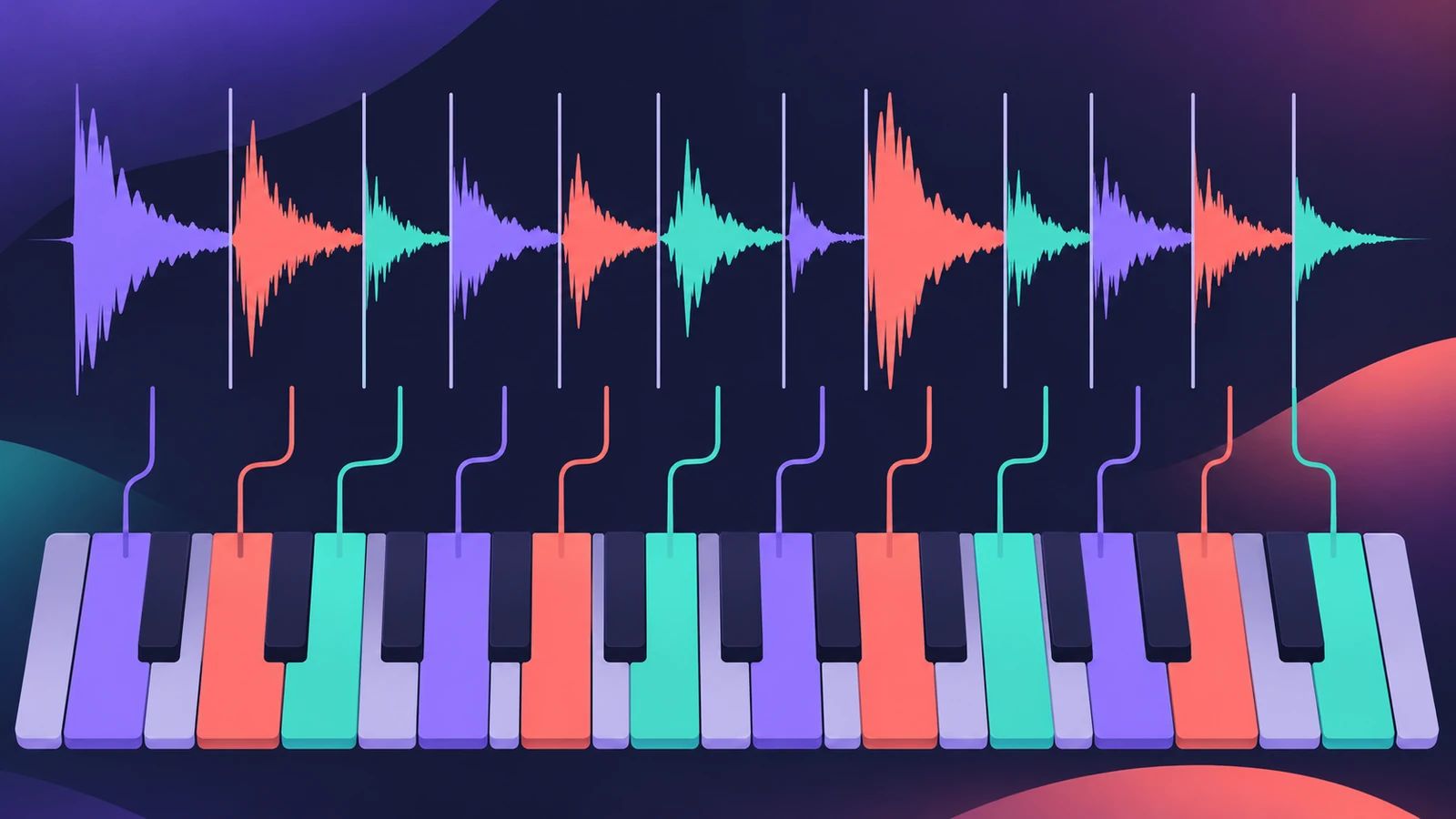
Drum and bass is fast and built on chopped breakbeats. In Logic Pro, Quick Sampler's Slice mode turns a break into playable hits, and Beat Breaker can mangle it further.
 Owen Hartley
Where to find it
Quick Sampler > Slice mode
Two tempos at once
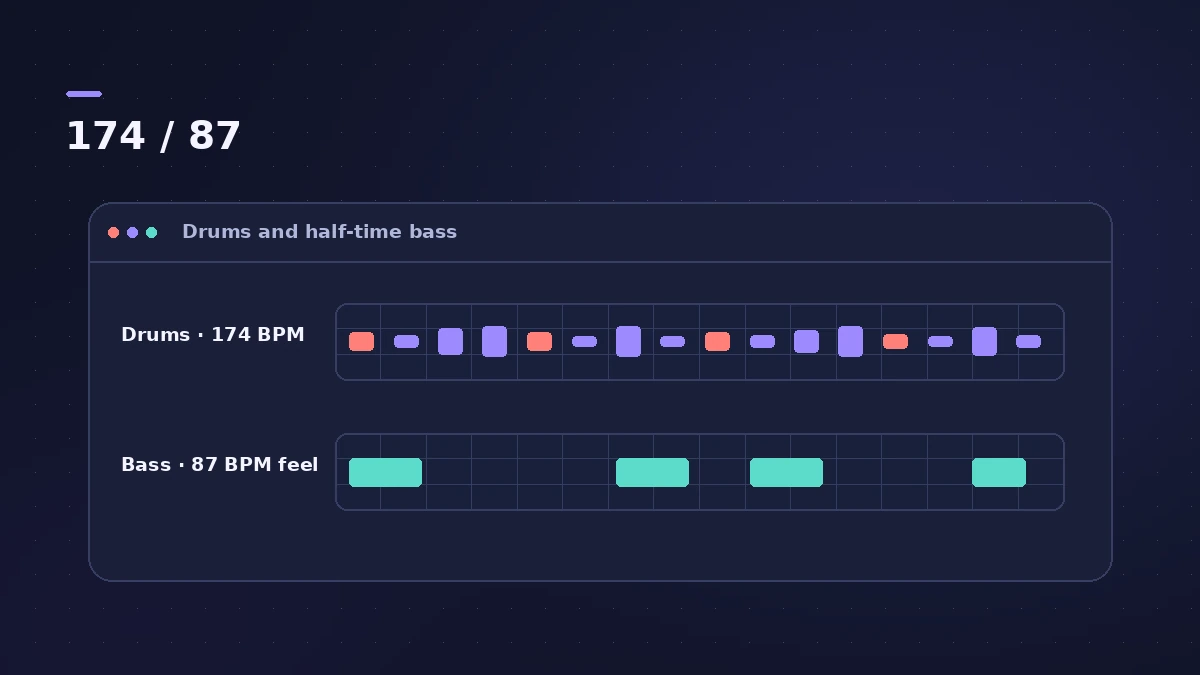
The drums run at full speed while the bass is written as if at half tempo, leaving space between hits. Chop the break with Quick Sampler and vary it with Beat Breaker.
Step by step
-
1
Set the tempo
Modern drum and bass usually runs at 170–175 BPM; early jungle sat nearer 160.
-
2
Load a break
Drag a drum break you have the rights to use onto a Quick Sampler track.
-
3
Slice it
Switch Quick Sampler to Slice mode so each hit lands on its own key.
-
4
Re-sequence the hits
Play or program a new pattern from the slices, keeping snares on the backbeat.
-
5
Add glitch variations
Bounce a bar and run it through Beat Breaker to reorder, repeat and reverse slices.
-
6
Write the bass at half speed
Think of the bass at half tempo: long notes and space under the busy drums.
Common mistakes
- Writing the bass at full speed: A line written at 170 fights the break; write it on the slow count.
- Using uncleared breaks: Only release music with samples you're allowed to use.
Tools
See Quick Sampler for slice settings and Beat Breaker for real-time slicing.
Sources
Checked November 2026. Logic ProFiles is independent of Apple; menu names can differ slightly between Logic Pro versions.
Frequently asked questions
What BPM is drum and bass?
+
Usually 170–175 BPM, with 174 the most common.
What is the Amen break?
+
A drum solo from The Winstons’ 1969 track “Amen, Brother”, chopped and rearranged in countless jungle and drum and bass tracks.
Related
- Quick Sampler in Logic ProTurn one sound into an instrument with Quick Sampler in Logic Pro: what Classic, One Shot, Slice and Recorder modes do, and when to use Sampler instead.
- Beat Breaker in Logic ProBeat Breaker in Logic Pro slices incoming audio and reorders it in real time, with edit modes for time, repeat, cutoff, resonance, volume and pan.
- Flex Time in Logic Pro — fix audio timingUse Flex Time in Logic Pro to fix and quantize audio timing: turn on Flex, choose Slicing, Rhythmic, Monophonic or Polyphonic, then drag or quantize.
- How to make a hip-hop or trap beat in Logic ProMake a hip-hop or trap beat in Logic Pro with Drum Machine Designer, the Step Sequencer, hi-hat rolls, an 808 Bass Synth Player and chords that follow along.
- Logic Pro workflowsStep-by-step Logic Pro workflows by genre — house, techno, drum and bass, lo-fi, synthwave, orchestral, rock — plus beats, film scoring and podcasts.