Workflows
How to make a hip-hop or trap beat in Logic Pro
Logic Pro has everything a beat needs without third-party plug-ins: Drum Machine Designer for the kit, the Step Sequencer to program it, note repeats for hi-hat rolls and, since Logic Pro 12, a Synth Bass Player with an 808 Bass style.
 Owen Hartley
Where to find it
Software instrument track > Electronic Drum Kit
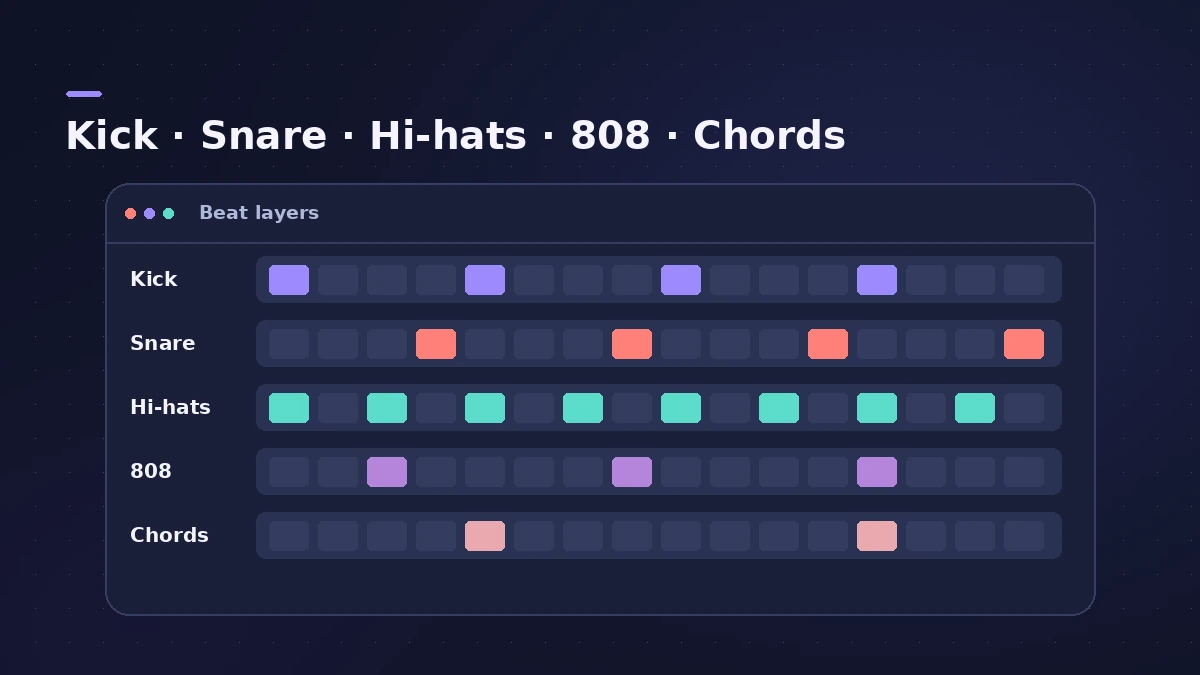
The beat in layers
| Layer | Tool in Logic Pro | Guide |
|---|---|---|
| Drum kit | Drum Machine Designer | Drum Machine Designer |
| Drum pattern | Step Sequencer | Step Sequencer |
| 808 | Synth Bass Player, 808 Bass style | 808 bass |
| Chords | Synth Keyboard Player or Keyboard Player | Synth Players |
| Samples | Quick Sampler, Beat Breaker | Beat Breaker |
Save the setup
Once the kit, bus and effects work for you, save the empty project as a template so the next beat starts in seconds.
Step by step
-
1
Set tempo and key
Pick the project tempo and key before you program anything, so loops and players match. See tempo, key and time signature.
-
2
Load a Drum Machine Designer kit
Create a software instrument track and choose a patch from Electronic Drum Kit. Swap pad sounds by dragging your own samples onto pads — see Drum Machine Designer.
-
3
Program the drums
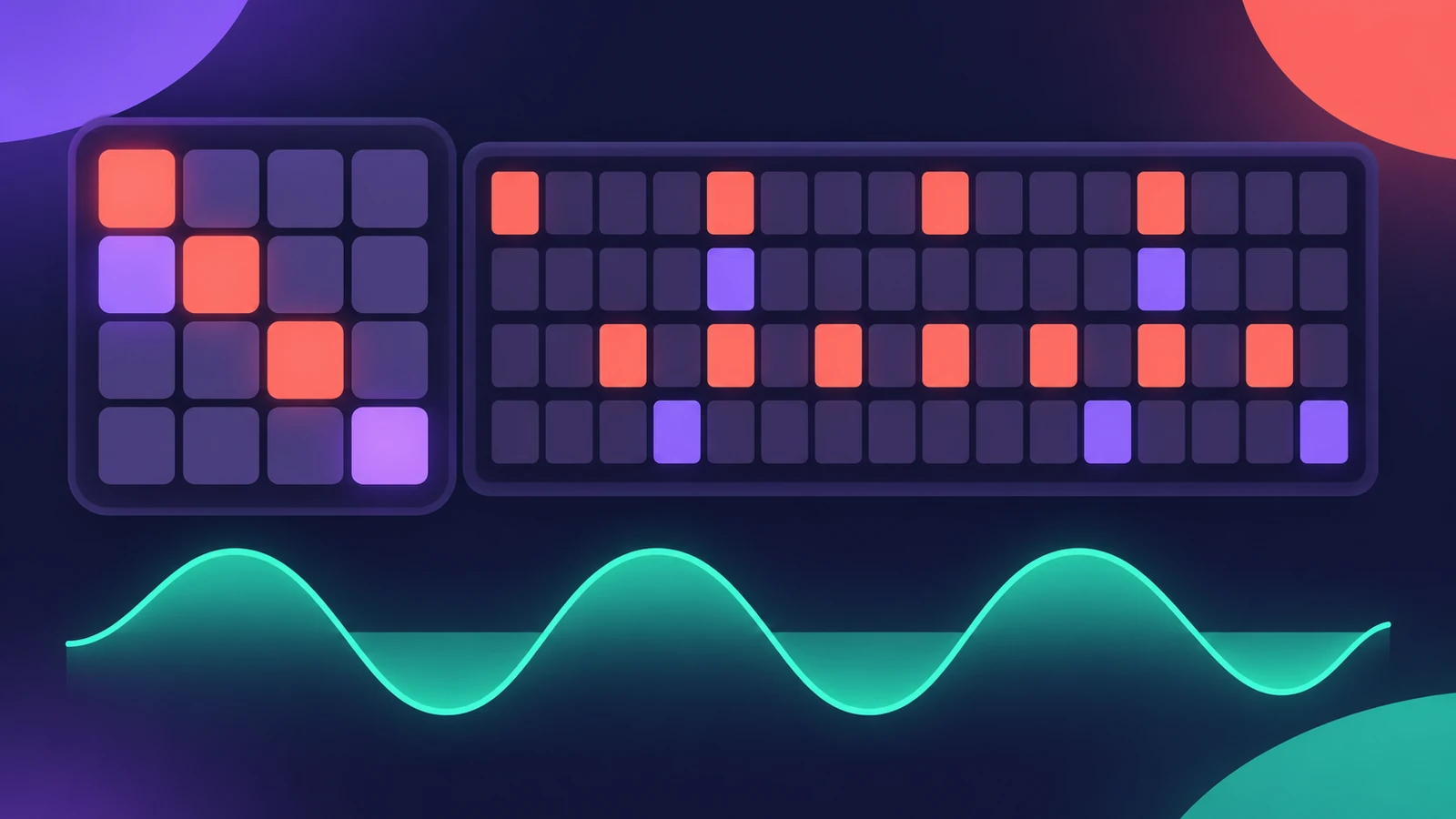
Create a Pattern Region and switch on steps for kick, snare or clap and hi-hats in the Step Sequencer.
-
4
Add hi-hat rolls and accents
Switch the edit mode to note repeats on the hi-hat row for rolls, and to velocity to give hits different strengths.
-
5
Add the 808
Create a Synth Bass Player and choose the 808 Bass style. It follows the Chord track; the full steps are in 808 bass in Logic Pro.
-
6
Add chords or a melody
Use a Synth Keyboard Player or Keyboard Player for chords, or record a melody from a MIDI keyboard.
-
7
Arrange and mix
Copy the pattern into verse and hook sections, drop elements out for contrast, then mix — sidechain compression helps the kick and 808 sit together.
Common mistakes
- Programming every hi-hat at the same velocity, so the groove sounds stiff.
- Leaving the Chord track empty, so the 808 Synth Player has no chords to follow.
- Mixing the whole kit on one channel when every Drum Machine Designer pad has its own channel strip.
Chop a sample too
To build a beat around a sample, slice it with Beat Breaker or play chops from Quick Sampler. Pull a drum or vocal part out of a finished song with Stem Splitter — only use material you have the rights to.
Sources
- Apple Support — Create and customize Drum Machine Designer kits in Logic Pro for Mac
- Apple Support — Build grooves in Logic Pro for Mac with the Step Sequencer
- Apple — Logic Pro for iPad User Guide: Intro to Synth Player styles
- Apple — Logic Pro for iPad User Guide: Edit a Synth Bass Player performance
- Logic Studio Training — Logic Pro 12 update: Chord ID, Synth Players and more
- Apple — Logic Pro User Guide: What's new in Logic Pro for Mac 12
Checked November 2026. Logic ProFiles is independent of Apple; menu names can differ slightly between Logic Pro versions.
Frequently asked questions
Do I need third-party plug-ins to make trap beats in Logic Pro?
+
No. Drum Machine Designer, the Step Sequencer and the 808 Bass style of the Synth Bass Player are built in; Synth Players need Logic Pro 12 or later.
How do I make hi-hat rolls in Logic Pro?
+
In the Step Sequencer, switch the hi-hat row to the note repeat edit mode and add repeats to the steps you want to roll.
Related
- How to make drum and bass in Logic ProMake drum and bass in Logic Pro: set 170–175 BPM, chop a breakbeat with Quick Sampler's Slice mode or Beat Breaker, and write a sub bass on the half-time count.
- How to make a lo-fi hip-hop beat in Logic ProMake a lo-fi hip-hop beat in Logic Pro: 70–90 BPM, jazzy seventh chords on Vintage Electric Piano, swung drums, then Bitcrusher and Tape Delay for texture.
- 808 bass in Logic ProWrite an 808 bass line in Logic Pro 12 or later with the Synth Bass Player's 808 Bass style: chords, octave, range, slides, repeats and triplets, then tune it.
- Drum Machine Designer in Logic ProBuild an electronic kit in Logic Pro's Drum Machine Designer: clear the pads, drag samples on, set notes, process each pad on its own channel strip.
- Step Sequencer in Logic ProProgram beats with Logic Pro's Step Sequencer: create a Pattern Region, set step rate and velocity, add note repeats and automation, follow the chords.
- Synth Players in Logic ProSynth Players in Logic Pro 12 and 13: 808 Bass, Pump Bass, Sequenced Bass, Rhythmic Chords and pads that follow the Chord track. Add one and shape the part.
- Logic Pro workflowsStep-by-step Logic Pro workflows by genre — house, techno, drum and bass, lo-fi, synthwave, orchestral, rock — plus beats, film scoring and podcasts.