Plug-ins
Beat Breaker in Logic Pro
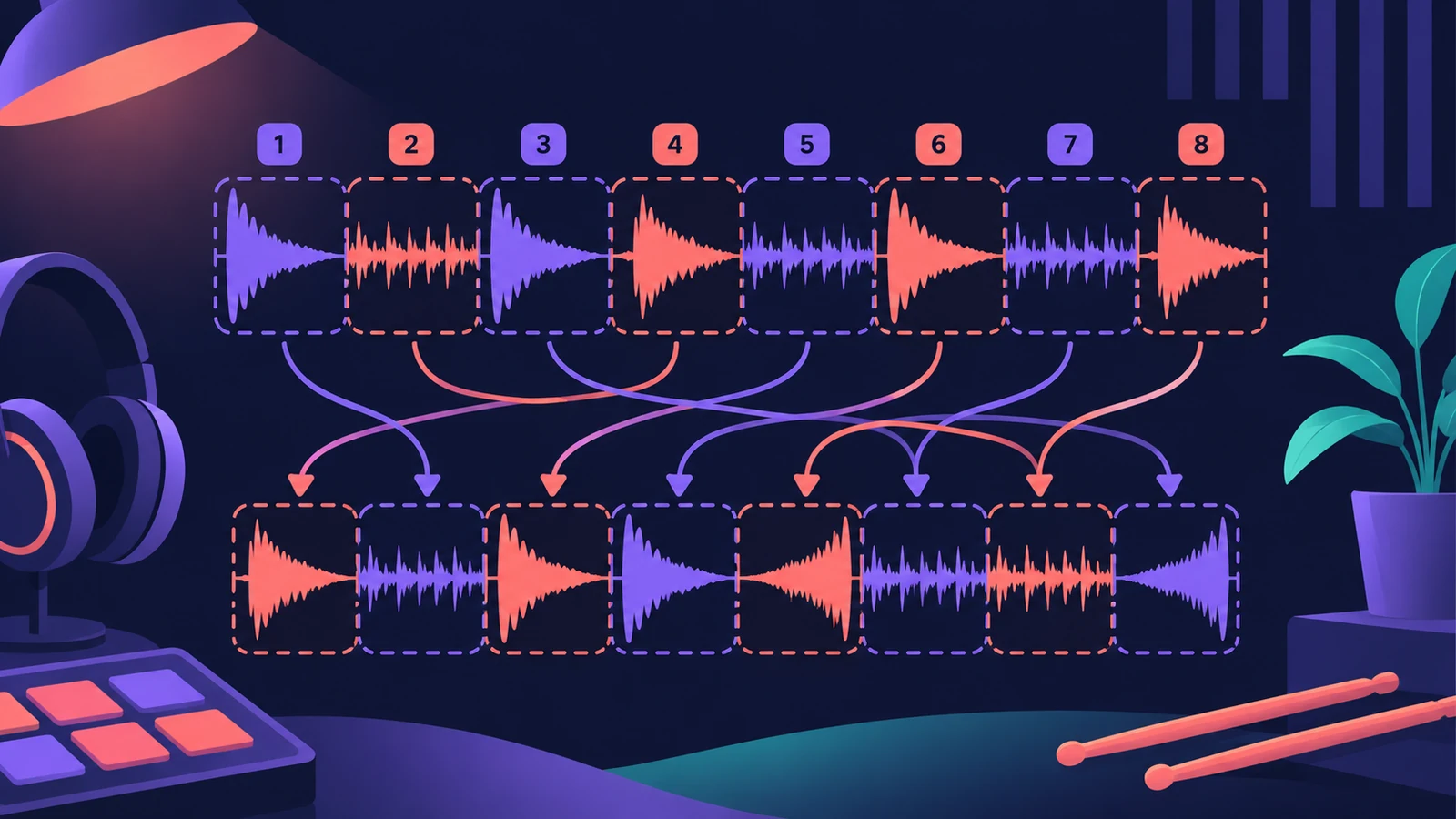
Beat Breaker slices audio as it plays and reorders the slices in real time. You can change the slice order, speed, direction and volume, add repeats and scratching, and turn a straight drum loop into a stuttering, glitchy variation.
 Owen Hartley
Edit modes
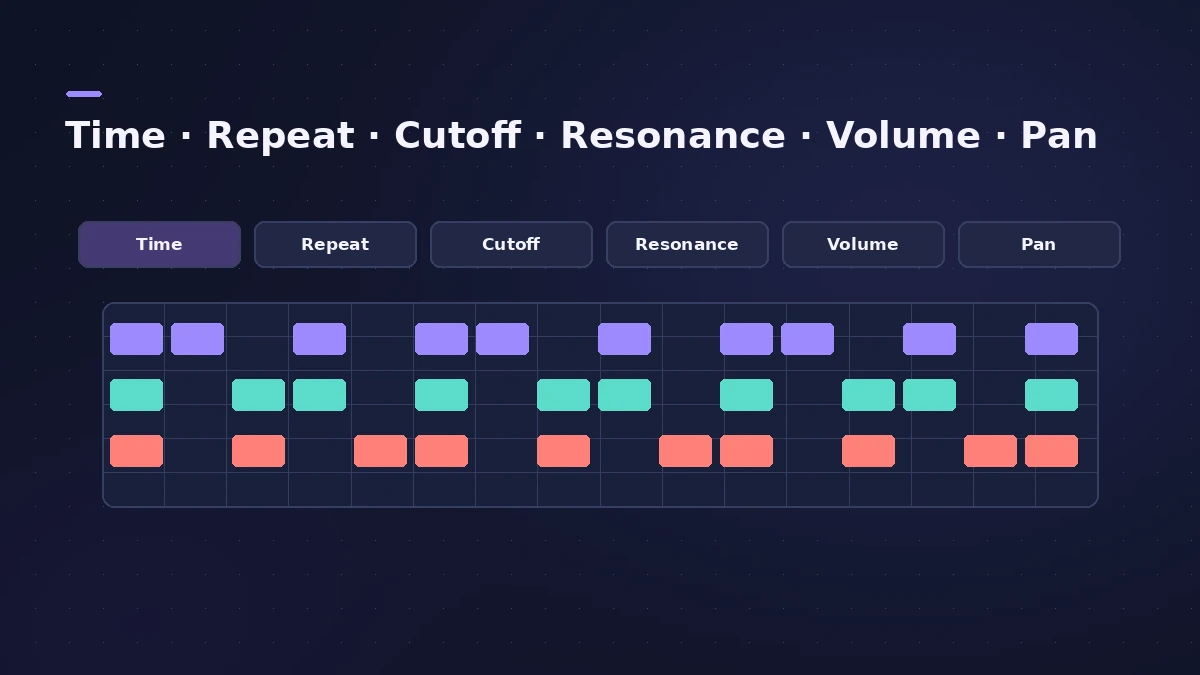
| Mode | Controls |
|---|---|
| Time | Playback position and speed of each slice |
| Repeat | How many times a slice repeats |
| Cutoff, Resonance | Filtering per slice |
| Volume | Level per slice |
| Pan | Stereo position per slice |
Where to use it
Beat Breaker works on any audio, but loops are the obvious start — try it on an Apple Loop drum part. For DJ-style moves across a whole mix, see Remix FX.
Sources
- Apple — Logic Pro for iPad User Guide: Multi effects (Beat Breaker)
- Apple — Logic Pro for iPad User Guide: Multi effects
- Apple — Logic Pro for iPad User Guide: Multi effects (Beat Breaker modes)
- CDM — Logic Pro 12.3 sound design guide (Beat Breaker modes)
Checked November 2026. Logic ProFiles is independent of Apple; menu names can differ slightly between Logic Pro versions.
Frequently asked questions
What does Beat Breaker do?
+
It slices incoming audio and plays the slices in a different order, speed, direction and volume, in real time.
What are Beat Breaker's edit modes?
+
Time, Repeat, Cutoff, Resonance, Volume and Pan.
What changed in Logic Pro 12.3?
+
CDM reports new Cutoff, Resonance and Pan modes and a randomize option.
Related
- How to make drum and bass in Logic ProMake drum and bass in Logic Pro: set 170–175 BPM, chop a breakbeat with Quick Sampler's Slice mode or Beat Breaker, and write a sub bass on the half-time count.
- How to make beats in Logic Pro for iPadMake beats in Logic Pro for iPad: load a Drum Machine Designer kit, program Step Sequencer patterns, add velocity and note repeat, then try Beat Breaker.
- Remix FX in Logic ProUse Remix FX in Logic Pro for DJ-style filter, gater, repeater, reverse, scratch and tape stop moves, control it with Logic Remote and record it as automation.
- Step FX in Logic ProUse Step FX in Logic Pro: assign three 128-step modulators to filter, distortion, delay, reverb, gate or pan, and set pattern lengths for polyrhythms.
- How to use Apple Loops in Logic ProUse Apple Loops in Logic Pro: find loops in the Browser, add them to tracks, how they follow tempo and key, the four loop types and how to make your own loops.
- Quick Sampler in Logic ProTurn one sound into an instrument with Quick Sampler in Logic Pro: what Classic, One Shot, Slice and Recorder modes do, and when to use Sampler instead.