Plug-ins
Remix FX in Logic Pro
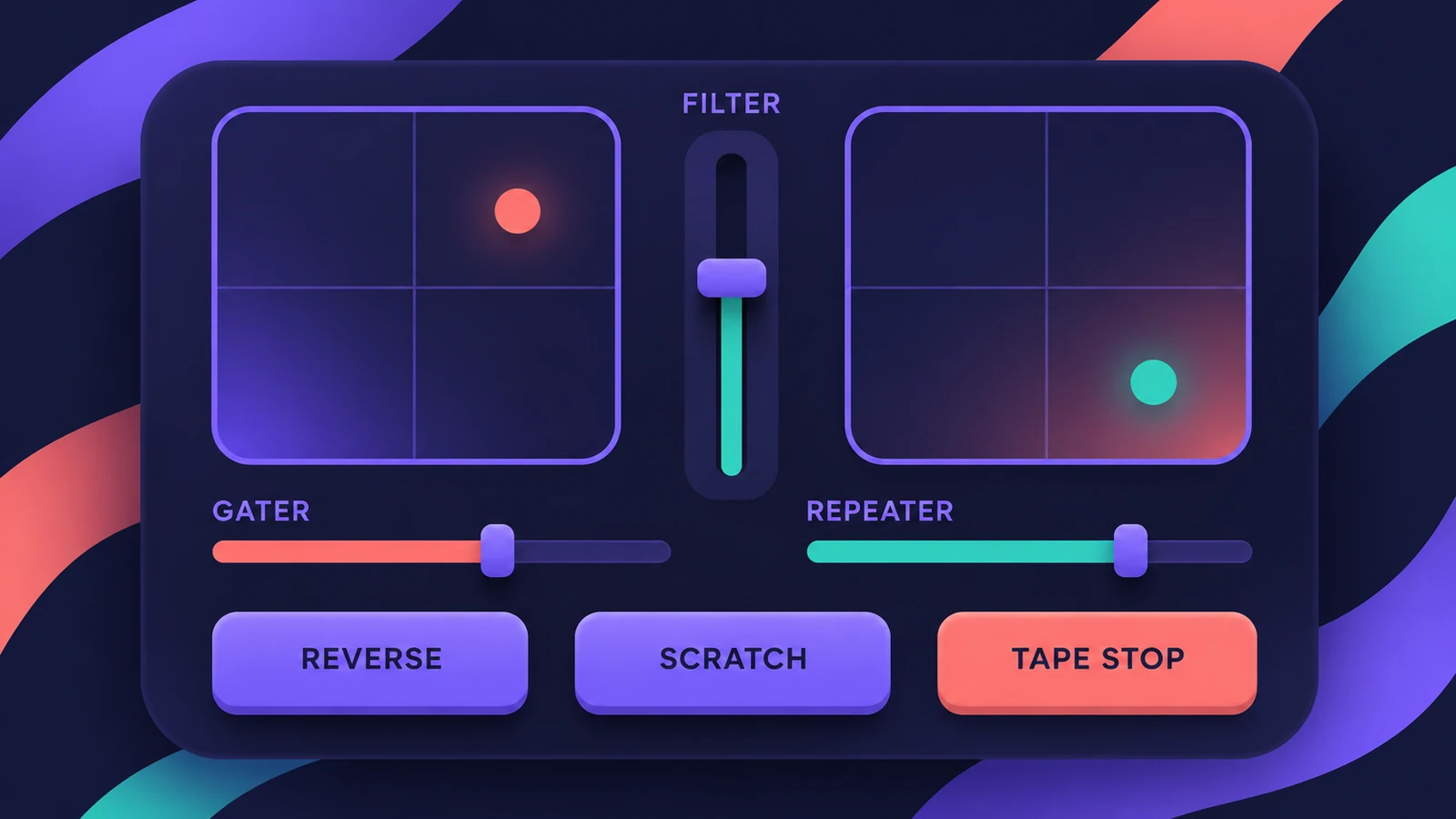
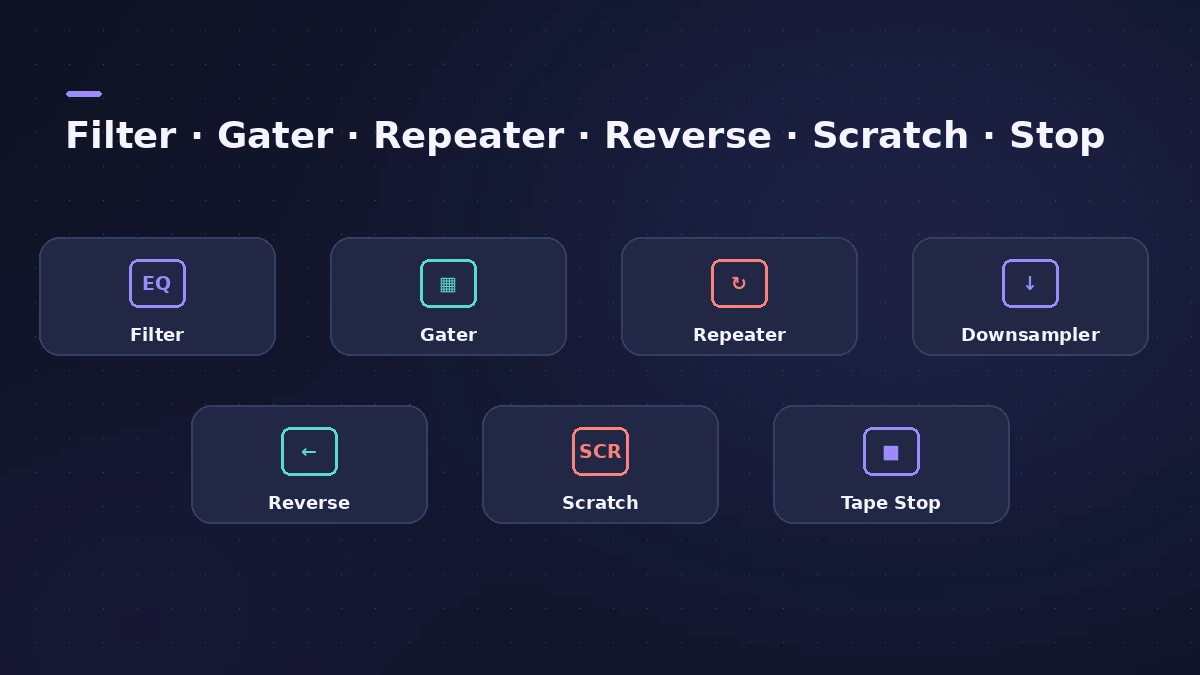
Remix FX, added to Logic Pro in 10.5, bundles DJ-style effects — filter, gater, downsampler, reverse, scratch, tape stop and more — behind two XY pads and a few big controls. It's made for performing, especially on the Stereo Out with Live Loops.
 Owen Hartley
Where to find it
Stereo Out > Audio Effect slot > Multi Effects > Remix FX
Effects in Remix FX
| Effect | Notes |
|---|---|
| Filter, Orbit, Downsampler | Choose a mode for the effect |
| Wobble, Repeater, Delay, Gater | Choose a note division |
| Reverse, Scratch, Tape Stop | Choose a note division |
| Gater noise | Switch Noise on or off |
Sound On Sound calls Logic Remote the tool Remix FX was made for, because you can play both pads at once. To record moves, see automation.
Step by step
-
1
Insert Remix FX
Choose Multi Effects > Remix FX — usually on the Stereo Out, though it also works on tracks and auxes.
-
2
Pick effects for the XY pads
Choose which effect each XY pad controls, and set note divisions for effects such as Repeater, Gater and Tape Stop.
-
3
Perform
Drag on the pads and controls while the song plays; lock a pad to hold an effect.
-
4
Use Logic Remote for multi-touch
On an iPhone or iPad, Logic Remote lets you play both XY pads and several effects at once.
-
5
Record it
Put the track in Touch, Latch or Write automation mode and perform to record the moves.
Common mistakes
- Recording in Write mode and erasing earlier automation — Touch is safer.
- Leaving an XY pad locked after a build-up.
- Using it on every track instead of the master or a bus.
With Live Loops
Many Live Loops starter grids already have Remix FX on the Stereo Out — see Live Loops. For slicing and reordering audio, try Beat Breaker.
Sources
- Apple — Logic Pro for iPad User Guide: Remix FX
- Apple — Logic Pro for iPad User Guide: Record Remix FX
- Apple — Logic Remote User Guide: Use Remix FX
- 9to5Mac — Recording multi-touch Remix FX performances in Logic Pro 10.5
- Sound On Sound — Logic Pro X: Exploring Remix FX (Feb 2021)
- Apple — Logic Pro for iPad User Guide: Multi effects
Checked November 2026. Logic ProFiles is independent of Apple; menu names can differ slightly between Logic Pro versions.
Frequently asked questions
When was Remix FX added to Logic Pro?
+
In Logic Pro 10.5.
Can I control Remix FX with an iPhone?
+
Yes. Logic Remote shows Remix FX with multi-touch control of both XY pads.
How do I record Remix FX moves?
+
Use an automation mode such as Touch, Latch or Write and perform; the moves are recorded as automation.
Related
- How to reverse audio in Logic ProReverse audio in Logic Pro with the Reverse checkbox in the Region inspector, turn on advanced tools if it's missing, switch off Flex, bounce MIDI first.
- How to remix a song in Logic Pro with Stem SplitterRemix a song in Logic Pro: match the tempo with Smart Tempo, split the mix with Stem Splitter, keep the vocal, change tempo with Flex and build new parts.
- Live Loops in Logic ProUse Live Loops in Logic Pro: start a grid, drag in loops and regions, trigger cells and scenes in time, then record the performance to the Tracks area.
- Beat Breaker in Logic ProBeat Breaker in Logic Pro slices incoming audio and reorders it in real time, with edit modes for time, repeat, cutoff, resonance, volume and pan.
- Step FX in Logic ProUse Step FX in Logic Pro: assign three 128-step modulators to filter, distortion, delay, reverb, gate or pan, and set pattern lengths for polyrhythms.
- Automation in Logic Pro — Read, Touch, Latch and WriteAutomate volume, pan, sends and plug-ins in Logic Pro: what Read, Touch, Latch, Write and Trim do, how to record automation with the fader and how to draw it.