Workflows
How to remix a song in Logic Pro with Stem Splitter
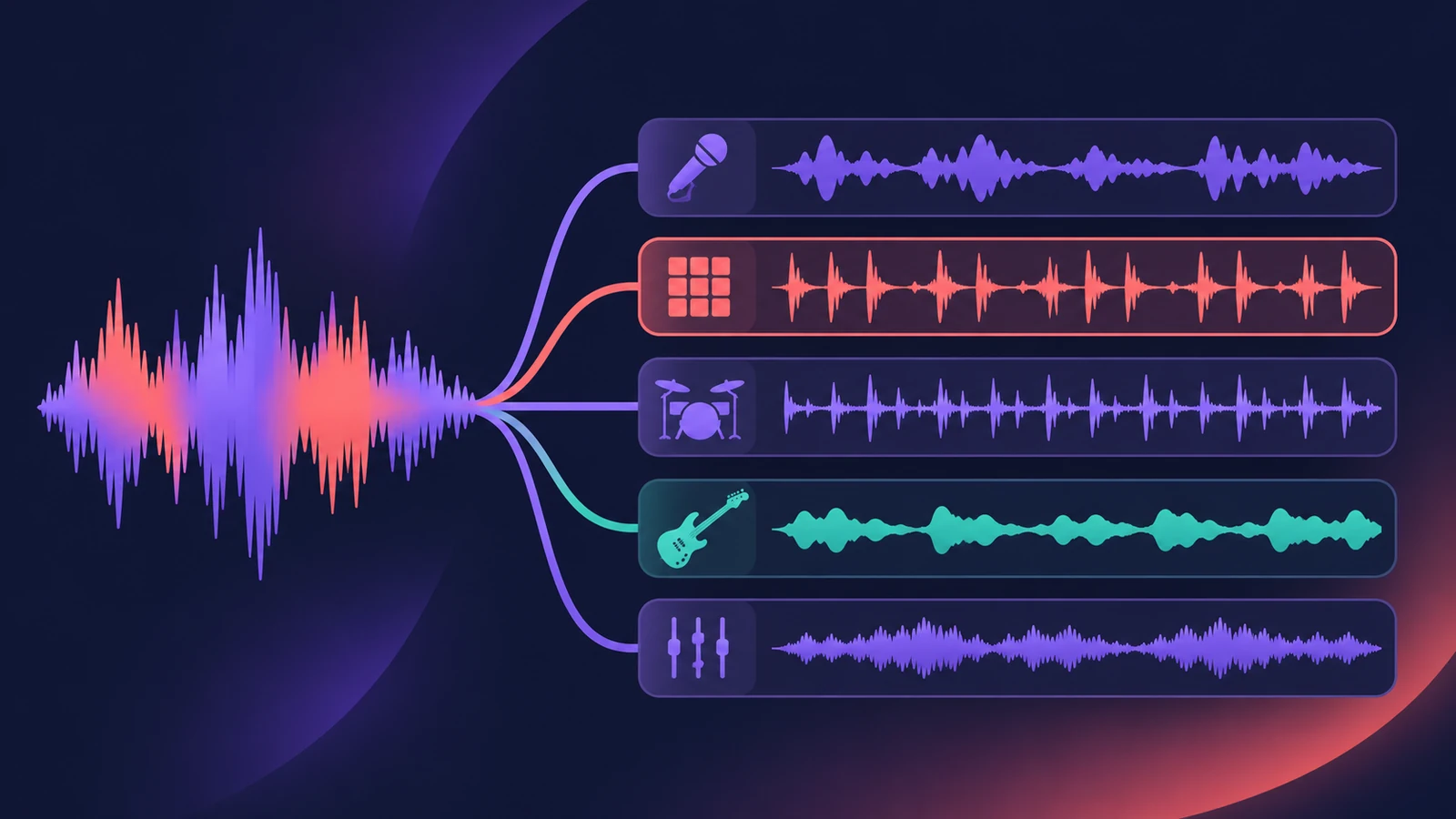
Stem Splitter turns a finished mix into separate vocals, drums, bass, guitar, piano and other parts, so a remix can start from any song file you are allowed to use. Logic Pro 13 can even split the drums into kick, snare, hi-hat, toms and cymbals.
 Owen Hartley
Where to find it
Tracks area > audio region > Stem Splitter
The remix in five moves
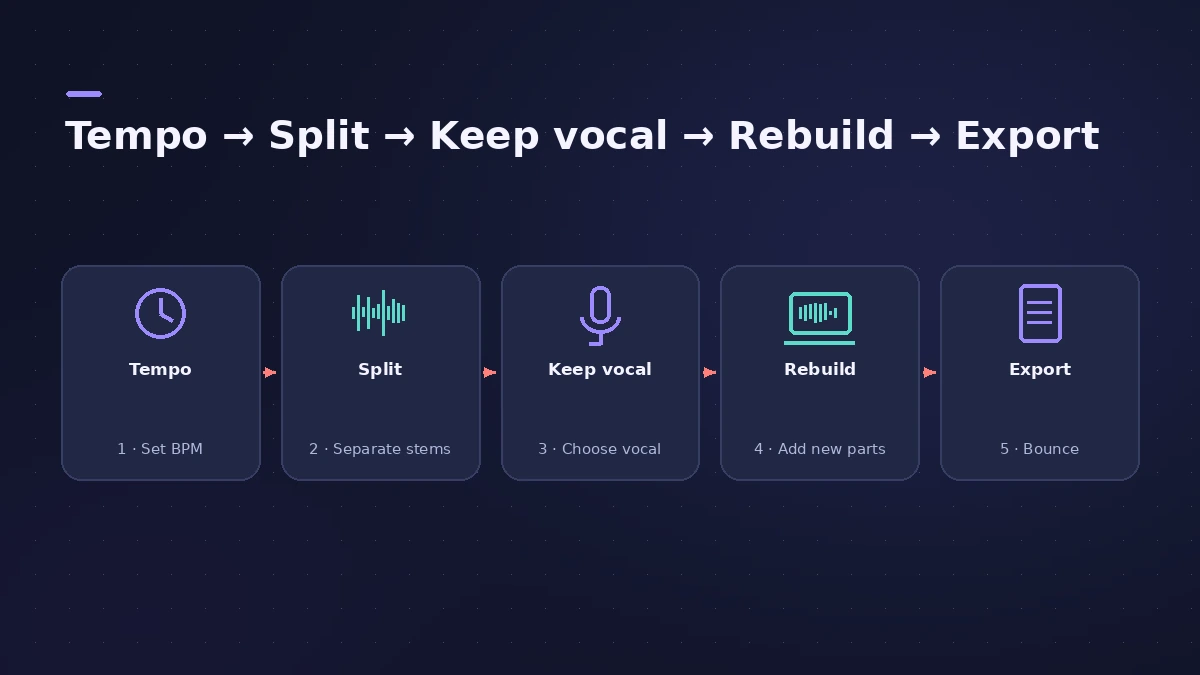
| Move | Tool | Guide |
|---|---|---|
| Find the tempo | Smart Tempo | Smart Tempo |
| Split the mix | Stem Splitter | Stem Splitter |
| Keep the vocal | Mute other stems | — |
| Rebuild | Drum Machine Designer, Synth Players | Hip-hop beat |
| Export | Bounce, export stems | Export stems |
Stems from your own demos
Stem Splitter is just as useful on your own voice memos and old bounces: pull the vocal out of a rough demo and rebuild the song around it, as in the songwriting workflow.
Step by step
-
1
Use material you have the rights to
Work from your own songs, official remix packs or tracks you have permission to remix before you release anything.
-
2
Match the project tempo to the song
Import the song and let Smart Tempo analyse it so the project's bars and beats line up with the music.
-
3
Split the mix into stems
Select the audio region, choose Stem Splitter and tick the parts you want — on Mac it needs Apple silicon. See Stem Splitter.
-
4
Keep what you need
Mute or delete the stems you'll replace. Many remixes keep only the vocal stem and rebuild everything else.
-
5
Change tempo or key
Turn on Flex Time on the stems and set the new tempo — see change tempo without changing pitch. To move the key, see transpose and change key.
-
6
Build the new parts
Add new drums, bass and chords under the vocal — the hip-hop beat workflow works for any tempo.
-
7
Add transitions and export
Perform filter sweeps and tape stops with Remix FX, then bounce the remix or export stems.
Common mistakes
- Expecting perfect separation — listen for drums bleeding into the vocal stem and EQ around it.
- Changing the tempo a lot without listening back to the stretched stems.
- Releasing a remix of a song you don't have permission to use.
Remix on iPad
Logic Pro for iPad has Stem Splitter too on M1 or later iPads — see Stem Splitter on iPad. For a sample-based remix, slice a stem with Beat Breaker.
Sources
- Sound On Sound — Logic Pro: How to use the Stem Splitter (Dec 2024)
- Apple Newsroom — Logic Pro takes music-making to the next level with new AI features (May 2024)
- Apple Newsroom — Logic Pro amplifies beat making on Mac and iPad (May 2025)
- Production Expert — Logic Pro 13 splits drum stems into kit pieces (Nov 2026)
- Apple Support — Match the tempo automatically in Logic Pro for Mac
- Apple — Logic Pro for iPad User Guide: Extract vocal and instrumental stems with Stem Splitter
Checked November 2026. Logic ProFiles is independent of Apple; menu names can differ slightly between Logic Pro versions.
Frequently asked questions
Which stems can Logic Pro's Stem Splitter create?
+
Vocals, drums, bass, guitar, piano and other. Logic Pro 11 started with four stems, 11.2 added guitar and piano, and Logic Pro 13 can split drums into kit pieces.
Does Stem Splitter work on an Intel Mac?
+
No. Apple lists Apple silicon as a requirement for Stem Splitter on the Mac.
Related
- Stem Splitter in Logic ProSeparate a song into vocals, drums, bass, guitar, piano and other with Logic Pro's Stem Splitter — and in Logic Pro 13 split drums into kick, snare and more.
- Smart Tempo in Logic ProUse Smart Tempo in Logic Pro to record without a click and build a tempo map: choose Adapt, Keep or Automatic, fix the analysis with hints, multitrack.
- Remix FX in Logic ProUse Remix FX in Logic Pro for DJ-style filter, gater, repeater, reverse, scratch and tape stop moves, control it with Logic Remote and record it as automation.
- Stem Splitter in Logic Pro for iPadUse Stem Splitter in Logic Pro for iPad to pull vocals, drums, bass, guitar, piano and other parts from a mix. Needs an M1 or later iPad. Steps and presets.
- Logic Pro workflowsStep-by-step Logic Pro workflows by genre — house, techno, drum and bass, lo-fi, synthwave, orchestral, rock — plus beats, film scoring and podcasts.