Editing
How to transpose or change the key in Logic Pro
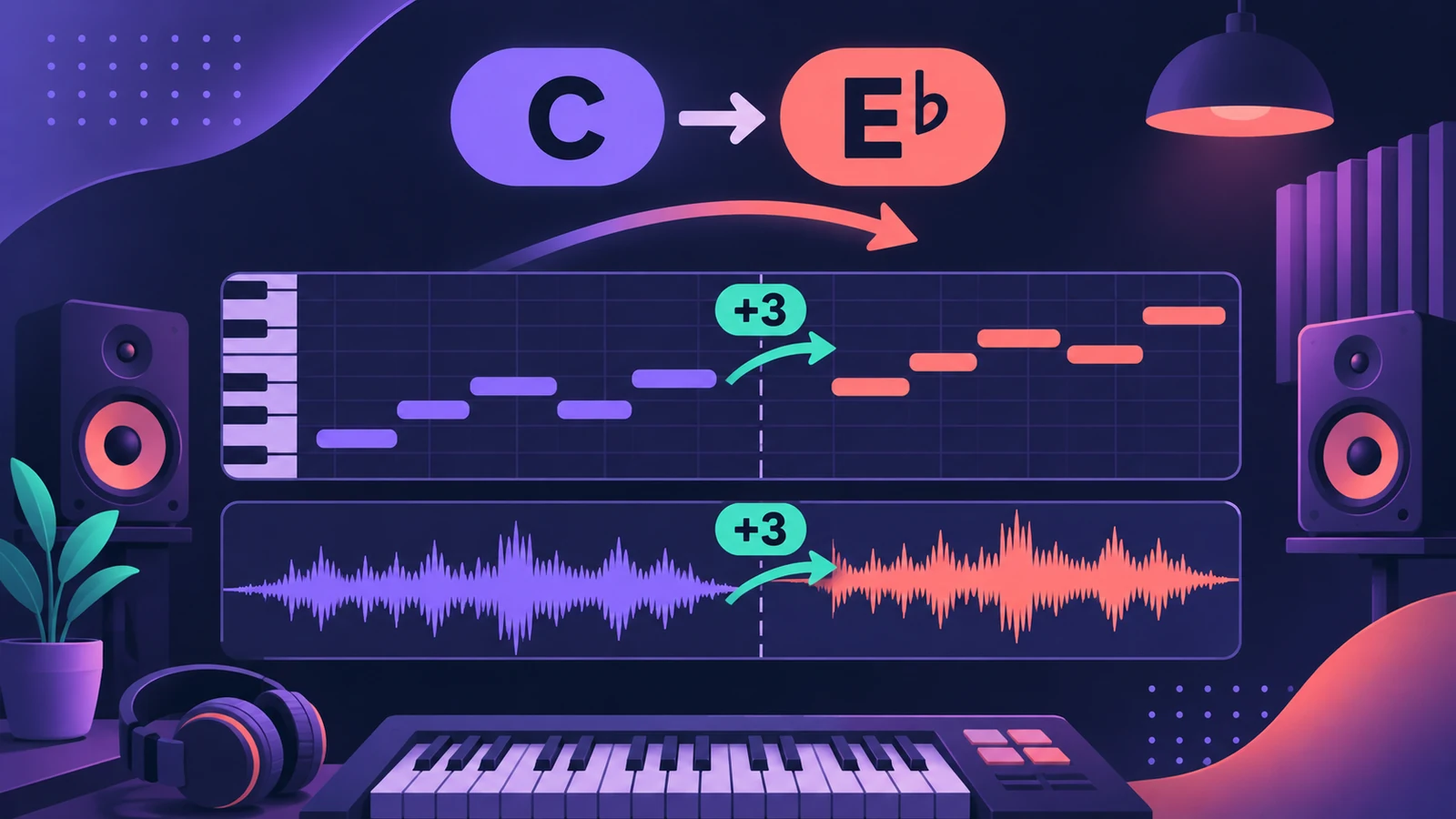
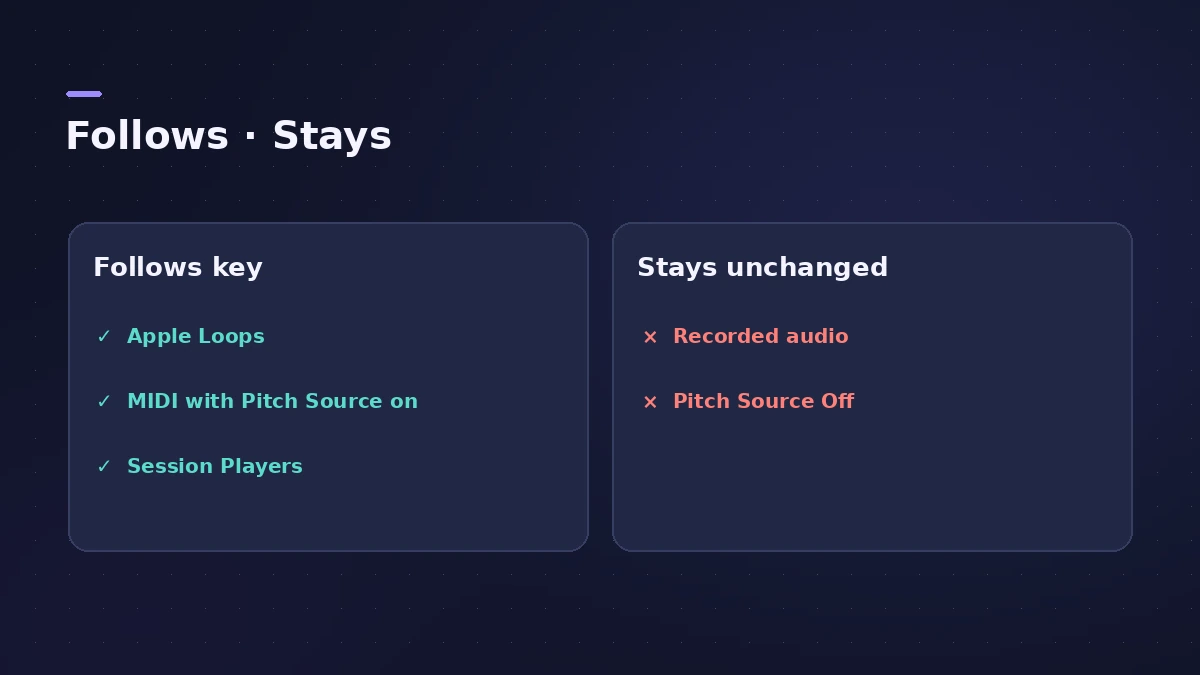
To move a part up or down, set Transpose in the Region inspector — in semitones, for MIDI or audio. To change the key of the whole song, change the key signature: regions whose Pitch Source follows the key move with it, while recorded audio stays where it is unless you transpose it yourself.
 Owen Hartley
Where to find it
Region inspector > Transpose
Pitch Source options
| Option | The region… |
|---|---|
| Off | Never follows the key or chords |
| Key Signature | Changes with the project key and later key changes |
| Chord Track | Follows the chords on the Chord track |
| Region Chords | Follows its own region chords |
Step by step
-
1
Select the regions
Select the MIDI or audio regions you want to move. Press I if the inspector is hidden.
-
2
Transpose in semitones
Choose a value from the Transpose pop-up menu or drag in the field. For MIDI, all notes in the region are transposed on playback.
-
3
Fine-tune audio if needed
For audio regions, use Fine-Tune to adjust in cents — useful when a recording is slightly sharp or flat.
-
4
Change the song key
Change the key signature at the start of the project (or add a key change). Loops and regions with Pitch Source set to follow the key transpose automatically.
Common mistakes
- Changing the key and forgetting that recorded vocals and guitars don't follow it.
- Expecting recorded audio to follow the key — Apple's iPad guide notes audio regions have no Pitch Source setting.
- Leaving Pitch Source on Key Signature for a part that should stay in its original key — set it to Off.
Pitch Source explained
Pitch Source decides whether a region follows key signature changes, the Chord track or its own chords — or stays put (Off). See tempo, key and time signature for setting the key.
Sources
- Apple — Logic Pro X 10.4 Help: MIDI region parameters (old)
- Apple Support — Change the pitch of an audio region in Logic Pro for Mac
- Apple — Logic Pro for iPad User Guide: Control transposition with the Pitch Source parameter
- Apple — Logic Pro User Guide for Mac 12.3 (table of contents)
- Apple — Logic Pro X 10.1 Help: Match audio files to the project tempo (old)
Checked November 2026. Logic ProFiles is independent of Apple; menu names can differ slightly between Logic Pro versions.
Frequently asked questions
How do I change the key of a whole song in Logic Pro?
+
Change the key signature. MIDI and Apple Loops set to follow it move with it; recorded audio needs its own Transpose setting.
Where do I transpose an audio region?
+
In the Region inspector: Transpose in semitones and Fine-Tune in cents. Apple notes the region shows how far it's transposed.
What does Pitch Source Off do?
+
The region ignores key signatures and chords, so it always plays in the key it was recorded in.
Related
- Transpose calculatorTranspose a key and chord list by any number of semitones, see the new key and pitch ratio, and use the value in Logic Pro's Transpose field.
- How to set tempo, key and time signature in Logic ProSet tempo, key and time signature in Logic Pro from the LCD, add tempo and key changes later in the song, and see what each setting changes in playback.
- The Logic Pro Piano Roll EditorEdit MIDI in the Logic Pro Piano Roll: open it with P, add and move notes, change length and velocity, quantize selected notes and colour notes by velocity.
- Autotune in Logic Pro — Flex Pitch and Pitch CorrectionTune vocals in Logic Pro without extra plug-ins: fix notes by hand with Flex Pitch, or use the Pitch Correction plug-in for real-time autotune. Both explained.
- Editing in Logic ProEdit audio and MIDI in Logic Pro: comp takes, quantize, Flex Time, Smart Tempo, change tempo or key, Stem Splitter, audio to MIDI, fades and Remove Silence.