Transpose calculator
Moving a song to suit a singer? Pick the original key and a semitone shift to see the new key and transposed chords — the same number you enter in Logic Pro's Transpose parameter.
 Owen Hartley
How it works
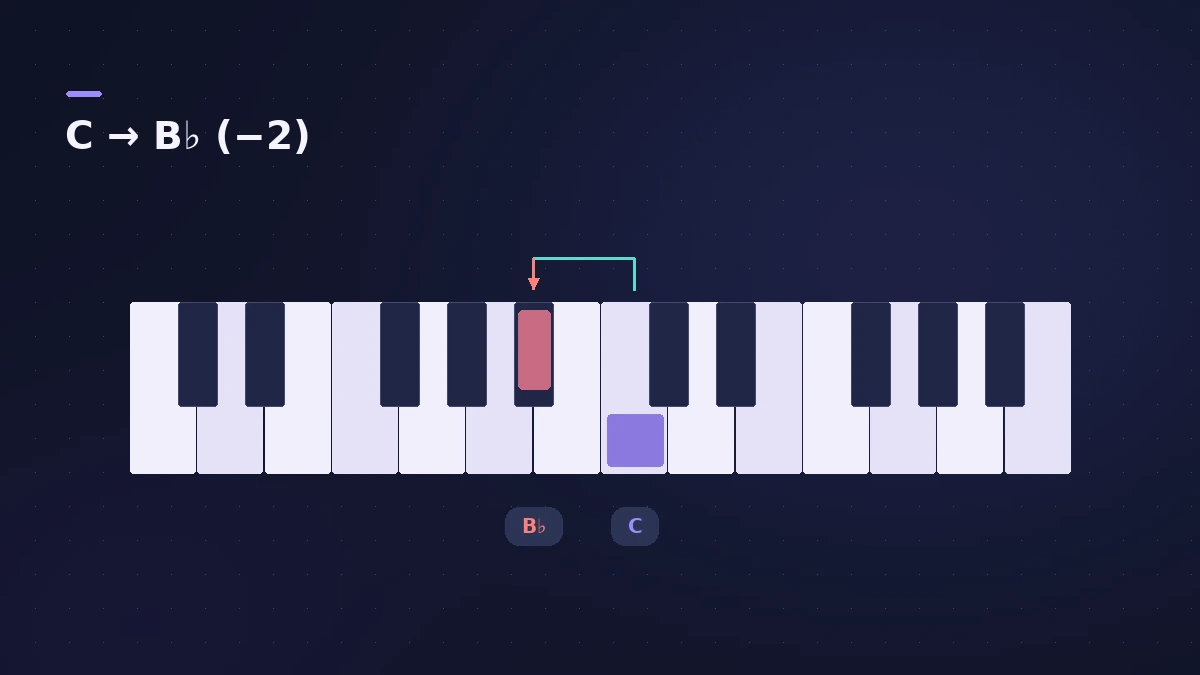
New key = original key + semitones (mod 12). The pitch ratio is 2^(semitones ÷ 12), so −2 semitones plays at about 0.89 × the frequency.
Using the value in Logic Pro
| Region type | Where | Notes |
|---|---|---|
| MIDI | Region inspector > Transpose | Shifts notes during playback |
| Audio | Region inspector > Transpose / Fine Tune | Semitones and cents |
Apple's iPad guide lists ±96 semitones for MIDI regions and −36 to +36 for audio regions. For a full key change, see transpose and change key.
Sources
- Apple — Logic Pro for iPad: Transpose MIDI regions
- Apple — Logic Pro for iPad: Transpose and fine-tune audio regions
- Apple — Change the pitch of an audio region in Logic Pro for Mac
Checked November 2026. Logic ProFiles is independent of Apple; menu names can differ slightly between Logic Pro versions.
Frequently asked questions
How many semitones is an octave?
+
12 semitones; 100 cents make one semitone.
Does Transpose change the notes in the Piano Roll?
+
No. For MIDI regions the Transpose parameter shifts pitch during playback; the notes shown stay where they were.
Related
- How to transpose or change the key in Logic ProTranspose MIDI and audio regions in Logic Pro, change a song's key with key signatures and Pitch Source, and fine-tune audio regions in cents.
- Middle C in Logic Pro: C3 or C4?Why Logic Pro can label middle C as C3 or C4, what MIDI note 60 is, how the Yamaha and Roland conventions differ, and where to switch the display.
- Note to frequency calculatorFind the frequency of any note with your own A4 reference, its MIDI note number, and the nearest note and cents for any frequency — for EQ and tuning.
- Sample rate mismatch calculatorFind out how much faster or slower and how far out of tune a file plays at the wrong sample rate, such as 96 kHz audio in a 48 kHz project, plus its new length.
- Audio calculatorsFree audio calculators for Logic Pro: buffer latency, file size, BPM to delay time, bars to time, tempo change, samples to ms and note frequency.