Reference
Middle C in Logic Pro: C3 or C4?
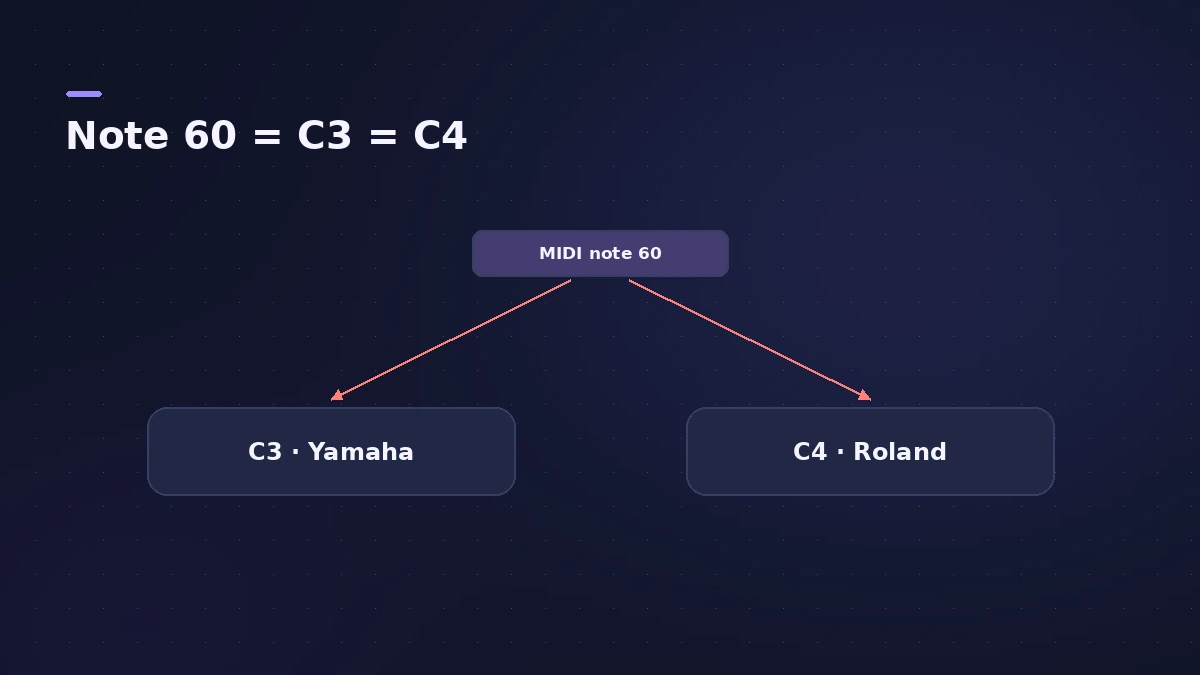
Middle C is MIDI note 60, but apps name it differently: C3 in the Yamaha convention, C4 in the Roland convention used by many sample libraries. Logic Pro can display either, so you can match your plug-ins.
 Owen Hartley
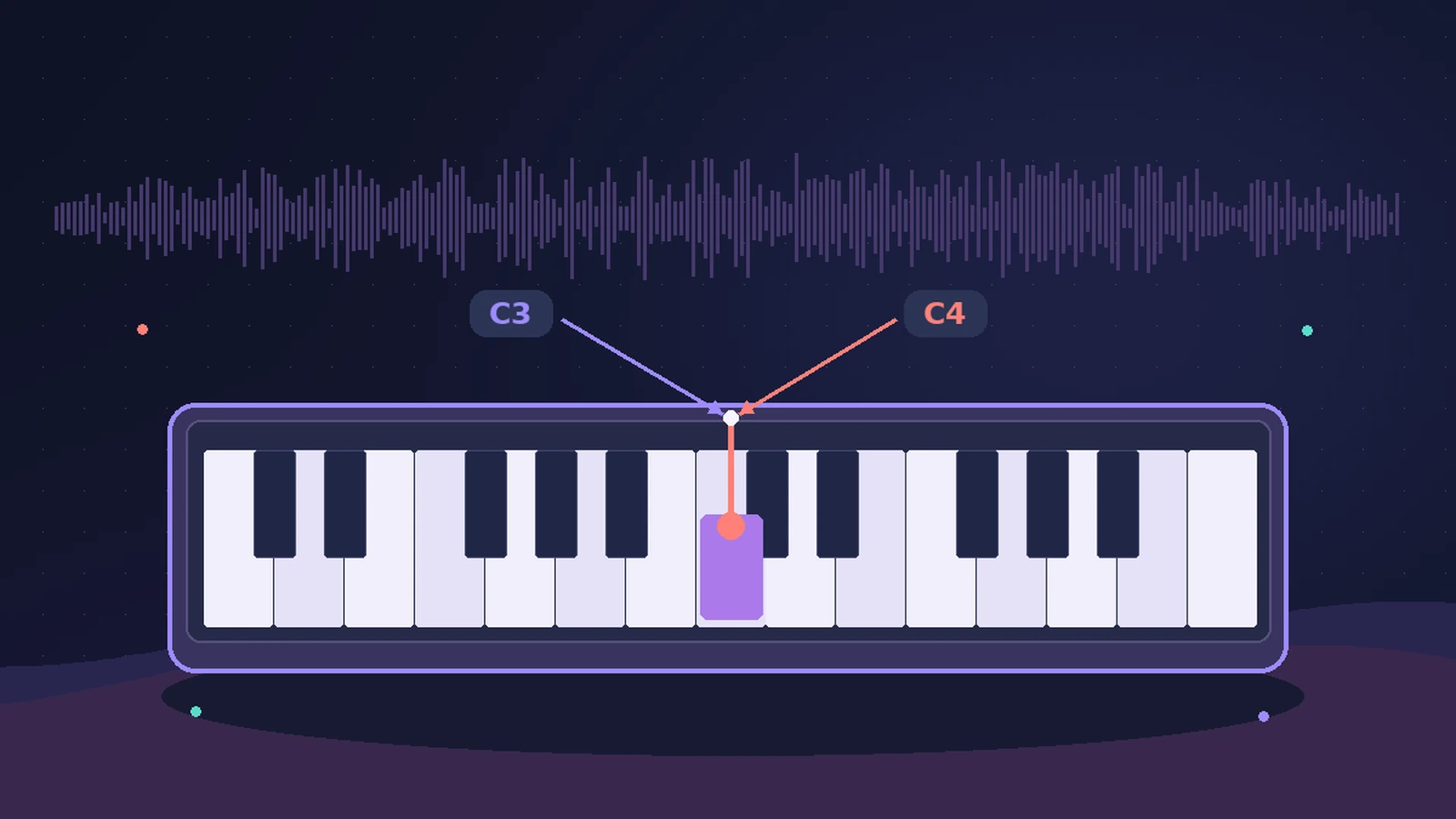
The two conventions
| Setting | Middle C | Lowest MIDI note |
|---|---|---|
| C3 (Yamaha) | C3 | C–2 |
| C4 (Roland) | C4 | C–1 |
Older Apple documentation calls C3 (Yamaha) the standard used by most manufacturers; with C4 (Roland), middle C is labelled C4 and the lowest MIDI note is C–1. Spitfire Audio's libraries default to note 60 = C4. Match the setting to your sample libraries or notation software so keyswitches and ranges line up — Spitfire Audio points to Logic Pro > Settings > Display > Display Middle C As.
Sources
- Apple — Logic Pro X 10.1 Help: Display preferences, middle C (old)
- Spitfire Audio — MIDI note names when DAW and plugin octaves differ
Checked November 2026. Logic ProFiles is independent of Apple; menu names can differ slightly between Logic Pro versions.
Frequently asked questions
Is middle C note 60 in both systems?
+
Yes. Both conventions refer to MIDI note 60; only the octave number differs.
Where do I change middle C in Logic Pro?
+
In Logic Pro’s settings, under Display, with the Display Middle C As option.
Related
- The Logic Pro Piano Roll EditorEdit MIDI in the Logic Pro Piano Roll: open it with P, add and move notes, change length and velocity, quantize selected notes and colour notes by velocity.
- MIDI CC list for Logic ProThe MIDI CC numbers you'll use most in Logic Pro: CC1 modulation, CC7 volume, CC10 pan, CC11 expression, CC64 sustain, CC74 cutoff, and where to edit them.
- Logic Pro glossaryLogic Pro glossary: region, take, comping, bounce, freeze, bus, channel strip, patch, quantize, latency, Smart Tempo and more — short definitions with links.
- Logic Pro referenceLogic Pro reference: a plain-English glossary, supported audio and MIDI file formats, where plug-ins are installed, and how to make custom key commands.