Reference
MIDI CC list for Logic Pro
Control change (CC) messages carry knob, fader, wheel and pedal moves. Each has a number from 0 to 127; a few are standard on almost every instrument. In Logic Pro you record them with notes and edit them in the Piano Roll's automation area or the Event List.
 Owen Hartley
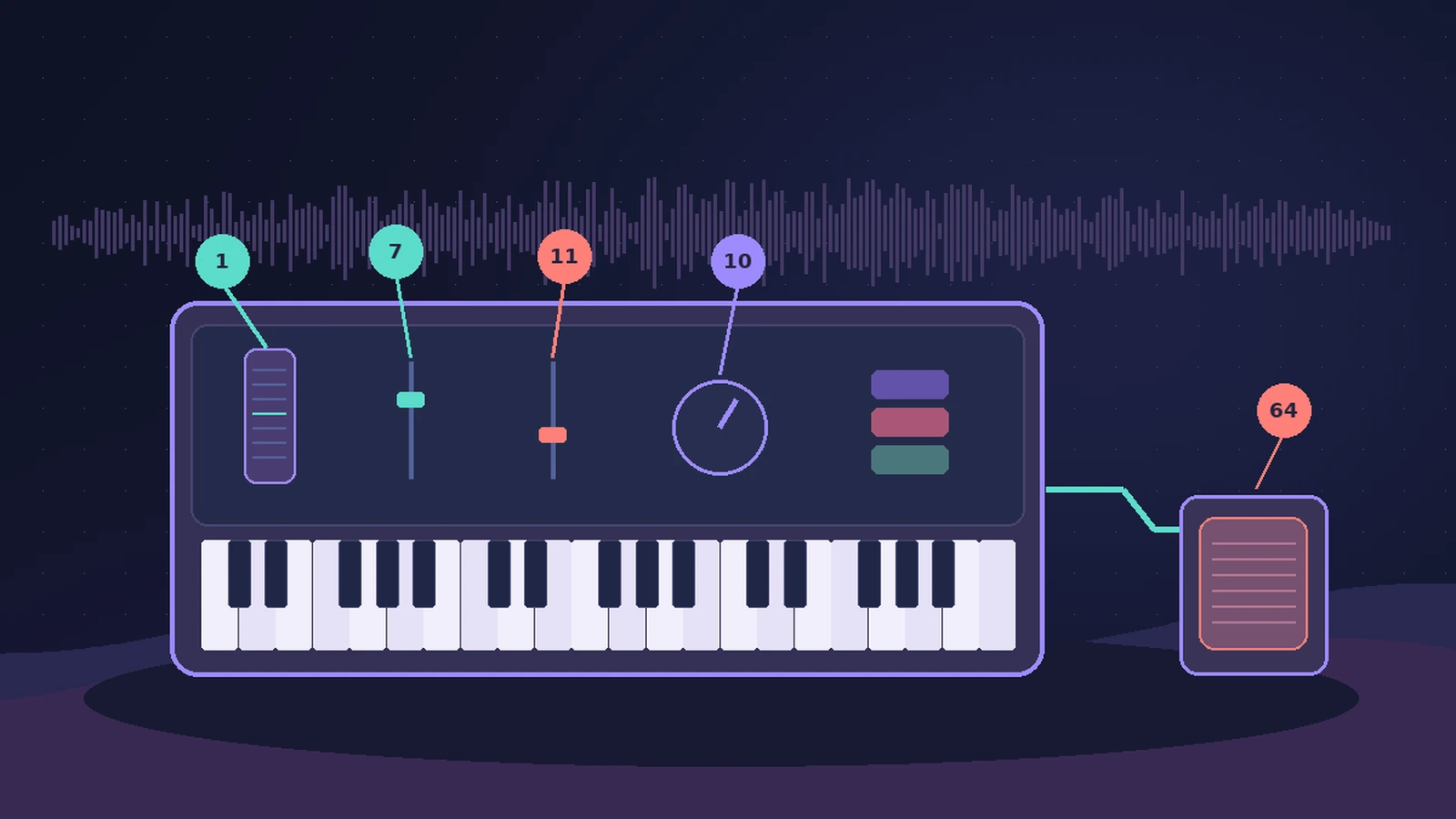
Common controllers
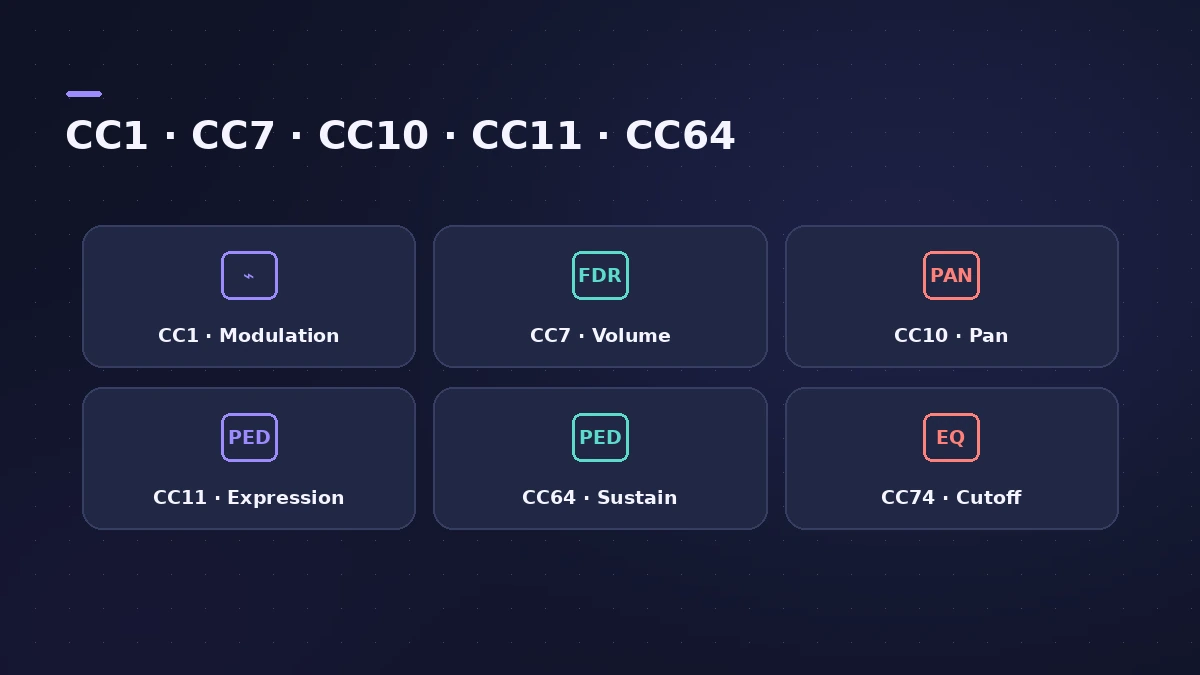
| CC | Name | Notes |
|---|---|---|
| 1 | Modulation wheel | Often vibrato or filter |
| 7 | Volume | Overall output volume of the instrument |
| 10 | Pan | Left/right balance |
| 11 | Expression | Common for live dynamics and swells |
| 64 | Sustain pedal | Holds notes while the pedal is down |
| 71 | Resonance | Filter resonance |
| 74 | Cutoff | Filter cutoff |
| 121 | Reset all controllers | Resets controllers |
Older Apple documentation notes that Logic Pro's reset command transmits CC121 with a value of 0. To edit recorded CCs, use the Piano Roll automation area or the Event List.
Sources
- Apple — Logic Pro X 10.1 Help: Control change events (old)
- PresetPatch — MIDI CC list
- Apple — Logic Pro 9 Help: Monitoring and resetting MIDI events (old)
Checked November 2026. Logic ProFiles is independent of Apple; menu names can differ slightly between Logic Pro versions.
Frequently asked questions
What is the difference between CC7 and CC11?
+
CC7 sets the overall output volume of an instrument; CC11 (expression) is commonly used for performance dynamics on top of that.
Which CC is the sustain pedal?
+
CC64. It holds played notes while the pedal is pressed.
Related
- Orchestral mockups in Logic ProBuild a realistic orchestral mockup in Logic Pro: Studio Strings and Horns sections, articulations by keyswitch, legato lines, and CC1 and CC11 for dynamics.
- Event List in Logic ProUse the Event List in Logic Pro to see and edit every MIDI event as numbers: position, channel, value and length; filter by type; fix stray controllers.
- The Logic Pro Piano Roll EditorEdit MIDI in the Logic Pro Piano Roll: open it with P, add and move notes, change length and velocity, quantize selected notes and colour notes by velocity.
- How to record MIDI with a keyboard in Logic ProRecord MIDI from a keyboard in Logic Pro: arm an instrument track, record with a count-in, overdub, replace or take passes in Cycle mode, then quantize.
- Logic Pro referenceLogic Pro reference: a plain-English glossary, supported audio and MIDI file formats, where plug-ins are installed, and how to make custom key commands.