Editing
Event List in Logic Pro
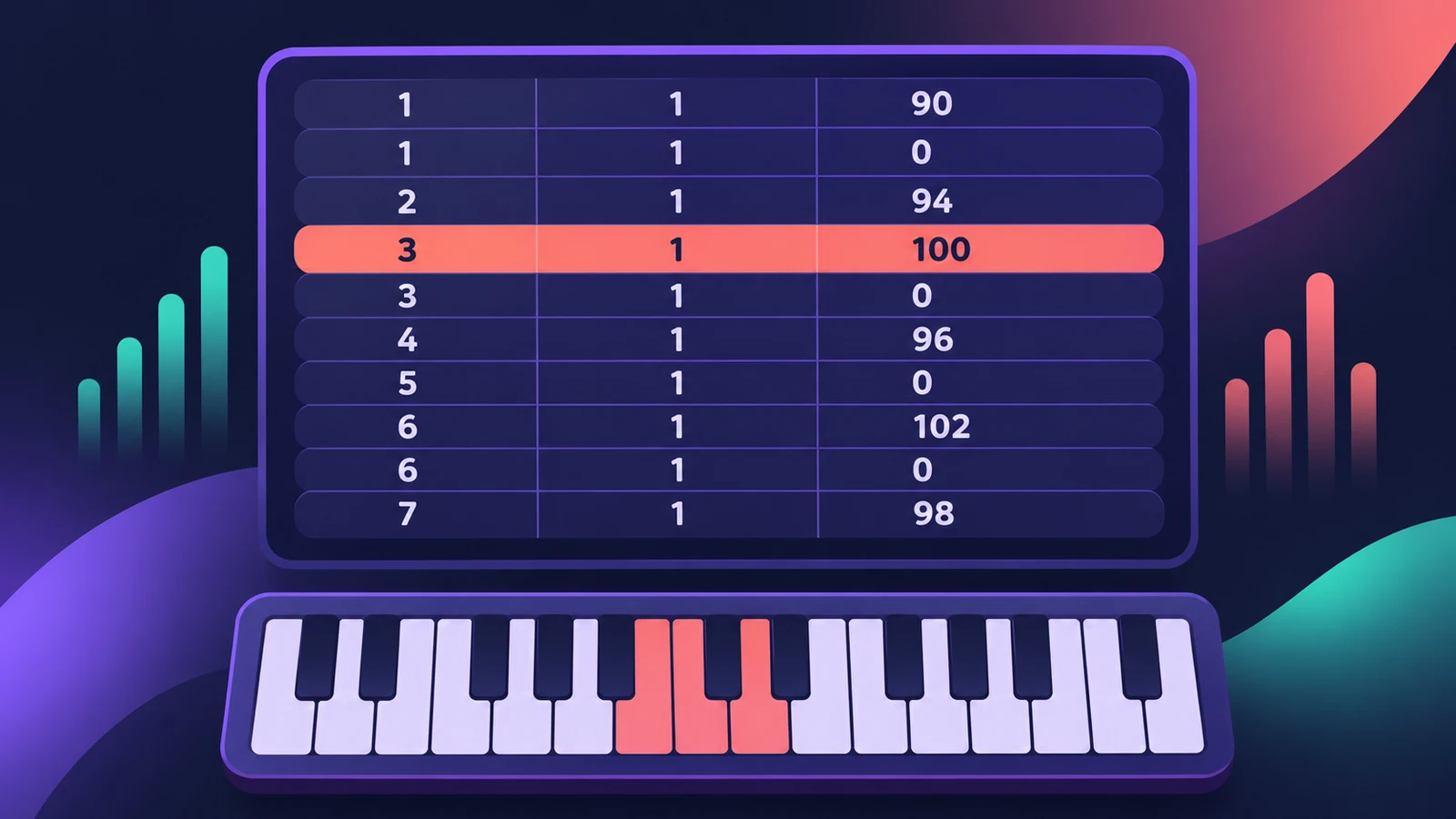
Apple calls the Event List the most powerful, flexible and complete MIDI editor in Logic Pro. It shows every event — notes, controllers, pitch bend, program changes — as a list of numbers you can edit precisely, which is ideal for fixing what you can't see in the Piano Roll.
 Owen Hartley
Where to find it
List Editors > Event (E)
Event List columns
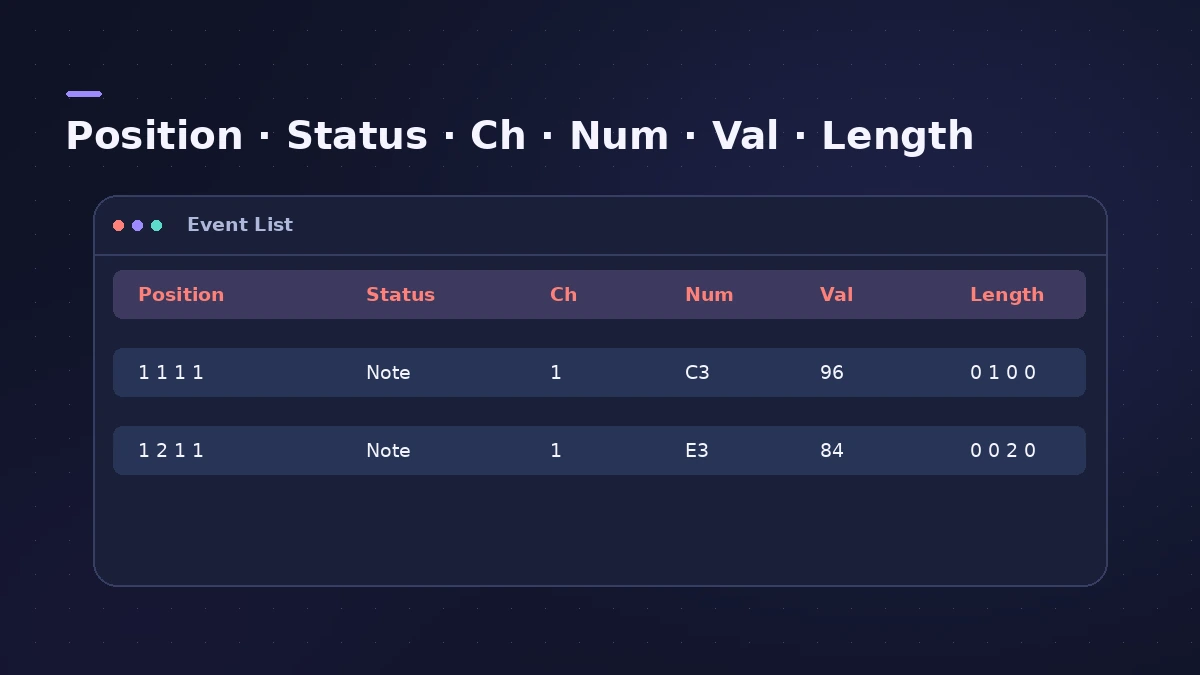
| Column | Meaning |
|---|---|
| Position | Where the event starts |
| Status | Event type — note, controller, pitch bend… |
| Ch | MIDI channel |
| Num | Note pitch or controller number |
| Val | Velocity or controller value |
| Length/Info | Note length or extra information |
The Event List can also show a list of regions instead of events, and it accepts real-time and step recording.
Step by step
-
1
Open the Event List
Select a MIDI region, click the List Editors button and choose the Event tab, or press E.
-
2
Filter by event type
Use the event type buttons to show only notes, pitch bend, controllers or other types you want to edit.
-
3
Read the columns
Each row shows Position, Status, Channel, Number, Value and Length/Info for one event.
-
4
Edit values precisely
Double-click a value to type a new one — for example a note's exact start or a controller's value.
-
5
Remove stray events
Select unwanted events, such as a stray volume or sustain controller, and delete them.
Common mistakes
- Trying to fix a hidden controller in the Piano Roll when it's easier to see in the list.
- Editing score layout events here instead of in the Score Editor.
Batch changes instead?
For changing many events by rule — random velocity, humanize, delete every volume event — use MIDI Transform. For drawing notes, use the Piano Roll.
Sources
- Apple — Logic Pro X 10.4.5 Help: Event List overview (old)
- Apple — Logic Pro X 10.4.5 Help: Edit events overview (old)
- Apple — Logic Pro X 10.1 Help: Edit events (controller numbers) (old)
- Apple — Logic Pro X User Manual: Event List overview (open with E)
- Apple — Logic Pro 9 User Manual: Getting to know the Event List (old)
- Apple — Logic Pro X 10.1 Help: Advanced editors overview (old)
Checked November 2026. Logic ProFiles is independent of Apple; menu names can differ slightly between Logic Pro versions.
Frequently asked questions
What shows in the Event List?
+
All MIDI event types in the selected region as a list, with columns for position, status, channel, number, value and length or info.
Which controller numbers are volume and pan?
+
Apple's guide lists controller 7 as Volume and 10 as Pan.
Related
- MIDI CC list for Logic ProThe MIDI CC numbers you'll use most in Logic Pro: CC1 modulation, CC7 volume, CC10 pan, CC11 expression, CC64 sustain, CC74 cutoff, and where to edit them.
- The Logic Pro Piano Roll EditorEdit MIDI in the Logic Pro Piano Roll: open it with P, add and move notes, change length and velocity, quantize selected notes and colour notes by velocity.
- Humanize MIDI in Logic Pro — the MIDI Transform windowHumanize MIDI in Logic Pro with the MIDI Transform window: choose the Humanize preset, set random Position, Velocity and Length, or try Random Velocity.
- Score Editor in Logic Pro — sheet music from MIDITurn MIDI into sheet music with Logic Pro's Score Editor: open it with Command-5, edit notes and symbols, add lyrics, tab and chord grids, then print or PDF.
- MIDI region not playing in Logic ProRecorded MIDI plays nothing in Logic Pro? Check the region isn't muted, the track is on, nothing is soloed, and start playback before the note, not mid-note.
- Editing in Logic ProEdit audio and MIDI in Logic Pro: comp takes, quantize, Flex Time, Smart Tempo, change tempo or key, Stem Splitter, audio to MIDI, fades and Remove Silence.