Editing
Humanize MIDI in Logic Pro — the MIDI Transform window
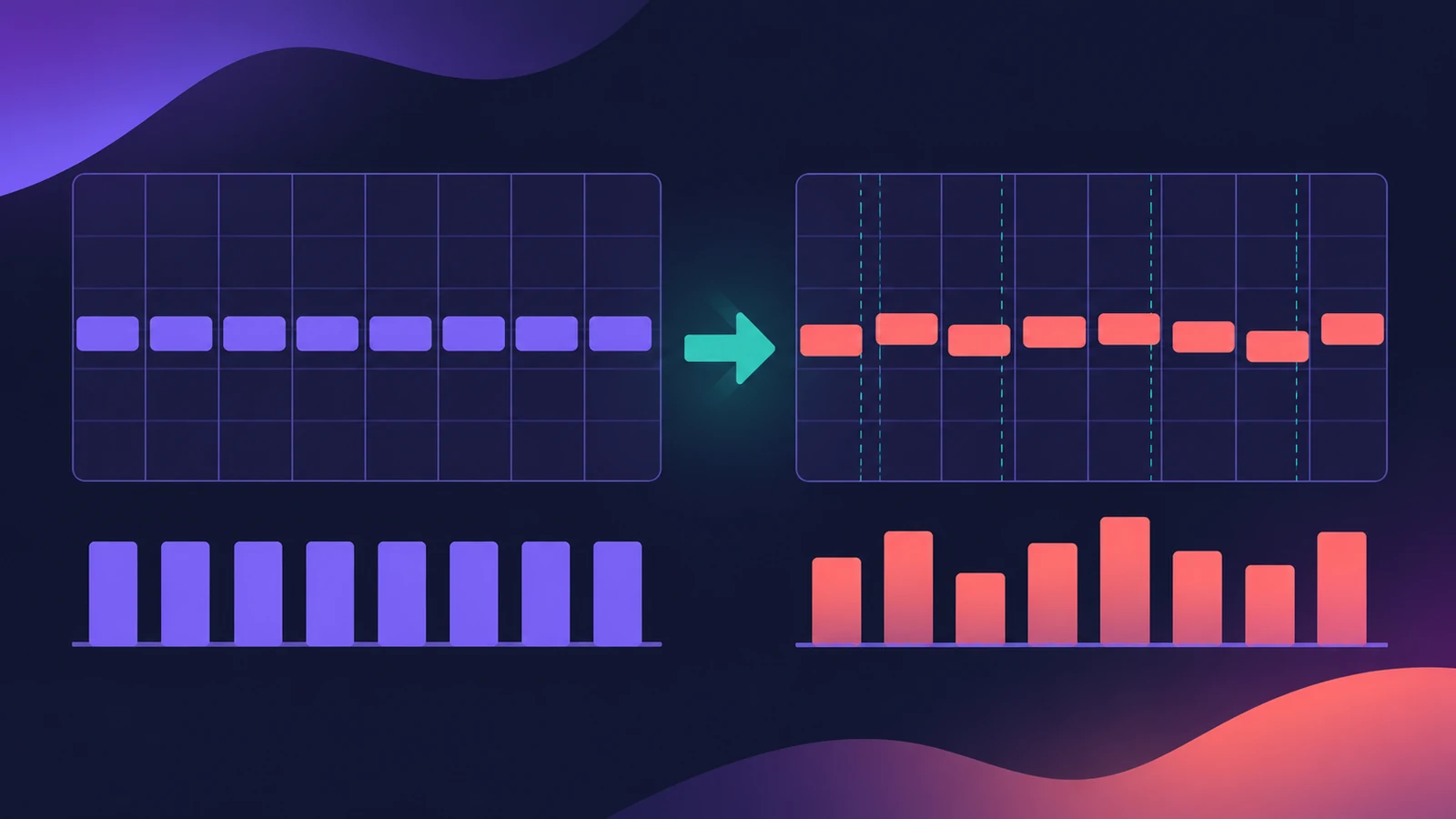
The MIDI Transform window changes many MIDI events at once by rule. Its Humanize preset adds a small random value to the position, velocity and length of selected notes, so programmed parts sound less mechanical. Other presets randomise pitch or velocity, limit velocity and more.
 Owen Hartley
Where to find it
MIDI Transform window > Humanize preset
Useful MIDI Transform presets

| Preset | What it does |
|---|---|
| Humanize | Random change to position, velocity and length of selected notes |
| Random Velocity | Random velocities |
| Velocity Limiter | Caps velocity at a maximum |
| Reverse Position | Reverses note positions in a section |
| Reverse Pitch | Inverts the pitch of notes |
| Quantize Note Length | Quantizes note end positions |
You can also build your own transform sets — for example to delete all volume events (CC 7) from a region, one of Apple's examples.
Step by step
-
1
Select the notes
Select the MIDI region or the notes you want to change, for example a programmed hi-hat part.
-
2
Open MIDI Transform
Open the MIDI Transform window and choose the Humanize preset.
-
3
Set the amounts
Change the Position, Velocity and Length values to increase or decrease the random amount for each.
-
4
Apply to selected events
Run the operation on the selected events and listen. Undo and try again with smaller values if it sounds sloppy.
Common mistakes
- Using big Position values that push notes off the beat.
- Humanizing a part that's already been played live — it was already human.
- Forgetting the window works on the selected events only.
Other ways to add feel
For a specific feel rather than randomness, use a groove template or quantize with less strength. Edit single events in the Event List.
Sources
- Apple — Logic Pro X 10.1 Help: MIDI Transform window presets (old)
- Apple — Logic Pro X User Manual: MIDI Transform window presets
- Apple — Logic Pro 9 User Manual: Transform presets (old)
- Apple — Logic Pro X 10.1 Help: MIDI Transform window examples (old)
- Sound On Sound — Logic Pro: MIDI Transform & Humanize (May 2024)
- Sound On Sound — Logic: Working with the Transform Window (Sep 2009)
Checked November 2026. Logic ProFiles is independent of Apple; menu names can differ slightly between Logic Pro versions.
Frequently asked questions
Does Logic Pro have a humanize function?
+
Yes. The MIDI Transform window's Humanize preset adds random values to the position, velocity and length of selected notes.
What other MIDI Transform presets are there?
+
Examples in Apple's guide include Random Pitch, Random Velocity, Reverse Position, Reverse Pitch, Velocity Limiter and Quantize Note Length.
Related
- Groove templates in Logic ProMake a groove template in Logic Pro from an audio or MIDI region with Make Groove Template, quantize other parts to its feel and keep the source region.
- How to quantize MIDI and audio in Logic ProQuantize MIDI and audio in Logic Pro: pick a grid in the Region inspector, add swing, use strength and range to keep the feel, quantize notes in the Piano Roll.
- The Logic Pro Piano Roll EditorEdit MIDI in the Logic Pro Piano Roll: open it with P, add and move notes, change length and velocity, quantize selected notes and colour notes by velocity.
- Event List in Logic ProUse the Event List in Logic Pro to see and edit every MIDI event as numbers: position, channel, value and length; filter by type; fix stray controllers.
- Editing in Logic ProEdit audio and MIDI in Logic Pro: comp takes, quantize, Flex Time, Smart Tempo, change tempo or key, Stem Splitter, audio to MIDI, fades and Remove Silence.