Editing
Groove templates in Logic Pro
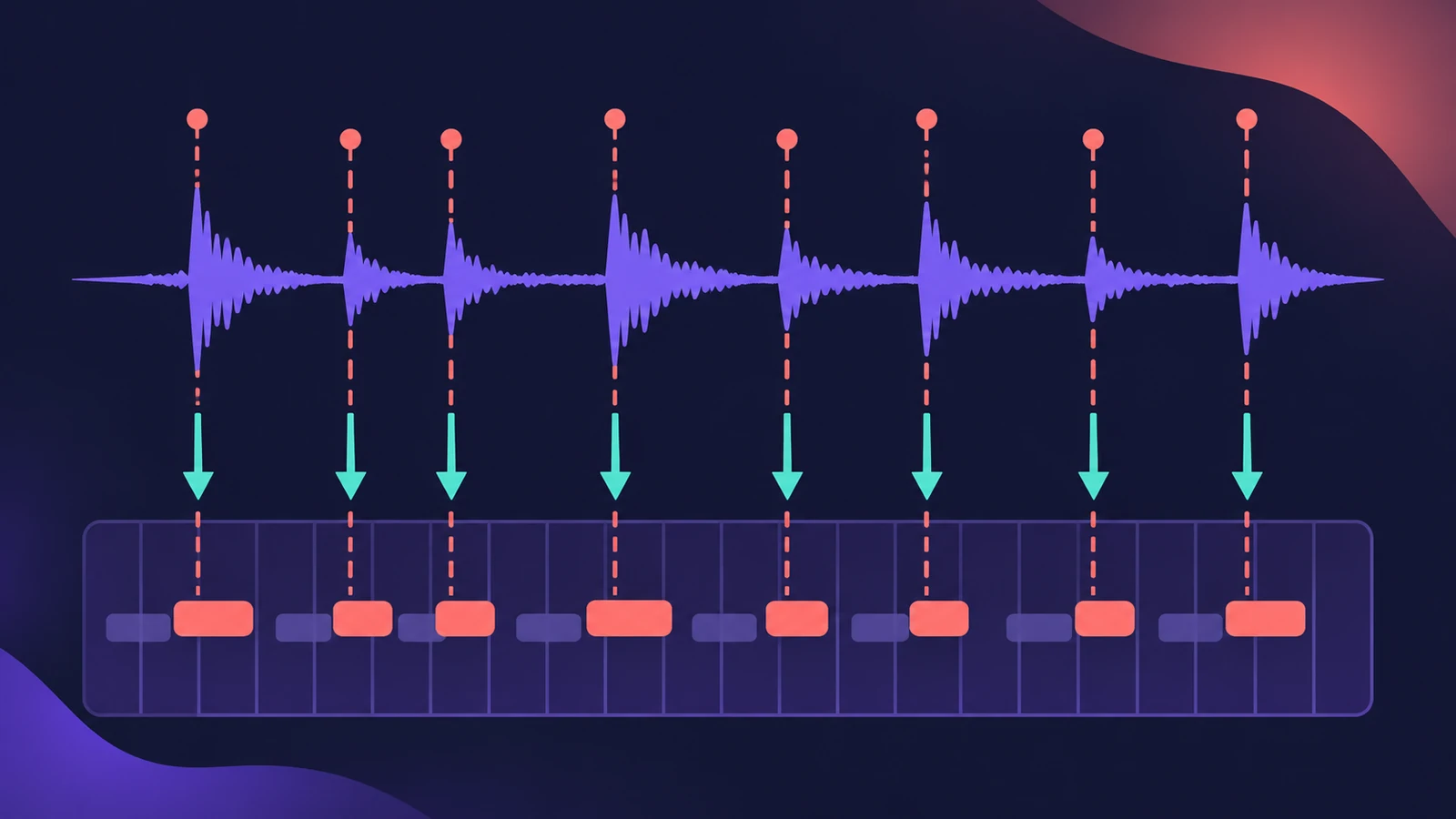
A groove template turns the exact timing of a region — a drummer's feel or a funky guitar loop — into a quantize value. Choose Make Groove Template from the Quantize menu and any other region can be quantized to that feel instead of a rigid grid.
 Owen Hartley
Where to find it
Region inspector > Quantize > Make Groove Template
Managing groove templates
| Task | How |
|---|---|
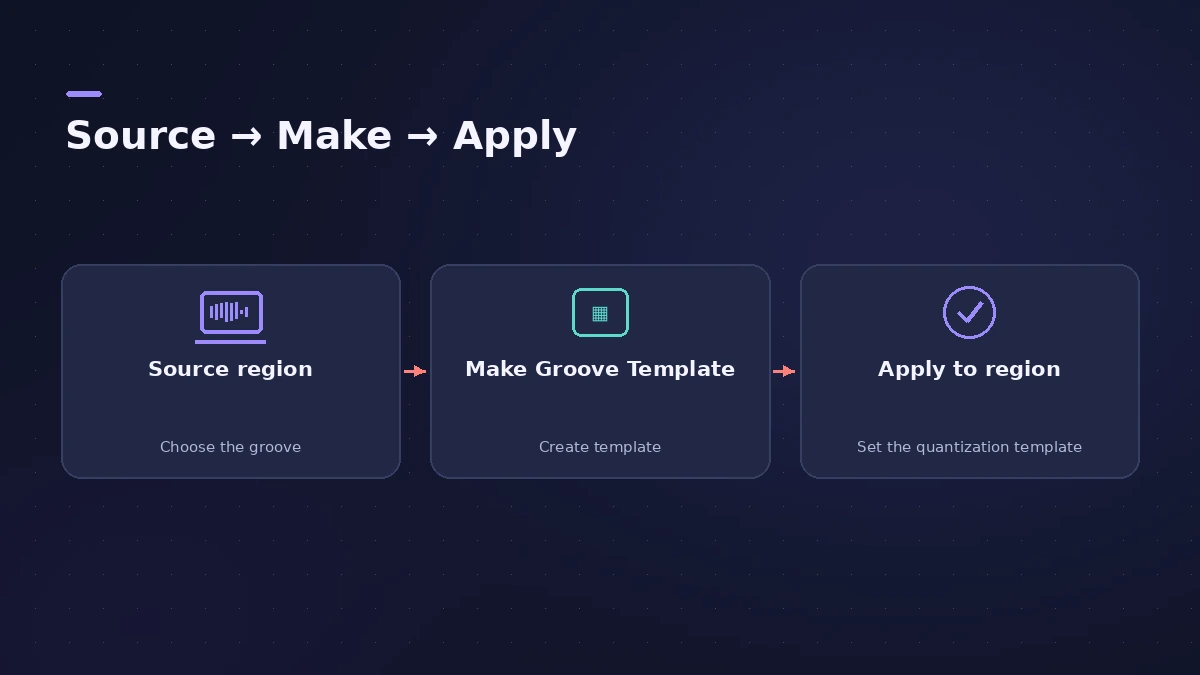
| Create | Quantize menu > Make Groove Template |
| Apply | Choose the template in another region's Quantize menu |
| Remove | Choose it, then Remove Groove Template from List |
| Share between projects | Name source regions, pack them in a folder, Save As Template |
Sound On Sound also points out that multitrack drums can't be turned into a template directly — bounce them to a single region first.
Step by step
-
1
Pick a source region
Choose an audio or MIDI region with the feel you want. Apple notes two-bar MIDI regions work well, with a note at every quantize position you need.
-
2
Set a quantize value
In the Region inspector, choose a quantize value from the Quantize menu.
-
3
Make the template
Open the Quantize menu again and choose Make Groove Template. It appears near the bottom of the menu, named after the region.
-
4
Apply it
Select another region and choose the groove template from its Quantize menu; adjust Strength to taste.
-
5
Keep the source
Leave the source region in the project — if you delete it, the template stays in the menu but no longer works.
Common mistakes
- Deleting the source region and wondering why the groove does nothing.
- Making a template from multitrack drums directly — bounce them to one region first.
- Using a source without notes on every beat you need.
Groove track or groove template?
The groove track makes other tracks follow one track live; a groove template is a quantize value you apply to regions. For grid quantizing, see quantize.
Sources
- Apple — Logic Pro X 10.1 Help: Create groove templates (old)
- Apple — Logic Pro X User Manual: Remove and share groove templates
- Sound On Sound — The Beat Is On (groove templates, Oct 2014)
- Sound On Sound — Logic Pro: Editing Drum Timings (Sep 2023)
Checked November 2026. Logic ProFiles is independent of Apple; menu names can differ slightly between Logic Pro versions.
Frequently asked questions
Can I make a groove template from audio?
+
Yes. Select an audio region and choose Make Groove Template; Sound On Sound notes you may need to Flex the audio first.
How do I use a groove template in other projects?
+
Make templates from named regions, pack them into a folder and save the project as a template, then start new projects from it.
Related
- How to quantize MIDI and audio in Logic ProQuantize MIDI and audio in Logic Pro: pick a grid in the Region inspector, add swing, use strength and range to keep the feel, quantize notes in the Piano Roll.
- How to use the groove track in Logic ProSet a groove track in Logic Pro and make other tracks follow its timing: show the star, tick Match Groove Track and know the limits with loops and quantize.
- Flex Time in Logic Pro — fix audio timingUse Flex Time in Logic Pro to fix and quantize audio timing: turn on Flex, choose Slicing, Rhythmic, Monophonic or Polyphonic, then drag or quantize.
- How to record drums in Logic ProRecord a drum kit in Logic Pro: start with overheads, add kick and snare mics, give each mic its own input and track, then group them in a Track Stack.
- Editing in Logic ProEdit audio and MIDI in Logic Pro: comp takes, quantize, Flex Time, Smart Tempo, change tempo or key, Stem Splitter, audio to MIDI, fades and Remove Silence.