Learn Logic Pro
How to use the groove track in Logic Pro
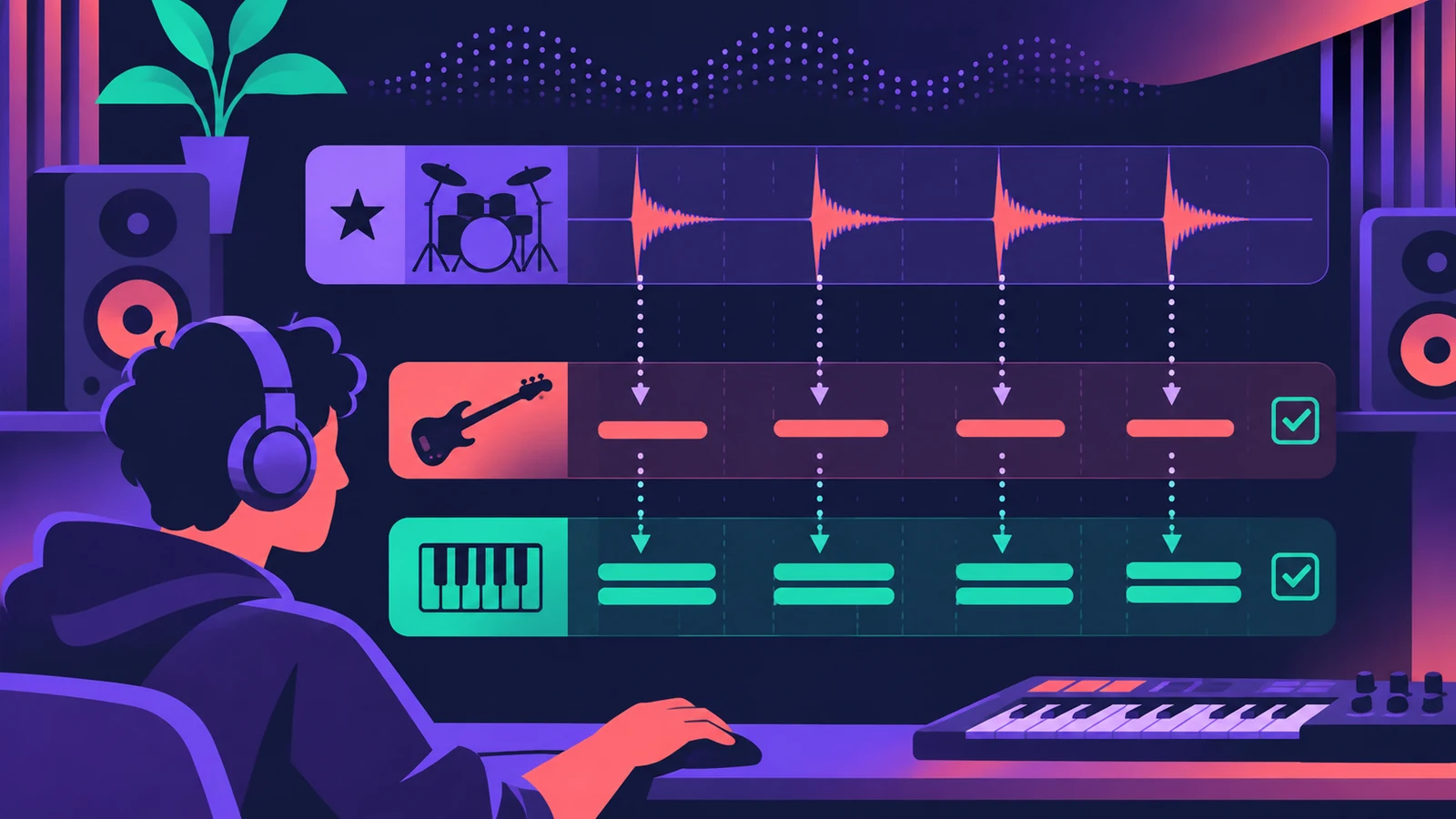
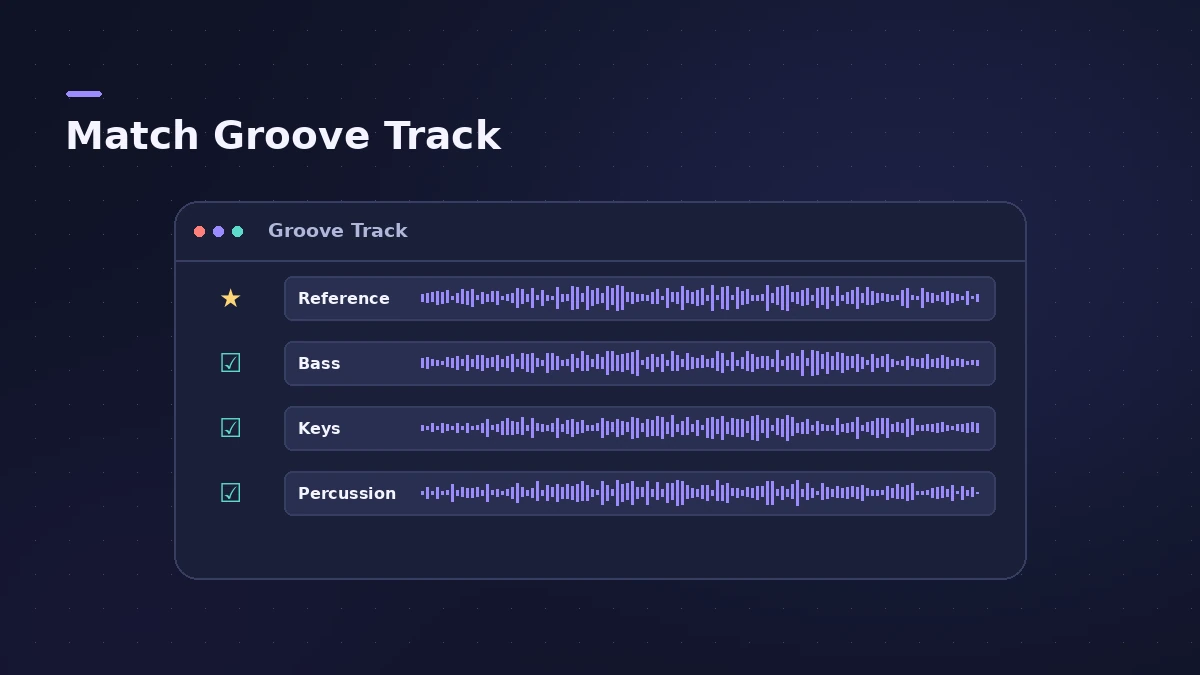
The groove track lets one track set the feel for others. Mark a track — say a live drum part — as the groove track, tick Match Groove Track on the others, and their timing follows it as the project plays. Only one track per project can be the groove track. Logic Pro 13.0 fixed a bug that had hard-quantized linked tracks.
 Owen Hartley
Where to find it
Track header (left edge)
When to use it
Use a groove track when one performance has the feel you want — a live drummer, a swung guitar part — and you'd rather the rest of the band follow it than snap everything to the grid. If you'd rather lock everything to the grid instead, quantize; for audio timing, Flex Time is the tool. For tempo itself, see tempo, key and time signature.
Step by step
-
1
Show the groove track control
If you can't see it, Control-click a track header and choose Track Header Components > Show Groove Track.
-
2
Set the groove track
Hold the pointer over the left edge of the track header and click the star that appears.
-
3
Match other tracks
Select the Match Groove Track checkbox on the left side of each track that should follow.
-
4
Listen and adjust
Play the project. To stop a track following, deselect its checkbox; to remove the groove track, click its star again.
Common mistakes
- Trying to quantize a track that matches the groove track — time quantization is unavailable on it.
- Expecting repeated Apple Loop sections to follow — only the original loop does.
- Setting a sloppy take as the groove track; every matched track inherits its timing.
Sources
- Apple — Logic Pro X 10.4 Help: Control timing with the groove track (old)
- Apple Support — Logic Pro for Mac release notes
- Apple — Logic Pro User Guide for Mac (table of contents)
Checked November 2026. Logic ProFiles is independent of Apple; menu names can differ slightly between Logic Pro versions.
Frequently asked questions
How many groove tracks can a project have?
+
One. Any number of other tracks can match it.
Can I quantize a track that follows the groove track?
+
No. Apple's guide says time quantization is unavailable for a track set to match the groove track.
Was the groove track broken in Logic Pro 12?
+
Apple's Logic Pro 13.0 release notes include a fix so linked tracks follow the groove track's timing again instead of being hard-quantized.
Related
- Groove templates in Logic ProMake a groove template in Logic Pro from an audio or MIDI region with Make Groove Template, quantize other parts to its feel and keep the source region.
- Logic Pro track types explainedLogic Pro track types explained: audio, software instrument (MIDI, Session Player and pattern regions), external MIDI, Track Stacks, aux and global tracks.
- How to use Apple Loops in Logic ProUse Apple Loops in Logic Pro: find loops in the Browser, add them to tracks, how they follow tempo and key, the four loop types and how to make your own loops.
- How to set tempo, key and time signature in Logic ProSet tempo, key and time signature in Logic Pro from the LCD, add tempo and key changes later in the song, and see what each setting changes in playback.
- Learn Logic Pro — tutorials for beginnersLearn Logic Pro on Mac: a beginner tutorial, the interface, the Logic Pro 13 Browser, audio interface setup, key commands, loops, patches and saving projects.