Workflows
Orchestral mockups in Logic Pro
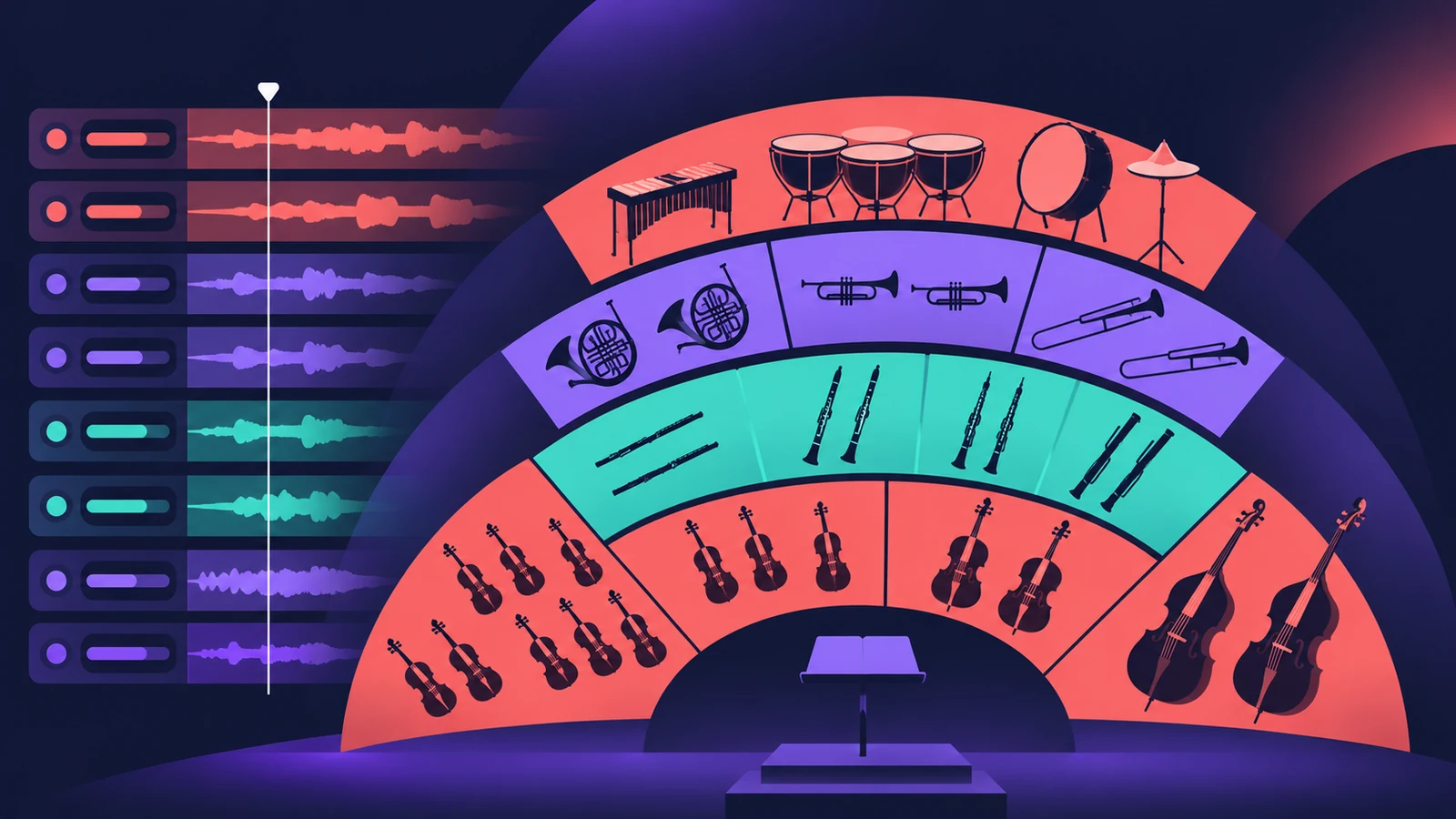
A convincing mockup comes from playing each section like real players: the right articulation for each note, legato where lines connect, and continuous dynamics instead of fixed velocity.
 Owen Hartley
Where to find it
Studio Strings / Studio Horns
Section by section
| Task | Logic Pro tool |
|---|---|
| Section sounds | Studio Strings and Horns |
| Articulations | Articulation menu or keyswitches |
| Dynamics | CC1 or CC11 — see the MIDI CC list |
| Shared hall | Space Designer on an aux |
Step by step
-
1
Set up sections
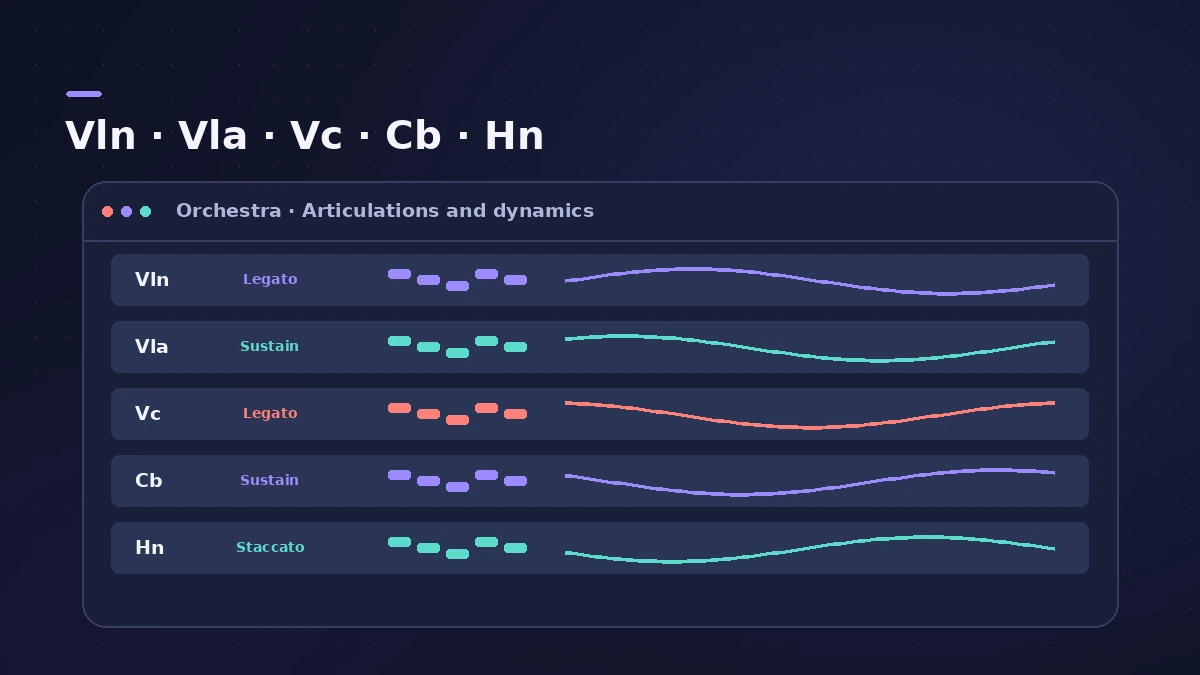
Create separate tracks for each section — violins, violas, cellos, basses, horns — using Studio Strings and Studio Horns.
-
2
Write each line separately
Record or draw each section’s part on its own track rather than playing full chords on one track.
-
3
Choose articulations
Switch between sustain, staccato and other articulations from the menu or with keyswitches.
-
4
Use legato for lines
Play connected melodies with overlapping notes so the legato transitions engage.
-
5
Ride the dynamics
Record CC1 (mod wheel) or CC11 (expression) moves for swells, then edit them in the Piano Roll automation area.
-
6
Place the sections
Pan sections to their usual seats and use a shared reverb so they sound like one room.
Common mistakes
- Block chords on one track: Real sections play separate lines; write voices per track.
- Static velocity: Use continuous controllers for swells and fades.
Tools
See Studio Strings and Horns, the MIDI CC list and scoring to picture.
Sources
Checked November 2026. Logic ProFiles is independent of Apple; menu names can differ slightly between Logic Pro versions.
Frequently asked questions
How do I switch articulations in Studio Strings?
+
From the articulation menu or with keyswitches.
Which CC controls expression?
+
CC11 is expression; CC1 is the mod wheel.
Related
- Studio Strings and Studio Horns in Logic ProWrite realistic string and brass parts with Studio Strings and Studio Horns in Logic Pro: load a section or soloist, switch articulations, add falls.
- MIDI CC list for Logic ProThe MIDI CC numbers you'll use most in Logic Pro: CC1 modulation, CC7 volume, CC10 pan, CC11 expression, CC64 sustain, CC74 cutoff, and where to edit them.
- Scoring to picture in Logic ProScore a film or video in Logic Pro: open the movie, show the Movie track, import its audio, add SMPTE-locked scene markers and export your music to the movie.
- Space Designer in Logic ProUse Space Designer, Logic Pro's convolution reverb: load a sampled IR or synthesize one, set length, predelay and spread, and load your own impulse responses.
- Logic Pro workflowsStep-by-step Logic Pro workflows by genre — house, techno, drum and bass, lo-fi, synthwave, orchestral, rock — plus beats, film scoring and podcasts.