Workflows
Scoring to picture in Logic Pro
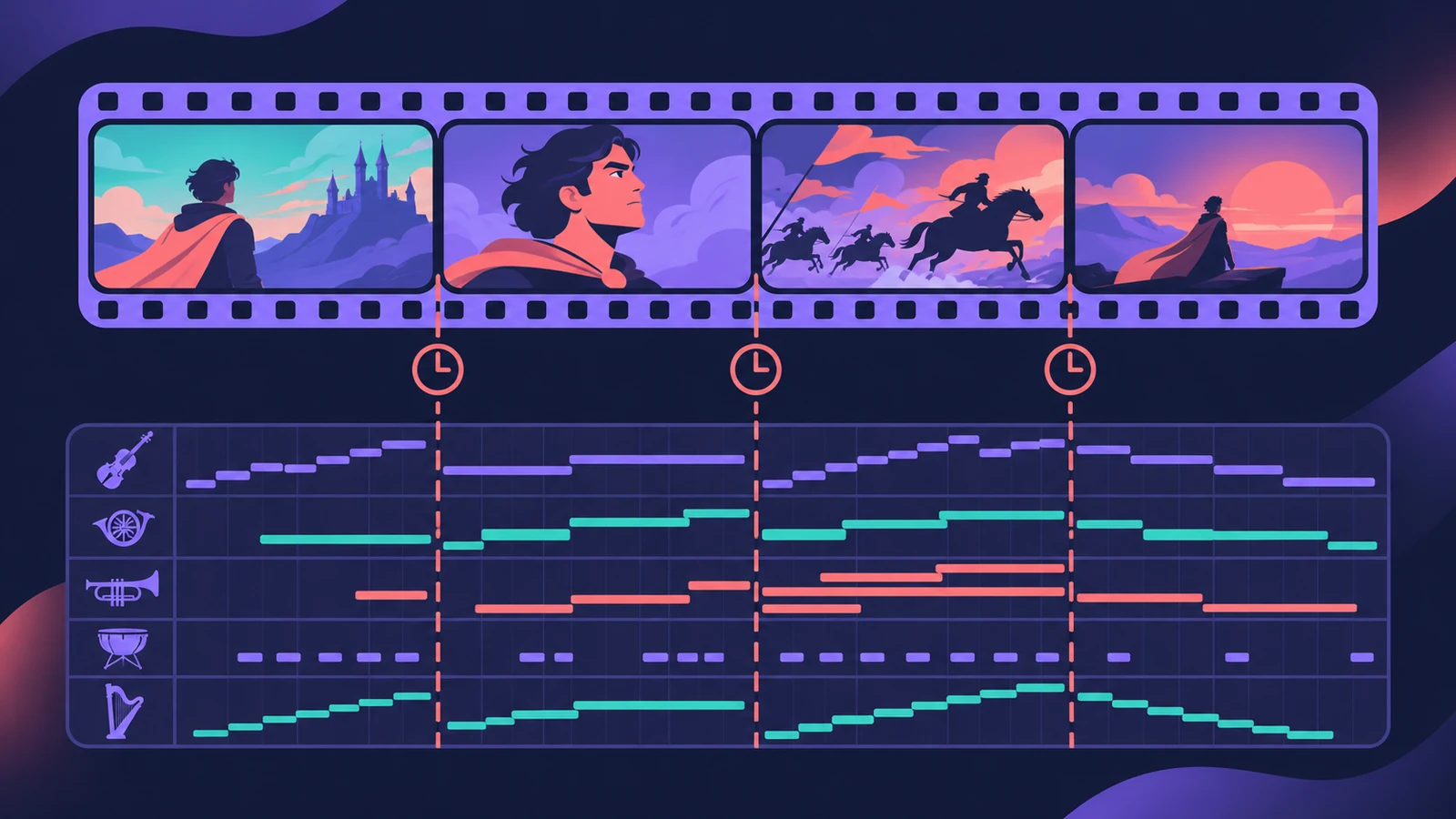
Logic Pro plays a movie in sync with your project so you can write music to the picture. You can't record or edit video in Logic Pro, but you can replace a movie's soundtrack with music, sound effects and dialogue you arrange there.
 Owen Hartley
Where to find it
File > Movie > Open Movie
The scoring workflow at a glance
| Stage | In Logic Pro |
|---|---|
| Load picture | File > Movie > Open Movie |
| Hear dialogue | Extract the movie's audio when opening |
| See picture | Global Movie track or the Movie window |
| Find cuts | Create Marker Set from Scene Cuts |
| Deliver | Export Audio to Movie or Final Cut Pro XML |
Save a scoring template
Once the Movie track, markers and your orchestral or synth setup are in place, save an empty version as a project template.
Going further
Chris Piorkowski's Scoring to Picture in Logic Pro (Packt, 2023) covers syncing, hit points, tempo maps and exporting to video in depth.
Step by step
-
1
Open the movie
Choose File > Movie > Open Movie (Option-Command-O), or open the Movie pop-up menu in the global Movie track header and choose Open Movie. A Packt guide notes you can also drag the movie file into the project.
-
2
Bring in the movie's audio
If the movie has a soundtrack, Logic Pro offers to extract it into your project so you can hear dialogue and effects while you write.
-
3
Show the Movie track
Choose Track > Global Tracks > Show Global Tracks. If the Movie track isn't there, use Configure Global Tracks and tick Movie. It shows thumbnails of the picture.
-
4
Mark the scene cuts
Open the Movie pop-up menu in the Movie track header and choose Create Marker Set from Scene Cuts, or pick a range under Navigate > Other > Create Movie Scene Markers.
-
5
Write to the markers
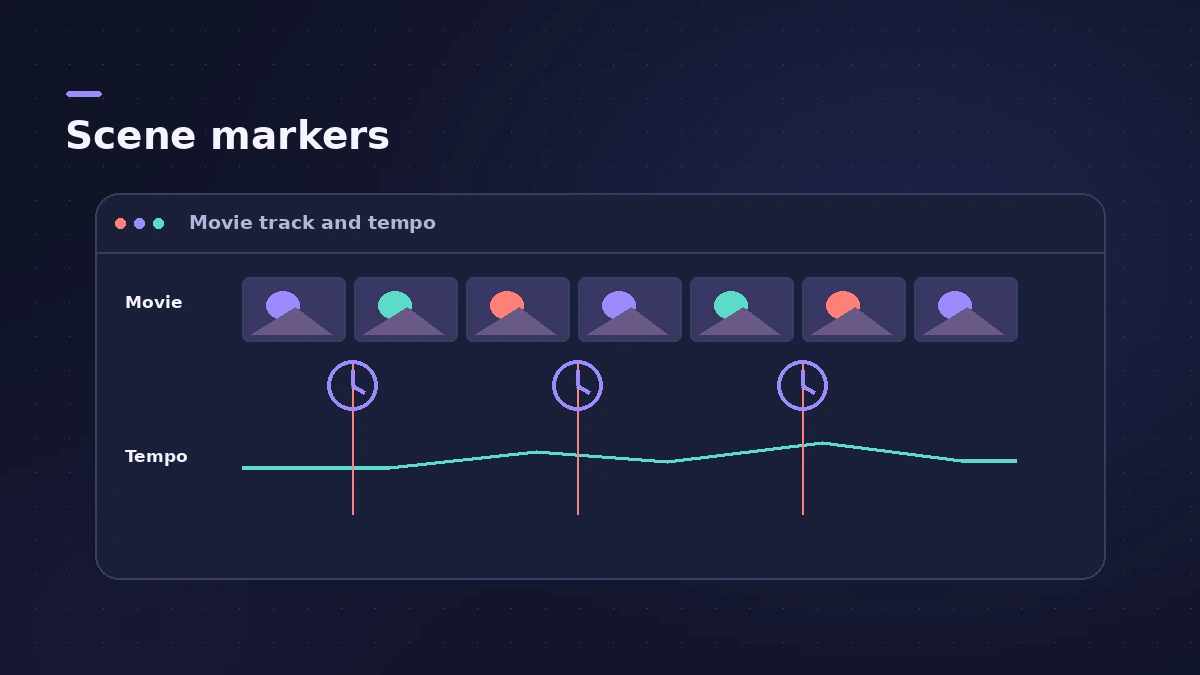
Scene markers are SMPTE-locked, so they stay on the picture even when you change the tempo. Build your tempo around the hits that matter — see tempo, key and time signature.
-
6
Export the music to the movie
Choose File > Movie > Export Audio to Movie and leave the movie's original track unticked — the full steps are in export audio to movie.
Common mistakes
- Placing hits with normal markers, which move when the tempo changes — scene markers stay locked to time.
- Expecting to trim or edit the video in Logic Pro; edit the picture in a video app.
- Ticking the original soundtrack when exporting and ending up with two audio tracks in the movie.
Sending work to an editor
If an editor will keep cutting the picture, send your audio as Final Cut Pro XML instead of a finished movie. For a deeper study of the craft, see the book list in learn Logic Pro: books and courses.
Sources
- Apple — Logic Pro X 10.1 Help: Open a movie (old)
- Apple — Logic Pro 9 User Manual: Opening a movie (old)
- Apple — Logic Pro User Guide: Use movie scene markers in Logic Pro for Mac
- Dummies — How to import video into your Logic Pro X project
- Packt — Scoring to Picture in Logic Pro: Opening a movie file
- Berklee Online — How to Correctly Export Audio & Video from Logic Pro (Jan 2024)
- Apple — Logic Pro X 10.1 Help: Use movie audio tracks (old)
- Apple — Logic Pro User Guide: Export a Logic Pro for Mac project as a Final Cut Pro XML file
Checked November 2026. Logic ProFiles is independent of Apple; menu names can differ slightly between Logic Pro versions.
Frequently asked questions
Can Logic Pro edit video?
+
No. Apple's documentation says you can't record or edit video in Logic Pro, but you can replace the movie's soundtrack.
What are scene markers in Logic Pro?
+
Markers locked to SMPTE time, so they stay at the same absolute position when the tempo changes. Logic Pro shows them with a clock icon.
How do I add scene markers automatically?
+
Choose Create Marker Set from Scene Cuts in the Movie track's pop-up menu, or use a range under Navigate > Other > Create Movie Scene Markers.
Related
- Orchestral mockups in Logic ProBuild a realistic orchestral mockup in Logic Pro: Studio Strings and Horns sections, articulations by keyswitch, legato lines, and CC1 and CC11 for dynamics.
- How to export audio to a video in Logic ProPut your Logic Pro mix onto a video with File > Movie > Export Audio to Movie, and avoid the common mistake that adds the old soundtrack back into the file.
- Logic Pro project templatesSave a Logic Pro project as a template with File > Save As Template, keep templates in folders, find them under My Templates and build a reusable setup.
- How to set tempo, key and time signature in Logic ProSet tempo, key and time signature in Logic Pro from the LCD, add tempo and key changes later in the song, and see what each setting changes in playback.
- Export a Logic Pro project as Final Cut Pro XMLSend audio from Logic Pro to Final Cut Pro with File > Export > Project to Final Cut Pro XML, with volume and pan automation, the video or a compound clip.
- Logic Pro workflowsStep-by-step Logic Pro workflows by genre — house, techno, drum and bass, lo-fi, synthwave, orchestral, rock — plus beats, film scoring and podcasts.