Workflows
Songwriting in Logic Pro with Chord ID and Session Players
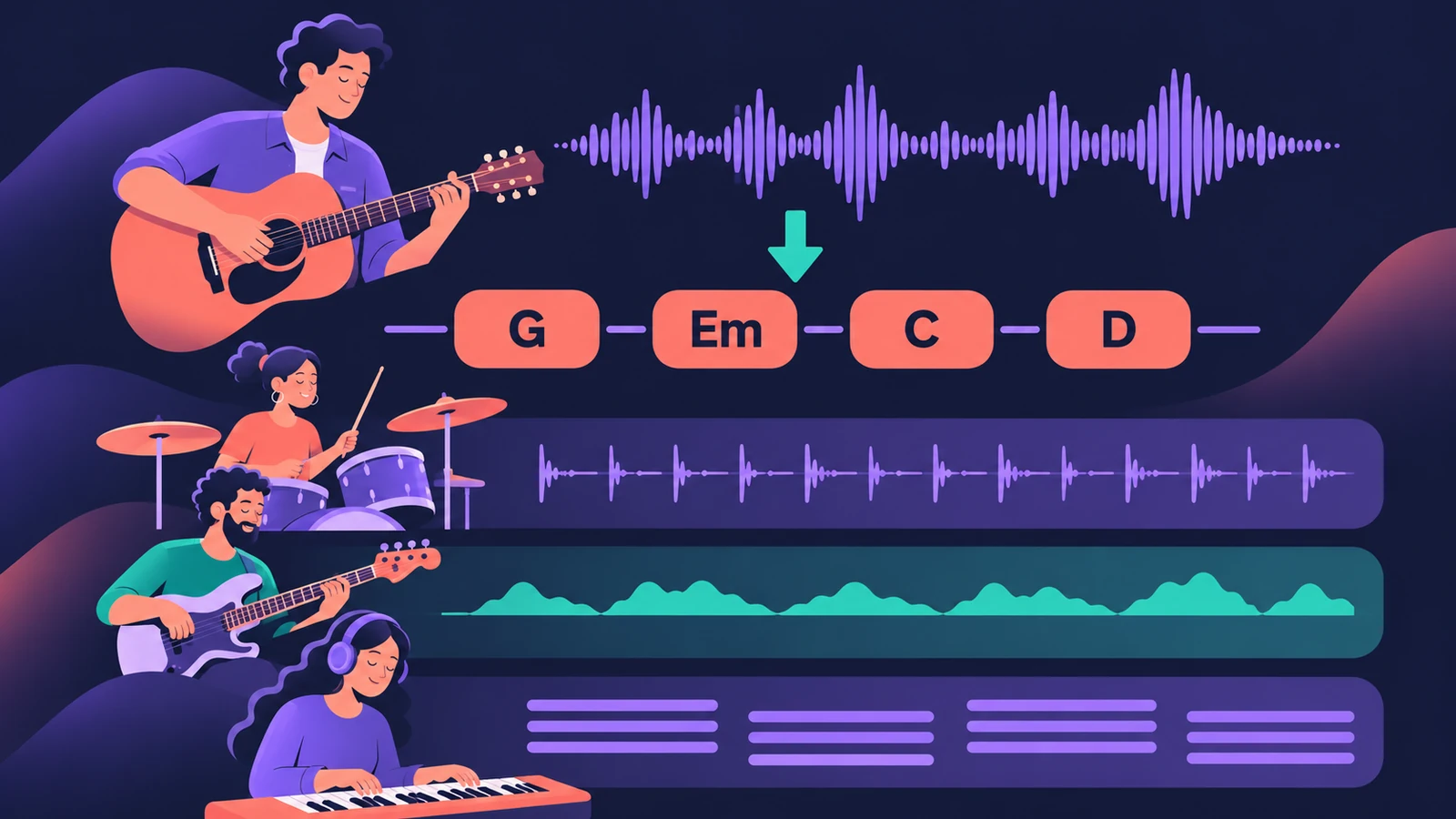
Record a rough idea, let Chord ID find its chords, and Logic Pro's Session Players can play along: drums, bass, keys and synths that follow the Chord track. Chord ID and Synth Players arrived in Logic Pro 12; Bass Player and Keyboard Player in Logic Pro 11.
 Owen Hartley
Where to find it
Chord track > Analyze Chords
From demo to song
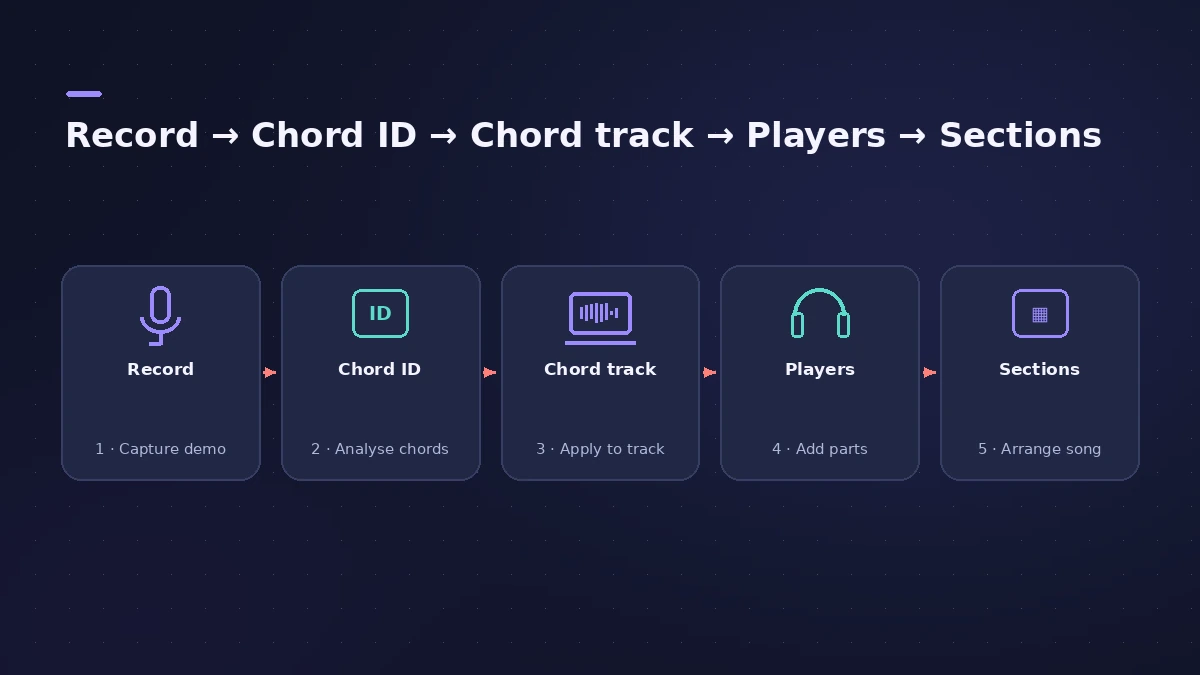
| Stage | Tool | Since |
|---|---|---|
| Find chords | Chord ID | Logic Pro 12 |
| Store chords | Chord track | Read by players since Logic Pro 11 |
| Drums | Drummer | Logic Pro X |
| Bass and keys | Bass Player, Keyboard Player | Logic Pro 11 |
| Synth parts | Synth Players | Logic Pro 12 |
Start from a template
Save a songwriting setup — a vocal track, a guitar track and the players you use most — as a project template.
Step by step
-
1
Record the idea
Record a guitar or piano part with a vocal into Logic Pro, or import a voice memo. Free tempo recording with Smart Tempo lets you play without a click.
-
2
Separate the parts if needed
If guitar and voice share one recording, split them with Stem Splitter so Chord ID hears a clean instrument.
-
3
Detect the chords
Drag the instrument region onto the Chord track, or choose Chords > Analyze Chords and then Apply Region Chords to Chord Track.
-
4
Correct the chords
Play the song back and fix any chord the analysis got wrong — see Chord track.
-
5
Add the band
Add Drummer, Bass Player and Keyboard Player. Bass and keys follow the chords on the Chord track.
-
6
Shape each section
Split the player regions into verse and chorus and set Complexity and Intensity per region, so the chorus lifts.
Common mistakes
- Analysing a full mix with loud drums instead of a clean guitar or piano part.
- Adding players before checking the detected chords.
- Expecting a Session Player edit to change the whole track — it changes the selected region.
Write the lyrics and record
With the band in place, record the final vocal — see how to record vocals — and comp the best takes with comping.
Sources
- Apple — Logic Pro for iPad User Guide: Analyze chords with Chord ID
- Logic Studio Training — How to use Chord ID in Logic Pro 12
- Logic Studio Training — Logic Pro 12 update: Chord ID, Synth Players and more
- Apple — Logic Pro User Guide: What's new in Logic Pro for Mac 12
- Apple Newsroom — Logic Pro takes music-making to the next level with new AI features (May 2024)
- Apple — Logic Pro for iPad User Guide: Extract vocal and instrumental stems with Stem Splitter
Checked November 2026. Logic ProFiles is independent of Apple; menu names can differ slightly between Logic Pro versions.
Frequently asked questions
Can Logic Pro work out the chords of my recording?
+
Yes, from Logic Pro 12. Chord ID analyses an audio or MIDI region and can copy the result to the Chord track.
Which Session Players follow the chords?
+
Bass Player, Keyboard Player and the Synth Players follow the Chord track.
Related
- Make a singer-songwriter demo in Logic ProMake a singer-songwriter demo in Logic Pro: record guitar and vocal, then add a Songwriter Drummer, Bass Player and Keyboard Player that follow your chords.
- Chord ID in Logic ProDetect the chords of a recording with Chord ID in Logic Pro 12 and later: drag a region to the Chord track or Analyze Chords, then let every player follow them.
- Session Players in Logic ProHow Session Players work in Logic Pro: add a Drummer, Bass, Keyboard or Synth Player, pick a style, shape Complexity and Intensity, follow the Chord track.
- The Chord track in Logic ProWhat the Chord track does in Logic Pro: which players and tools follow it — Session Players, Step Sequencer, Play Surface — and how Chord ID fills it for you.
- How to record vocals in Logic ProRecord vocals in Logic Pro: set up the mic and pop filter, arm an audio track, set the level, monitor without delay and record several takes to comp later.
- Logic Pro workflowsStep-by-step Logic Pro workflows by genre — house, techno, drum and bass, lo-fi, synthwave, orchestral, rock — plus beats, film scoring and podcasts.