Instruments
Chord ID in Logic Pro
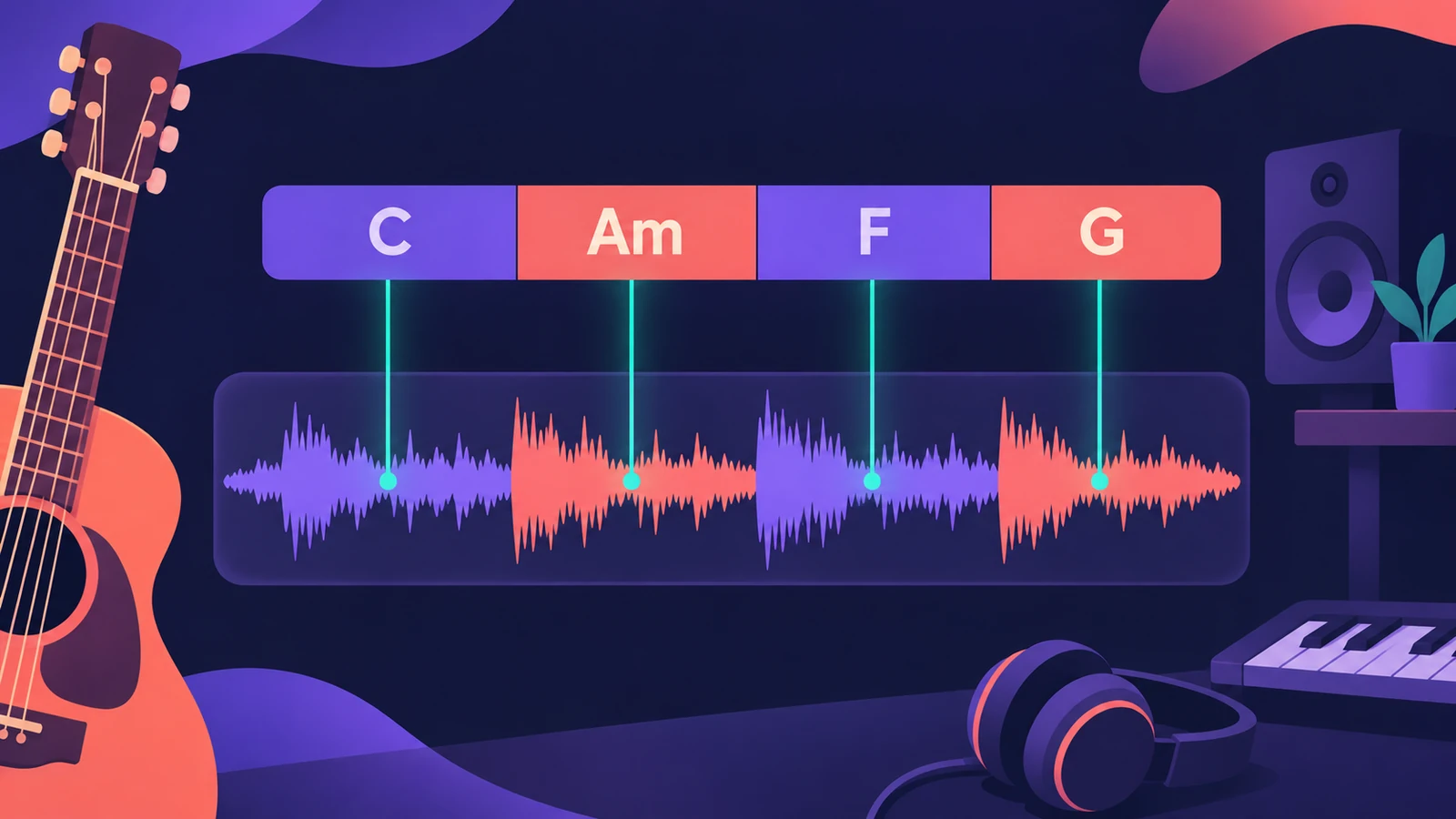
Chord ID, added in Logic Pro 12, listens to an audio or MIDI region and works out its chords. Put the result on the Chord track and the Session Players, Step Sequencer and other chord-aware tools follow your recording instead of a progression you had to type in.
 Owen Hartley
Where to find it
Chord track; Chords menu > Analyze Chords
Two ways to run Chord ID
| Method | When to use it |
|---|---|
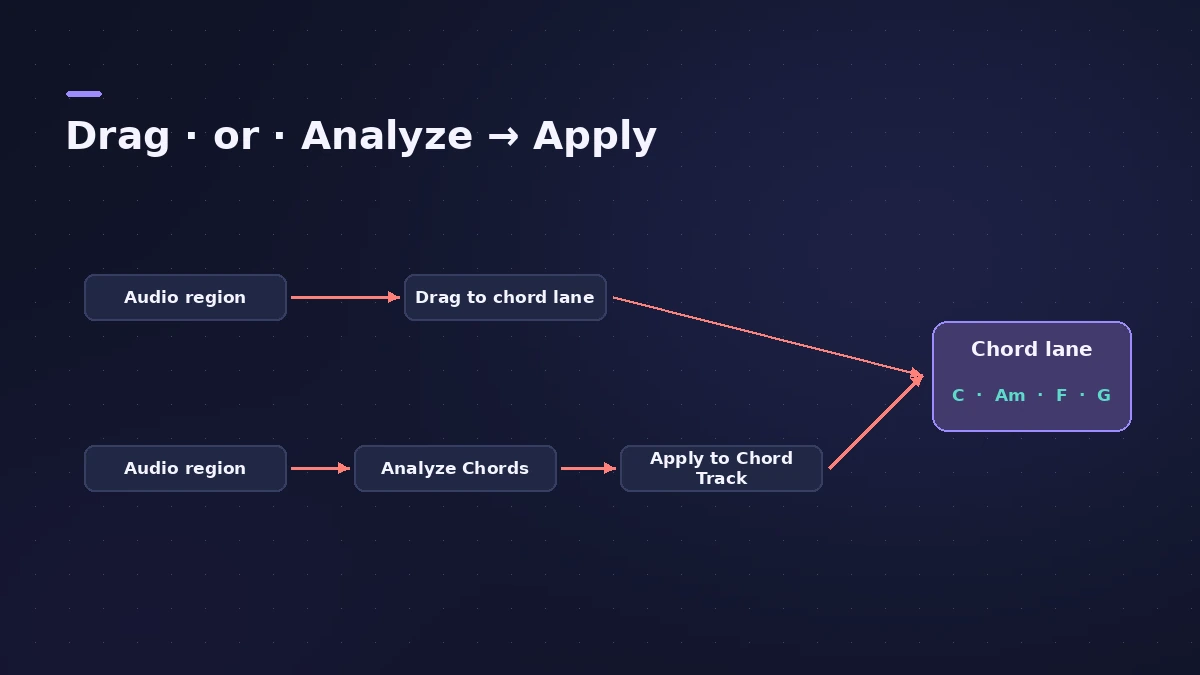
| Drag a region onto the Chord track | You want the chords on the Chord track straight away |
| Chords > Analyze Chords, then Apply Region Chords to Chord Track | You want to see the result on the region first |
Chord ID or audio to MIDI
Chord ID gives you chord names. If you need the actual notes of a performance as MIDI, see audio to MIDI instead.
Step by step
-
1
Show the Chord track
Make sure the Chord track is visible above your tracks.
-
2
Drag a region onto it
The quickest way: drag an audio or MIDI region onto the Chord track and Logic Pro analyses it.
-
3
Or analyse first
Select the region and choose Chords > Analyze Chords to see the result on the region.
-
4
Apply the chords
Choose Apply Region Chords to Chord Track to copy the detected chords to the Chord track.
-
5
Check and correct
Play the song back with the chords and fix any chord the analysis got wrong before adding players.
Common mistakes
- Analysing a full mix with a loud drum part instead of a clean piano or guitar track.
- Adding players before checking the detected chords.
- Expecting Chord ID in Logic Pro 11 — it arrived in Logic Pro 12.
What uses the chords
Once the chords are on the Chord track, Bass Player, Keyboard Player and Synth Players follow them.
Sources
- Apple — Logic Pro for iPad User Guide: Analyze chords with Chord ID
- Logic Studio Training — How to use Chord ID in Logic Pro 12
- Logic Studio Training — Logic Pro 12 update: Chord ID, Synth Players and more
- CDM — Logic Pro 12 hands-on
- Apple — Logic Pro User Guide: What's new in Logic Pro for Mac 12
Checked November 2026. Logic ProFiles is independent of Apple; menu names can differ slightly between Logic Pro versions.
Frequently asked questions
Which version of Logic Pro has Chord ID?
+
Logic Pro 12 and later, on Mac and iPad.
Can Chord ID read audio recordings?
+
Yes. It analyses audio and MIDI regions.
Is Chord ID the same as audio to MIDI?
+
No. Chord ID detects chord names for the Chord track; converting audio to notes is a separate job.
Related
- Songwriting in Logic Pro with Chord ID and Session PlayersTurn a voice memo or guitar demo into a song in Logic Pro: detect chords with Chord ID, fill the Chord track, add Session Players and shape each section.
- The Chord track in Logic ProWhat the Chord track does in Logic Pro: which players and tools follow it — Session Players, Step Sequencer, Play Surface — and how Chord ID fills it for you.
- Session Players in Logic ProHow Session Players work in Logic Pro: add a Drummer, Bass, Keyboard or Synth Player, pick a style, shape Complexity and Intensity, follow the Chord track.
- How to convert audio to MIDI in Logic ProConvert a melody or bass line from audio to MIDI in Logic Pro with Flex Pitch and Create MIDI Track from Flex Pitch Data, for a synth layer or a score.
- What's new in Logic Pro 12Logic Pro 12 (28 Jan 2026) to 12.4: Synth Player, Chord ID, the Sound Library, legacy packs, Dolby Atmos mp4 export, granular Alchemy and Beat Breaker modes.