Editing
How to convert audio to MIDI in Logic Pro
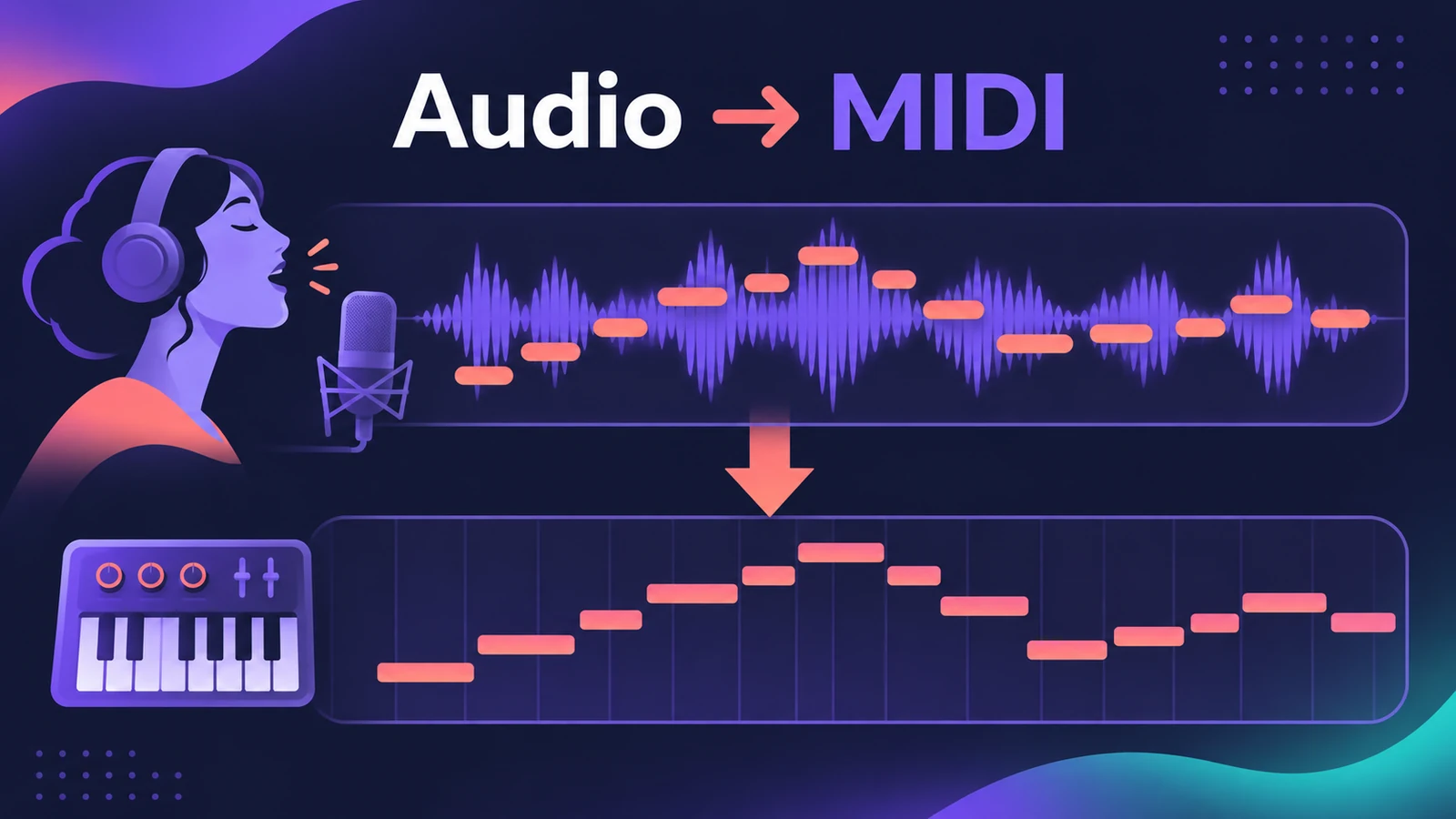
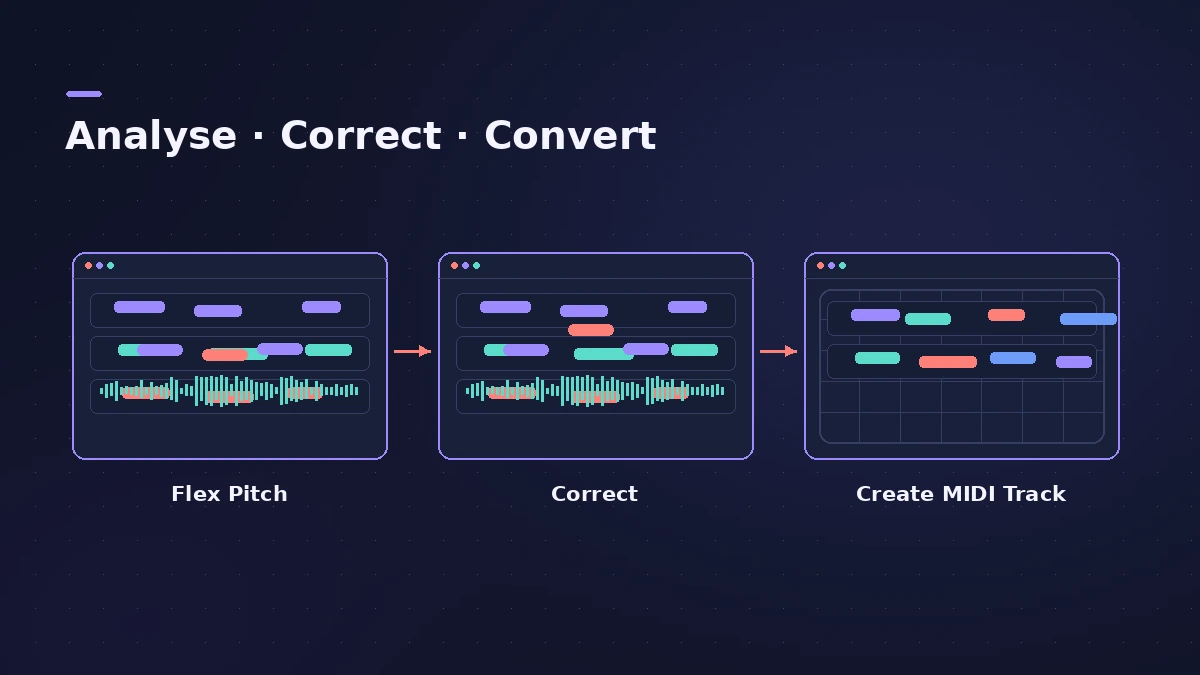
Logic Pro turns single-note audio — a vocal, a bass line, a sax solo — into MIDI through Flex Pitch. Turn on Flex Pitch in the Audio Track Editor, correct any wrong notes, then choose Create MIDI Track from Flex Pitch Data. A new instrument track appears with the notes, ready for a synth layer or the Score Editor.
 Owen Hartley
Where to find it
Audio Track Editor > Edit
Best results
Clean, single-note recordings convert best. Sound On Sound uses this route to transcribe a saxophone part; the same steps work for bass lines you want to double with a synth. To move the converted part to another key, see transpose and change key.
Step by step
-
1
Open the Audio Track Editor
Double-click the audio region.
-
2
Turn on Flex Pitch
Click Show/Hide Flex in the editor's menu bar and choose Flex Pitch from the Flex pop-up menu. Logic Pro analyses the pitch.
-
3
Fix the detected notes
Correct any notes Logic Pro got wrong before converting.
-
4
Create the MIDI track
Choose Edit > Create MIDI Track from Flex Pitch Data. A new instrument track appears below with one MIDI region per audio region.
-
5
Pick a sound
Choose a patch for the new track, or open it in the Score Editor (N) to see the notation.
Common mistakes
- Converting chords — single-note lines convert most reliably.
- Skipping the correction step, so wrong notes end up in the MIDI.
- Expecting drum hits to convert well — use drum replacement for drums.
Chords and drums
For chords, Logic Pro's Chord ID analyses the chords in audio or MIDI regions. For drums, Logic Pro can replace or double drum sounds from an audio track. Separate the part first with Stem Splitter if it's buried in a mix.
Sources
- Apple — Logic Pro X 10.4 Help: Create MIDI regions from audio recordings using Flex Pitch (old)
- Sound On Sound — Logic Pro: Analysing & Transcribing Music (Sep 2025)
- Apple — Logic Pro User Guide for Mac 12.3 (table of contents)
- Apple Support — Logic Pro for Mac release notes
Checked November 2026. Logic ProFiles is independent of Apple; menu names can differ slightly between Logic Pro versions.
Frequently asked questions
Can Logic Pro convert audio to MIDI?
+
Yes, for monophonic parts, via Flex Pitch and Create MIDI Track from Flex Pitch Data.
Can I turn a vocal into sheet music?
+
Sound On Sound shows converting with Flex Pitch, then opening the MIDI in the Score Editor to view it as notation.
Related
- Chord ID in Logic ProDetect the chords of a recording with Chord ID in Logic Pro 12 and later: drag a region to the Chord track or Analyze Chords, then let every player follow them.
- Autotune in Logic Pro — Flex Pitch and Pitch CorrectionTune vocals in Logic Pro without extra plug-ins: fix notes by hand with Flex Pitch, or use the Pitch Correction plug-in for real-time autotune. Both explained.
- Stem Splitter in Logic ProSeparate a song into vocals, drums, bass, guitar, piano and other with Logic Pro's Stem Splitter — and in Logic Pro 13 split drums into kick, snare and more.
- The Logic Pro Piano Roll EditorEdit MIDI in the Logic Pro Piano Roll: open it with P, add and move notes, change length and velocity, quantize selected notes and colour notes by velocity.
- Editing in Logic ProEdit audio and MIDI in Logic Pro: comp takes, quantize, Flex Time, Smart Tempo, change tempo or key, Stem Splitter, audio to MIDI, fades and Remove Silence.