Instruments
The Chord track in Logic Pro
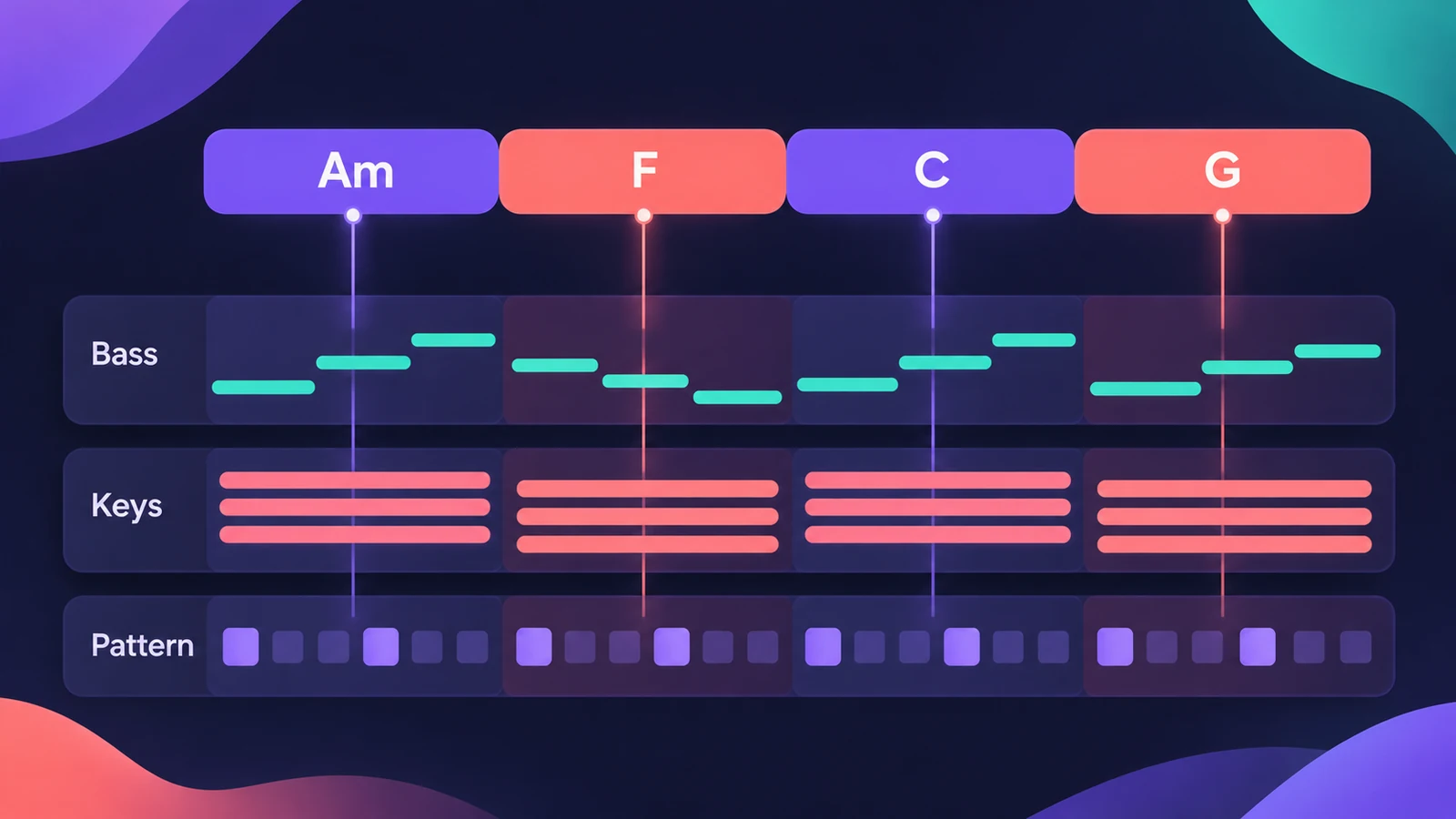
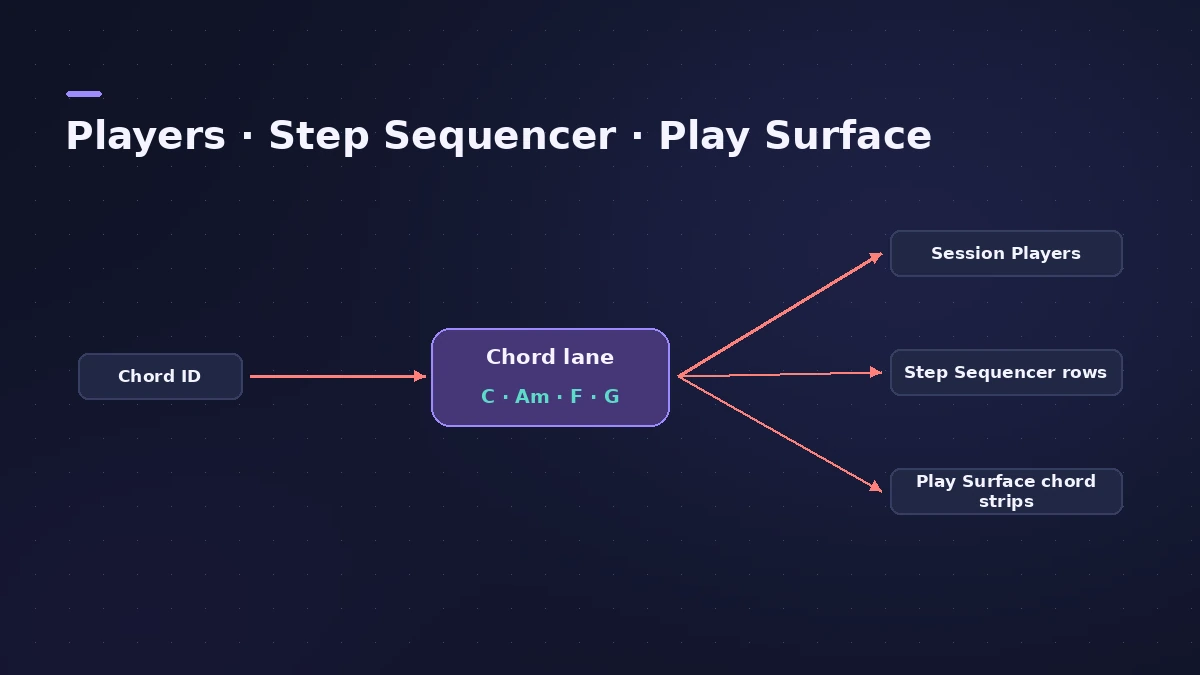
The Chord track holds your song's chord progression. On its own it makes no sound, but the Session Players read it, and in recent versions so do the Step Sequencer and the Play Surface — so one progression drives every part that needs to know the harmony.
 Owen Hartley
What follows the Chord track
| Feature | Follows the Chord track | Since |
|---|---|---|
| Bass Player, Keyboard Player | Plays the progression | Logic Pro 11 |
| Synth Players | Plays the progression | Logic Pro 12 |
| Step Sequencer rows | Can follow key, chords or the Chord track | Logic Pro 12 |
| Play Surface Chord Strips | Can follow the key or the Chord track | Logic Pro 13 |
Filling the Chord track
You can enter chords yourself, or let Chord ID detect them. Drag an audio or MIDI region onto the Chord track, or analyse the region and apply its chords to the track.
Why it helps
Because every player reads the same progression, changing a chord in one place updates the bass, the keys and the synth parts together. That makes it easy to try a different chord in the chorus without re-recording anything. The Session Players guide shows how the players fit together.
Sources
- Apple Newsroom — Logic Pro takes music-making to the next level with new AI features (May 2024)
- Apple — Logic Pro for iPad User Guide: Analyze chords with Chord ID
- Logic Studio Training — Logic Pro 12 update: Chord ID, Synth Players and more
- CDM — Logic Pro 12 hands-on
- Apple Support — Logic Pro for Mac release notes
- Production Expert — Logic Pro 13 splits drum stems into kit pieces (Nov 2026)
Checked November 2026. Logic ProFiles is independent of Apple; menu names can differ slightly between Logic Pro versions.
Frequently asked questions
Does the Chord track make sound?
+
No. It stores the progression; instruments and players that follow it make the sound.
How do I get chords onto the Chord track without typing them?
+
Use Chord ID in Logic Pro 12 or later: drag an audio or MIDI region onto the Chord track.
Can the Play Surface use the Chord track?
+
Yes. In Logic Pro 13 the Play Surface Chord Strips can follow the key or the Chord track.
Related
- Chord Trigger in Logic ProPlay chords from single keys with Logic Pro's Chord Trigger: choose Single or Multi mode, set the trigger range, use Learn to assign chords and transpose them.
- Session Players in Logic Pro for iPadAdd Session Players in Logic Pro for iPad — Drummer, Bass Player and Keyboard Player — make them follow your chords and edit them. Needs an M1 iPad.
- MIDI FX in Logic ProWhat each MIDI plug-in in Logic Pro does — Arpeggiator, Chord Trigger, Modifier, Modulator, Note Repeater, Randomizer, Scripter, Transposer, Velocity Processor.
- Chord ID in Logic ProDetect the chords of a recording with Chord ID in Logic Pro 12 and later: drag a region to the Chord track or Analyze Chords, then let every player follow them.
- Session Players in Logic ProHow Session Players work in Logic Pro: add a Drummer, Bass, Keyboard or Synth Player, pick a style, shape Complexity and Intensity, follow the Chord track.
- Play Surface in Logic Pro 13Play notes, chords and drums on your Mac with the Play Surface in Logic Pro 13: Command-K, Chord Strips that follow the Chord track, pads, musical typing.
- Step Sequencer in Logic ProProgram beats with Logic Pro's Step Sequencer: create a Pattern Region, set step rate and velocity, add note repeats and automation, follow the chords.