Instruments
Chord Trigger in Logic Pro
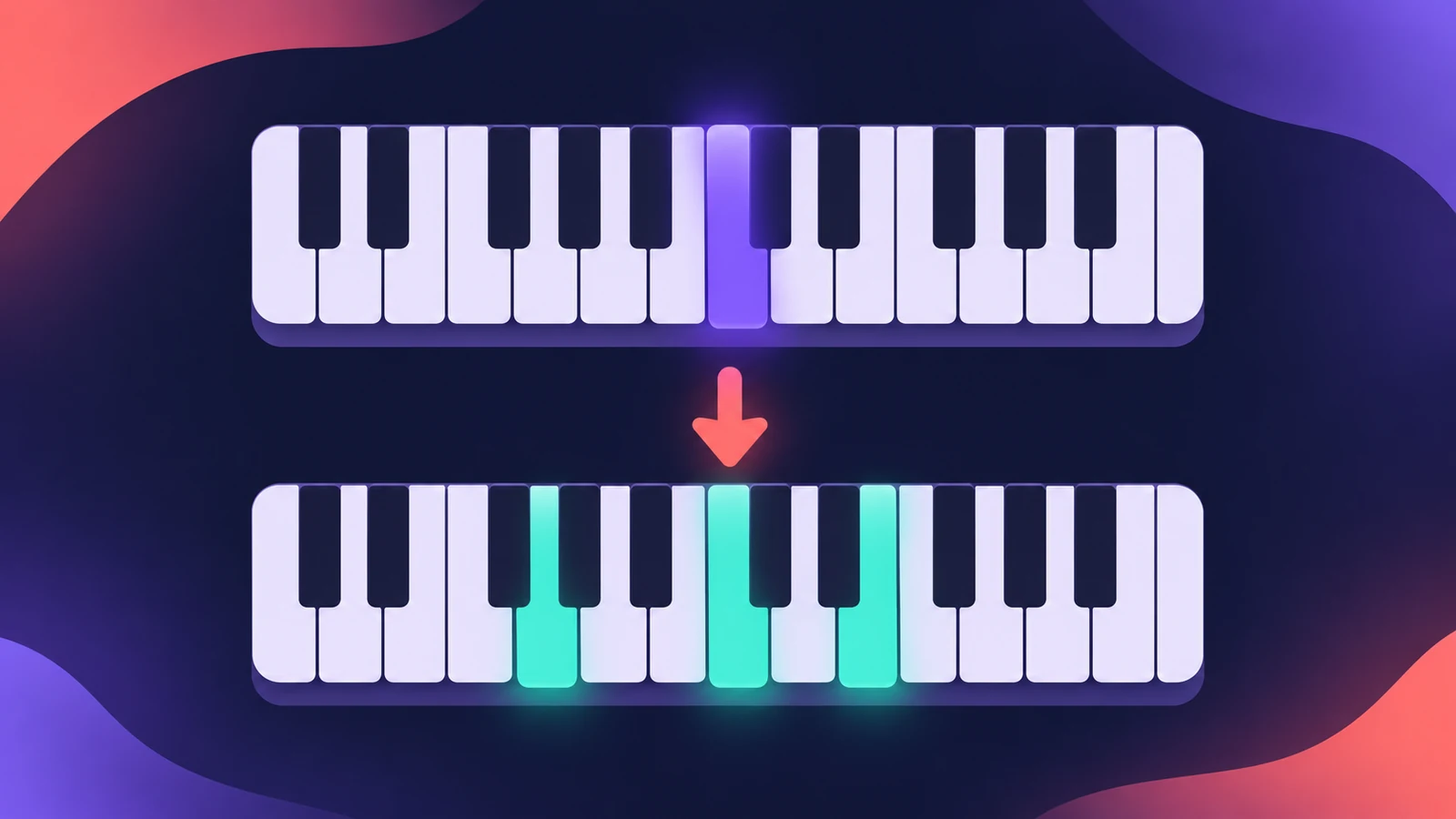
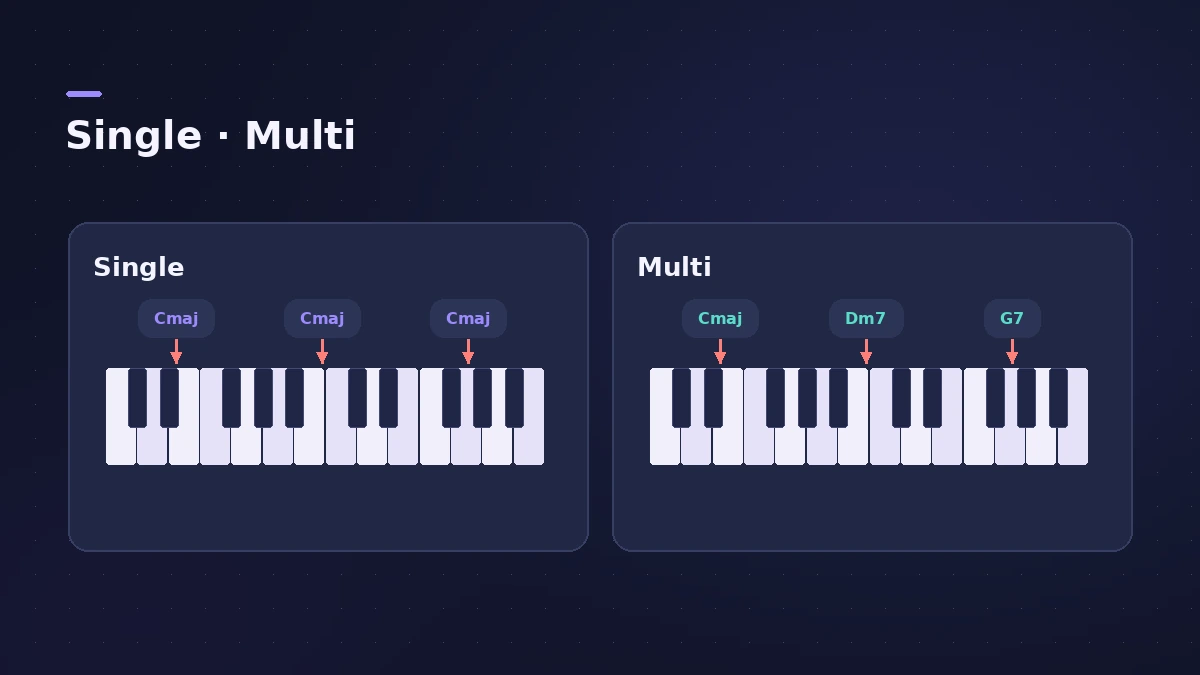
Chord Trigger is a MIDI plug-in that plays a whole chord when you press one key. Single mode transposes one memorised chord across the keyboard; Multi mode gives each key its own chord.
 Owen Hartley
Where to find it
MIDI FX slot > Chord Trigger
Chord Trigger controls
| Control | What it does |
|---|---|
| Single / Multi | One transposed chord, or a chord per key |
| Upper keyboard | Incoming notes and trigger keys |
| Lower keyboard | Notes the chords play |
| Trigger range | Which keys trigger chords |
| Learn / Clear | Assign or erase chords |
| Chord Transpose | Move all chords by up to four octaves |
| Learn Remote | A MIDI note that toggles Learn |
Step by step
-
1
Insert Chord Trigger
Click the MIDI FX slot above the instrument on a software instrument track and choose Chord Trigger.
-
2
Choose Single or Multi
Single: one chord, transposed by the key you play. Multi: a different chord on each key.
-
3
Set the trigger range
Drag the range handles so only part of the keyboard triggers chords — for example the left hand, leaving the right for a melody.
-
4
Learn a chord
Click Learn, choose the trigger key, then play the chord you want on it. Click Learn again to finish. Repeat for more keys in Multi mode.
-
5
Transpose
Use Chord Transpose to move all chords up or down by up to four octaves.
Common mistakes
- Leaving the trigger range across the whole keyboard and losing the melody range.
- Expecting Single mode to hold different chords — use Multi for that.
Chords that follow the song
For parts that follow the Chord track automatically, use Session Players. Add movement with the Arpeggiator after Chord Trigger.
Sources
- Apple — Logic Pro User Guide: Use Chord Trigger
- Apple — Logic Pro Effects 10.2: Use Chord Trigger (old)
- Apple — Logic Pro X 10.4.5 Help: Chord Trigger overview (old)
- Apple — Logic Pro for iPad User Guide: Chord Trigger
- Apple — Logic Pro for iPad User Guide: Use Chord Trigger
- Sound On Sound — Plug-in And Play: Logic X MIDI plug-ins (Nov 2013)
Checked November 2026. Logic ProFiles is independent of Apple; menu names can differ slightly between Logic Pro versions.
Frequently asked questions
Can I play chords with one finger in Logic Pro?
+
Yes. Insert the Chord Trigger MIDI plug-in and assign chords to keys in Single or Multi mode.
Can I use a MIDI key to start Learn mode?
+
Yes. In the extended parameters, choose a note as the Learn Remote.
Related
- MIDI FX in Logic ProWhat each MIDI plug-in in Logic Pro does — Arpeggiator, Chord Trigger, Modifier, Modulator, Note Repeater, Randomizer, Scripter, Transposer, Velocity Processor.
- Arpeggiator in Logic ProTurn chords into arpeggios with Logic Pro's Arpeggiator MIDI plug-in: set note order, rate and octaves, use Latch, build a 16-step grid and record the output.
- The Chord track in Logic ProWhat the Chord track does in Logic Pro: which players and tools follow it — Session Players, Step Sequencer, Play Surface — and how Chord ID fills it for you.
- How to record MIDI with a keyboard in Logic ProRecord MIDI from a keyboard in Logic Pro: arm an instrument track, record with a count-in, overdub, replace or take passes in Cycle mode, then quantize.
- Instruments in Logic ProGuides to Logic Pro's instruments: Session Players, Drummer, Synth Players, Chord ID, Drum Machine Designer, Sampler, Step Sequencer and Play Surface.