Logic Pro for iPad
Session Players in Logic Pro for iPad
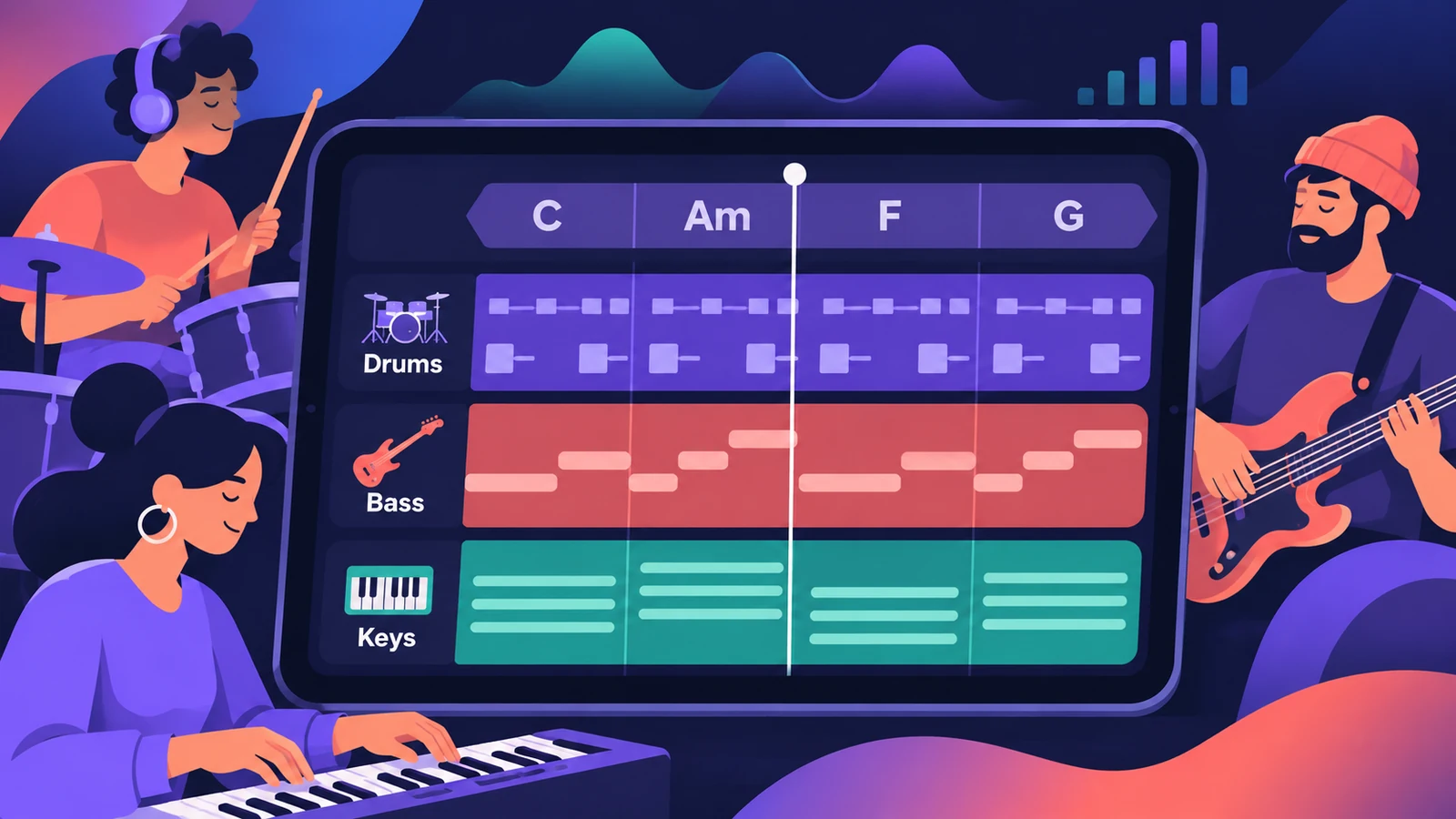
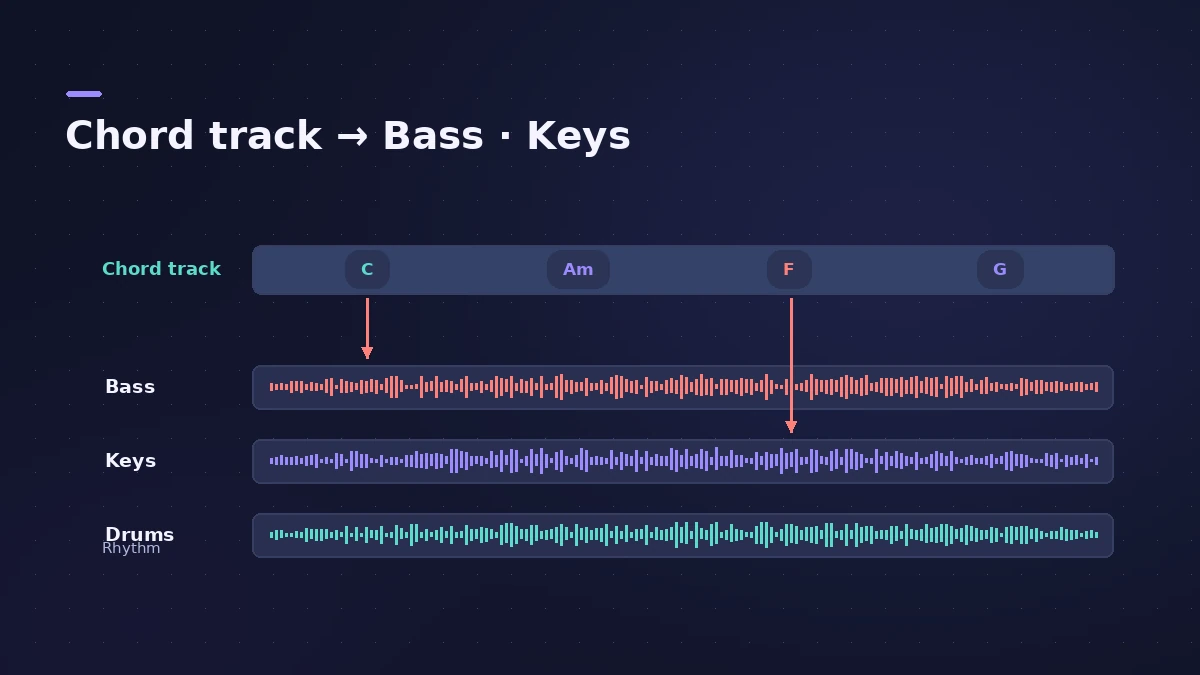
Session Players add realistic drum, bass and piano parts to a project. The Bass Player and Keyboard Player follow the chords on the Chord track, so several players stay in sync. On iPad, Session Players need an M1 or later.
 Owen Hartley
Where to find it
Add Tracks > Session Player
Chords drive the players
Step by step
-
1
Add a Session Player track
Tap Add Tracks above the track headers, then choose Keyboard Player, Bass Player or Drummer from the Session Player button.
-
2
Pick a style
Choose a style for the player. Each comes with its own patch and playing style.
-
3
Add chords
Add chords to the Chord track, or use a default progression. Without chords, the Bass and Keyboard Players play the project key's tonic chord.
-
4
Edit the performance
Select the region and open the Session Player Editor to change intensity, complexity and other settings.
-
5
Follow another track
In the editor's Patterns section, choose a track under Follow Rhythm Of to lock the player to it.
Common mistakes
- Expecting it on an older iPad: Session Players need an iPad with M1 or later.
Make it your own
Change the sound by choosing patches in the Browser or adding plug-ins, or convert a Session Player region to MIDI to edit it note by note. On a Mac, see Session Players.
Sources
- Apple — Logic Pro User Guide for iPad: Intro to Session Players
- Apple — Logic Pro User Guide for iPad 3.0: Intro to Session Players (add a track)
- Apple — Logic Pro User Guide for iPad: Chords and Session Players
- Apple — Logic Pro User Guide for iPad: The Session Player Editor
- Apple — Logic Pro User Guide for iPad: Follow rhythm from chords and other tracks
- Apple (Canada) — Logic Pro for iPad
Checked November 2026. Logic ProFiles is independent of Apple; menu names can differ slightly between Logic Pro versions.
Frequently asked questions
Which Session Players are on iPad?
+
Drummer, Bass Player and Keyboard Player.
Do Session Players follow my chords?
+
Yes. The Bass and Keyboard Players follow the Chord track or chords on their own region.
Related
- Session Players in Logic ProHow Session Players work in Logic Pro: add a Drummer, Bass, Keyboard or Synth Player, pick a style, shape Complexity and Intensity, follow the Chord track.
- The Chord track in Logic ProWhat the Chord track does in Logic Pro: which players and tools follow it — Session Players, Step Sequencer, Play Surface — and how Chord ID fills it for you.
- Which iPads run Logic Pro?Logic Pro for iPad needs an A12 Bionic or later: iPad Pro, iPad Air 3rd gen+, iPad mini 5th gen+, iPad 8th gen+. Session Players and Stem Splitter need M1.
- Logic Pro for iPadLogic Pro for iPad guides: subscription, compatible iPads, Mac round-trips, AUv3 plug-ins, audio interfaces, Stem Splitter, exporting and fixes.