Logic Pro for iPad
Which iPads run Logic Pro?
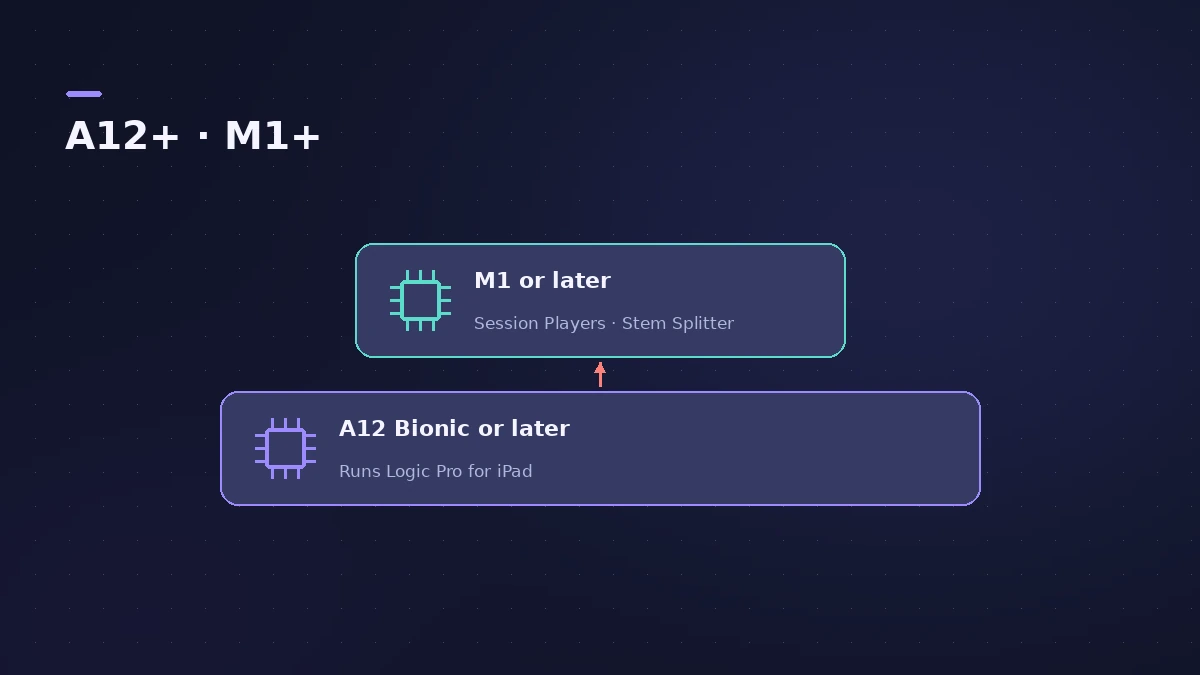
Logic Pro for iPad needs an iPad with an A12 Bionic chip or later. That covers every iPad Pro from the 11-inch 1st generation and 12.9-inch 3rd generation, iPad Air from the 3rd generation, iPad mini from the 5th and iPad from the 8th. Some features need more: Session Players and Stem Splitter need an M1 or later.
 Owen Hartley

Compatible iPads
| Line | Compatible models |
|---|---|
| iPad Pro | 11-inch 1st generation or later; 12.9-inch 3rd generation or later |
| iPad Air | 3rd generation or later |
| iPad mini | 5th generation or later |
| iPad | 8th generation or later |
The current app needs iPadOS 26 — see system requirements.
Features that need more
| Feature | Needs |
|---|---|
| Session Players | iPad with M1 or later |
| Stem Splitter | iPad with M1 or later |
| Some other features | A17 Pro or later |
Planning to use Session Players or Stem Splitter? Check which iPad model you have before you subscribe.
Sources
- Apple Support — About Logic Pro for iPad
- Apple (Canada) — Logic Pro for iPad
- Apple — Logic Pro: Make Music (Logic Pro for iPad) on the App Store
- Apple — Logic Pro User Guide for iPad: Extract stems with Stem Splitter
- Apple Support — About Logic Pro for iPad (Mac version for round-trips)
Checked November 2026. Logic ProFiles is independent of Apple; menu names can differ slightly between Logic Pro versions.
Frequently asked questions
Does Logic Pro run on a regular iPad?
+
Yes, on the iPad 8th generation and later.
Which iPads can use Stem Splitter?
+
iPads with an M1 or later Apple silicon chip, according to Apple's Logic Pro for iPad User Guide.
Do I need a Mac?
+
No. You only need a Mac with Logic Pro 10.7.8 or later if you want to work on the same project on both.
Related
- Logic Pro system requirements (Mac and iPad, 2026)Logic Pro 13 system requirements: macOS 26.1 or later, Apple silicon on Apple's Creator Studio pages, 6 GB to about 72 GB of space. iPad: iPadOS 26 and A12.
- Session Players in Logic Pro for iPadAdd Session Players in Logic Pro for iPad — Drummer, Bass Player and Keyboard Player — make them follow your chords and edit them. Needs an M1 iPad.
- Stem Splitter in Logic Pro for iPadUse Stem Splitter in Logic Pro for iPad to pull vocals, drums, bass, guitar, piano and other parts from a mix. Needs an M1 or later iPad. Steps and presets.
- Logic Pro for iPadLogic Pro for iPad guides: subscription, compatible iPads, Mac round-trips, AUv3 plug-ins, audio interfaces, Stem Splitter, exporting and fixes.