Instruments
Bass Player in Logic Pro
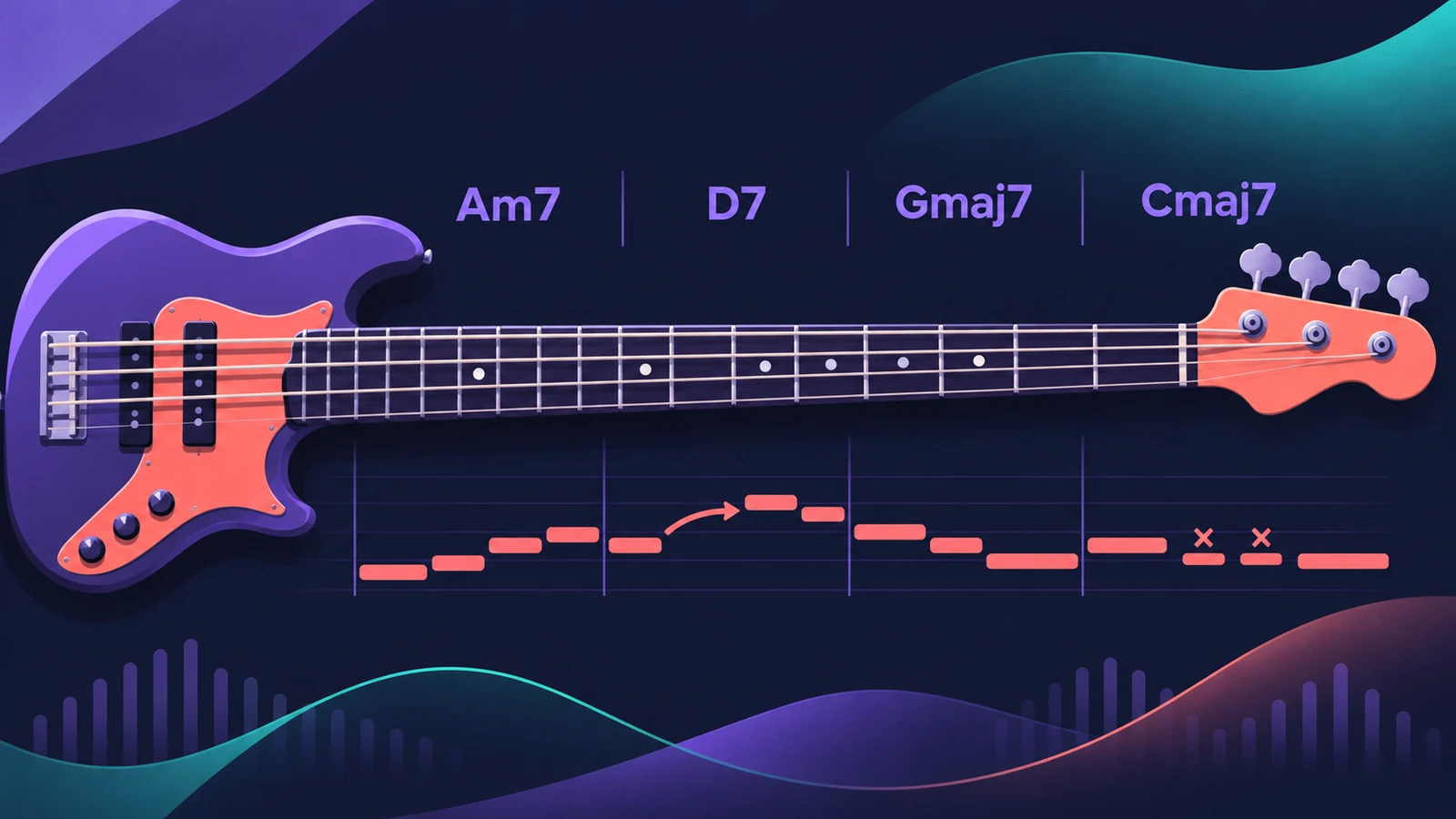
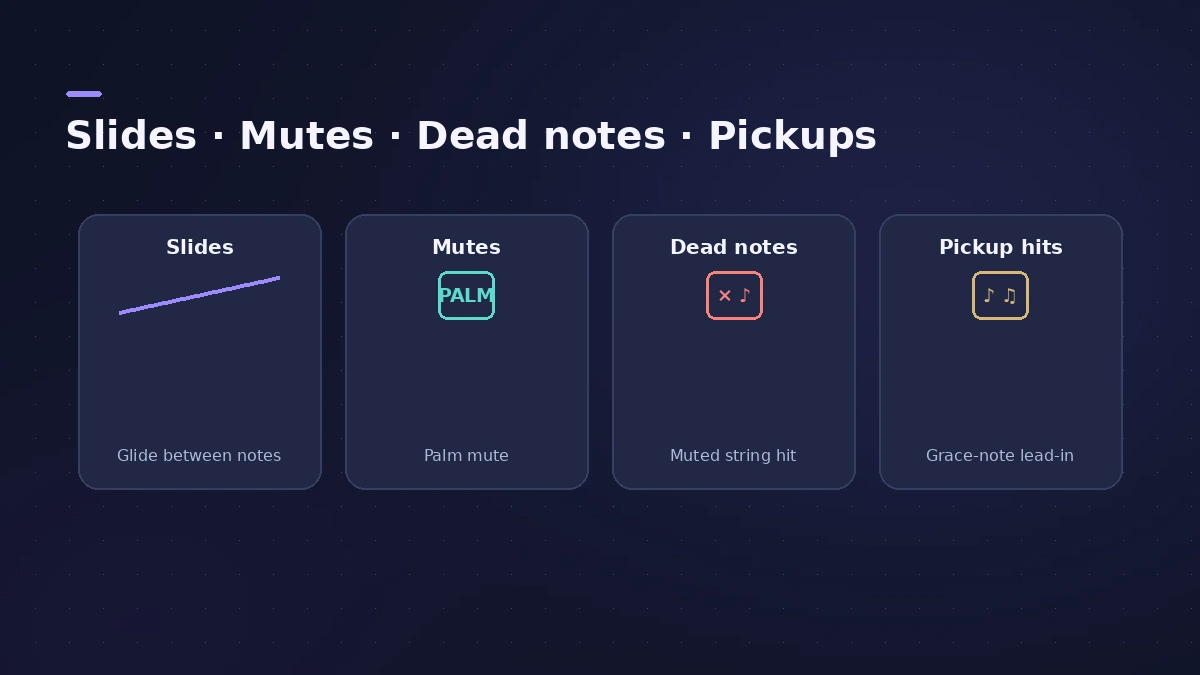
Bass Player is the Session Player for bass lines. Apple trained it in collaboration with professional bass players, and it plays with techniques such as slides, mutes, dead notes and pickup hits while following the chords of your song.
 Owen Hartley
Where to find it
New Tracks dialog > Bass Player
What Bass Player gives you
| Feature | Detail |
|---|---|
| Bassists | Eight different bass players |
| Techniques | Slides, mutes, dead notes, pickup hits |
| Instrument | Studio Bass with six bass instruments |
| Loops | 100 Bass Player loops |
| Follows | The Chord track |
Bass Player or Synth Bass
Bass Player plays the sampled basses in Studio Bass. For 808s, pumping or sequenced synth bass, use the Synth Bass Player added in Logic Pro 12. Both are Session Players, so they're added and edited the same way.
Step by step
-
1
Add chords first
Put the progression on the Chord track, or detect it with Chord ID, so the bass has something to follow.
-
2
Create a Bass Player track
In the New Tracks dialog choose Bass Player and click Create. You get a software instrument track with an 8-bar region.
-
3
Choose a bassist and style
Pick one of the eight bass players and a preset in the Session Player Editor.
-
4
Set Complexity and Intensity
Raise Complexity for busier lines and Intensity for a harder-played feel, region by region.
Common mistakes
- Creating the bass before the chords, then wondering why it plays the wrong notes.
- Using one region for the whole song instead of shaping verse and chorus separately.
- Forgetting the 100 Bass Player loops when you only need a quick idea.
The sound — Studio Bass
Bass Player plays Studio Bass, an instrument plug-in with six bass instruments. If you'd rather record your own, see recording bass.
Sources
- Apple Newsroom — Logic Pro takes music-making to the next level with new AI features (May 2024)
- Apple Newsroom (Canada) — Logic Pro takes music-making to the next level (May 2024)
- Synthtopia — Free Logic Pro update brings new AI-powered features (May 2024)
- Apple — Logic Pro User Guide: Get started with Session Players
Checked November 2026. Logic ProFiles is independent of Apple; menu names can differ slightly between Logic Pro versions.
Frequently asked questions
How many bass players are in Bass Player?
+
Apple says you can choose from eight different bass players.
What instrument does Bass Player use?
+
Studio Bass, a plug-in with six bass instruments.
Are there Bass Player loops?
+
Yes. Logic Pro 11 added 100 Bass Player loops to the loop library.
Related
- Studio Bass in Logic ProUse Studio Bass in Logic Pro: choose one of six sampled basses, shape tone and pickups, use articulations and keyswitches, and pair it with the Bass Player.
- Bass Amp Designer in Logic ProShape bass guitar in Logic Pro with Bass Amp Designer: three amp models, a D.I. box channel, blend amp and DI, built-in compressor and graphic or parametric EQ.
- Session Players in Logic ProHow Session Players work in Logic Pro: add a Drummer, Bass, Keyboard or Synth Player, pick a style, shape Complexity and Intensity, follow the Chord track.
- Keyboard Player in Logic ProUse Keyboard Player in Logic Pro for piano and keys parts that follow your chords: pick one of four styles, shape the part and set up the Studio Piano sound.
- Synth Players in Logic ProSynth Players in Logic Pro 12 and 13: 808 Bass, Pump Bass, Sequenced Bass, Rhythmic Chords and pads that follow the Chord track. Add one and shape the part.
- How to record bass guitar in Logic ProRecord bass guitar in Logic Pro through the instrument input, then shape it with Bass Amp Designer's amp and Direct Box, alone or blended together.