Instruments
Studio Bass in Logic Pro
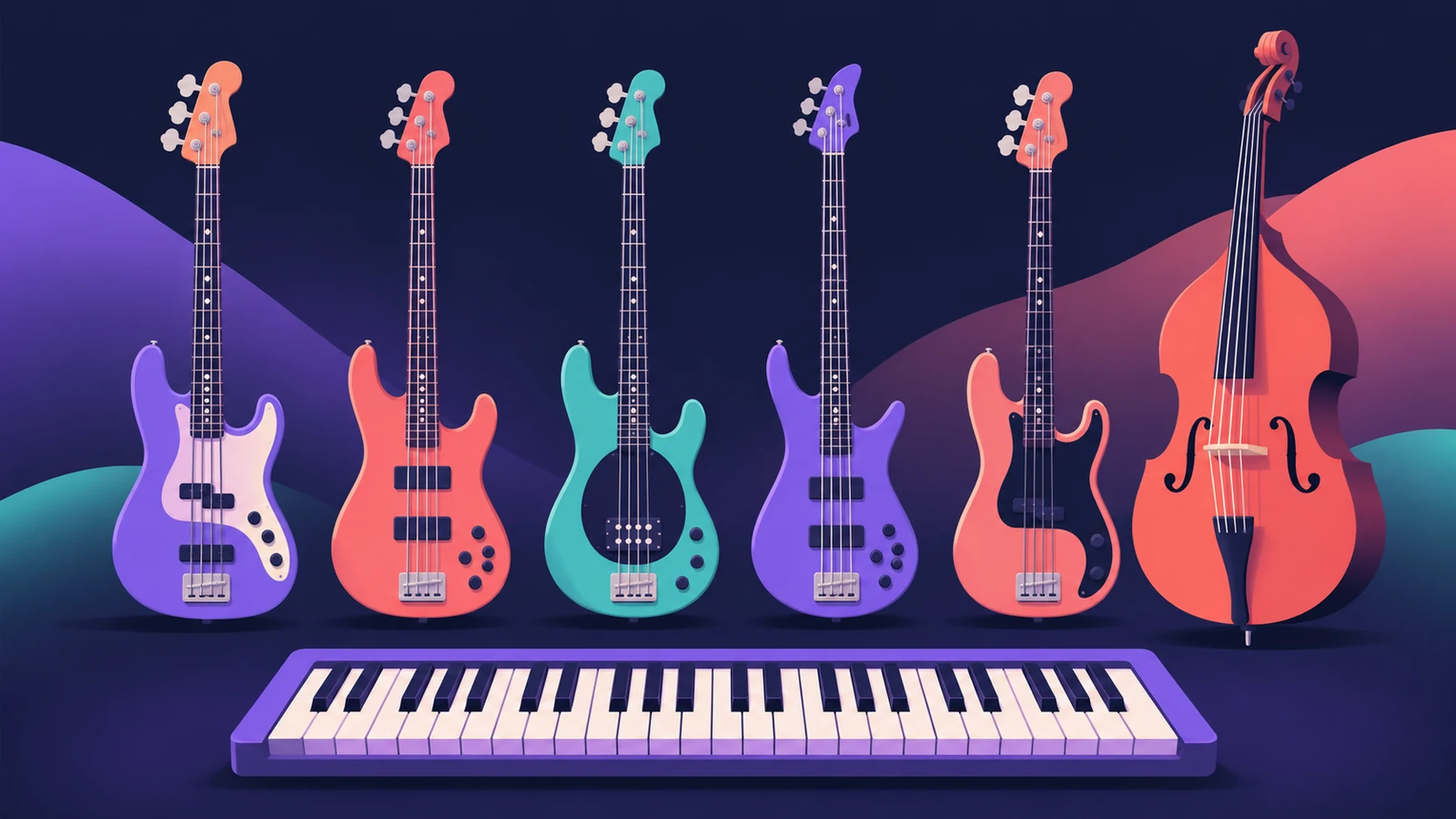
Studio Bass is a sampled instrument with six bass guitars — electric basses and an upright — each with its own tone controls, playing styles and articulations. Apple optimised it for the Bass Player, and it also plays from a MIDI keyboard or MIDI and pattern regions.
 Owen Hartley
Where to find it
Instrument slot > Studio Bass
Studio Bass at a glance
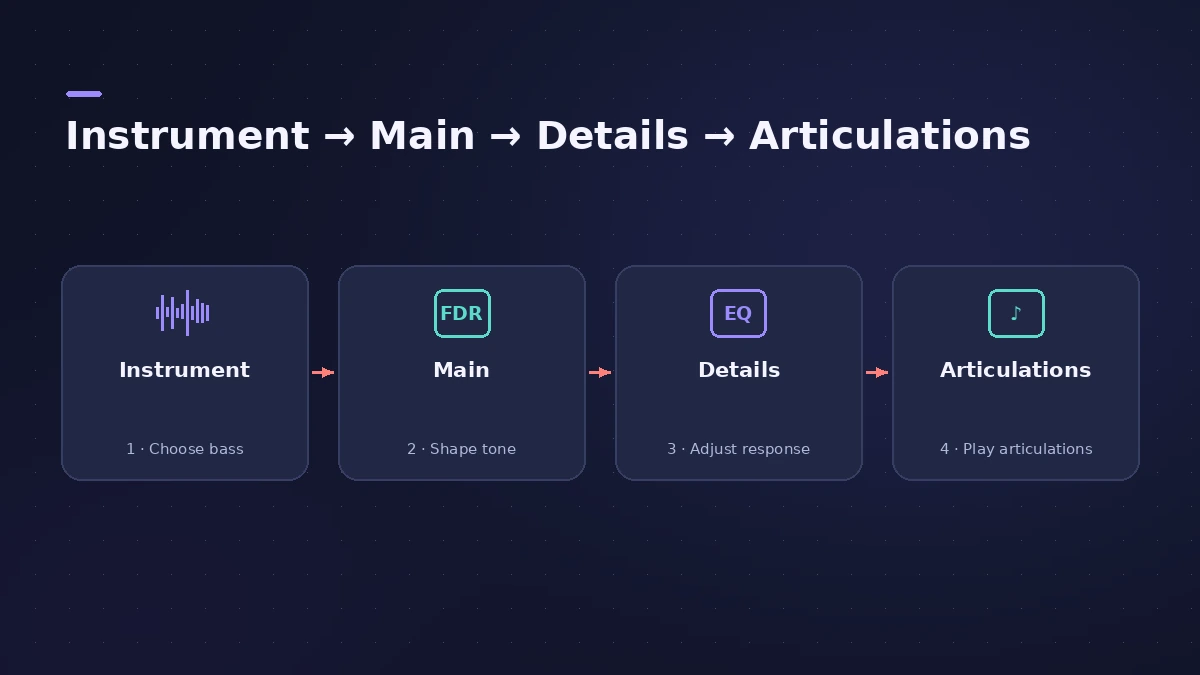
| Part | What it does |
|---|---|
| Instrument menu | Choose one of the six basses |
| Main view | Volume, tone, pickups |
| Details view | Further sound and noise parameters |
| Articulation sets | Loaded per playing style; one for the upright |
| Keyswitches | Change articulation while playing |
| MIDI channels | Steer string and neck position |
Step by step
-
1
Load Studio Bass
Pick a Studio Bass patch, or create a Bass Player track, which it's optimised for.
-
2
Choose the bass
Open the Instrument menu — for example Classic, a vintage electric, or Sixties, a hollow-body bass with flat-wound strings.
-
3
Shape the tone
In the Main view set volume, tone and pickups; open Details for more parameters, including noises such as scrapes and string noise.
-
4
Use articulations
Each playing style loads its own articulation set; use the keyswitch map to change articulations while you play.
-
5
Control the neck position
Notes sound different depending on neck position; you can steer string and position with MIDI input channels.
Common mistakes
- Ignoring articulations and getting the same attack on every note.
- Leaving string noise high in a busy mix.
- Sticking with the first bass — each of the six has its own character.
Mix the bass
Add Bass Amp Designer for amp tone, then use sidechain compression against the kick. For a piano partner, see Studio Piano.
Sources
- Apple — Logic Pro for iPad User Guide: Studio Bass
- Apple — Logic Pro for iPad User Guide: Studio Bass (Main/Details)
- Apple — Logic Pro: Plug-ins and Sounds
Checked November 2026. Logic ProFiles is independent of Apple; menu names can differ slightly between Logic Pro versions.
Frequently asked questions
How many basses does Studio Bass have?
+
Apple says six bass guitar instruments, with tone controls including scrapes and string noise.
Do I need the Bass Player to use Studio Bass?
+
No. It's optimised for the Bass Player but also works with a MIDI keyboard and with MIDI and pattern regions.
Related
- Bass Player in Logic ProUse Bass Player in Logic Pro to get a bass line that follows your chords: choose one of eight bassists, shape the part, use Studio Bass and Bass Player loops.
- Studio Piano in Logic ProGet the most from Studio Piano in Logic Pro: choose Studio Grand, Concert Grand or Vintage Upright, balance mic positions, set pedal and key noise.
- Bass Amp Designer in Logic ProShape bass guitar in Logic Pro with Bass Amp Designer: three amp models, a D.I. box channel, blend amp and DI, built-in compressor and graphic or parametric EQ.
- How to record bass guitar in Logic ProRecord bass guitar in Logic Pro through the instrument input, then shape it with Bass Amp Designer's amp and Direct Box, alone or blended together.
- Instruments in Logic ProGuides to Logic Pro's instruments: Session Players, Drummer, Synth Players, Chord ID, Drum Machine Designer, Sampler, Step Sequencer and Play Surface.