Editing
How to change tempo without changing pitch in Logic Pro
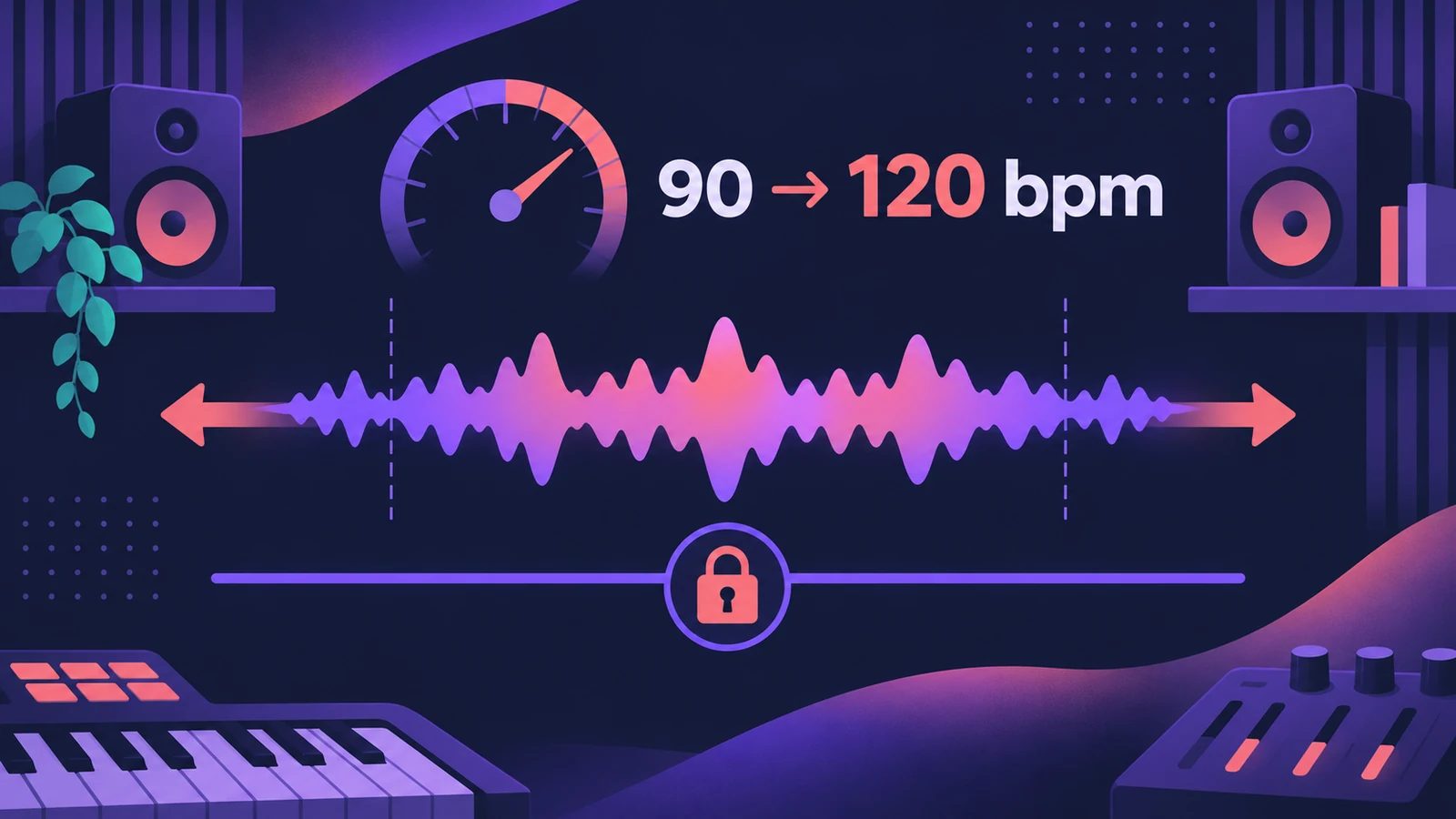
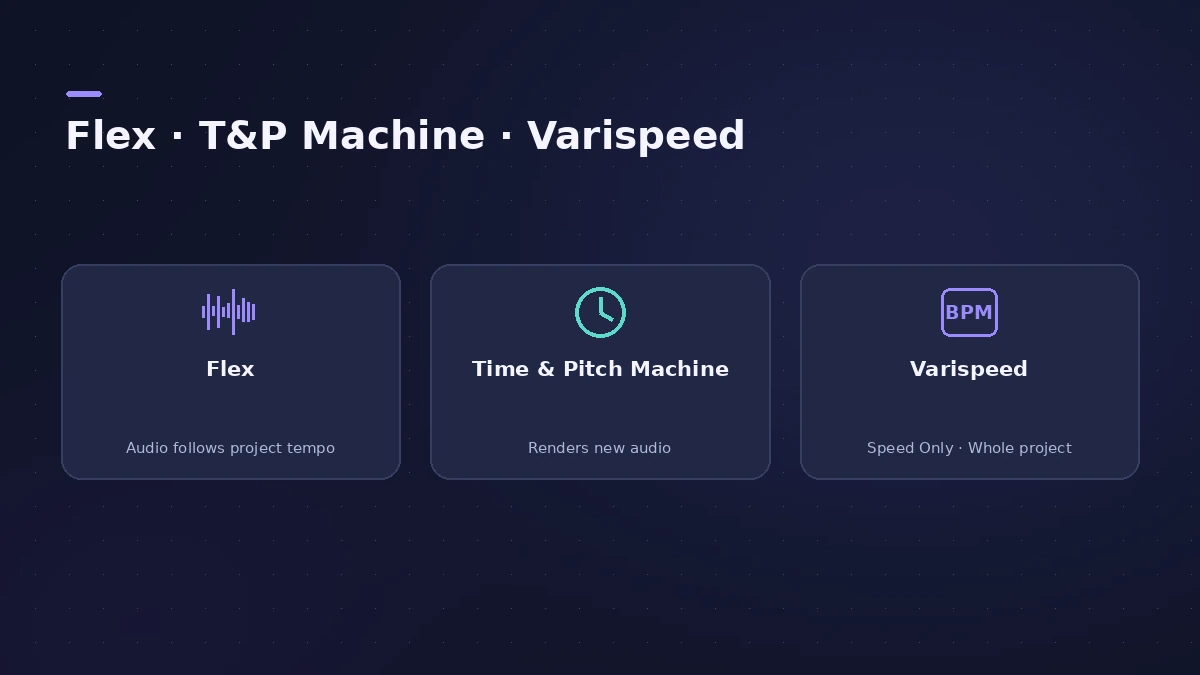
Apple Loops and audio recorded in Logic Pro already follow the project tempo. For other audio, turn on Flex Time so the region follows tempo changes, or process the file with the Time and Pitch Machine — Sound On Sound notes it can be more consistent than Flex for some jobs. Varispeed's Speed Only mode does the same for the whole project.
 Owen Hartley
Where to find it
Region inspector, Audio File Editor
Options compared
| Method | Affects | Pitch |
|---|---|---|
| Flex Time (timing modes) | Flexed regions follow the project tempo | Kept |
| Time and Pitch Machine | Renders the selected audio at a new tempo | Kept (or shifted if you choose) |
| Varispeed — Speed Only | Whole project playback | Kept |
| Varispeed — Speed and Pitch | Whole project playback | Changes, like tape |
Step by step
-
1
Check whether the region already follows tempo
Apple Loops and Logic Pro recordings follow tempo changes. Imported audio from the Finder doesn't until you change that.
-
2
Turn on Flex for imported audio
Enable Flex Time on the track (Polyphonic for full mixes, Monophonic for solo lines) so the region stretches with the project tempo.
-
3
Change the project tempo
Set the new tempo in the LCD. Flexed regions stretch to fit; pitch stays the same.
-
4
Or render with the Time and Pitch Machine
In the Audio File Editor (the Sample Editor in older versions), select the audio and open the Time and Pitch Machine. In Free mode, enter the target tempo and process.
Common mistakes
- Expecting imported audio to follow tempo automatically.
- Using Speed (FX) Flex mode when you want to keep the pitch — it changes both.
- Stretching far from the original tempo; artefacts grow with the amount.
Just trying a tempo?
Varispeed speeds up or slows down the whole project from −50% to +100%; in Speed Only mode the pitch stays put. See Varispeed.
Sources
- Apple — Logic Pro X 10.1 Help: Match audio files to the project tempo (old)
- Apple — Logic Pro X 10.4 Help: Flex Time algorithms and parameters (old)
- Apple — Logic Pro 9 manual: Time stretching regions (old)
- Apple — Logic Pro 9 manual: Using the Time and Pitch Machine (old)
- Sound On Sound — Using Logic's Time & Pitch Machine (Mar 2020)
- Apple — Logic Pro X 10.1 Help: Use Varispeed (old)
Checked November 2026. Logic ProFiles is independent of Apple; menu names can differ slightly between Logic Pro versions.
Frequently asked questions
Why does my audio change pitch when I change tempo?
+
It's probably using Speed (FX) or Varispeed in Speed and Pitch mode. Use a Flex Time timing mode or Varispeed's Speed Only.
Which Flex mode should I use for a full mix?
+
Polyphonic. Apple suggests it for chords and complex material such as mixes.
Related
- Tempo change calculatorGoing from one BPM to another? See the speed change in percent, the new song length and how many semitones the pitch moves if speed and pitch change together.
- Flex Time in Logic Pro — fix audio timingUse Flex Time in Logic Pro to fix and quantize audio timing: turn on Flex, choose Slicing, Rhythmic, Monophonic or Polyphonic, then drag or quantize.
- Smart Tempo in Logic ProUse Smart Tempo in Logic Pro to record without a click and build a tempo map: choose Adapt, Keep or Automatic, fix the analysis with hints, multitrack.
- Varispeed in Logic ProUse Varispeed in Logic Pro to play a whole project at 50% to 200% speed: Speed Only, tape-style Speed and Pitch, Varispeed and MIDI, and how to add it.
- Editing in Logic ProEdit audio and MIDI in Logic Pro: comp takes, quantize, Flex Time, Smart Tempo, change tempo or key, Stem Splitter, audio to MIDI, fades and Remove Silence.