Logic Pro for iPad
How to make beats in Logic Pro for iPad
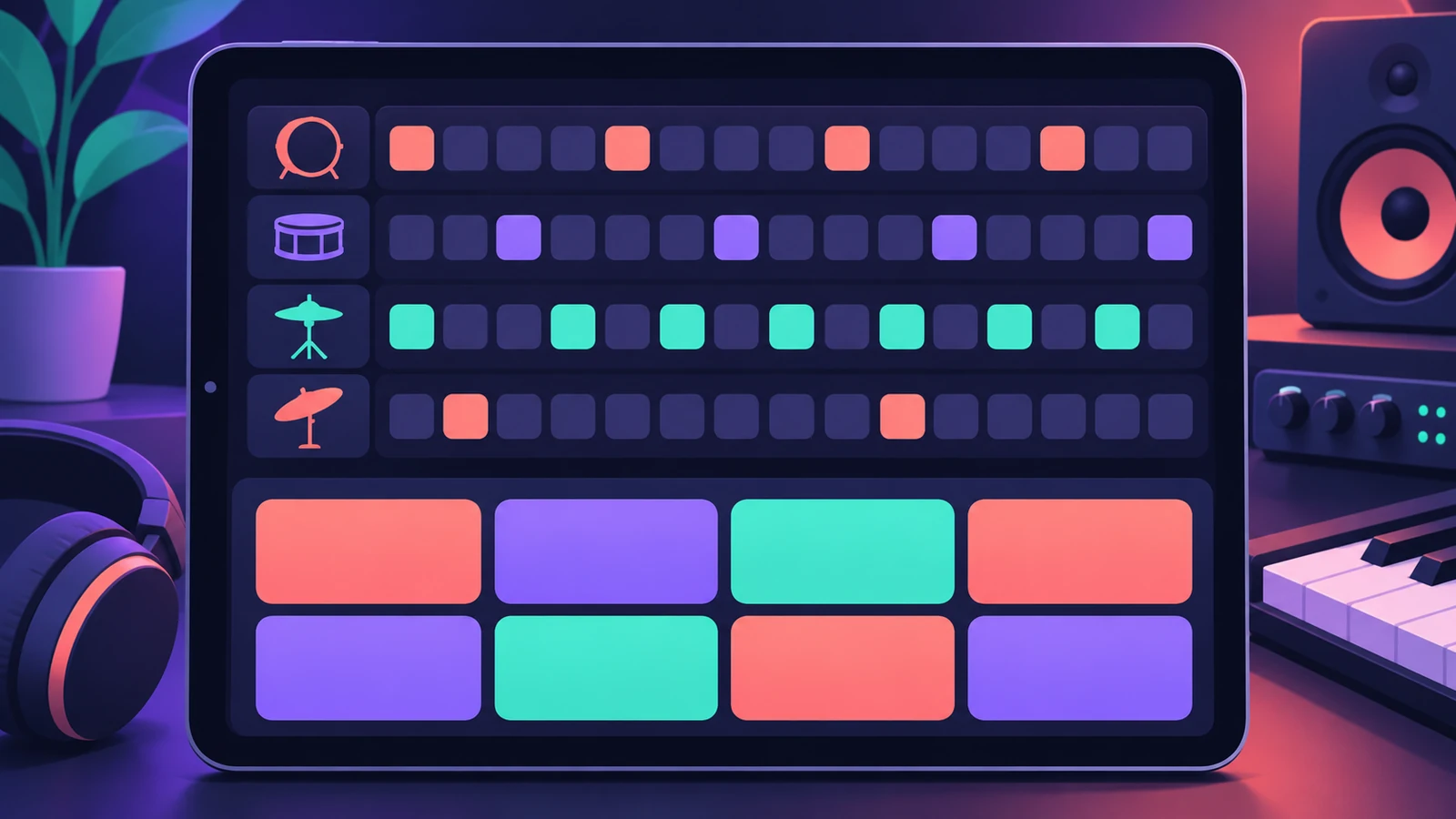
The quickest beat on iPad pairs a Drum Machine Designer kit with Step Sequencer: tap steps on a grid, shape velocities and hi-hat rolls, then build variations. Beat Breaker adds slicing and stutters to loops.
 Owen Hartley
Where to find it
Browser > Electronic Drum Kit > pattern region
Beat workflow
Drum Machine Designer and Step Sequencer work the same way on the Mac — see Step Sequencer and Drum Machine Designer. To arrange sections interactively, put patterns into Live Loops.
Step by step
-
1
Load a kit
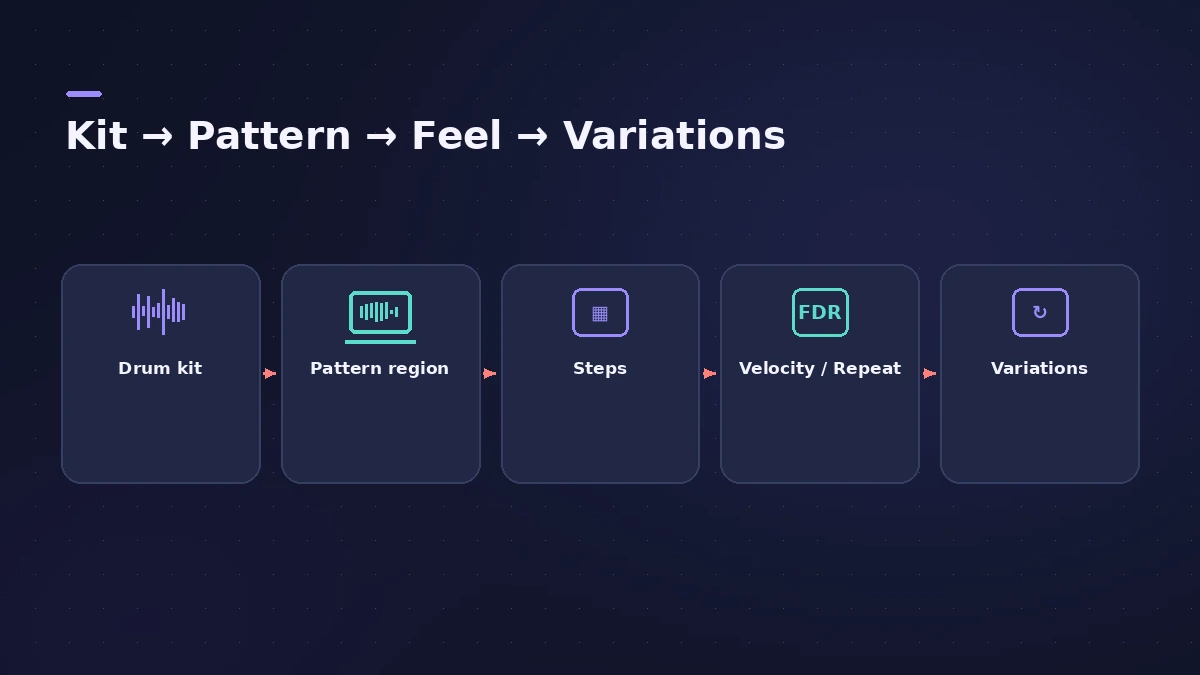
In the Browser, choose an Electronic Drum Kit patch that uses Drum Machine Designer.
-
2
Create a pattern region
Tap an empty software instrument track and tap Create Pattern Region, then open it in the Editors area.
-
3
Program steps
With Step On/Off selected, tap steps to turn them on; rows show kit piece names, not note names.
-
4
Add feel
Use Velocity / Value to vary hits and Note Repeat on steps — Apple notes it works well with closed hi-hats.
-
5
Make variations
Copy the pattern and change the copy's length for variations; record patterns live from the Drum Machine Designer Play Surface.
Common mistakes
- Changing a step's note on a Drum Machine Designer kit and expecting a different drum — it transposes the pad instead.
- Programming everything at full velocity.
Slice loops with Beat Breaker
Insert Beat Breaker on a loop to change the timing, repeats and volume of slices. More ideas in the hip-hop and trap beat workflow.
Sources
- Apple — Logic Pro for iPad Guide: Drum Machine Designer overview
- Apple — Logic Pro for iPad Guide: Pattern creation basics
- Apple — Logic Pro for iPad Guide: Pattern creation examples
- Apple — Logic Pro for iPad Guide: Step Sequencer with Drum Machine Designer
- Apple — Logic Pro for iPad Guide: Create a Beat Breaker pattern
Checked November 2026. Logic ProFiles is independent of Apple; menu names can differ slightly between Logic Pro versions.
Frequently asked questions
Can I split a drum pattern into separate tracks?
+
Yes. A Drum Machine Designer pattern region can be separated per kit piece onto its subtracks.
Can I play beats in live instead of tapping steps?
+
Yes. Use the Drum Machine Designer Play Surface to record Step Sequencer patterns live.
Related
- Step Sequencer in Logic ProProgram beats with Logic Pro's Step Sequencer: create a Pattern Region, set step rate and velocity, add note repeats and automation, follow the chords.
- Drum Machine Designer in Logic ProBuild an electronic kit in Logic Pro's Drum Machine Designer: clear the pads, drag samples on, set notes, process each pad on its own channel strip.
- Beat Breaker in Logic ProBeat Breaker in Logic Pro slices incoming audio and reorders it in real time, with edit modes for time, repeat, cutoff, resonance, volume and pan.
- Live Loops in Logic Pro for iPadUse Live Loops in Logic Pro for iPad: open a starter grid, trigger cells and scenes, set Quantize Start, record into cells and capture a performance.
- Logic Pro for iPadLogic Pro for iPad guides: subscription, compatible iPads, Mac round-trips, AUv3 plug-ins, audio interfaces, Stem Splitter, exporting and fixes.